


Best Free Employee Monitoring Software in 2026: Freemium Tiers Compared — What You Actually Get
Free employee monitoring software is a category defined more by what each tool removes than by what it provides. This guide maps every meaningful free or freemium option, documents exactly what the free tier includes, and explains when the hidden costs of "free" exceed the price of a paid tool.
What Is Free Employee Monitoring Software?
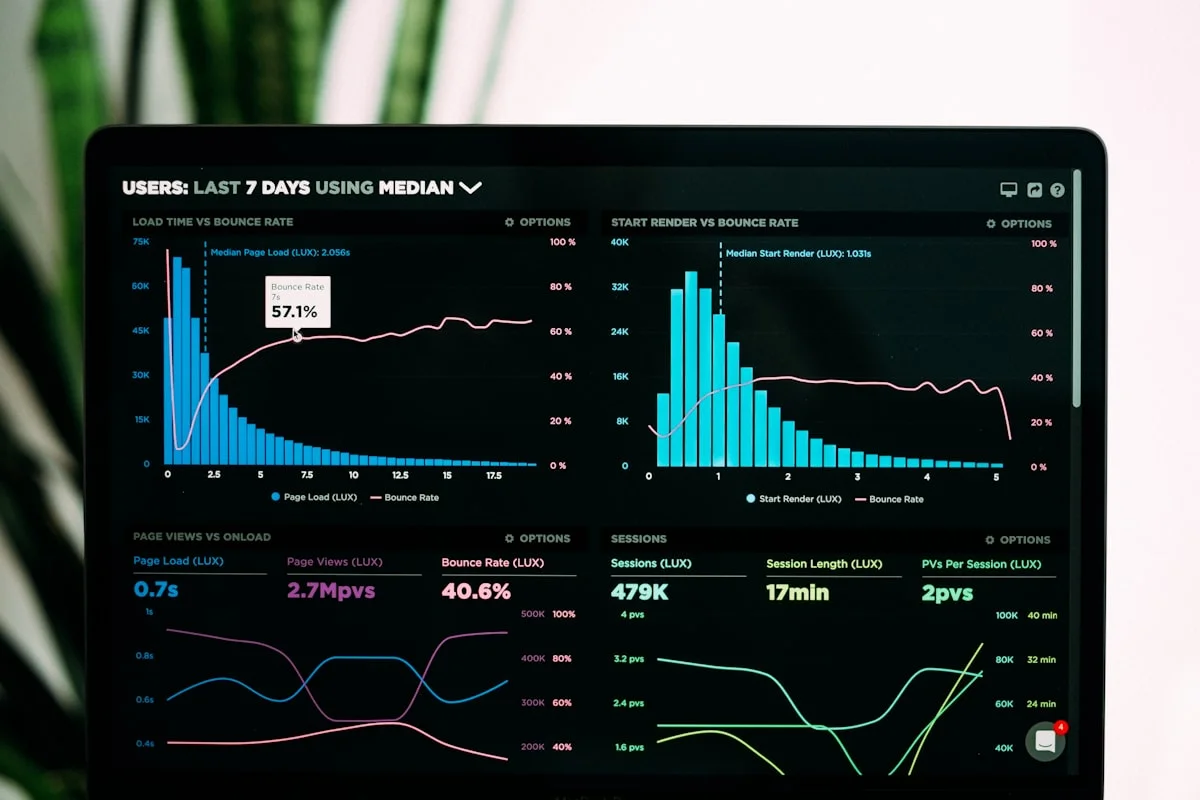
Free employee monitoring software is workforce oversight technology made available without a recurring subscription fee, either through an open-source license requiring self-hosting, a freemium SaaS model that caps users or features permanently, or a time-limited trial that grants access to paid features for evaluation. The category covers tools that track app usage, working hours, screenshots, productivity patterns, and attendance for teams managed by employers or team leads.
The distinction between genuinely free and free-as-a-trial matters enormously in practice. Open-source tools like Cattr are free in perpetuity but require your team to maintain server infrastructure. Freemium SaaS tools like Tivazo give you a working product at zero cost up to a user ceiling. Trial-based tools like those that offer 14-day evaluation periods are not freemium products: the free period ends, and you either pay or lose access.
Before evaluating any specific tool, it helps to understand what monitoring software actually needs to store and process. Every screenshot captured is an image file that must be stored, indexed, and made searchable. Every activity record is a database write operation. Every compliance export generates processing overhead. These infrastructure costs are why genuinely unlimited, SaaS-hosted free monitoring does not exist at scale.
Which Free Employee Monitoring Tools Actually Exist in 2026?
The free employee monitoring software market in 2026 is smaller than search volume implies. Many results for "free monitoring software" describe trials, discontinued products, or tools that do not actually monitor employees in any meaningful operational sense. The genuine options fall into five categories.
1. Cattr: Open-Source, Self-Hosted, Truly Free
Cattr is an open-source employee monitoring and time tracking platform with no user limits and no licensing fees. The source code is publicly available under an open-source license, and any organization can deploy it on their own servers. Cattr covers time tracking with manual and automatic modes, basic app usage logging, screenshot capture at configurable intervals, and simple productivity reports.
The critical constraint is infrastructure. Cattr requires a server capable of running Docker containers, either a dedicated on-premise machine or a cloud instance such as AWS EC2 or DigitalOcean Droplet. A team of 50 users needs roughly a 2-4 vCPU instance with 4-8 GB RAM and sufficient block storage for screenshot archives, which costs $40-$100 per month depending on the provider. Initial setup takes an IT-capable person 8-20 hours for a clean deployment. Security patching, version upgrades, and backup management are ongoing responsibilities that fall entirely to the deploying organization.
Cattr is the right choice for organizations with an in-house DevOps team, a strong privacy rationale for keeping monitoring data on their own infrastructure, and no need for the compliance certifications (SOC 2, ISO 27001) that only managed SaaS vendors can hold.
2. Tivazo: Free for Up to 10 Users
Tivazo is a cloud-hosted monitoring tool offering a permanent free plan capped at 10 users. The free tier includes time tracking, basic app and website usage reports, and a simple team dashboard. Screenshot monitoring, project tracking, detailed productivity analytics, and data exports are reserved for paid plans starting at $3 per user per month.
Tivazo positions primarily toward BPO and call center environments, and the free plan reflects that audience: attendance tracking and basic productivity metrics are available, but the absence of screenshot evidence and compliance reporting limits its usefulness for regulated industries. For a BPO team evaluating whether monitoring delivers value before committing a budget line, Tivazo's 10-user free tier is a reasonable starting point.
3. Trackabi: Free Time Tracking Without Monitoring
Trackabi offers a free tier for time tracking, but it is important to be precise: Trackabi's free plan is a time tracker, not an employee monitoring tool. App usage tracking, screenshot monitoring, productivity classification, and manager dashboards are absent at the free tier. The product's differentiation is gamification: employees earn points for completed tasks and logged hours, which Trackabi positions as an engagement mechanism.
Trackabi's paid plans start at $3.99 per user per month and add basic screen capture and more detailed reporting. Organizations looking specifically for monitoring capabilities find that Trackabi's free tier does not deliver them, and the gamification angle does not substitute for activity data that managers actually need for performance decisions.
4. ActivityWatch: Free, Local-Only, No Team Visibility
ActivityWatch is a free, open-source time tracker that records app and window usage on the device it is installed on. Data is stored locally — there is no server, no central dashboard, and no way for a manager to view activity across a team. ActivityWatch is built for individual productivity self-tracking, not employer-side workforce monitoring.
Its value is genuine for individuals who want to understand where their time goes without sending that data to a third party. For teams requiring centralized visibility, compliance records, or any form of coordinated oversight, ActivityWatch is architecturally incapable of delivering those outcomes. Including it in comparisons of employee monitoring tools is technically misleading, but it appears frequently in searches and deserves a clear assessment.
5. DeskTime: Free for One User Only
DeskTime offers a free plan limited to exactly one user. It includes basic time tracking and a view of app usage, but excludes screenshot monitoring, shift scheduling, project tracking, integrations, and exportable reports. The single-user ceiling makes DeskTime's free tier practical only for a solo freelancer tracking their own hours.
DeskTime's Pomodoro timer integration and private time feature (a break period employees can activate to pause monitoring without recording) are available on paid plans. Paid pricing starts at $7 per user per month, which positions DeskTime above mid-range competitors on price while offering fewer features than tools like eMonitor at lower price points.
What About Hubstaff?
Hubstaff does not offer a free plan. Its 14-day trial is often described as freemium in search results, but that description is inaccurate. After 14 days, teams must subscribe to a paid plan or lose access entirely. Hubstaff's paid plans begin at $4.99 per user per month for basic time tracking and reach $10+ per user per month for the monitoring and productivity features that define the category. The 14-day trial is generous and provides genuine evaluation time, but it is not a freemium tier.
Team Productivity — This Week
Productive hours / day
Activity mix
▲ Deep-focus time up 19% after protecting daily focus blocks.
Illustrative eMonitor dashboard.
What Does Free Employee Monitoring Software Typically Sacrifice?
Free monitoring tiers are not scaled-down versions of the full product — they are strategically limited to drive upgrades. Understanding what each category of limitation costs your organization operationally is the key to making an informed decision.
Screenshot Monitoring and Visual Proof of Work
Screenshot capture is the single most commonly paywalled feature in freemium monitoring tools. Free tiers either exclude screenshots entirely or cap them at intervals so infrequent (one per hour) that they provide no meaningful audit evidence. For organizations that need visual proof of work — client-billable services, regulated industries, or any team that processes sensitive data — the absence of screenshot capability means the free tool cannot serve the primary monitoring use case. A full-featured tool with screenshot intervals configurable from every 3 minutes to every 30 minutes generates the kind of evidence that holds up in compliance audits and client billing disputes.
Centralized Team Dashboards
Free tools almost universally restrict the manager's view. Either the team size limit makes a real dashboard irrelevant, or the dashboard itself is simplified to the point that it shows raw time data without productivity classification, trend analysis, or comparative team views. Making decisions about team performance from a spreadsheet-style time log versus a color-coded productivity heatmap is the difference between guessing and knowing. Teams managing more than five people find that the absence of a proper dashboard converts the monitoring data into noise.
Compliance Features and Audit Exports
Compliance-grade monitoring requires tamper-proof logs, exportable records in structured formats, and data retention periods long enough to support legal and regulatory timelines. FLSA requires US employers to retain time records for three years. GDPR Article 5(1)(e) requires data to be stored "no longer than necessary," but a minimum retention period sufficient for employment disputes is typically 12-24 months. Free tools commonly retain data for 7-30 days and provide no structured export. When an employment dispute, audit, or data subject access request arrives, organizations running free tools often find they have no records to produce.
Integrations
Payroll systems, HR platforms, project management tools, and communication apps all benefit from monitoring data flowing into them automatically. Free tiers almost never include API access or pre-built integrations. This means hours tracked in the free monitoring tool must be manually exported, reformatted, and imported into payroll — reintroducing exactly the manual overhead that monitoring is supposed to eliminate.
Support
When a free tool encounters a bug, fails to record data, or needs configuration changes, the support options are community forums and documentation. For self-hosted open-source tools, the support channel is your own IT team. Paid tools include priority support channels with defined response time SLAs. For a team whose monitoring data feeds compliance reporting or payroll, a multi-day resolution delay on a data recording failure has direct operational consequences.
Free Employee Monitoring Tools: Feature Comparison Table
The table below maps the features that matter most for operational monitoring across every meaningful free-tier option. Each entry reflects the permanent free tier, not trial access.
| Feature | Cattr (Open Source) | Tivazo (Free, 10 users) | Trackabi (Free tier) | ActivityWatch (Local) | DeskTime (1 user) | eMonitor (7-day trial) |
|---|---|---|---|---|---|---|
| User limit (free) | Unlimited | 10 users | Unlimited | Individual only | 1 user | Full team, 7 days |
| Screenshot monitoring | Yes (self-hosted) | Paid only | Paid only ($3.99+) | No | Paid only | Yes (full access) |
| App and URL tracking | Basic | Basic | Time tracking only | Local only | Basic | Full classification |
| Productivity scoring | No | Basic | Gamification only | No | No | Full AI scoring |
| Team manager dashboard | Basic | Limited (10 users) | No | No (local only) | No (1 user) | Full dashboard |
| Data export (compliance) | Manual SQL/CSV | Paid only | No | JSON (local) | No | CSV, PDF |
| Attendance tracking | Basic clock-in | Basic | No | No | No | Full attendance |
| Integrations | API (developer) | No | No | No | No | Yes (paid plans) |
| Data retention | Unlimited (own server) | 30 days | 60 days | Unlimited (local) | 7 days | 12+ months |
| Setup complexity | High (server required) | Low (SaaS) | Low (SaaS) | Low (desktop app) | Low (SaaS) | Low (2-minute setup) |
| Security certifications | None (self-managed) | Not published | Not published | N/A | Not published | Encrypted storage |
| Support | Community / self-serve | GitHub issues | Priority support |
What Is the Real Cost of Free Employee Monitoring Software?
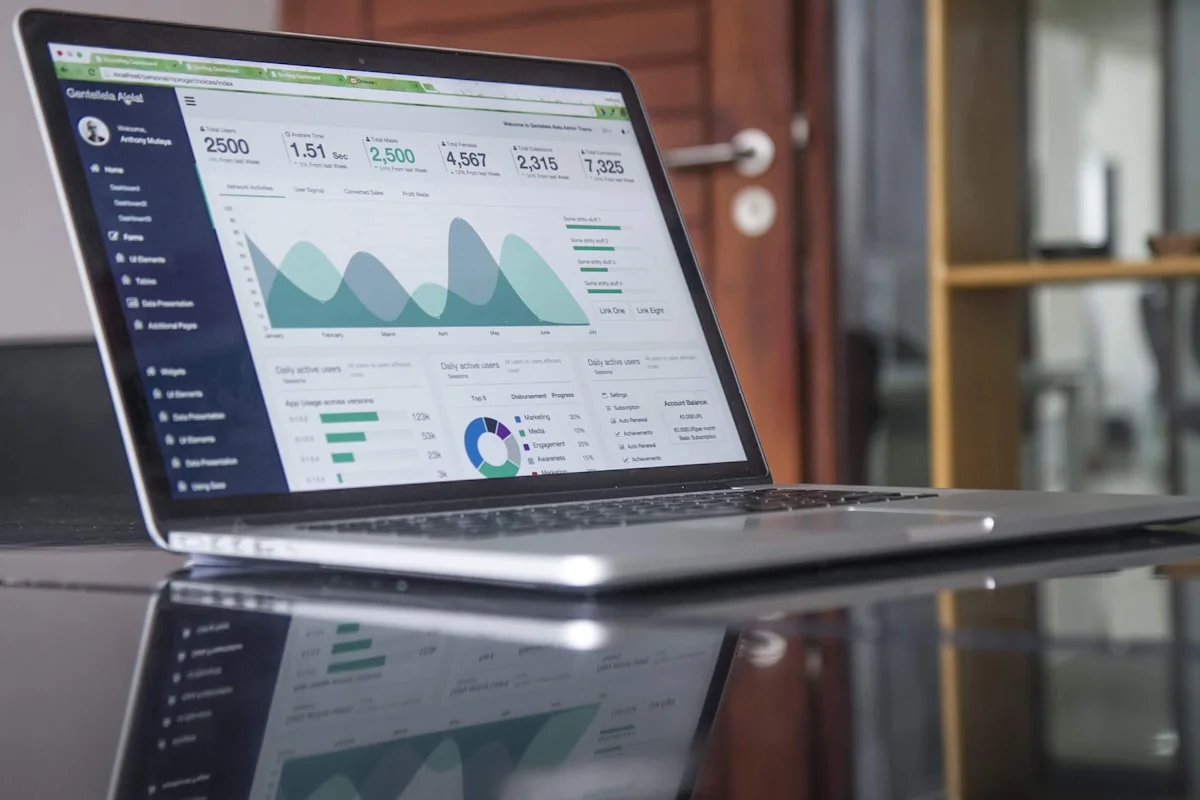
Free employee monitoring software carries costs that do not appear on a vendor invoice. Quantifying these costs is the only way to make an accurate comparison against paid tools.
IT Setup and Maintenance Time
Deploying Cattr, the most capable free option, requires an IT-capable employee to spend 8-20 hours on initial setup: provisioning a server, configuring DNS, installing dependencies, deploying the application containers, and configuring the monitoring agent for client machines. Ongoing maintenance — security patches, version upgrades, backup verification, incident response — adds 2-4 hours per month. At an average IT hourly cost of $75-$150, a 20-person team running Cattr incurs $3,000-$6,000 in Year 1 labor costs and $1,800-$3,600 per year ongoing, purely for system maintenance. A paid monitoring tool at $3.90 per user per month for 20 users costs $936 per year and requires no maintenance labor from the team.
Infrastructure Costs
Self-hosted monitoring generates data proportional to team size and screenshot frequency. A 20-person team taking screenshots every 10 minutes generates roughly 1,150 images per day. At an average screenshot size of 150 KB, that is 172 MB of storage per day, or approximately 63 GB per year. A cloud server capable of hosting Cattr for 20 users and storing one year of data costs $40-$80 per month (AWS t3.medium or equivalent). That is $480-$960 per year in infrastructure before labor.
Security Risk and Liability
Employee monitoring data is among the most sensitive data a company holds. It contains records of every website an employee visited, every application they used, and in some cases visual captures of their screen including personal information that may have appeared during work hours. A security breach of monitoring data is a GDPR Article 33 reportable incident requiring notification to the supervisory authority within 72 hours and potentially to all affected employees. Self-hosted deployments are only as secure as the organization's IT practices, which for most SMBs fall short of the SOC 2 Type II or ISO 27001 controls that a certified SaaS vendor maintains. The liability exposure from a poorly secured self-hosted deployment is difficult to quantify but real.
Missing Compliance Evidence
Free tools with 7-30 day data retention cannot produce the monitoring records needed for employment disputes, wage and hour audits, or GDPR data subject access requests covering historical periods. When a dispute arises six months after the fact and the records no longer exist, the organization faces the legal and financial consequences without the documentation to defend its position. The cost of a single unwinnable wage dispute easily exceeds several years of paid monitoring subscriptions.
When Does Free Employee Monitoring Software Actually Make Sense?
Free monitoring tools are not always the wrong choice. There are specific scenarios where the limitations are acceptable and the economics favor the free option.
Solopreneurs and Freelancers Tracking Their Own Time
An individual freelancer who wants to understand their own time allocation, demonstrate to clients how hours were spent, or maintain personal productivity records has no need for a team dashboard, compliance exports, or multi-user management. ActivityWatch or the free tier of Trackabi serves this use case well. The absence of a central server is a feature, not a limitation, when there is only one person involved.
Very Small Teams (Three to Five People) Without Compliance Requirements
A three-person startup where everyone works in the same room, has no regulated data to protect, and simply wants to understand time allocation across projects can use Tivazo's free tier effectively. The 10-user cap is irrelevant, the absence of compliance exports is not a problem without regulated obligations, and the basic productivity data is sufficient for informal team discussions. This scenario changes the moment the team has a compliance obligation, a remote member, or grows past 10 people.
Evaluation Before Budget Commitment
Organizations that have never implemented monitoring often need internal proof-of-concept data before requesting budget. Running a limited free-tier deployment for 30-60 days to demonstrate the value of monitoring data to skeptical stakeholders is a legitimate use case. The free tier establishes proof of concept; the subsequent paid subscription is the production implementation.
When Free Is Clearly Not Enough
Free monitoring tools are not appropriate when the team has more than 10 people, when any compliance obligation requires audit-grade records, when the organization lacks IT resources to self-host, when remote employees work across multiple time zones, or when the monitoring data needs to feed payroll or HR systems. In these cases, the total cost of free exceeds the cost of paid alternatives.
How eMonitor's 7-Day Free Trial Differs From a Freemium Tool
eMonitor's approach to evaluation is different from the freemium model: the 7-day free trial gives access to the complete platform without user limits or feature restrictions, so teams evaluate what full-featured monitoring actually delivers rather than making a buying decision based on a stripped-down version.
During the trial, teams get screenshot monitoring at configurable intervals, full app and website usage tracking with productivity classification, real-time attendance dashboards, activity alerts, and compliance-grade exports. No credit card is required to start. The intent is to let the data speak: after seven days of seeing actual productivity patterns, organizations rarely struggle to justify the budget case for continuing.
At the Starter tier, eMonitor costs $3.90 per user per month on an annual plan. For a 10-person team, that is $39 per month — less than the infrastructure cost of self-hosting Cattr, with zero maintenance overhead and full compliance-grade data retention. The Professional tier at $6.90 per user per month adds advanced monitoring capabilities including screen recording and DLP features.

See What Full-Featured Monitoring Looks Like
Try eMonitor free for 7 days. No credit card. No setup beyond a 2-minute install. Real monitoring data from day one.

How to Choose Between Free and Paid Employee Monitoring Software
The choice between free and paid monitoring software is a resource allocation decision, not a philosophical one. The right framework starts with three questions.
Question 1: What Are Your Compliance Obligations?
Organizations subject to GDPR, HIPAA, SOC 2, or industry-specific regulations need monitoring systems that generate tamper-proof audit logs, support data subject access requests, offer configurable data retention policies, and hold recognized security certifications. No free monitoring tool meets these requirements. If your organization has any regulated data obligation, the compliance gap in free tools is not a limitation to work around — it is a disqualifier.
Question 2: Do You Have IT Resources for Self-Hosting?
Cattr is the only free option capable of serving a real team. Its capability comes with a server infrastructure requirement that many small teams lack the resources to maintain safely. If your organization does not have a DevOps-capable person available for ongoing maintenance, self-hosted monitoring creates more operational risk than it resolves. Cloud-hosted SaaS tools shift that responsibility to a vendor with dedicated security and infrastructure teams.
Question 3: What Is the True Cost at Your Team Size?
Run the actual numbers. Take the cost of the paid tool at your team size. Compare it against the sum of infrastructure costs, IT labor hours, and the cost of a credible compliance gap. For most teams larger than 5-10 people, paid tools are less expensive in total cost than the free alternatives once hidden costs are included. The crossover point is lower than most people expect.
Frequently Asked Questions: Free Employee Monitoring Software
Is there truly free employee monitoring software?
Free employee monitoring software exists but falls into two categories: open-source self-hosted tools like Cattr and ActivityWatch (free to use but requiring IT infrastructure investment), and freemium SaaS tools that cap users or features permanently. Genuinely unlimited, SaaS-hosted free monitoring does not exist because screenshot storage, data retention, and server costs make it economically unviable for vendors to offer without any paywall.
What does free employee monitoring software typically sacrifice?
Free employee monitoring tools most commonly omit screenshot capture, team dashboards, compliance-grade exports, third-party integrations, and customer support. Most free tiers also limit the number of users tracked, cap data retention to 7-30 days, and exclude the audit logs required for legal defensibility under GDPR or FLSA. The result is a product useful for basic awareness but not for operational decisions or compliance evidence.
Is Hubstaff free?
Hubstaff does not offer a permanent free tier. It provides a 14-day free trial that grants access to paid features temporarily. After the trial period, teams must subscribe to a paid plan starting at $4.99 per user per month. Hubstaff's trial is often confused with a freemium plan in search results, but no free-forever option exists on the platform.
What is Cattr and is it really free?
Cattr is an open-source employee monitoring and time tracking tool that is free to use because you self-host the entire application on your own servers. There are no user limits or licensing fees. However, Cattr requires a server running Docker, and an IT team to handle installation, updates, and maintenance. The software license is free; the infrastructure and labor to run it are not.
Does ActivityWatch monitor employees?
ActivityWatch records local app and window usage on an individual's computer, storing all data on that device. There is no central dashboard for managers, no cross-device reporting, and no screenshot capability. ActivityWatch suits individuals tracking their own productivity but is architecturally unsuited for employer-side team monitoring because no manager visibility exists.
What does DeskTime's free plan include?
DeskTime's free plan covers exactly one user and includes basic time tracking with limited app usage data. It excludes screenshot monitoring, shift scheduling, project tracking, integrations, and reporting. The single-user limit makes DeskTime's free plan viable only for solo freelancers. Team monitoring requires a paid plan starting at $7 per user per month.
How many users does Tivazo's free plan support?
Tivazo's free plan supports up to 10 users and includes basic time tracking and productivity reporting. Screenshot monitoring, project tracking, and compliance exports are available on paid plans starting at $3 per user per month. Tivazo focuses primarily on BPO and call center environments, so its free tier targets teams running a pre-purchase evaluation.
What is the real cost of using free employee monitoring software?
The real cost of free monitoring software includes IT setup time (8-40 hours for self-hosted tools), ongoing server infrastructure fees ($40-$100 per month for a 20-person team), security patching labor, missing compliance evidence that creates legal risk, and the productivity cost of inadequate monitoring data. When totaled across a year, most teams with more than 10 people find that paid tools cost less overall.
When does free employee monitoring software make sense?
Free monitoring tools are appropriate for solopreneurs tracking their own time, teams of three to five people with no compliance requirements and an IT-capable team member, and organizations building a proof of concept before requesting budget. Teams with compliance obligations, remote workers across jurisdictions, or more than 10 people almost always benefit more from paid tools once total costs are compared.
How does eMonitor compare to free employee monitoring tools?
eMonitor starts at $3.90 per user per month and includes screenshot monitoring, full activity tracking, productivity analytics, attendance management, and compliance-grade reporting. The 7-day free trial gives teams full access with no credit card required. Free tools omit most of these features; the trial shows what full-featured monitoring delivers before any budget commitment is needed.
Is open-source employee monitoring software secure?
Open-source monitoring tools are only as secure as the infrastructure they are deployed on. Security depends entirely on your team's ability to patch vulnerabilities, configure firewalls, encrypt stored data, manage access controls, and maintain backups. SaaS monitoring tools handle these responsibilities on your behalf and typically hold certifications like SOC 2 or ISO 27001 that self-hosted deployments cannot obtain.