
Summary
From simple start/stop timers to comprehensive workforce management platforms. We reviewed the top 10 time tracking tools to help you find the right fit for your team and budget.
Want full monitoring with nothing to configure? E-Monitor starts at $3.90 per user per month with a 7-day free trial. Try E-Monitor free →
Time trackers are one of five categories of time management tools; for remote teams, see how to track time for remote employees.
Quick Comparison
| Tool | Best For | Starting Price | Free Option |
|---|---|---|---|
| E-Monitor | Time tracking + full monitoring | $3.90/user/mo | 7-day trial |
| Time Champ | Time tracking + full monitoring | Per user (vendor site) | 7-day trial |
| Toggl Track | Simplicity & ease of use | $10/user/mo | Free (5 users) |
| Clockify | Free time tracking | $3.99/user/mo | Free (unlimited) |
| Hubstaff | Freelancer management | $4.99/user/mo | 14-day trial |
| Time Doctor | Distraction alerts | $5.90/user/mo | 14-day trial |
| Harvest | Invoicing integration | $10.80/user/mo | Free (1 user) |
| DeskTime | Automatic tracking | $7/user/mo | 14-day trial |
| RescueTime | Personal productivity | $12/mo | 14-day trial |
| Timely | AI-powered tracking | $11/user/mo | 14-day trial |
| ClickUp | PM + time tracking | $7/user/mo | Free (limited) |
Detailed Reviews
1. E-Monitor: Best for Time Tracking + Comprehensive Monitoring
Compare: E-Monitor pricing · all features
Best for: Teams that need time tracking as part of a complete employee monitoring solution.
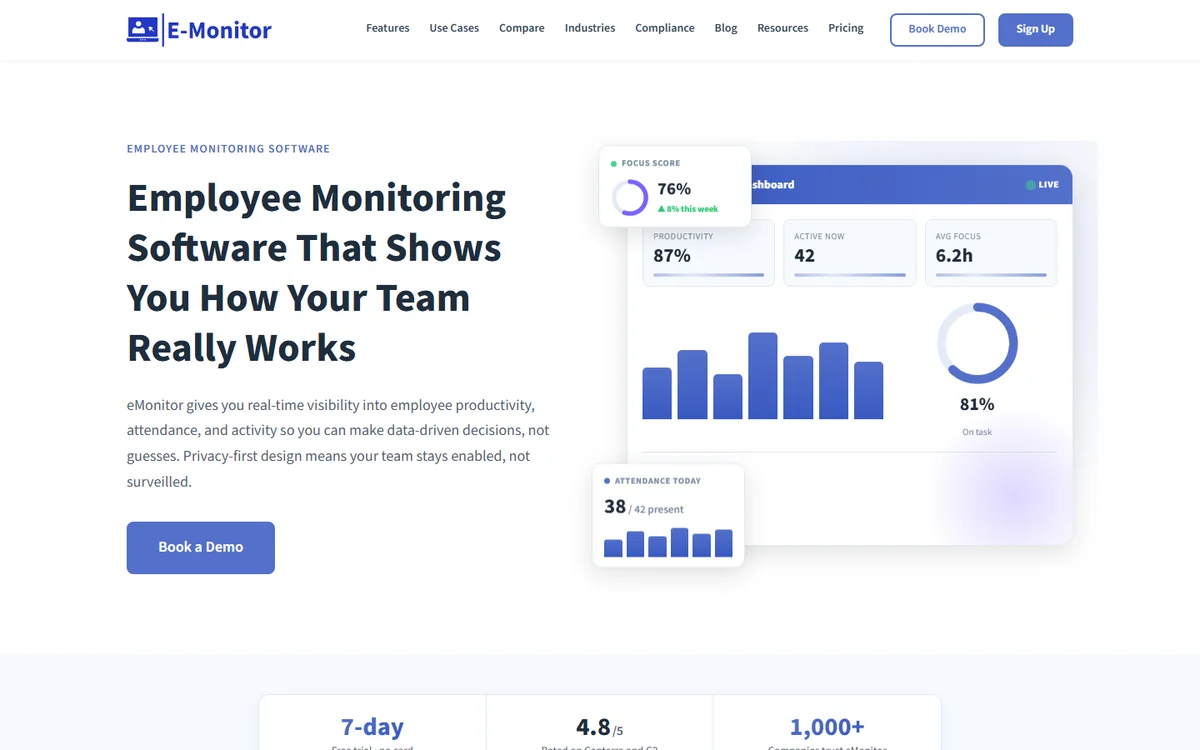
E-Monitor combines automatic time tracking with productivity analytics, screen monitoring, attendance tracking, and real-time alerts. If you need more than a simple timer, you need to understand how time is being spent, E-Monitor delivers the full picture at competitive pricing.
Key features: Automatic time tracking, attendance, productivity scoring, screen captures, app/website tracking, custom alerts, reporting dashboards.
Pricing: From $3.90/user/month (annual). 7-day free trial.
Best for: Remote teams, call centers, small businesses wanting visibility beyond basic time logs.
2. Time Champ: Best for AI-Powered Productivity Analytics and Attendance
Compare: E-Monitor vs Time Champ
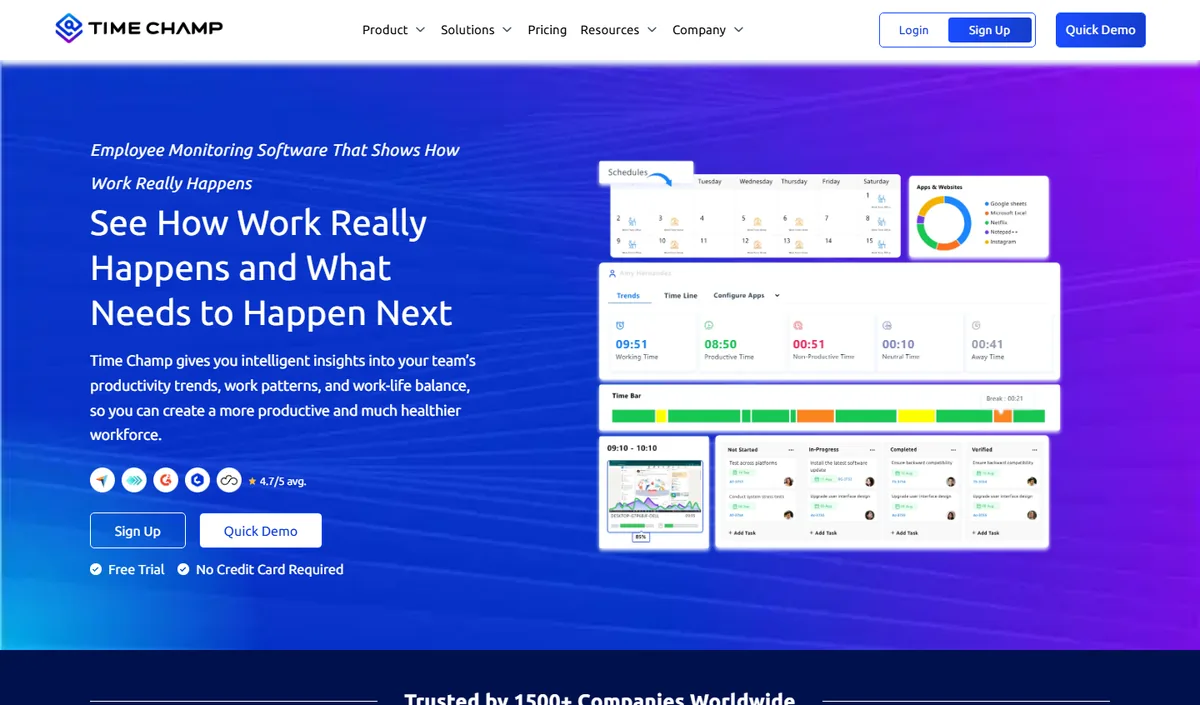
Time Champ is an AI-powered employee monitoring and productivity platform that combines automatic time tracking, application and website usage, productivity scoring, configurable screenshots, attendance and shift tracking, and dashboards at individual, team and company level. It runs on Windows, macOS and Linux and comes from the same product family as E-Monitor, so teams looking for time tracking with real monitoring behind it get comparable monitoring depth with a heavier emphasis on analytics and reporting.
Key features: automatic time tracking, app and website categorisation, productivity scoring with weekly heat maps, configurable screenshots, attendance and shift management, leave and payroll modules, role-based dashboards for managers and employees.
Best for: mid-size and larger teams, BPO and operations-heavy organisations that want deep analytics alongside monitoring.
Pricing: per-user plans published on the Time Champ website, with a free trial.
Limitation: cloud-hosted only, and more capability than a very small team may use; review the data-residency options before committing.
3. Toggl Track: Best for Simple, Beautiful Time Tracking
Compare: Toggl Track alternatives
Best for: Teams that want the simplest possible time tracking experience with a gorgeous interface.
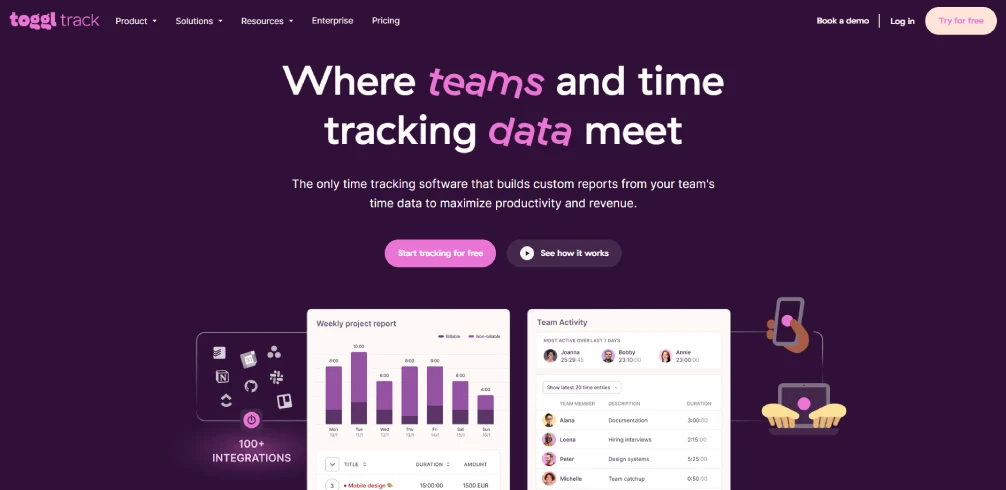
Toggl Track is the gold standard for ease of use. One-click timers, intuitive reports, and smooth integrations with 100+ tools. If your only need is "how many hours did we work on what?", Toggl does it beautifully.
Pricing: Free for up to 5 users. Paid plans from $10/user/month.
Limitation: No screen monitoring, no employee activity tracking, no productivity scoring. It's a timer, not a monitoring tool. Higher per-user pricing than competitors.
4. Clockify: Best Free Time Tracker
Compare: Clockify alternatives
Best for: Teams that need basic time tracking with no budget.
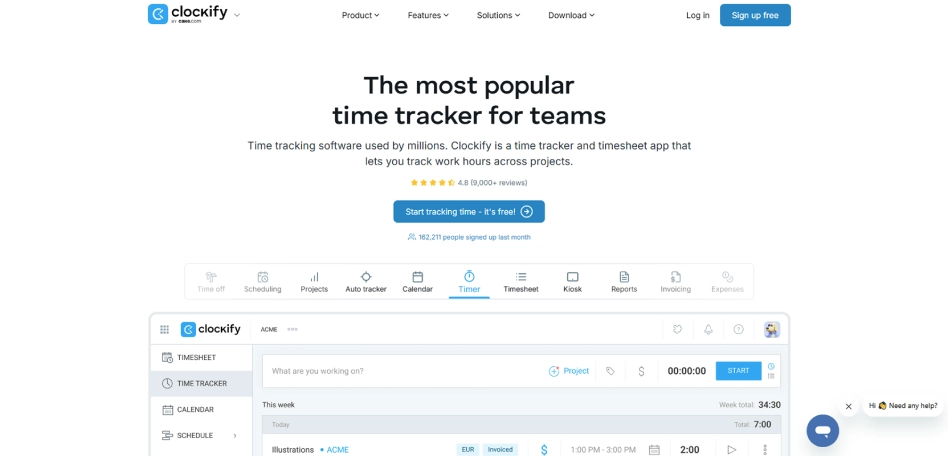
Clockify's free tier is remarkably generous: unlimited users, unlimited projects, unlimited tracking. The interface is clean and functional. For teams that just need to log hours, it's hard to beat free.
Pricing: Free (core features). Paid plans from $3.99/user/month for advanced features.
Limitation: Free tier lacks advanced reporting, GPS tracking, and integrations. No monitoring capabilities at any tier.
5. Hubstaff: Best for Freelancer & Contractor Billing
Compare: E-Monitor vs Hubstaff · Hubstaff alternatives
Best for: Agencies paying freelancers by the hour who need proof of work and integrated payments.
Hubstaff's unique value is combining time tracking with screenshots, GPS, and built-in payment processing. You can track, verify, and pay contractors in one platform. See our detailed E-Monitor vs Hubstaff comparison.
Pricing: From $4.99/user/month. Screenshots require the $8.99 tier.
Limitation: Full features locked behind expensive tiers. GPS focus is less relevant for desk-based teams.
6. Time Doctor: Best for Distraction Management
Compare: E-Monitor vs Time Doctor · Time Doctor alternatives
Best for: Teams where digital distractions are a significant productivity drain.
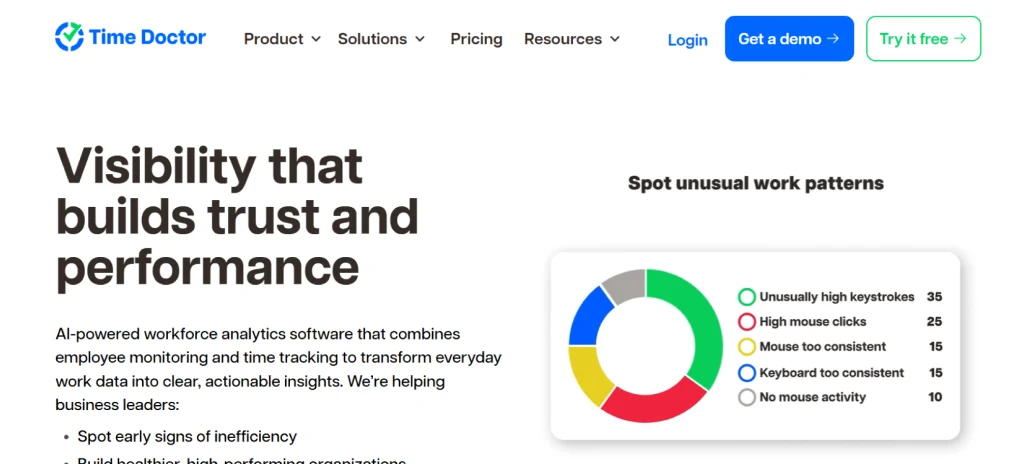
Time Doctor's distraction alert feature is unique: it pops up a notification when employees spend too long on non-work sites. This "nudge" approach is effective for teams with self-discipline challenges. See our detailed comparison.
Pricing: From $5.90/user/month. Advanced features from $16.70/user.
Limitation: Narrow monitoring beyond time tracking. Screenshots locked behind premium. Expensive at scale.
7. Harvest: Best for Time Tracking + Invoicing
Best for: Service businesses that need to track time and immediately generate client invoices.
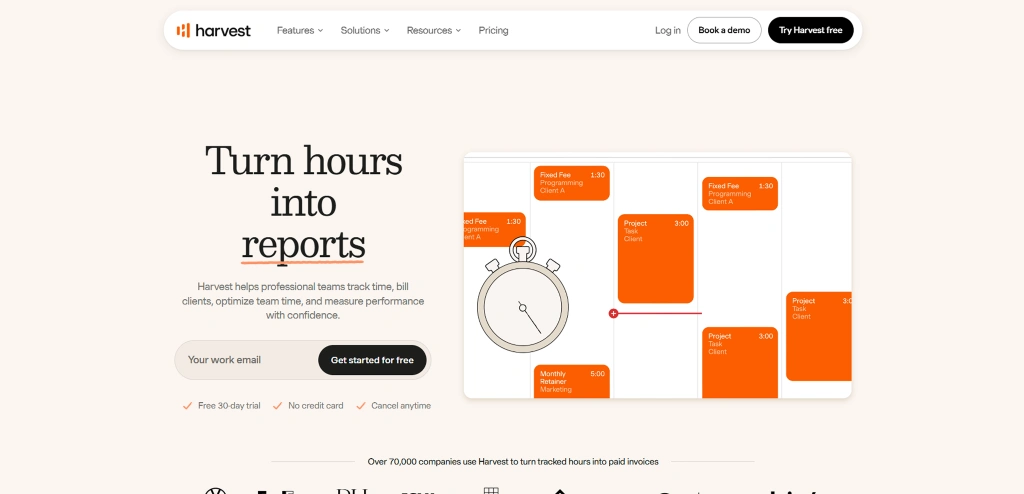
Harvest's tight integration of time tracking with invoicing and expense tracking makes it ideal for agencies, consultancies, and professional services firms. Track time, then invoice clients directly from the platform.
Pricing: Free for 1 user/2 projects. $10.80/user/month for unlimited.
Limitation: No monitoring features. No productivity analytics. Purely a time and billing tool.
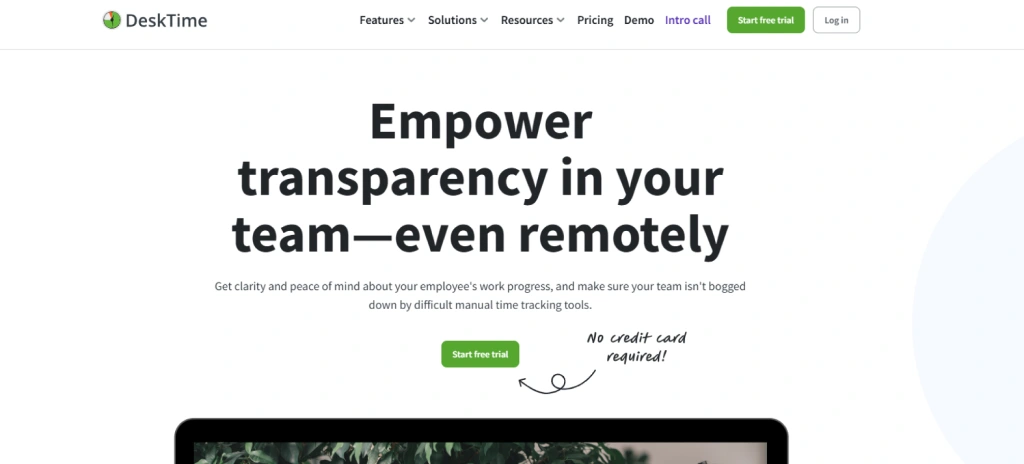
8. DeskTime: Best for Automatic Productivity Tracking
Compare: E-Monitor vs DeskTime · DeskTime alternatives
Best for: Teams wanting automatic time tracking with basic productivity categorization.
DeskTime automatically categorizes time as productive, unproductive, or neutral based on the apps and websites used. Its Pomodoro timer and private time feature are thoughtful additions. See our comparison.
Pricing: From $7/user/month. Screenshots from $10/user.
Limitation: No real-time alerts. No detailed activity logs. Limited customization.
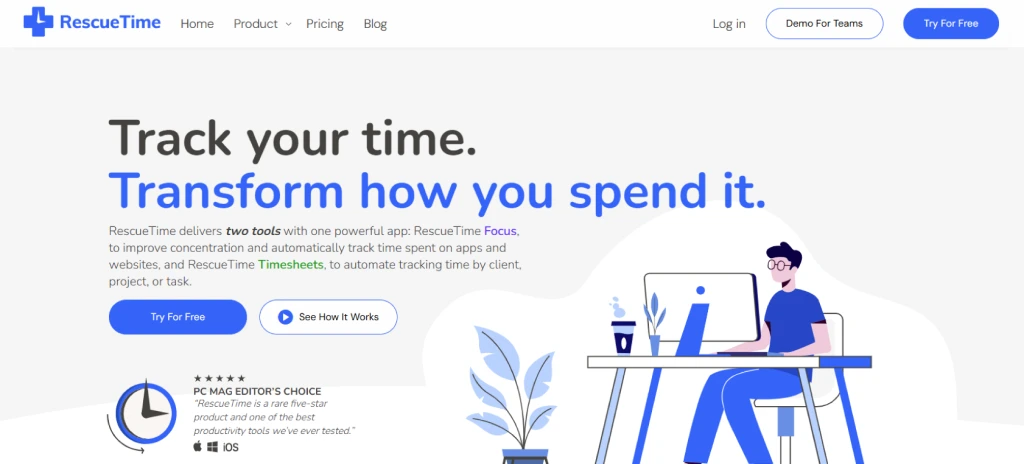
9. RescueTime: Best for Personal Productivity Awareness
Best for: Individuals or small teams wanting personal productivity insights.
RescueTime runs in the background and shows you exactly where your time goes. Its focus on personal awareness (rather than employer surveillance) makes it popular with individual contributors who want to self-improve.
Pricing: $12/month per user.
Limitation: Individual focus, limited team management features. No screen monitoring. No attendance tracking. Not designed for organizational use.
10. Timely: Best for AI-Powered Automatic Tracking
Best for: Teams that want time tracking to happen completely automatically without any manual input.
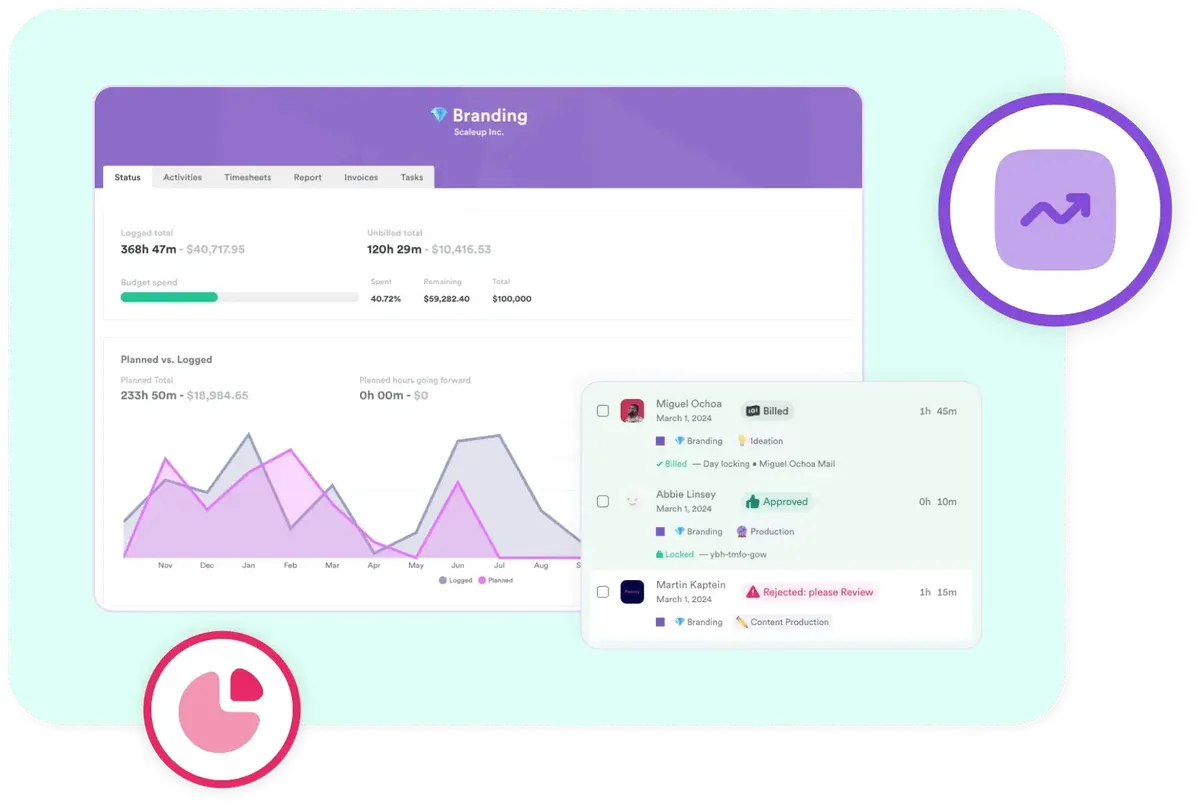
Timely uses AI to automatically log time based on the apps, documents, and meetings you interact with. No timers, no manual entry. It's the most "hands-off" approach to time tracking available.
Pricing: From $11/user/month.
Limitation: Higher price point. AI categorization isn't always accurate. No monitoring capabilities beyond time logging.
11. ClickUp: Best for Project Management + Time Tracking
Best for: Teams already using ClickUp for project management who want integrated time tracking.
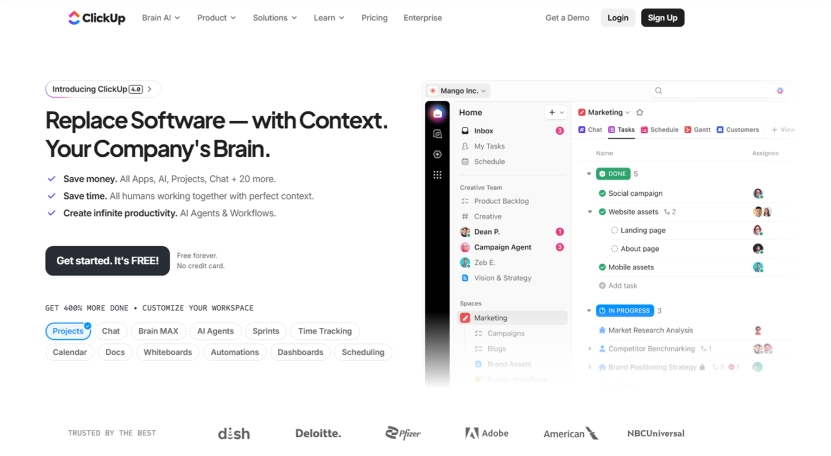
ClickUp's time tracking is built into its project management platform. If you're already managing tasks in ClickUp, adding time tracking to tasks is natural and smooth. No need for a separate tool.
Pricing: Free (limited). $7/user/month for Business.
Limitation: Time tracking is a secondary feature, not the primary focus. Less detailed than dedicated time tracking tools. No monitoring capabilities.
How to Choose
- Need time tracking + full monitoring? → E-Monitor
- Want the simplest timer possible? → Toggl Track
- Zero budget? → Clockify
- Managing freelancers with payments? → Hubstaff
- Need invoicing integration? → Harvest
- Want AI to do it automatically? → Timely
- Already using ClickUp? → ClickUp's built-in tracking
For a deeper evaluation framework, read our buyer's guide.
Related reading: Time Tracking for Remote Employees, Employee Monitoring Software Reviews 2026, ServiceNow time tracking integration that logs every minute to the.
FAQ
1. What is the best time tracking software?
Depends on needs. Comprehensive: E-Monitor. Simple: Toggl Track. Free: Clockify. Freelancers: Hubstaff. Invoicing: Harvest. AI-powered: Timely. PM integration: ClickUp.
2. Is there free time tracking software?
Yes. Clockify (unlimited free tier), Toggl Track (free for 5 users), ClickUp (free limited), and Harvest (free for 1 user). Most paid tools offer 7-14 day free trials.
3. What's the difference between time tracking and monitoring?
Time tracking records hours. Monitoring adds productivity analytics, screen captures, app tracking, activity logs, and alerts. Some tools (E-Monitor) combine both; others focus on one.