Hubstaff Alternatives Compared

Best Hubstaff Alternatives 2026: Why Teams Are Switching

Hubstaff alternatives are time tracking and employee monitoring tools that compete with Hubstaff on pricing, features, or user experience. If your Hubstaff bill keeps growing every time you enable a new add-on, you are not alone. We compared 10 alternatives across features, pricing, and real migration effort so you can make a confident switch.

No credit card required. Trusted by 1,000+ companies.

Why Teams Are Leaving Hubstaff in 2026

Hubstaff built its reputation as a solid time tracker with GPS and screenshot capabilities. But the product's pricing structure has become a growing friction point for teams that need more than basic tracking. A 2025 G2 survey found that 41% of Hubstaff users cited pricing as their primary complaint, followed by limited reporting (28%) and rigid screenshot intervals (19%).

The core issue is Hubstaff's add-on model. The Starter plan advertises $4.99 per user per month, but that price covers only basic time tracking. Screenshots, application monitoring, GPS tracking, and advanced reporting each require separate paid tiers or add-ons. A team that needs full monitoring capabilities often pays $10 to $14 per user once every feature is activated.

For a 50-person team, that difference adds up fast. At $14 per user, Hubstaff costs $8,400 annually. An all-inclusive alternative at $4.50 per user brings the same team to $2,700 per year, a savings of $5,700. That is not a rounding error; it is a budget line item that matters.

But cost is only one reason teams search for Hubstaff competitors. Three other pain points consistently surface in user reviews across G2, Capterra, and TrustRadius:

  • Invasive screenshot frequency: Hubstaff captures screenshots at intervals employees cannot control, creating a "watched every second" feeling that damages trust. According to a 2024 Gartner report on employee monitoring, 52% of monitored workers report that frequent, uncontrollable screenshots reduce their job satisfaction.
  • Employee resistance: Teams report that onboarding Hubstaff requires significant change management effort because the tool's interface and notifications feel punitive rather than supportive. Employees see it as a policing tool, not a productivity tool.
  • Limited productivity analytics: Hubstaff tracks time and activity well, but its analytics stop at "active vs. idle." Teams looking for deeper insights, like app-level productivity scoring, focus time analysis, or burnout risk indicators, hit a wall.

These gaps explain why Hubstaff replacement searches have increased 34% year-over-year according to SEMrush keyword data. Teams want better value, more depth, and tools their employees will actually accept.

What to Look for in a Hubstaff Alternative

Choosing the right Hubstaff replacement depends on which specific pain points drove your search. Before comparing individual tools, define your must-have criteria across these six dimensions.

All-Inclusive Pricing

The most common reason teams leave Hubstaff is add-on fatigue. Prioritize alternatives that bundle all core features (time tracking, screenshots, activity monitoring, reporting) into a single per-user price. Calculate the total cost at your actual team size, not just the base rate. A tool advertising $5 per user that requires $3 in add-ons is more expensive than a tool priced at $7 with everything included.

Employee-Friendly Design

Monitoring software only works when employees use it consistently. Tools that feel punitive, intrusive, or opaque create resistance. Look for alternatives that offer configurable monitoring levels, employee-facing dashboards where staff can see their own data, and transparent privacy controls. A 2025 Harvard Business Review study found that transparent monitoring increases productivity by 18% while covert monitoring decreases it by 12%.

Depth of Productivity Analytics

Basic "active vs. idle" tracking is table stakes. Modern alternatives should provide app-level productivity classification, focus time analysis, team-vs-individual comparisons, and trend reporting over weeks and months. These analytics help managers coach their teams rather than simply counting hours.

Platform Coverage

Distributed teams use Windows, macOS, Linux, and increasingly Chromebook devices. Verify that your Hubstaff alternative supports every operating system in your environment without feature gaps between platforms.

Data Migration Support

Switching tools is only worth it if you can bring your historical data. Look for CSV export/import capabilities and, ideally, a vendor that provides hands-on migration assistance. Losing months of time tracking data during a migration defeats the purpose of switching.

Compliance and Security

Employee monitoring involves sensitive data. Your Hubstaff replacement should support GDPR-compliant data handling, role-based access controls, encrypted storage, and configurable data retention policies. For regulated industries, check for legal compliance frameworks that match your jurisdiction.

10 Best Hubstaff Alternatives Compared for 2026

We evaluated each tool against the criteria above: pricing transparency, monitoring depth, productivity analytics, platform support, employee experience, and compliance. Here is how the top 10 Hubstaff competitors stack up.

1. eMonitor (Best Overall Hubstaff Alternative)

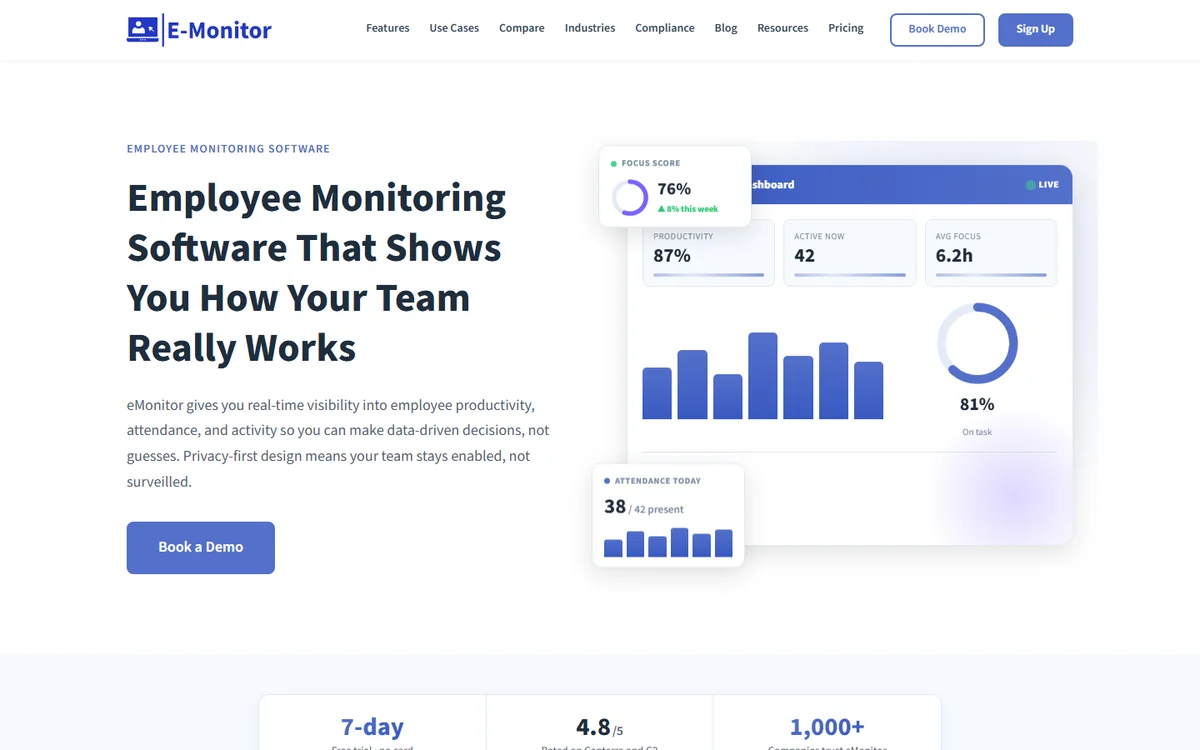
eMonitor is an employee monitoring and productivity platform that bundles time tracking, screenshot monitoring, app and website tracking, productivity analytics, and data loss prevention into a single plan starting at $4.50 per user per month. No add-ons, no feature gating.

Where eMonitor stands out against Hubstaff is depth. Hubstaff tracks time and activity. eMonitor tracks time, activity, and delivers productivity intelligence: AI-powered classification of apps as productive or non-productive based on employee roles, focus time heatmaps, idle time detection with configurable thresholds, and real-time alerts for productivity drops or burnout risk.

Employees see their own dashboards, which reframes monitoring as self-improvement rather than policing. Configurable monitoring levels let managers set the right balance between visibility and trust for each team. The platform supports Windows, macOS, Linux, and Chromebook (beta).

Pricing: $4.50/user/month (all features included). 7-day free trial.
Best for: Teams wanting Hubstaff's monitoring depth without the add-on pricing.
Ratings: 4.8/5 on Capterra (57 reviews), 4.85/5 on Software Advice (66 reviews).

2. Time Doctor

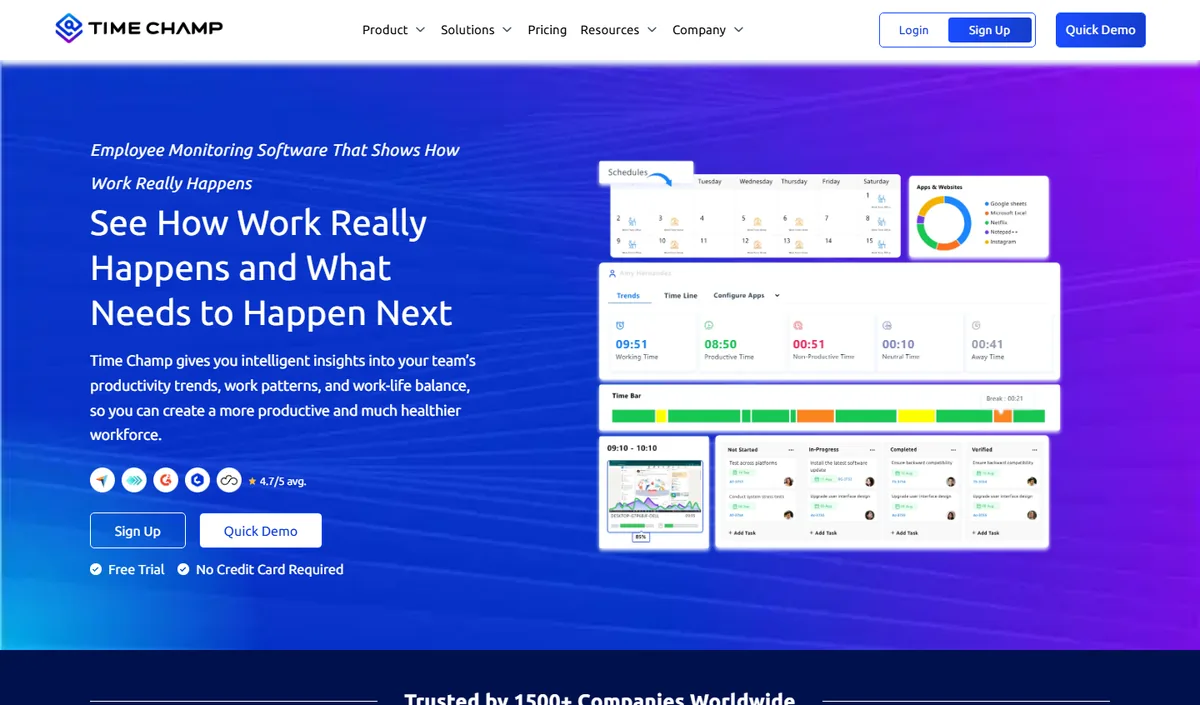
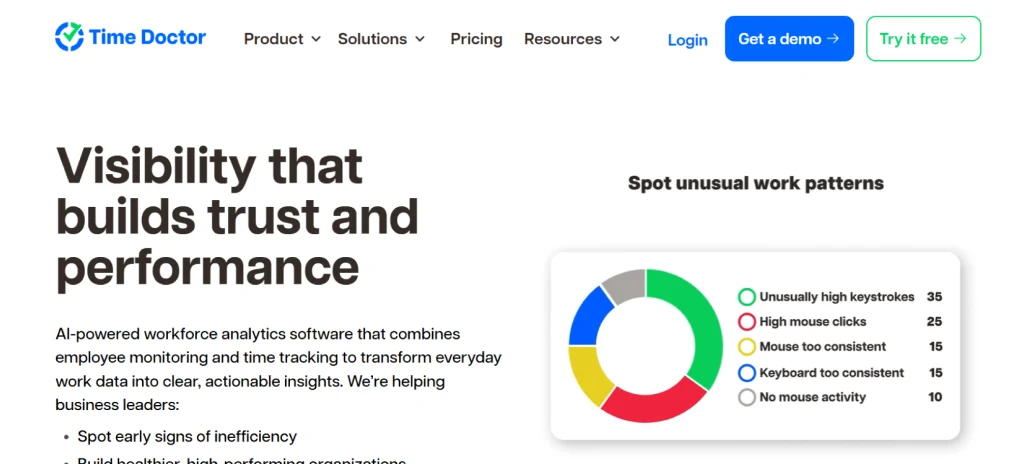
Time Doctor is a time tracking and employee monitoring tool built for remote teams managing distributed workforces. It offers screenshot capture, app and website tracking, idle detection, and distraction alerts that pop up when employees visit non-productive sites. Time Doctor's reporting is stronger than Hubstaff's, with client and project-level time breakdowns that agencies find useful.

The main drawback: Time Doctor's distraction popup alerts. These notifications interrupt employees mid-task when the system detects non-work browsing, and many teams report that the alerts create anxiety rather than focus. Pricing starts at $7 per user per month for the Basic plan, with the Premium plan (which includes screenshots and detailed reporting) at $10 per user.

Pricing: $7 to $20/user/month depending on plan.
Best for: Agencies billing by the hour who need client-level time reports.
Limitation: Distraction alerts that employees find intrusive.

3. ActivTrak

ActivTrak positions itself as a workforce analytics platform rather than a monitoring tool. It tracks application and website usage, classifies activities as productive or unproductive, and provides team-level analytics dashboards. ActivTrak's strongest feature is its benchmarking: the ability to compare team productivity patterns against organizational averages and industry baselines.

The trade-off is monitoring depth. ActivTrak does not offer screenshot capture, screen recording, or keystroke analysis. If your team needs visual proof of work or detailed activity verification, ActivTrak will not replace Hubstaff's monitoring features. Pricing starts at $10 per user per month for the Essentials plan.

Pricing: $10 to $17/user/month.
Best for: Organizations focused on analytics over monitoring.
Limitation: No screenshot or screen recording capability.

4. Teramind

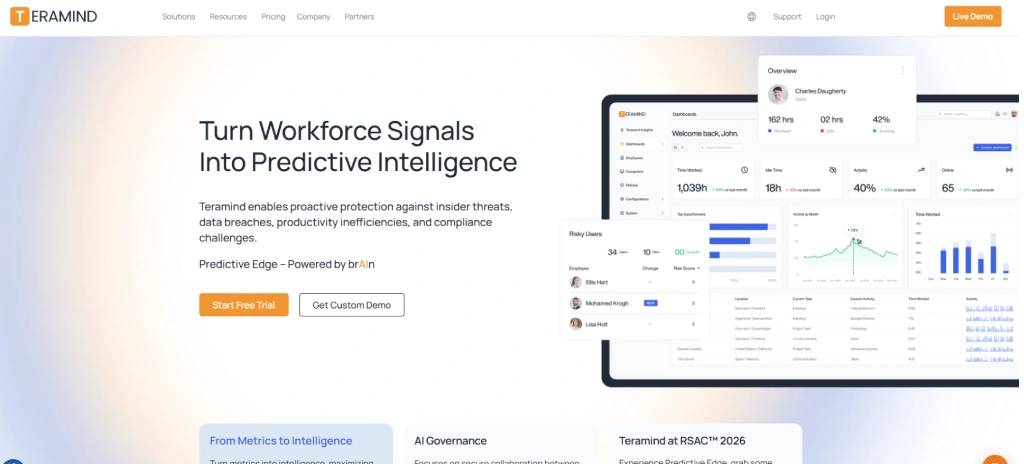
Teramind is an enterprise-grade monitoring and data loss prevention platform used by over 10,000 organizations. It offers the deepest monitoring capabilities on this list: screen recording, keystroke logging, email monitoring, file transfer tracking, USB device control, and behavioral analytics. Teramind is the tool security teams choose when compliance and insider threat detection are the primary requirements.

For teams that just need time tracking and basic monitoring, Teramind is overkill. Its interface is complex, setup requires IT involvement, and pricing starts at $15 per user per month for the cloud-hosted Starter plan. Enterprise DLP packages run significantly higher.

Pricing: $15 to $25+/user/month.
Best for: Enterprise security teams with DLP and compliance mandates.
Limitation: Expensive and complex for SMBs needing basic monitoring.

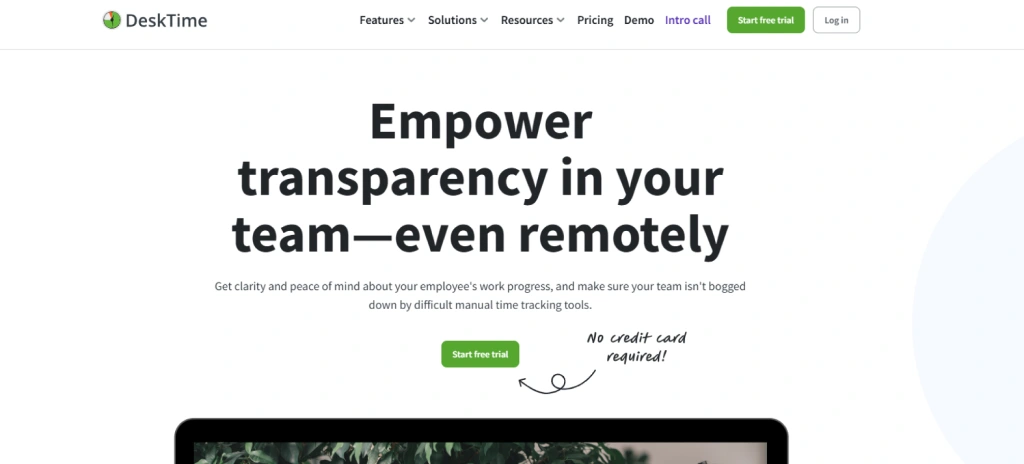
5. DeskTime

DeskTime is a lightweight time tracking and productivity monitoring tool popular with small teams and freelancers. Its standout feature is the built-in Pomodoro timer, which encourages focused work sessions. DeskTime also offers a "private time" mode that lets employees pause tracking for personal tasks, a feature that improves employee acceptance significantly.

DeskTime covers time tracking, basic app monitoring, and URL tracking. It does not offer screen recording, DLP features, or advanced productivity analytics. Attendance tracking and shift management are limited compared to full-featured alternatives. Pricing starts at $7 per user per month.

Pricing: $7 to $20/user/month.
Best for: Small teams wanting simple tracking with Pomodoro focus tools.
Limitation: Limited monitoring depth and no DLP.

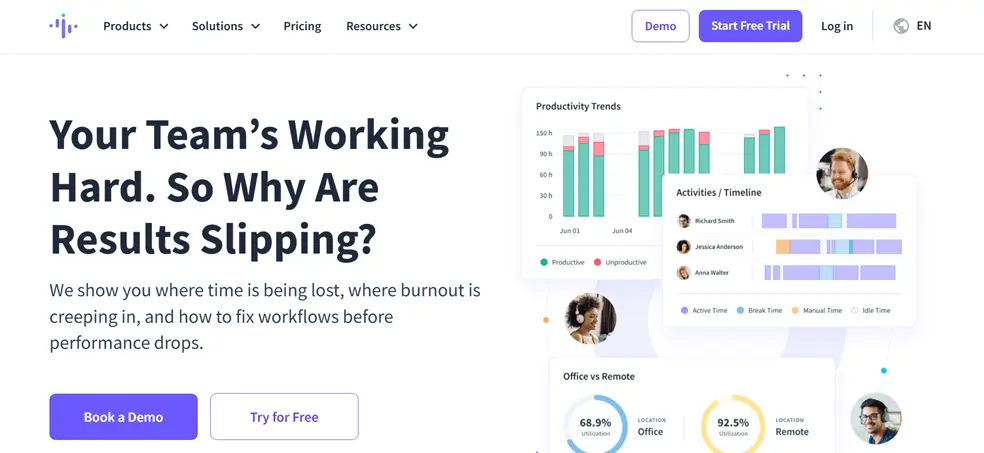
6. Insightful (formerly Workpuls)

Insightful combines employee monitoring with workforce analytics. It tracks application usage, captures screenshots, and provides productivity scores by employee, team, and department. The "always on" and "clock in/out" modes give managers flexibility in how monitoring is applied. Insightful also offers project and task tracking, making it a more complete platform than basic time trackers.

Pricing starts at $8 per user per month for the Productivity Management plan, with the Employee Monitoring plan at $12 per user. The dual-plan structure means you may pay more than expected if you need both analytics and monitoring features.

Pricing: $8 to $15/user/month.
Best for: Mid-size teams wanting both monitoring and workforce analytics.
Limitation: Split pricing between analytics and monitoring plans.

7. Toggl Track

Toggl Track is a dedicated time tracking tool with a clean interface and strong project management integration. It does not include employee monitoring, screenshots, or activity tracking. Toggl is the right choice if your only reason for using Hubstaff was time tracking and you have no need for monitoring capabilities. Integrations with Asana, Jira, and other project tools make it popular with software teams.

Pricing: Free for up to 5 users; $9 to $18/user/month for paid plans.
Best for: Teams that need time tracking only, with no monitoring requirements.
Limitation: Zero employee monitoring or productivity tracking.

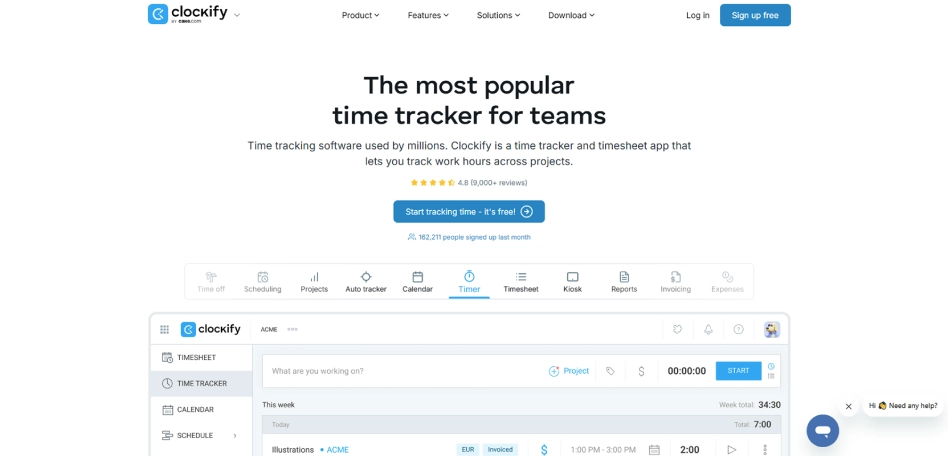
8. Clockify

Clockify is a free time tracking tool that supports unlimited users on its basic plan. It offers timesheet management, project tracking, and basic reporting. Like Toggl, Clockify does not include employee monitoring. Paid plans (starting at $3.99 per user) add features like time auditing, scheduling, and invoicing. Clockify is the budget-friendly choice for teams whose only requirement is tracking hours across projects.

Pricing: Free basic plan; $3.99 to $11.99/user/month for paid tiers.
Best for: Budget-conscious teams needing basic time tracking.
Limitation: No monitoring, no screenshots, no productivity analytics.

9. Monitask

Monitask offers time tracking, screenshot monitoring, and activity level measurement for remote teams. It captures random screenshots at configurable intervals and tracks application usage. The interface is straightforward and onboarding is fast. Monitask lacks deeper analytics and DLP features, but it covers the essentials at a competitive price of $5.99 per user per month.

Pricing: $5.99 to $8.99/user/month.
Best for: Small remote teams wanting basic monitoring at a low price.
Limitation: Limited analytics and no advanced monitoring features.

10. Apploye

Apploye is a time tracking and employee monitoring tool targeting remote and hybrid teams. It includes screenshot capture, GPS tracking, app monitoring, and basic reporting. The payroll integration (based on tracked hours) is a useful feature for small businesses. Apploye's pricing starts at $5 per user per month, making it one of the more affordable Hubstaff alternatives with monitoring.

Pricing: $5 to $7.50/user/month.
Best for: Small businesses wanting basic monitoring with payroll features.
Limitation: Reporting is basic; no productivity scoring or analytics.

Hubstaff Alternatives Feature Comparison Table

This table compares core features across all 10 alternatives. "Included" means the feature is available in the base plan. "Add-on" means it requires a higher tier or separate purchase.

Feature eMonitor Time Doctor ActivTrak Teramind DeskTime Insightful Toggl Clockify Monitask Apploye
Starting price/user/mo$4.50$7.00$10.00$15.00$7.00$8.00Free/$9Free/$3.99$5.99$5.00
Time trackingIncludedIncludedIncludedIncludedIncludedIncludedIncludedIncludedIncludedIncluded
Screenshot monitoringIncludedAdd-onNoIncludedAdd-onAdd-onNoNoIncludedIncluded
App/website trackingIncludedIncludedIncludedIncludedIncludedIncludedNoNoIncludedIncluded
Productivity scoringIncludedLimitedIncludedIncludedBasicIncludedNoNoNoNo
Screen recordingIncludedAdd-onNoIncludedNoAdd-onNoNoNoNo
GPS trackingIncludedIncludedNoNoNoNoNoNoNoIncluded
DLP / data protectionIncludedNoNoIncludedNoNoNoNoNoNo
Employee dashboardsIncludedLimitedIncludedNoIncludedIncludedIncludedIncludedNoNo
Real-time alertsIncludedIncludedIncludedIncludedNoIncludedNoNoNoNo
Chromebook supportBetaNoYesNoNoNoYesYesNoNo
Linux supportYesYesYesYesYesYesYesYesYesYes

The pattern is clear: tools priced under $6 per user cover time tracking and basic monitoring but lack productivity analytics, DLP, and advanced reporting. Tools priced above $10 per user offer enterprise features but exceed most SMB budgets. eMonitor sits in the middle, delivering enterprise-grade features at SMB-accessible pricing.

Real Cost of Hubstaff Alternatives at Scale

Per-user pricing only tells part of the story. The table below shows what each tool actually costs for a 50-person team annually, including the features most teams need (time tracking, screenshots, app monitoring, and reporting).

ToolMonthly (50 users)Annual (50 users)Includes screenshots?Includes analytics?
eMonitor$225$2,700YesYes
Monitask$300$3,594YesNo
Apploye$250$3,000YesNo
Time Doctor$500$6,000Add-on tierLimited
DeskTime$350$4,200Add-on tierBasic
Insightful$600$7,200Add-on tierYes
ActivTrak$500$6,000NoYes
Hubstaff (full features)$600+$7,200+Add-onBasic
Teramind$750$9,000YesYes

At 50 users, the difference between eMonitor ($2,700/year) and Hubstaff with full features ($7,200+/year) is $4,500 annually. Over a three-year period, that savings exceeds $13,000, enough to fund other productivity initiatives. For teams of 100+, the gap widens further. You can explore detailed pricing comparisons in our pricing guide.

Ready to Stop Paying for Add-Ons?

eMonitor includes every feature in a single plan. No surprises on your invoice.

Start Your 7-Day Free Trial

No credit card required. Setup takes under 2 minutes.

eMonitor vs. Hubstaff: A Detailed Comparison

Since eMonitor is the top-ranked Hubstaff alternative on this list, here is a deeper look at how the two platforms compare across the features that matter most to switching teams.

Time Tracking

Both tools provide automatic time tracking with clock-in/out, idle detection, and timesheet generation. Hubstaff requires manual project tagging for accurate task-level tracking. eMonitor auto-suggests project associations based on which applications and files an employee is working with, reducing the administrative burden on workers. Both support offline time capture with sync.

Screenshot and Screen Monitoring

Hubstaff captures screenshots at fixed intervals (every 10 minutes by default) with limited employee control. eMonitor provides configurable screenshot frequency, screenshot blur for sensitive content, and the option for employees to delete specific screenshots before manager review. eMonitor also includes screen recording with anomaly detection, a feature Hubstaff reserves for enterprise plans.

Productivity Analytics

This is the widest gap between the two platforms. Hubstaff classifies activity as "active" or "idle" based on mouse and keyboard input. eMonitor classifies every application and website as productive, non-productive, or neutral based on configurable, role-specific rules. A CRM application might be "productive" for a salesperson but "non-productive" for a developer. This granularity produces meaningful productivity scores rather than simple activity percentages.

Data Loss Prevention

Hubstaff does not offer DLP features. eMonitor includes USB device monitoring, file transfer tracking, website access violation alerts, and suspicious activity detection. For teams handling sensitive client data, healthcare records, or financial information, this difference alone justifies the switch.

Employee Experience

Hubstaff's interface is manager-centric. Employees interact with a lightweight agent that runs in the background but have limited visibility into their own data. eMonitor provides full employee-facing dashboards where team members can view their own productivity scores, time breakdowns, and activity patterns. This transparency turns monitoring into a self-improvement tool rather than a top-down control mechanism.

For a complete side-by-side breakdown, see our dedicated eMonitor vs. Hubstaff comparison page.

How to Migrate from Hubstaff: Step-by-Step Guide

Switching employee monitoring tools sounds disruptive, but a structured approach makes the transition straightforward. Here is the migration process we recommend based on working with hundreds of teams that have made the switch.

Step 1: Export Your Hubstaff Data (Day 1)

Log into your Hubstaff admin account and navigate to Reports. Export the following datasets in CSV format: time and activity reports (last 12 months minimum), project and client lists, team member roles and permissions, and any custom app classifications you have configured. Hubstaff allows bulk CSV export for all historical data. Download and store these files securely.

Step 2: Set Up Your New Tool (Day 1 to 2)

Create your account on the new platform. Recreate your project and client structure to match your Hubstaff setup. Add team members and assign roles. Configure monitoring settings: screenshot frequency, app classification rules, idle thresholds, alert triggers, and work hour schedules. For eMonitor, this setup typically takes 15 to 30 minutes for a team of 50.

Step 3: Run Both Tools in Parallel (Days 3 to 7)

Install the new monitoring agent alongside Hubstaff on all employee machines. Run both tools simultaneously for one full work week. This parallel period lets you verify that time tracking accuracy matches, confirm that all employees are properly connected, compare activity data between the two tools, and identify any configuration adjustments needed.

Step 4: Import Historical Data (Day 7)

Most alternatives accept CSV imports for historical time data. Map your exported Hubstaff fields (employee, project, hours, date) to the new platform's import format. eMonitor's support team handles this mapping for teams of 20+, ensuring zero data loss during transfer.

Step 5: Decommission Hubstaff (Day 8 to 10)

Once you have confirmed data accuracy during the parallel run, uninstall the Hubstaff agent from all machines. Cancel your Hubstaff subscription (note the billing cycle to avoid double-charging). Communicate the change to your team with a brief explanation of why you switched and how the new tool benefits them.

Common Migration Pitfalls to Avoid

  • Forgetting to export custom classifications: If you spent months categorizing apps as productive/unproductive in Hubstaff, recreate those rules in the new tool before the parallel run.
  • Switching without employee communication: A silent tool change creates confusion and distrust. Send a brief team email explaining the switch, what changes (and what stays the same), and where to ask questions.
  • Canceling Hubstaff too early: Keep your Hubstaff subscription active through the parallel run period. The $50 to $100 overlap cost is cheap insurance against migration issues.

Which Hubstaff Alternative Should You Choose?

The "best" alternative depends on your team's specific needs. Here are our recommendations based on common use cases.

Best for All-Around Monitoring at the Best Price

eMonitor. If you need the same monitoring features as Hubstaff (time tracking, screenshots, app tracking, GPS) plus productivity analytics and DLP, all without add-on pricing, eMonitor is the strongest choice. At $4.50 per user, it delivers more features than Hubstaff's highest tier at a fraction of the cost.

Best for Pure Time Tracking (No Monitoring Needed)

Toggl Track or Clockify. If employee monitoring was never your goal and you only used Hubstaff for its time tracking, these lightweight tools do time tracking well at a lower cost. Clockify's free plan works for small teams. Toggl's project integrations suit software teams.

Best for Enterprise Security and DLP

Teramind. If your primary concern is insider threat detection, data loss prevention, and compliance auditing, Teramind provides the deepest security-focused monitoring. Be prepared for higher costs ($15+/user) and a more complex implementation.

Best for Workforce Analytics Without Monitoring

ActivTrak. If you want to understand how your team works without capturing screenshots or recording screens, ActivTrak's analytics-first approach provides strong insights. It works well for organizations where employees have pushed back against visual monitoring.

Best for Agencies Billing by the Hour

eMonitor or Time Doctor. Both tools provide accurate billable hour tracking with client and project-level reporting. eMonitor costs less ($4.50 vs. $7+ per user) and includes project management features. Time Doctor offers distraction alerts that some agency managers value, though employees often dislike them.

Best for Remote Team Management

eMonitor or Insightful. Both platforms provide the activity tracking, screenshot capture, and productivity analytics that remote team managers need. eMonitor's employee-facing dashboards create better remote team culture. Insightful's dual monitoring modes (always-on vs. clock in/out) provide flexibility.

What Former Hubstaff Users Say After Switching

Review platforms like G2 and Capterra contain hundreds of reviews from users who switched from Hubstaff to competing tools. Three themes consistently appear in positive switching experiences.

Cost savings are immediate and significant. Teams report saving 30 to 60% on their monthly monitoring costs after switching to all-inclusive alternatives. A 2025 Capterra review stated: "We moved a 75-person team from Hubstaff to an alternative and saved $6,300 in the first year without losing any features."

Employee pushback decreases. The most common positive change users report is reduced employee resistance. Tools with employee-facing dashboards and configurable privacy settings generate fewer complaints during onboarding. One G2 reviewer noted: "Our team went from dreading the monitoring tool to actually using their productivity dashboards voluntarily."

Deeper analytics drive better decisions. Teams that switch from Hubstaff to analytics-rich alternatives (eMonitor, ActivTrak, Insightful) report that productivity conversations become data-driven rather than assumption-based. Managers identify bottlenecks faster and can support struggling team members with specific, actionable information instead of vague concerns about "not being productive enough."

Frequently Asked Questions About Hubstaff Alternatives

Why are teams leaving Hubstaff in 2026?

Teams leave Hubstaff primarily because of rising costs from add-on pricing. Hubstaff's base plan starts at $4.99 per user, but screen recording, app tracking, and GPS each require paid upgrades. A fully featured setup often exceeds $14 per user monthly, pushing teams toward all-inclusive alternatives.

What is cheaper than Hubstaff with similar features?

eMonitor offers comparable features to Hubstaff at $4.50 per user per month with no add-on fees. Screen monitoring, activity tracking, productivity analytics, and automated timesheets are included in every plan. Teams of 50 save over $5,000 annually compared to Hubstaff's equivalent feature set.

Is there a free Hubstaff alternative?

Clockify offers a free plan for basic time tracking, and Toggl Track provides a free tier for up to five users. Neither includes employee monitoring features. For monitoring with a free trial, eMonitor provides a seven-day trial with full feature access and no credit card required.

How do I migrate from Hubstaff to another tool?

Migration from Hubstaff involves three steps: export your time and project data from Hubstaff's reporting section in CSV format, set up your new tool with matching project structures, and import historical data. eMonitor's onboarding team handles data migration at no extra cost for teams of 20 or more.

What does Hubstaff actually cost with all add-ons enabled?

Hubstaff's Starter plan begins at $4.99 per user monthly, but adding screenshots, app tracking, and GPS raises the effective cost to $10 to $14 per user. The Team plan at $8.99 includes more features but still lacks advanced reporting. For full functionality, Hubstaff Enterprise uses custom pricing.

Does Hubstaff work on Linux and Chromebook?

Hubstaff supports Windows, macOS, and Linux through desktop apps, plus iOS and Android for mobile. Chromebook support is limited. eMonitor supports Windows, macOS, Linux, and Chromebook (beta), giving distributed teams broader device coverage without workarounds.

Which Hubstaff alternative is best for remote teams?

eMonitor and Time Doctor both serve remote teams well. eMonitor provides screen monitoring, activity tracking, idle detection, and productivity scoring in a single dashboard at $4.50 per user. Time Doctor offers similar monitoring but starts at $7 per user with distraction popup alerts many remote workers find intrusive.

Can I track screenshots without Hubstaff?

Multiple Hubstaff alternatives include screenshot monitoring. eMonitor captures automated periodic screenshots with configurable frequency, blur controls for sensitive content, and role-based access. Teramind and Time Doctor also offer screenshots, though at higher price points of $15 and $7 per user respectively.

What Hubstaff alternative has the best reporting?

eMonitor and ActivTrak lead in reporting among Hubstaff competitors. eMonitor provides real-time dashboards, productivity heatmaps, app usage breakdowns, and exportable reports in CSV and PDF formats. ActivTrak focuses on workforce analytics but lacks screenshot monitoring and detailed activity logs.

Is switching from Hubstaff worth the effort?

Switching is worth it when Hubstaff's total cost exceeds your budget or when missing features force you to use multiple tools. Teams that switch to an all-inclusive platform like eMonitor typically save 30 to 50 percent on monitoring costs and eliminate the need for separate time tracking or reporting tools.

Does eMonitor offer a Hubstaff data import tool?

eMonitor accepts CSV imports for historical time tracking data exported from Hubstaff. The onboarding team provides hands-on migration assistance for teams of 20 or more users, mapping Hubstaff's export fields to eMonitor's data structure. The entire import process typically completes within one business day.

Can Hubstaff alternatives integrate with project management tools?

eMonitor includes built-in project and task management with Kanban boards, budget tracking, and resource allocation. Time Doctor and Toggl Track integrate with Asana, Jira, and Basecamp. ActivTrak integrates with Slack and Microsoft Teams. Integration depth varies by tool, so verify your specific tool requirements before switching.

Sources

  • G2 Grid Report: Employee Monitoring Software, 2025. g2.com/categories/employee-monitoring
  • Gartner. "The Future of Employee Monitoring," 2024. gartner.com
  • Harvard Business Review. "The Effects of Transparent vs. Covert Employee Monitoring on Productivity," 2025.
  • Capterra Employee Monitoring Software Reviews, 2025. capterra.com
  • SEMrush Keyword Trends: "Hubstaff alternatives," January 2025 to March 2026.
  • Hubstaff Pricing Page. hubstaff.com/pricing

Switch from Hubstaff in Under 10 Minutes

All monitoring features. One flat price. No add-ons, no surprises. Trusted by 1,000+ companies worldwide.

7-day free trial. No credit card required. Cancel anytime.