
Summary
Construction time tracking has two jobs that office tools never face: proving a crew was on the right site for the hours claimed, and turning those hours into cost codes and certified payroll without a Friday-afternoon spreadsheet. These are the seven tools that do it best in 2026, compared on job-site verification, crew workflows, payroll output, offline reliability and what they actually cost once the base fees are included.
Office, estimating and project staff on laptops? E-Monitor verifies their hours from real activity at $3.90 per user per month, 7-day free trial. Try E-Monitor free →
Most construction companies still lose money between the job site and payroll. Hours get written on a board at the end of the day, rounded up, moved to the wrong job, or claimed by someone who arrived an hour after the foreman marked everyone in. The leak is rarely dramatic; it is a steady five to ten percent of labor cost that never shows up in a job cost report because nobody can see it. Construction time tracking software exists to close that gap, and the good ones do it in a way crews will actually use with gloves on, in bad signal, at six in the morning.
This comparison looks at the tools from two sides. For field crews, it weighs GPS and geofenced clock-ins, crew-level punching by a foreman, cost-code allocation and certified payroll output. For the office side of a construction business, the estimators, project managers, schedulers and accounting staff who work on laptops, it looks at whether the tool can verify desk hours too, or whether you need a second system. Prices quoted are list prices at the time of writing; several vendors charge a monthly base fee on top of the per-user rate, which changes the picture for small crews, so check current pricing before you commit.
What makes good construction time tracking software
The first test is site verification. A clock-in that records a tap proves only that a phone was tapped. Construction tools worth the name tie each punch to a location through GPS, draw a geofence around the job site so arrival and departure can clock people in and out automatically, and flag punches that happen from the truck or from home. Without this, buddy punching simply moves from the paper sheet to the app.
The second is the crew workflow. Many sites have one foreman and fifteen workers, some of whom do not carry a company phone. A tool that only supports individual self-punching will fail on those sites; look for crew clock-in, where a supervisor punches the whole crew from one device and switches cost codes for everyone at once, plus a kiosk mode for a tablet in the site trailer.
The third is what comes out the other end. Hours have to land against the right job and cost code, break into regular and overtime by the rules of the state and the contract, and feed payroll, which for public work means certified payroll reports. If a tool cannot produce a WH-347 or export cleanly to your payroll and job-costing system, every pay period ends in manual rework.
Finally, reliability in the field. Offline clock-ins that sync later, large touch targets, battery-friendly GPS and fast loading matter more than any dashboard, because a tool crews fight with produces bad data no matter how good the reports look. The clock-in app comparison covers the verification side in more depth.
1. E-Monitor: activity-verified hours for the office side of a construction business
Compare: E-Monitor pricing · E-Monitor for construction
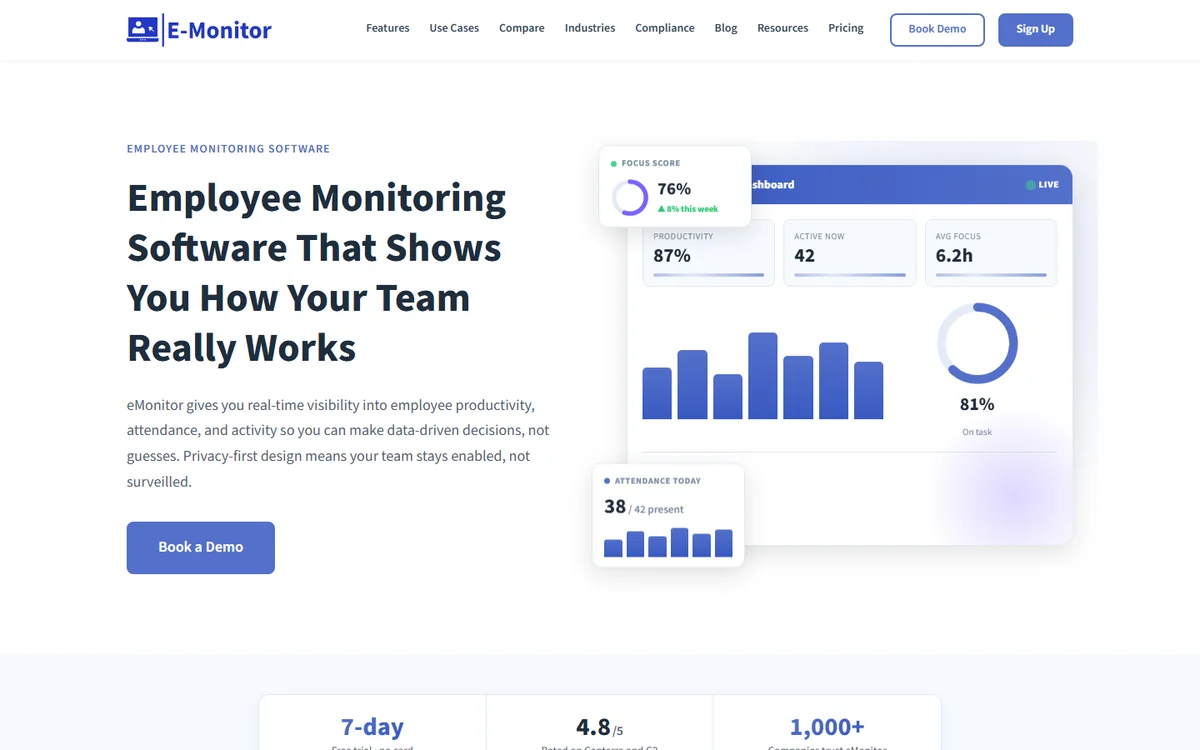
E-Monitor is not a field clock-in app, and it does not pretend to be. It is the tool for the half of a construction company that field tools ignore: estimators, project managers, schedulers, procurement, drafters and accounting staff who work on laptops in the office or at home. For those people it replaces the timesheet entirely. Hours are confirmed from real device activity, idle time is separated from work, attendance is automatic, and the same agent gives you focus, workload and application data that a punch clock never could.
That matters in construction more than it sounds. Office labor is a growing share of overhead, project managers routinely run three jobs at once, and nobody knows how much estimating time a lost bid consumed. E-Monitor's automatic time tracking and project tagging answer that, and its attendance tracking handles the hybrid office without anyone clocking in. Everything runs on Windows, Mac, Linux and Chromebook at $3.90 per user per month with every feature included and a 7-day free trial.
Pair it with one of the field tools below for crews, and you have the whole company covered: verified job-site hours for the field, verified desk hours for the office, and no spreadsheet reconciling the two. Monitoring is work-hours-only, employees can see their own data, and nothing is hidden, which keeps it proportionate for a professional office team.
2. Time Champ: time tracking with deep activity analytics for office teams
Compare: best time tracking software
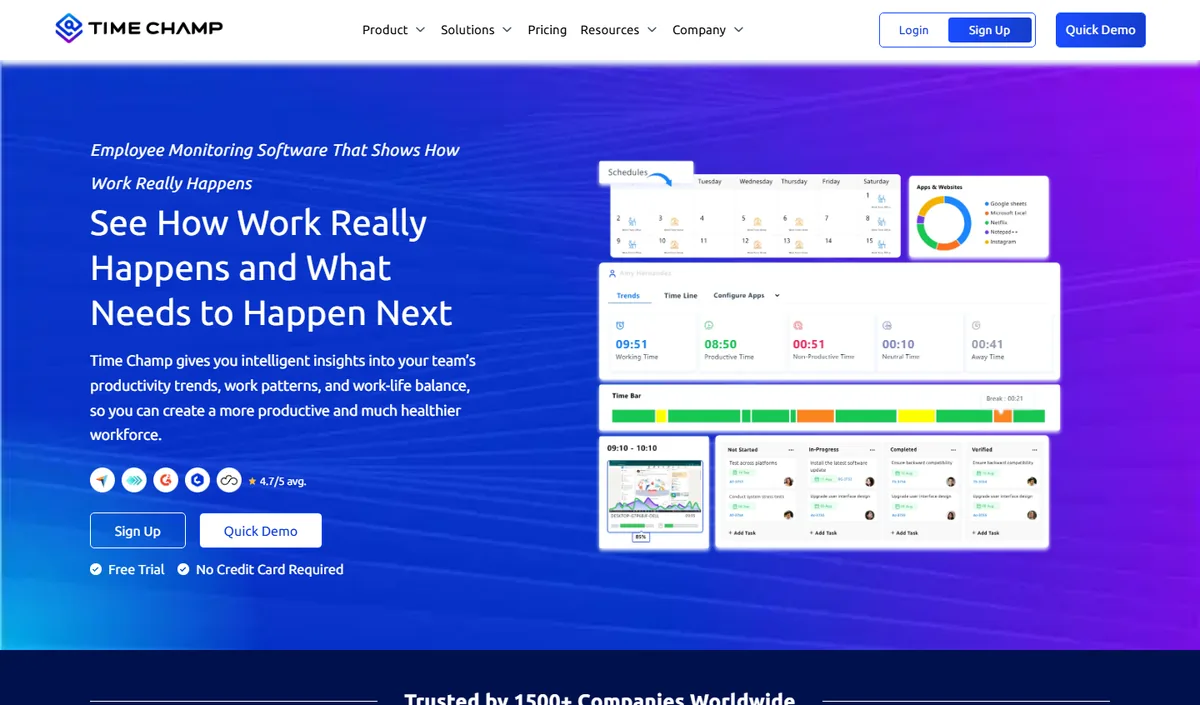
Time Champ covers similar ground to E-Monitor for office and remote staff, with automatic time tracking, attendance, productivity analytics and project time, plus optional screenshots and screen recording for teams that want heavier evidence. For a construction office that bills design or consulting hours, its project and task tracking produces a clean record of where the day went.
Pricing starts low on annual plans with a free trial, and the feature depth increases with tier. Like E-Monitor it is built for desk work rather than job sites, so it belongs in the same slot: the office half of a construction time tracking setup.
Choose Time Champ if you want the heavier monitoring options such as screen recording and keystroke activity; choose E-Monitor if you want activity-verified hours with a lighter privacy footprint and a single flat price. Both are separate products from different companies, and both pair with any of the field tools below.
3. busybusy: GPS time tracking built for crews, with a genuinely free plan
Compare: GPS tracking for field teams
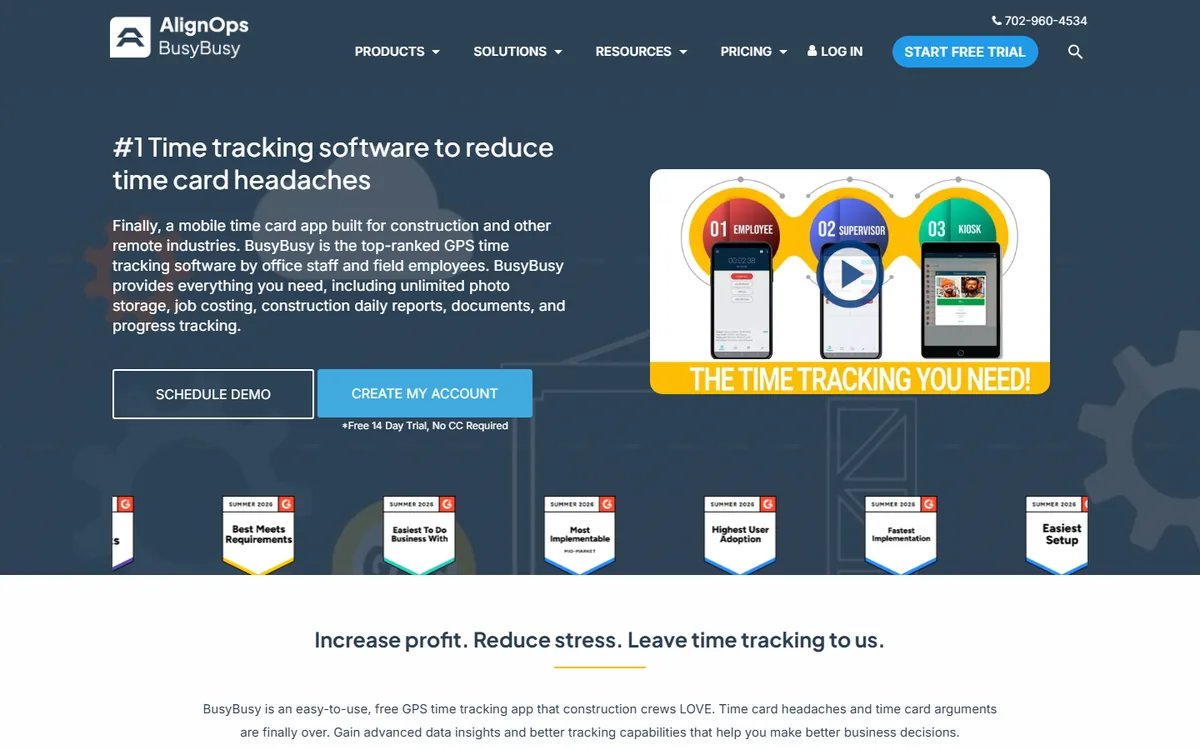
busybusy, now part of AlignOps, is the field time clock most often recommended by contractors to other contractors, and the reason is the free plan: GPS time tracking, project and cost-code allocation, basic reporting and unlimited users at no cost. For a small subcontractor moving off paper, that alone solves most of the problem.
The paid Pro tier, listed at around $10 per user per month billed annually, adds the features that matter as crews grow: a supervisor clock-in for whole crews, geofenced sites, equipment tracking, photos and notes against jobs, daily reports and safety sign-offs, and integrations with construction accounting systems including Sage, Foundation, Procore and QuickBooks.
Its limits are the flip side of its focus. busybusy is a field tool, so office staff are an afterthought, and the reporting is built around job cost rather than productivity. Crews like it, which is the single most important property a field app can have.
4. Raken: time cards inside the daily report
Compare: what a timesheet should record
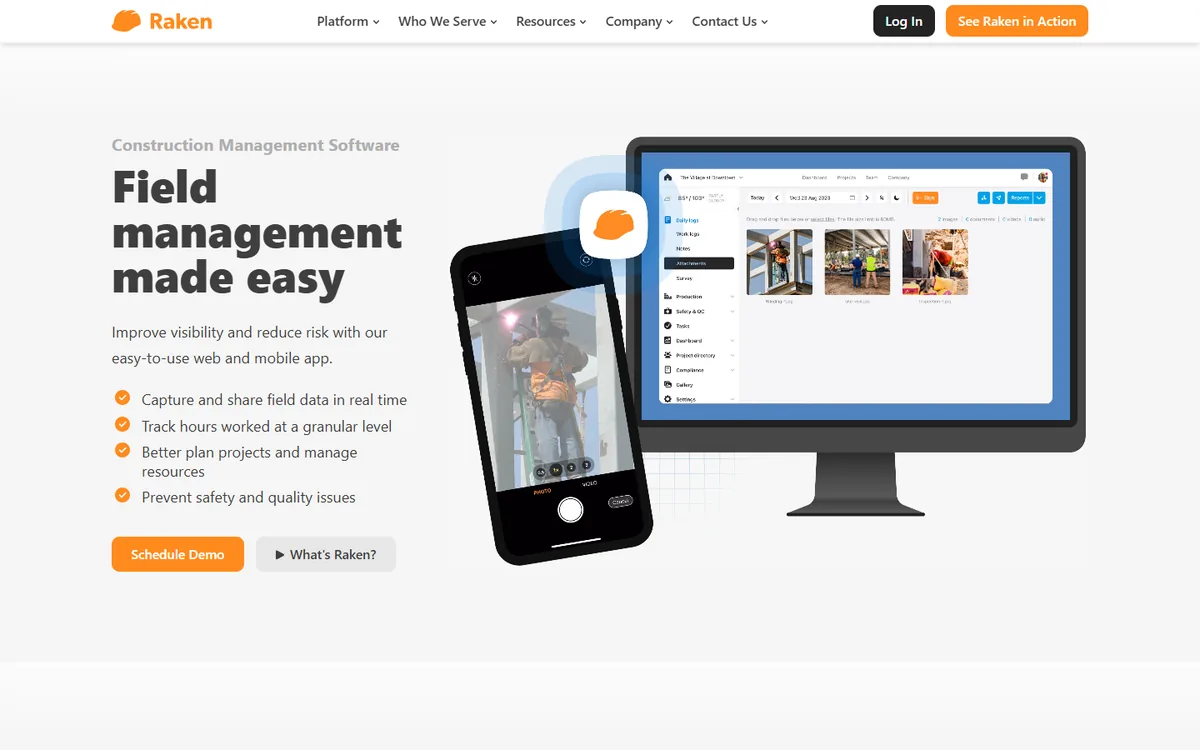
Raken started as a daily reporting app and added time tracking to it, which is why it fits companies where the superintendent's daily log is already the system of record. Crew time cards, cost codes, production quantities, photos, weather and safety talks all live in one daily report, so the hours come with the context a project manager actually wants when they query a number.
Time tracking supports crew punching by a foreman, individual clock-in with GPS, overtime rules and certified payroll exports, and it integrates with the usual construction accounting stack. Pricing is quote-based and sold per project or per company rather than published per user, which suits general contractors and is harder to assess for a ten-person sub.
Choose Raken when daily reporting is the pain you are solving and time is part of it. If all you need is a time clock, it is more system than you want.
5. Workyard: the most precise GPS, with a base fee to match
Compare: detecting false timesheets
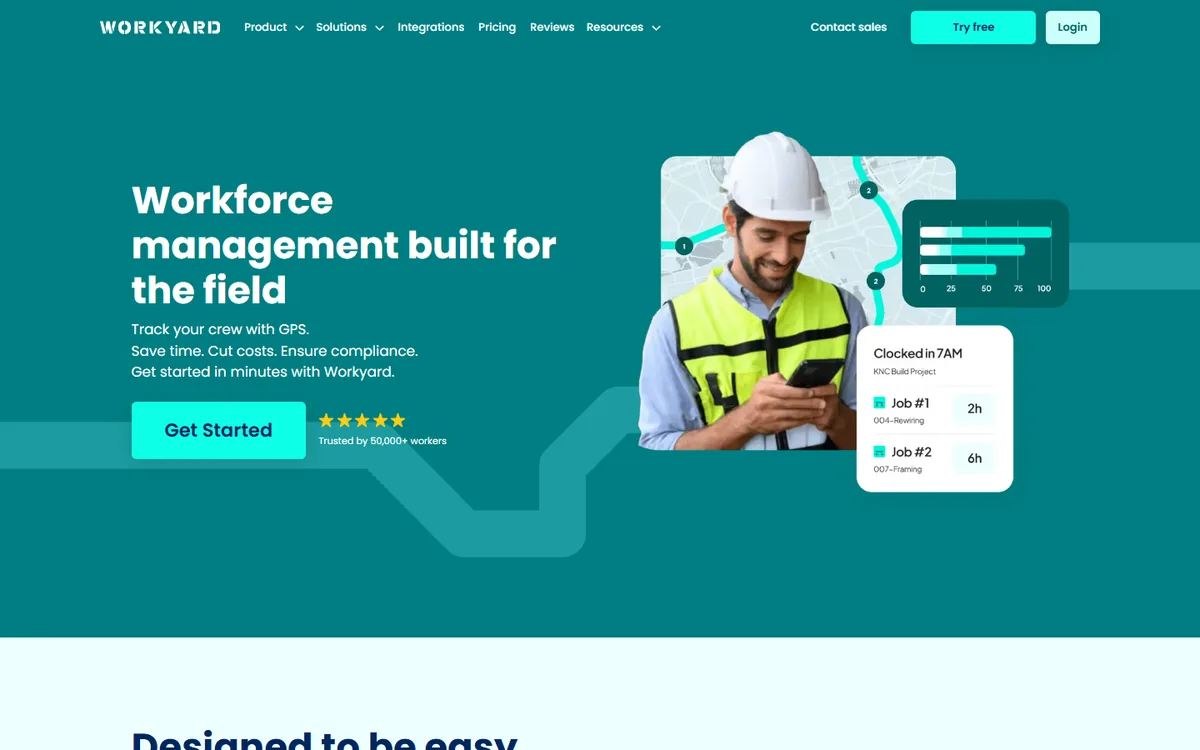
Workyard's pitch is accuracy: high-frequency GPS, automatic arrival and departure at geofenced sites, drive-time tracking between jobs and a clear audit of where every hour was spent. Companies that have been burned by inflated hours tend to land here, because the location record is detailed enough to settle any dispute.
That precision is priced accordingly. Time tracking is listed at around $6 per user per month plus a company base fee of around $50 per month, with the workforce management tier adding scheduling, task management and job costing at a higher per-user rate. For a crew of five the base fee doubles the effective cost; for fifty it disappears.
The detailed location record is also something to disclose carefully. Tracking is during work hours and on work devices, but crews should know exactly what is recorded, and the privacy guide covers the policy language that keeps it fair.
6. Timeero: GPS time tracking with mileage for crews that drive
Compare: best attendance tracking software
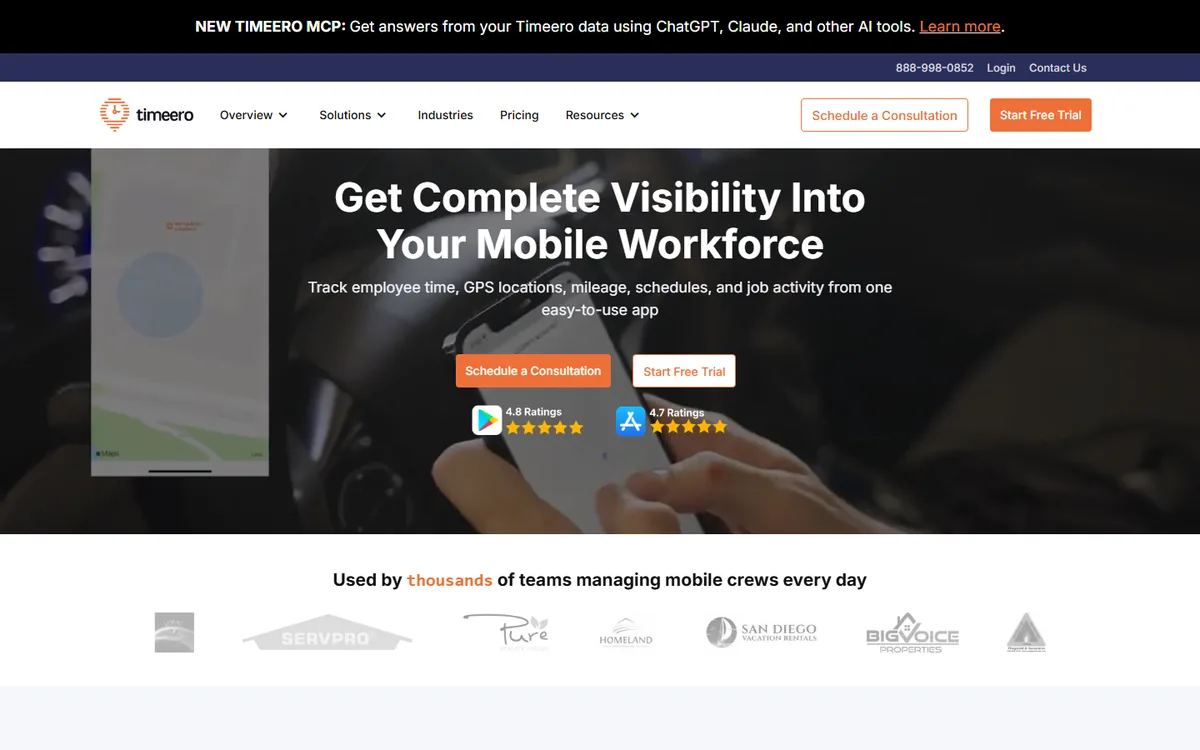
Timeero combines GPS time tracking with mileage tracking, which makes it the natural choice for construction and trades businesses whose workers move between several sites a day and are reimbursed for driving. Clock-ins carry location, routes are recorded automatically, and the mileage report feeds reimbursement without a separate app.
It supports geofenced sites, scheduling, breaks and overtime rules, and exports to common payroll systems, with per-user pricing that starts in the single digits on annual billing. Segmented tracking, which splits a day into site time and travel time automatically, is the feature that distinguishes it from the pure time clocks.
Where it is lighter is the construction-specific layer: cost codes and certified payroll are less developed than in busybusy or Raken. Choose Timeero when mileage is a real cost and your payroll is straightforward.
7. Arcoro Time, formerly ExakTime: rugged clocks and certified payroll for larger contractors
Compare: controlling unauthorized overtime
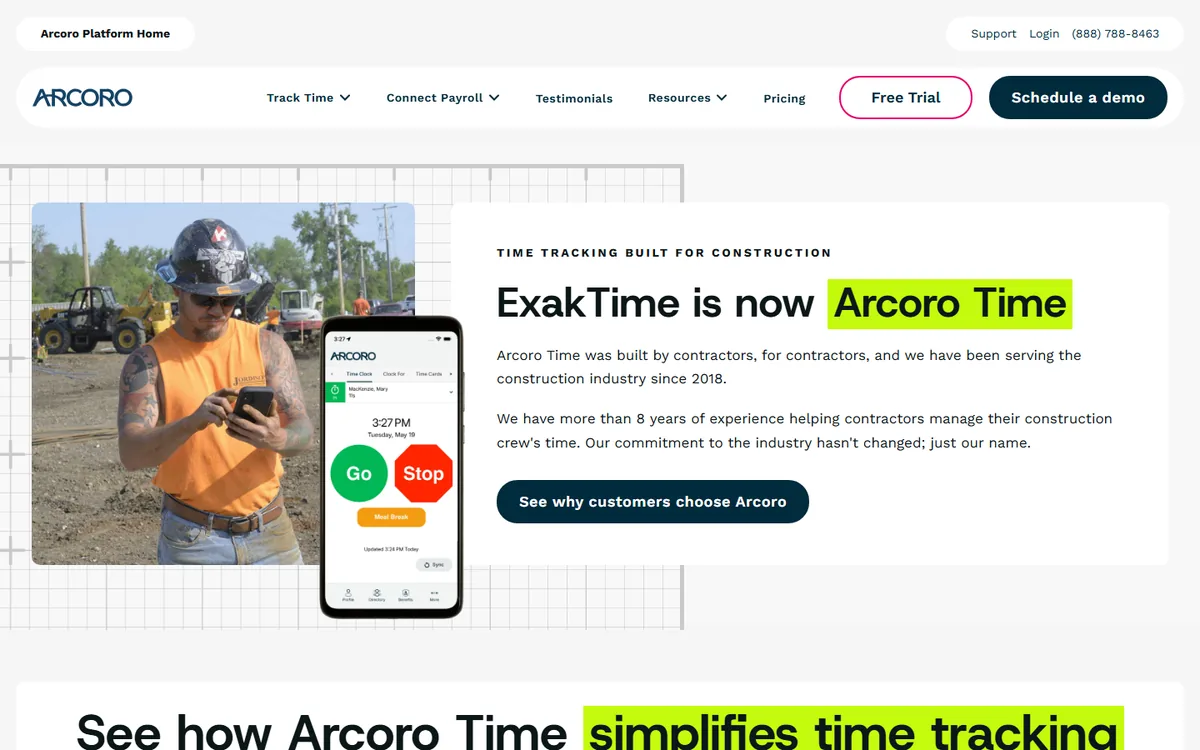
ExakTime has been in construction time tracking for over two decades and now sells as Arcoro Time, part of the Arcoro HR suite for construction. It is the choice of larger contractors that need the full compliance stack: rugged on-site time clocks for crews without phones, a mobile app with GPS and photo verification, union and prevailing-wage rules, and certified payroll reports produced from the time data rather than re-keyed.
Pricing is quote-based and typically combines a per-user rate with a base fee and hardware for the physical clocks, so it suits companies with dozens of field staff and a payroll department rather than small subs. Integrations cover the major construction accounting and ERP systems.
If your work is public, union or multi-state, the compliance features earn the cost. If it is residential and private, you are paying for rules you will not use. The rename matters for search: anything you read about ExakTime applies to Arcoro Time.
Office hours that verify themselves E-Monitor confirms desk and remote hours from real activity, separates idle time, and feeds payroll clean totals, at $3.90 per user with every feature included. Sign up →
Certified payroll, prevailing wage and the rules that break spreadsheets
Public construction work in the United States requires certified payroll under the Davis-Bacon Act and state equivalents: weekly reports listing each worker, classification, hours by day, rate and deductions, signed under penalty of perjury. Producing that from a paper time card is a day of work each week and a common source of errors. Tools that generate the WH-347 and state forms directly from verified time, with classifications and prevailing rates attached to the job, remove the whole exercise. busybusy, Raken and Arcoro Time do this natively; the others export to payroll systems that do.
Overtime is the other trap. Daily overtime in California, weekly overtime elsewhere, double time after twelve hours, meal and rest break rules with penalties attached: these vary by state and by agreement, and a tool that applies one rule to all sites will be wrong somewhere. Check that overtime rules can be set per site or per pay group, and that the rounding rules are configured to the legal standard rather than whatever the default happens to be.
How to choose for your company
Start with the shape of the workforce. A company that is mostly crews with a small office needs a field tool first and can run E-Monitor for the office alongside it. A specialty contractor with significant estimating, design and project management staff should treat the office as a first-class problem, because that is where the unmeasured hours are.
Then count the base fees. Per-user prices look similar across the field tools, but a monthly base fee turns a $6 tool into a $16 tool for a five-person crew. Model the total for your actual headcount, including the office, before comparing.
Finally, run a pilot on one site for one full pay period. Watch the exception rate: forgotten clock-outs, punches outside the geofence, sync failures. A tool that produces a long exception list on a real site will produce a longer one across the company, and the pilot tells you that before the contract does.
Best practices
- Disclose location tracking in writing, with hours and scope, before the first clock-in
- Make the foreman the owner of crew time on site; it will not work from the office
- Set cost codes before the job starts so hours land in the right bucket from day one
- Review exceptions daily, not at payroll; a missed clock-out is easy to fix the same day and impossible to reconstruct two weeks later
- Keep office and field hours in one report, even if they come from two tools, so job cost is complete
- Give workers access to their own hours, which removes most payroll disputes before they start
Verified office hours with E-Monitor
E-Monitor records hours for office and remote construction staff automatically from real activity, separates idle time, tags time to projects, handles attendance without a punch and produces payroll-ready totals, across Windows, Mac, Linux and Chromebook. Employees see their own data, tracking is work-hours-only, and the construction page covers how firms run it beside a field clock.
Trusted by 1,000+ companies and rated 4.8/5 on Capterra and G2, it costs $3.90 per user per month with every feature included. Start a 7-day free trial and run it for one pay period against your current office timesheets.
Frequently Asked Questions
1. What is the best construction time tracking software?
For field crews, busybusy for small and mid-sized contractors, Workyard where GPS precision matters most, and Arcoro Time (formerly ExakTime) for large or public-work contractors that need certified payroll and rugged clocks. For the office side of a construction business, E-Monitor verifies desk and remote hours from real activity at $3.90 per user.
2. Is there free construction time tracking software?
Yes. busybusy's free plan includes GPS time tracking, cost codes, basic reports and unlimited users. Paid tiers add crew clock-in, geofencing, equipment tracking and integrations. Most other tools offer trials rather than free plans.
3. How does GPS time tracking work on a construction site?
The app records location at clock-in and clock-out, and a geofence drawn around the site can clock workers in and out automatically as they arrive and leave. Punches made outside the geofence are flagged for review. Tracking runs only while clocked in and should be disclosed in a written policy.
4. Can construction time tracking software produce certified payroll?
Several can. busybusy, Raken and Arcoro Time generate WH-347 and state certified payroll reports directly from verified time with classifications and prevailing rates attached to the job. Others export hours to payroll systems that produce the reports.
5. Do these apps work without signal?
The good ones cache clock-ins and cost-code changes offline and sync when connectivity returns, which is essential on remote sites and in basements. Confirm offline behaviour during the pilot rather than taking the feature list on trust.
6. How much does construction time tracking software cost?
Field tools run from free (busybusy) to roughly $6-10 per user per month, and several add a company base fee of around $50 per month, which matters for small crews. Enterprise tools such as Arcoro Time are quote-based with hardware. E-Monitor is $3.90 per user with no base fee for office staff.
7. Can one tool track both field crews and office staff?
Field tools track office staff only as manual punches, which is the weakest form of record. The reliable setup is a field clock for crews and an activity-verified tool such as E-Monitor for the office, with both feeding the same job cost report.
8. Is GPS tracking of construction workers legal?
Generally yes on work devices during work hours with disclosure, and most states require or expect written notice. Tracking outside work hours is not appropriate and in some states unlawful. Set the app to track only while clocked in and put the scope in a policy workers sign.
Close the gap between site and payroll E-Monitor verifies office hours from real activity and feeds payroll clean totals, at $3.90 per user. Start a 7-day free trial. Sign up →

