
Summary
Accounting firms track time for two reasons that pull in different directions: to bill the clients still on hourly engagements, and to find out whether the fixed-fee engagements that now make up most of the book are profitable. These are the seven tools that handle both best in 2026, compared on client and engagement codes, busy-season capacity planning, billing models, WIP and realization reporting, and price. Several are practice management platforms with time inside them; two are activity-based tools that capture the hours nobody enters.
Want to know what a fixed-fee engagement really costs before the next renewal? E-Monitor captures working time automatically at $3.90 per user, 7-day free trial. Try E-Monitor free →
The accounting profession has spent a decade moving from hourly billing to fixed fees and subscriptions, and the move has made time tracking more important, not less. When a client pays $800 a month for bookkeeping, the firm's margin on that client is entirely a function of hours spent, and hours that are not tracked are not managed. Add busy season, where the same staff absorb a year's workload in three months, and the question of where the hours went stops being an accounting exercise and becomes the business.
The tools below are compared on what matters to a CPA, bookkeeping or tax practice: whether time lands against the right client and engagement, whether the tool can show realization and work-in-progress on both hourly and fixed-fee work, whether it helps plan capacity for busy season, and what it costs per staff member. Practice management platforms and standalone trackers are both included, with a note on which pairs well with which. Prices are list prices at the time of writing; check current figures before deciding.
What makes good time tracking software for accountants
The structure has to match the practice. Time is recorded against a client, an engagement or job (the 2025 tax return, the monthly close, the audit) and often a task, with a billable flag and a rate that may differ by staff level. A tool with only projects and no client hierarchy forces workarounds that break the reports later.
The reporting has to cover both billing models. For hourly work, unbilled WIP, realization and write-offs. For fixed-fee work, effective hourly rate per client, so the firm can see which engagements are underpriced before renewal rather than after. The best tools show both on one screen.
Capture decides accuracy. Accountants switch between clients dozens of times a day, and the end-of-day reconstruction is where time goes missing. Timers inside the work, automatic capture from device activity and prompts for untracked time all recover hours that manual entry loses, and during busy season that difference is the margin on the quarter.
Finally, capacity. A tool that shows hours by staff member against planned hours, week by week, lets the firm see overload in February rather than discover it in burnout data in May. The CPA firm monitoring page covers the busy-season side in detail.
1. E-Monitor: automatic time capture and busy-season capacity in one agent
Compare: E-Monitor pricing · E-Monitor for CPA firms
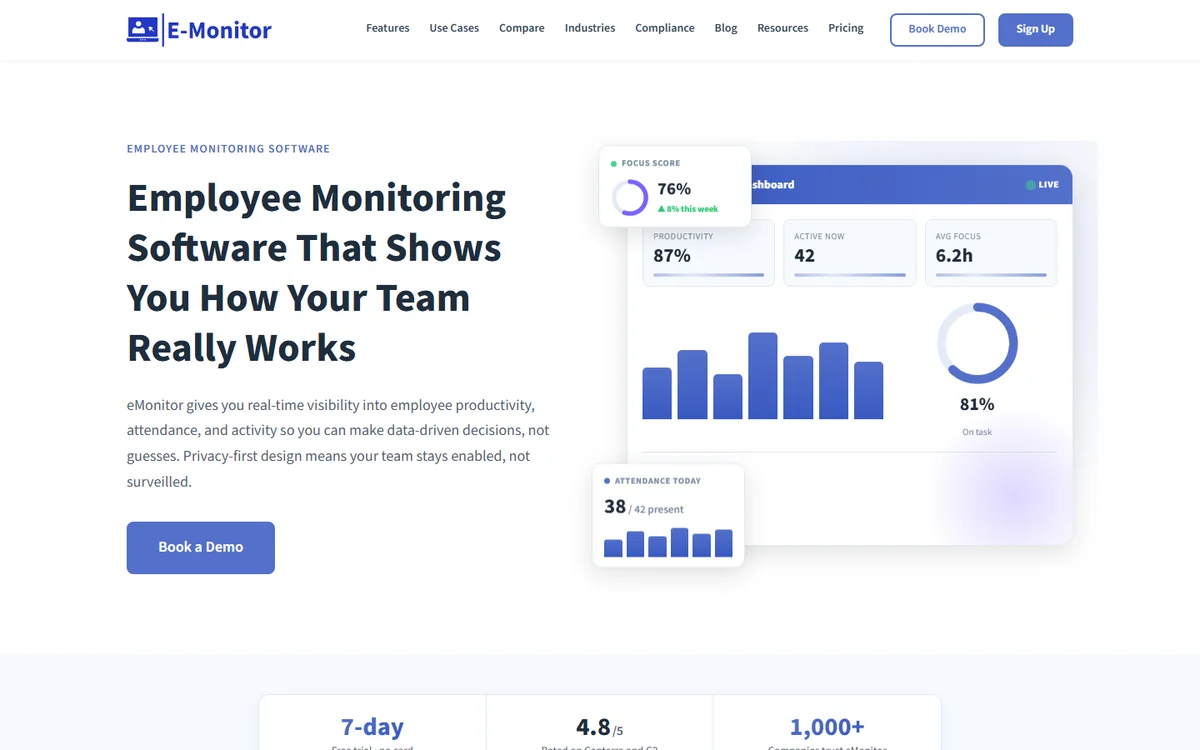
E-Monitor records working time automatically from device activity, tags it to clients and engagements, separates idle time, handles attendance without a sign-in and shows workload per staff member week by week. For an accounting firm that means two things at once: every hour of client work is captured whether or not a timer was started, and busy-season overload is visible in the data while there is still time to rebalance it.
It is not a billing system; it feeds one. Firms run E-Monitor's automatic time tracking beside Karbon, TaxDome or QuickBooks and use the captured time two ways: to reconcile what was billed against what was worked, and to price fixed-fee engagements from real hours rather than estimates. The workload balancing guide covers the capacity side. Everything runs on Windows, Mac, Linux and Chromebook at $3.90 per user per month with every feature included and a 7-day free trial.
Client confidentiality is handled by recording application and file names rather than content, with screenshots optional and off for professional teams, work-hours-only tracking and employee self-access, which keeps it proportionate for a firm handling client financial data.
2. Time Champ: automatic time tracking with productivity analytics and project billing
Compare: best time tracking software
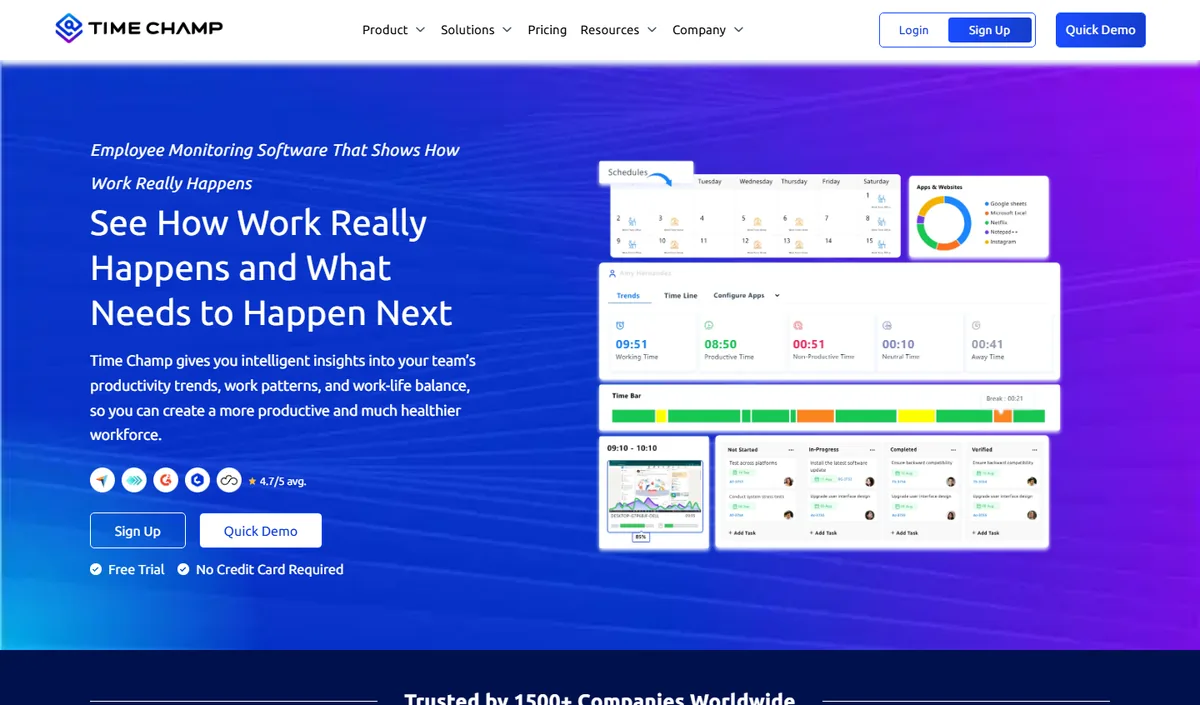
Time Champ covers the same ground as E-Monitor for accounting staff: automatic time tracking from activity, attendance, productivity analytics and project time with billable rates, plus optional screenshots and screen recording for firms that want heavier evidence of work. Its per-client project tracking gives a record that can be reconciled against the practice management system.
Pricing starts low on annual plans with a free trial, and the deeper capture options sit in higher tiers. For a firm handling client financial data the question is how much to record; Time Champ offers more, E-Monitor records activity rather than content by default.
Choose Time Champ if you want screen-level evidence; choose E-Monitor for activity-verified hours with a lighter privacy footprint and one flat price. They are separate products from different companies, and either pairs with the platforms below.
3. QuickBooks Time: the natural choice for QuickBooks-based practices and their clients
Compare: best clock-in clock-out apps
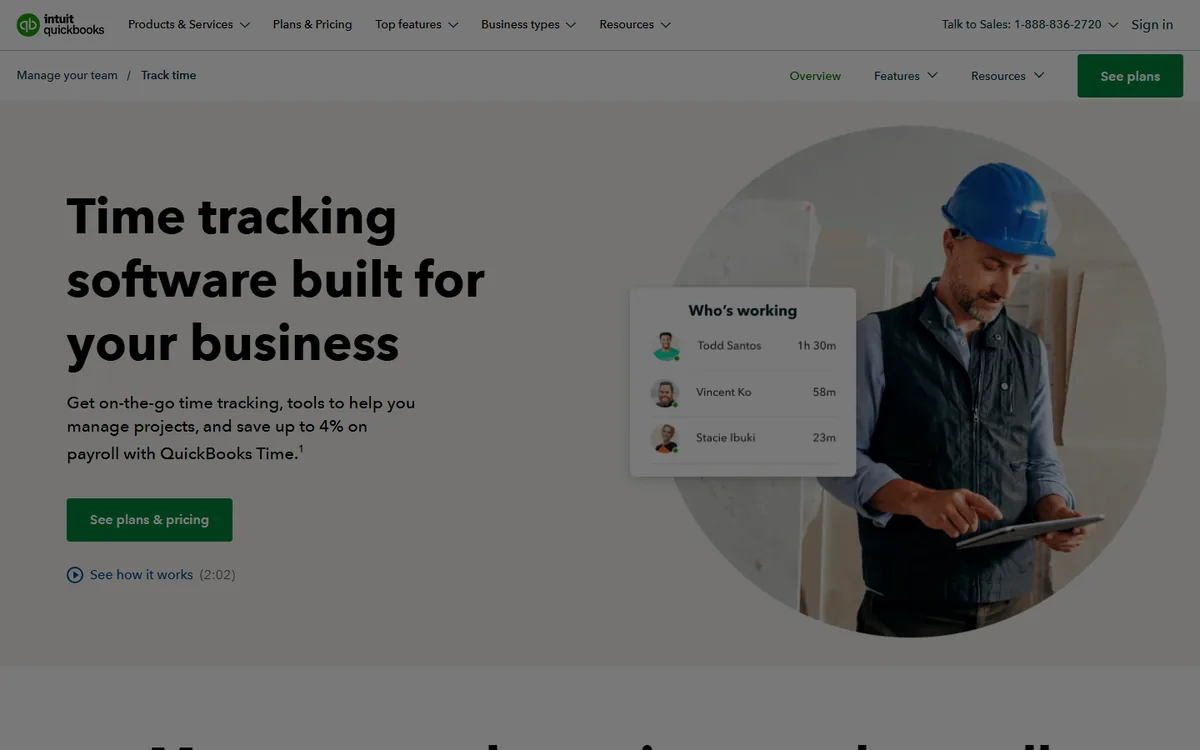
QuickBooks Time, formerly TSheets, is time tracking that flows straight into QuickBooks payroll and invoicing, which makes it the default for firms that run on QuickBooks and the tool many of them recommend to clients. Timers and timesheets by customer and job, approvals, overtime rules, scheduling, GPS for mobile staff and a kiosk mode cover a bookkeeping practice's own needs and its clients' payroll needs with one product.
Pricing combines a monthly base fee with a per-user charge across Premium and Elite tiers, with Elite adding project tracking and geofencing. The base fee makes it expensive for a two-person practice and reasonable for a twenty-person one, and accounting professionals get partner pricing through the QuickBooks ProAdvisor programme.
Its limit is depth on the firm side: it is built for payroll time rather than engagement profitability, so realization and WIP reporting are thin. Choose it when payroll integration is the point.
4. Karbon: practice management with time and budgets built into the workflow

Compare: how to run a time audit
Karbon is a practice management platform for accounting firms, built around work items, client tasks and team workflow, with time tracking and budgets attached to each piece of work. Staff record time inside the work they are doing, budgets show planned against actual per engagement, and the reporting covers capacity, utilization and profitability by client.
It is priced per user per month in tiers, at the upper end of this list, and its billing module handles invoices and payments, with integrations to QuickBooks and Xero for the ledger. The capacity planning is among the best here, which is why larger firms with busy-season pressure choose it.
Choose Karbon when the firm is ready to run its whole workflow in one system and wants time tied to budgets from the start. Smaller firms may find it more platform than they need.
5. TaxDome: all-in-one practice platform for tax and bookkeeping firms
Compare: what a timesheet should record
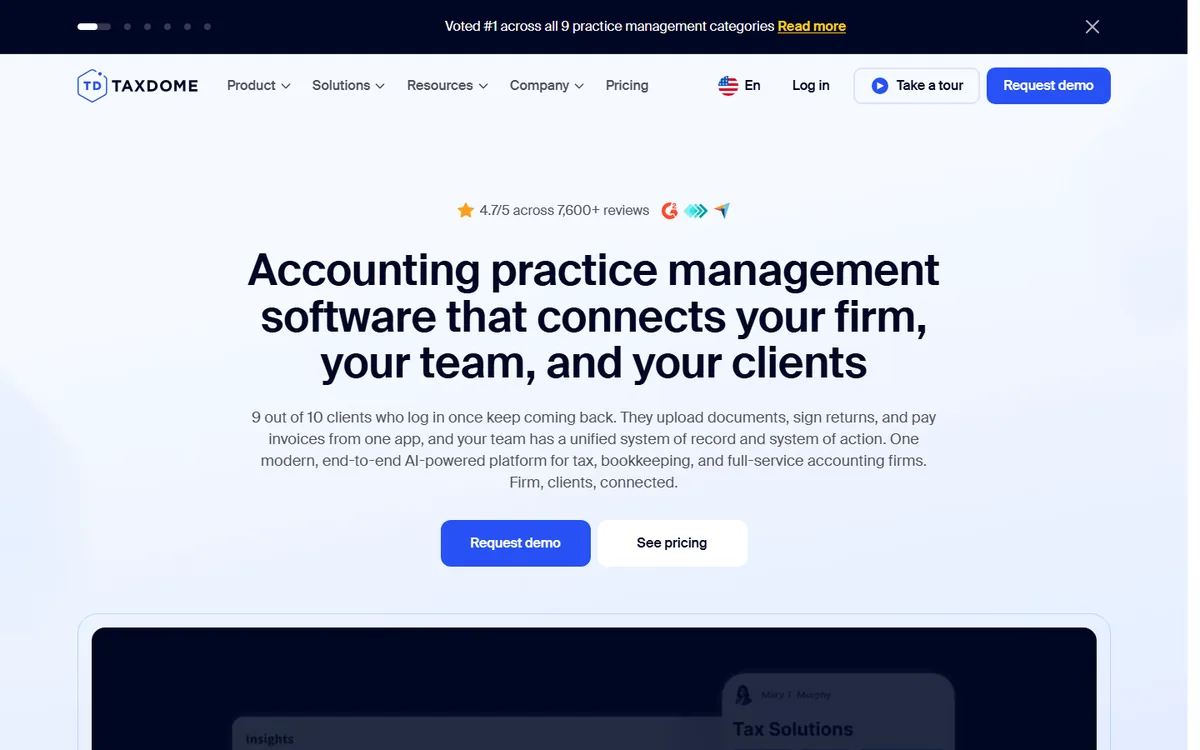
TaxDome bundles client portal, document management, e-signatures, workflow automation, invoicing and time tracking into one platform aimed at tax and bookkeeping practices. Time entries attach to clients and jobs, can be billed hourly or rolled into fixed-fee invoices, and the pipeline view shows where every return or close stands.
It is priced per user on an annual basis, positioned as a complete replacement for several separate tools, which is how firms justify the cost. Automation is the strength: recurring engagements create jobs, tasks and time budgets automatically.
Choose TaxDome for a tax-heavy firm that wants client communication, documents and time in one place. Its time tracking is good rather than exceptional, so firms focused on realization reporting sometimes pair it with a dedicated tracker.
6. Canopy: modular practice management with strong time and billing
Compare: billable hours calculator
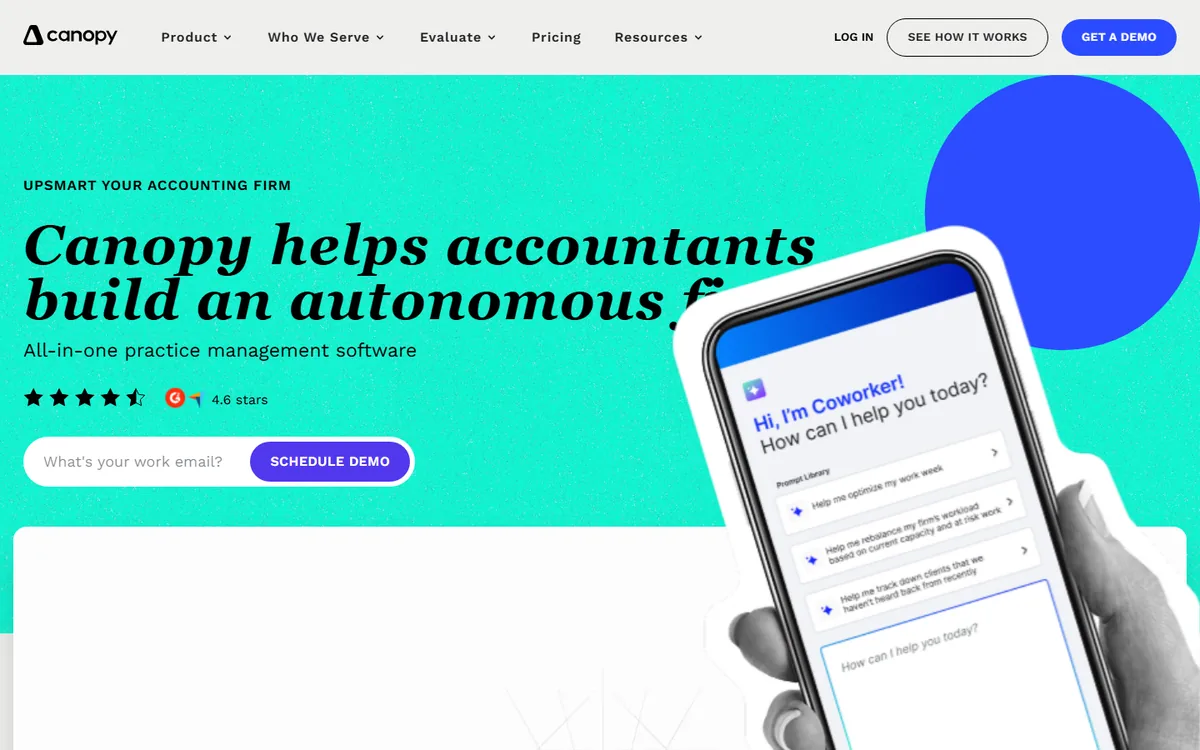
Canopy sells its practice management platform in modules, so a firm can start with client management and add time and billing, document management, workflow and tax resolution as needed. The time and billing module handles timers by client and engagement, WIP, invoicing including fixed-fee and recurring billing, and payments.
Pricing is per user with the module set determining the rate, which makes it flexible for firms that want billing without the full workflow platform. Integrations cover QuickBooks, Xero and the usual tax software.
Choose Canopy if you want to buy practice management piece by piece and need solid time and billing early. The modular pricing rewards firms that know exactly which pieces they will use.
7. Harvest: simple time and invoicing for small firms and bookkeepers
Compare: monitoring vs time tracking
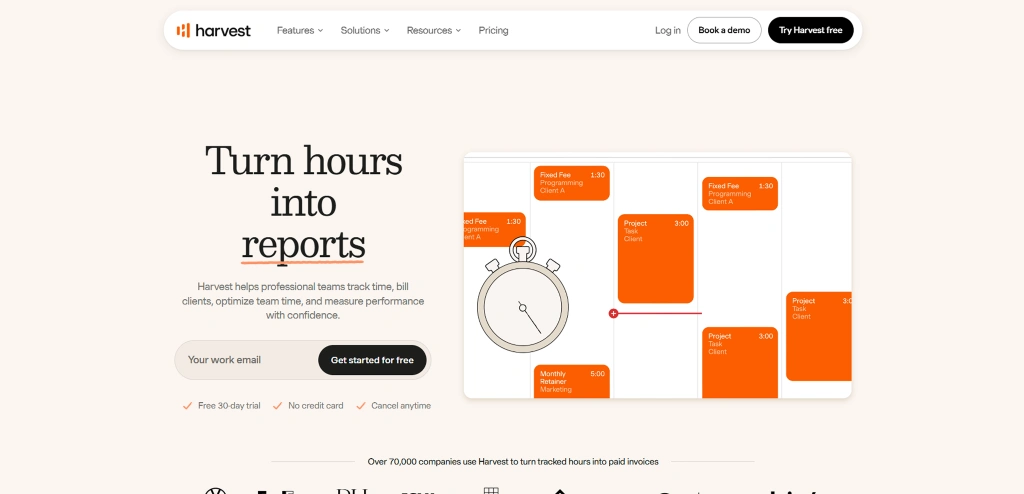
Harvest is a general time tracking and invoicing tool that a great many small accounting and bookkeeping practices use because it does the essentials cleanly: timers by client and project, billable rates by person, budgets, expenses, invoices and online payment, with reports on unbilled time and project profitability.
The free plan covers one seat and two projects; the paid plan is a flat per-seat monthly price, lower on annual billing, with every feature included. Integrations with QuickBooks and Xero push invoices and payments to the ledger.
There is no accounting-specific structure such as engagement types or busy-season planning, so it suits a small firm with simple billing. Larger practices outgrow it into Karbon, TaxDome or Canopy.
Price the next renewal from real hours E-Monitor captures working time per client automatically and shows the effective hourly rate on every fixed-fee engagement, at $3.90 per user. Sign up →
Fixed fees, realization and the busy-season problem
On hourly work the number to watch is realization: billed hours divided by worked hours, then collected against billed. On fixed-fee work it is the effective hourly rate: the fee divided by the hours it actually consumed. Most firms know the first and guess the second, and the guess is usually optimistic, because the hours on fixed-fee clients are the ones nobody bothers to record. Any tool on this list can show realization if time is entered; only the activity-based tools and the stronger platforms show the fixed-fee rate reliably, because they capture or budget the hours rather than relying on entry.
Busy season compounds it. From January to April, hours per person rise sharply, time entry discipline falls, and the firm loses visibility exactly when it needs it most. Tools with automatic capture keep the record complete through the crunch, and tools with capacity views show which staff are over planned hours before the burnout signs appear in May.
How to choose for your practice
If the firm needs a practice management platform, choose that first and take the time tracking that comes with it: Karbon for workflow and capacity, TaxDome for tax-heavy all-in-one, Canopy for modular buying. QuickBooks Time fits firms whose world is QuickBooks payroll.
If the firm already has a platform and the problem is accuracy, add capture rather than replacing the system. An activity-based tool such as E-Monitor records the hours the platform never sees, and the reconciliation between the two is where the recovered margin shows up.
Pilot during a normal month, not busy season, with one partner and one junior. If the captured hours match the entered hours, you have good discipline and a capacity tool. If they do not, you have found the margin.
Best practices
- Set up the client and engagement structure first; time recorded against the wrong level cannot be reported later
- Budget hours on every fixed-fee engagement and compare monthly, not at renewal
- Capture, do not reconstruct: timers in the work or automatic capture, never a Friday rebuild
- Watch capacity weekly from January, and move work before anyone passes planned hours for three weeks running
- Keep content out of monitoring: application and file names, not client documents
- Give staff their own hours, which makes time capture a self-management tool rather than a check
Complete hours, visible capacity with E-Monitor
E-Monitor records working time automatically on each staff member's device, tags it to clients and engagements, separates idle time and attendance, and shows workload against planned hours week by week, across Windows, Mac, Linux and Chromebook. Content stays private, tracking is work-hours-only and everyone sees their own data. The CPA firm page shows the setup beside a practice management platform.
Trusted by 1,000+ companies and rated 4.8/5 on Capterra and G2, it costs $3.90 per user per month with every feature included. Start a 7-day free trial and compare one month of captured time against the same month's billing.
Frequently Asked Questions
1. What is the best time tracking software for accountants?
For a practice management platform with time inside it, Karbon, TaxDome or Canopy; for QuickBooks-based practices and their clients' payroll, QuickBooks Time; for simple time and invoicing, Harvest. To capture the hours that never get entered and see busy-season capacity, E-Monitor records working time automatically at $3.90 per user.
2. Why do accounting firms on fixed fees still need time tracking?
Because the margin on a fixed-fee client is entirely a function of hours spent. Without tracked time a firm cannot see the effective hourly rate per engagement, which is the number that decides whether to reprice, automate or drop a client at renewal.
3. Which tool is best for busy season capacity planning?
Karbon has the strongest planned-versus-actual capacity view among the platforms. E-Monitor shows actual hours and workload per person week by week from captured time, which keeps the picture complete when time entry discipline drops in February and March.
4. Does QuickBooks Time work for CPA firms?
Yes for payroll-style time tracking and for firms that recommend it to clients, with ProAdvisor pricing. It is thinner on engagement profitability, WIP and realization, so firms focused on those usually pair it with a practice platform or an activity-based tracker.
5. How much does accounting time tracking software cost?
Standalone trackers such as Harvest run around $11-14 per seat per month; QuickBooks Time combines a base fee with a per-user charge; practice platforms such as Karbon, TaxDome and Canopy are priced per user at higher rates that bundle workflow, documents and billing. E-Monitor is $3.90 per user with every feature included.
6. Is it appropriate to monitor accountants' computers?
Recording application and file names, active time and attendance during work hours is proportionate and common; capturing client document content or screenshots usually is not. Configure the tool to record activity rather than content and put the scope in a written policy.
7. Can time tracking software calculate realization?
The practice platforms and billing-focused tools report realization on hourly work from entered time. Effective hourly rate on fixed-fee work needs complete hours, which is why firms add automatic capture: the platform holds the fee, the tracker supplies the real hours.
8. Which tool suits a small bookkeeping practice?
Harvest for simple time and invoicing, or QuickBooks Time if the practice and its clients run on QuickBooks. A sole practitioner who wants to see where the day goes can run E-Monitor on a single licence.
Know what every engagement really costs E-Monitor captures working time per client automatically and shows capacity week by week, at $3.90 per user. Start a 7-day free trial. Sign up →

