
Summary
Legal time tracking is a billing problem before it is a productivity one. Every tenth of an hour an attorney forgets to record is revenue the firm never invoices, and most firms lose far more to unrecorded time than to anything a client disputes. These are the seven tools that capture it best in 2026, compared on billing increments, matter codes, invoicing formats, trust accounting and what they cost, with a clear line between practice management suites and the lighter trackers that sit beside them.
Want to see where attorney and paralegal hours actually go before they reach the timesheet? E-Monitor captures time automatically at $3.90 per user, 7-day free trial. Try E-Monitor free →
The industry figure that gets quoted at every legal technology conference is that attorneys bill around a third of the hours they work. Some of the rest is legitimately non-billable, but a meaningful slice is billable work that was never written down: the six-minute phone call, the email drafted between meetings, the research that ran into the evening and was reconstructed from memory on Friday. Legal time tracking software exists to capture that time at the moment it happens, in the increments the client agreed to, against the right matter, and to turn it into an invoice the client will accept.
The tools below fall into two groups. Practice management suites, such as Clio, PracticePanther and TimeSolv, make time tracking one part of a system that also runs matters, documents, billing and trust accounts, and they are priced accordingly. Lighter trackers, such as Toggl Track and the activity-based tools, capture time well and hand it to whatever billing system the firm already has. Most firms end up with one of each. Prices are list prices at the time of writing and change often, so verify before deciding.
What makes good legal time tracking software
The non-negotiable is billing increments and matter structure. Legal time is recorded in tenths of an hour, or whatever increment the engagement letter sets, against a client, a matter and often a task code, with a narrative the client will read. A tool that cannot enforce the increment, attach the matter and carry the narrative is a general time tracker with a legal label.
The second is capture. The best tools run timers from the matter, pick up time from calendar entries, emails and documents, and prompt for time that was worked but not recorded. Passive capture, where the software notices work happening and suggests an entry, is the feature that most directly recovers lost revenue, and it is also the one that raises questions about what is being observed, which the firm should answer in writing.
The third is output. Invoices in the formats corporate clients require, LEDES and UTBMS codes for insurance and in-house legal departments, pre-bill review so partners can edit narratives before anything goes out, and trust accounting that keeps client funds separate and reconciled. If the tracker is not the billing system, it needs a clean export into the one that is.
Finally, the ethics overlay. Time records are evidence in fee disputes and bar complaints, so entries need to be contemporaneous, editable only with an audit trail, and clear enough that a reviewer can tell what was done. The law firm monitoring page covers the confidentiality side, including why screenshots and content capture are usually the wrong tools in a legal office.
1. E-Monitor: automatic capture of the hours the timesheet misses
Compare: E-Monitor pricing · attorney hours use case
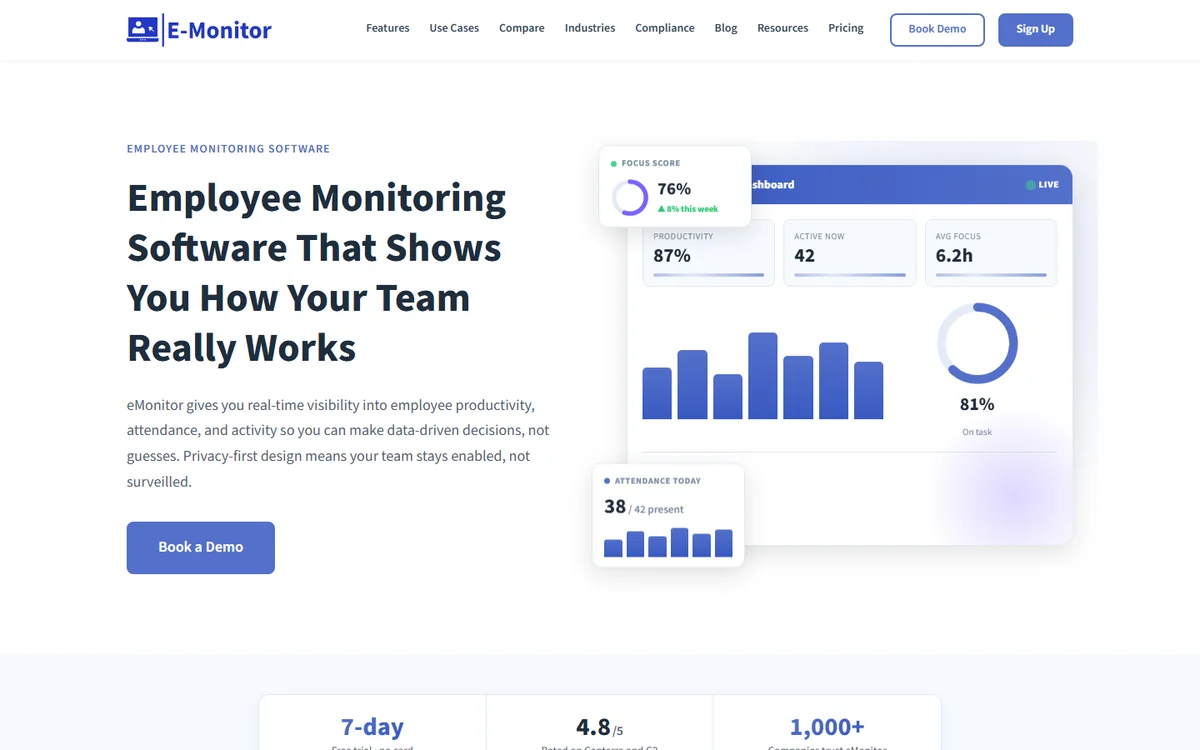
E-Monitor is not a billing system and does not replace one. What it does is answer the question every managing partner asks and no practice management suite can: how much of the working day was actually spent on client work, and how much of that reached a timesheet. It records time automatically from real activity on the attorney's device, tags it to projects and matters, separates idle time and attendance, and shows the gap between hours worked and hours billed per person and per team.
For a firm that bills by the hour, that gap is the single most valuable number in the building. Firms use E-Monitor's automatic time tracking as the reconciliation layer beside Clio or PracticePanther: the suite holds the billable entries, E-Monitor shows the working time around them, and the difference is recovered revenue or a workload problem, depending on the person. It runs on Windows, Mac, Linux and Chromebook at $3.90 per user per month with every feature included and a 7-day free trial.
Confidentiality is handled by design. Monitoring is work-hours-only, application and document names are recorded rather than content, screenshots are optional and off by default for professional teams, and employees see their own data. The attendance tracking also replaces the office sign-in for hybrid firms.
2. Time Champ: automatic time and productivity tracking with project billing
Compare: best time tracking software
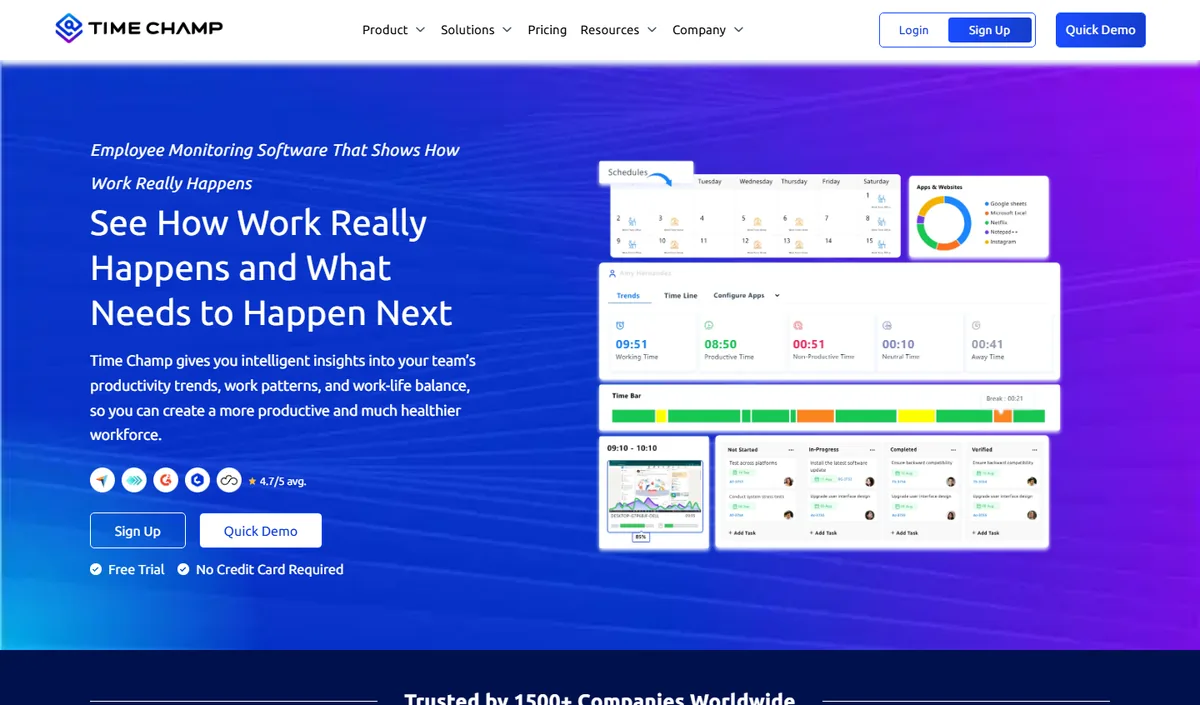
Time Champ sits in the same category as E-Monitor: automatic time tracking from device activity, attendance, productivity analytics and project time with billable rates, plus heavier options such as screenshots and screen recording for firms that want them. Its project and task tracking produces a record of hours per client that can be reconciled against the billing system.
Pricing starts low on annual plans with a free trial. For a law firm the question is how much evidence to collect: Time Champ's deeper capture options give a more detailed record and a bigger confidentiality conversation.
Choose Time Champ if you want screen-level evidence of work; choose E-Monitor if you want activity-verified hours with content left alone and a single flat price. They are separate products from different companies, and either pairs with the suites below.
3. Clio Manage: the default practice management suite, with time tracking everywhere
Compare: monitoring for law firms
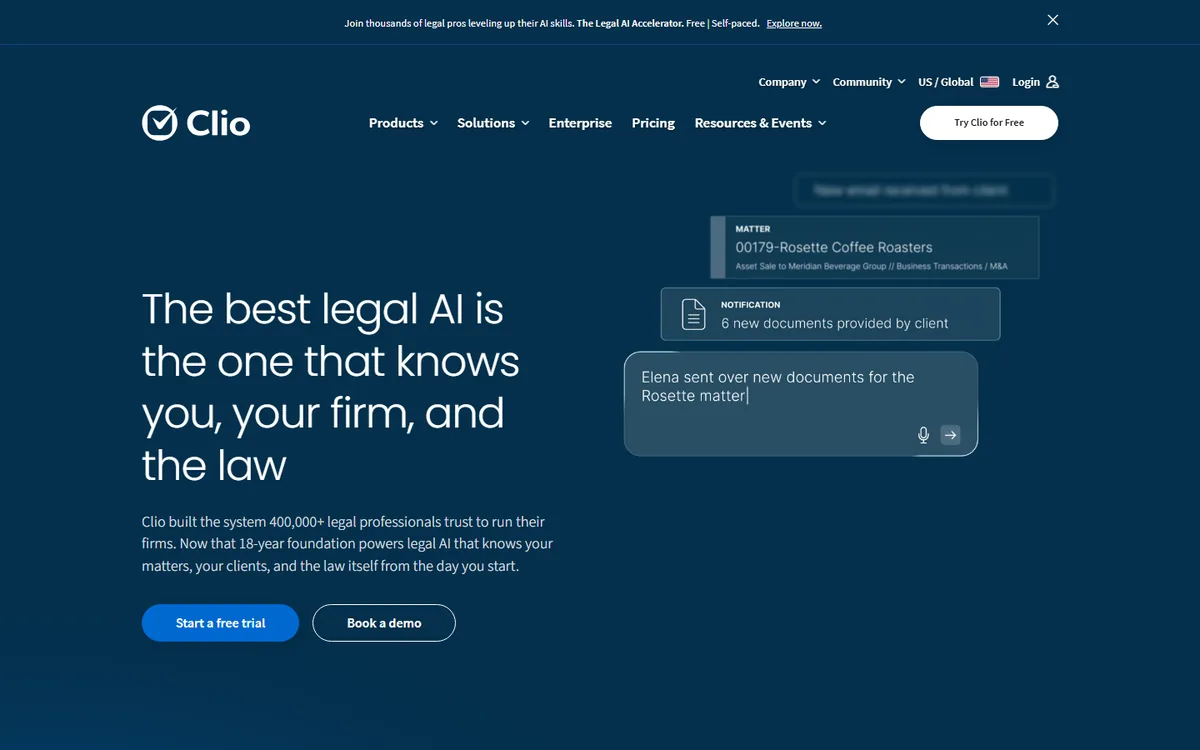
Clio is the most widely used legal practice management platform, and its time tracking reflects that reach: timers on every matter, calendar and document, mobile capture, task-code and UTBMS support, LEDES billing, trust accounting, online payments and a large integration marketplace. If a firm runs its matters in Clio, its time belongs in Clio.
Pricing is per user per month, with the entry EasyStart tier listed from around $39 and the Essentials and Advanced tiers adding document automation, custom fields, advanced reporting and more capture at higher rates. Annual billing reduces the figure. For a small firm the entry tier covers time and billing well; mid-sized firms generally land on Advanced.
The weakness is the same as every suite: it records what attorneys enter. Clio's capture prompts help, but it cannot see the hour spent in a document that never got a timer started. That is where an activity-based tool beside it earns its place.
4. TimeSolv: time and billing specialist with strong pre-bill review
Compare: billable hours calculator
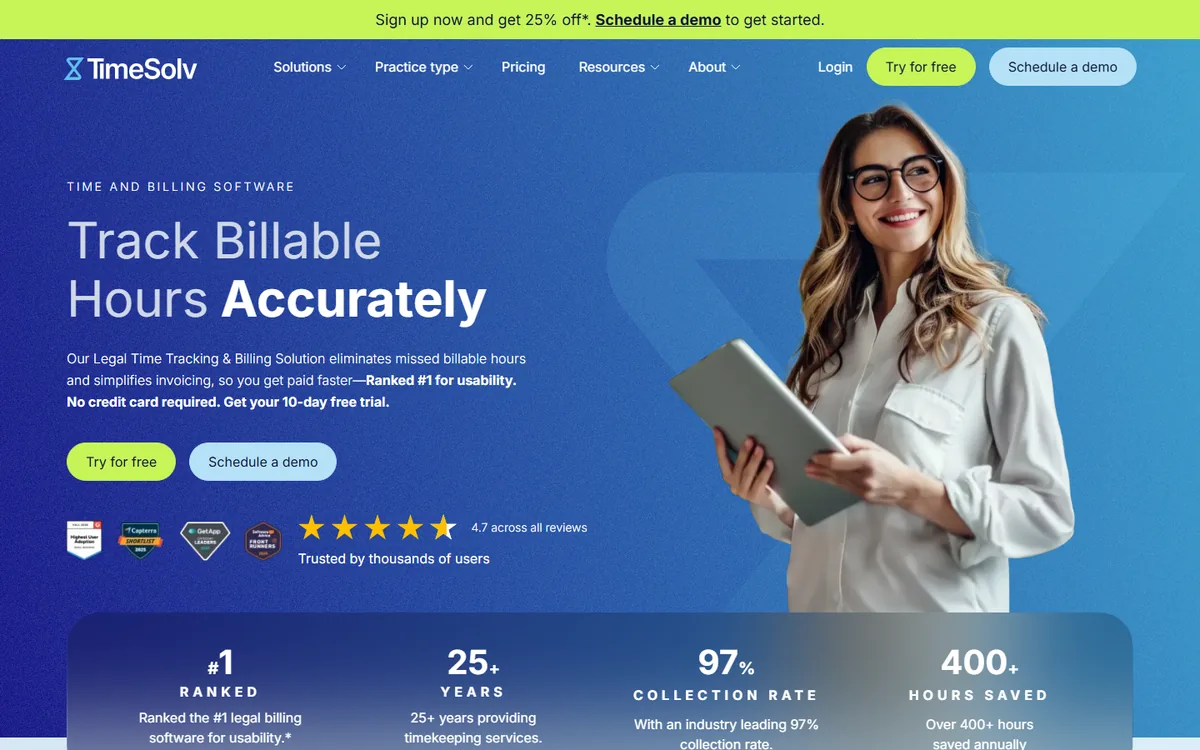
TimeSolv is a time-and-billing system rather than a full practice suite, and it is sharper on that narrower job. Timers, increments, matter budgets, pre-bill review with narrative editing, split billing, LEDES output and trust accounting are all mature, and its reporting on realization and work-in-progress is the kind partners actually use.
Pricing is per user per month, published in two tiers with a legal-specific plan that adds the trust accounting and LEDES features firms need. It integrates with QuickBooks, Xero and document systems, and with Clio for firms that want Clio's matters and TimeSolv's billing.
Choose TimeSolv when billing accuracy and realization reporting matter more than an all-in-one platform, which describes many litigation and insurance-defence practices.
5. Bill4Time: straightforward time and billing for small firms
Compare: what a timesheet should record
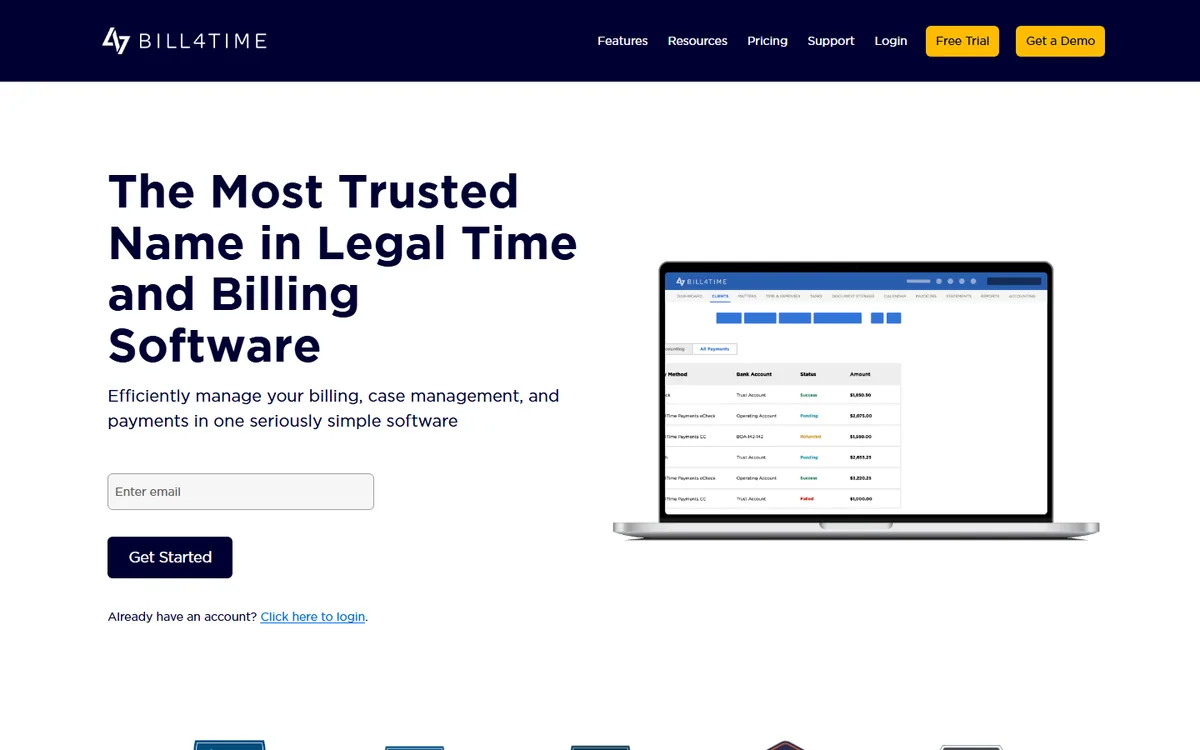
Bill4Time is the lighter alternative to TimeSolv: time entry with increments and matter codes, expenses, invoicing including LEDES, trust accounting on the legal plan, and a clean mobile app. It is popular with solo and small firms that find the big suites heavier than their practice needs.
It is priced per user per month in a few tiers, with the legal plan adding trust accounting and conflict checks, and it integrates with QuickBooks and the common payment processors. Reporting covers the basics well without the depth of TimeSolv.
Choose Bill4Time for a small firm that bills simply and wants to be invoicing within a day of signing up.
6. PracticePanther: practice management with automation and built-in payments
Compare: how to run a time audit
PracticePanther competes directly with Clio and leans on automation: workflows that create tasks and time entries from matter stages, built-in payments, two-way calendar and email sync, and a client portal. Time tracking supports increments, UTBMS codes, flat and contingency fees and LEDES billing.
Pricing is published per user per month across Solo, Essential and Business tiers, with annual billing discounts; the Business tier adds the automation, custom fields and advanced reporting that mid-sized firms want. Trust accounting is included.
Choose PracticePanther if workflow automation is the draw, or if your firm already runs on it. For pure time capture it is on par with Clio and shares the same blind spot for unrecorded time.
7. Toggl Track: the simplest timer, for firms that bill from another system
Compare: best Toggl alternatives
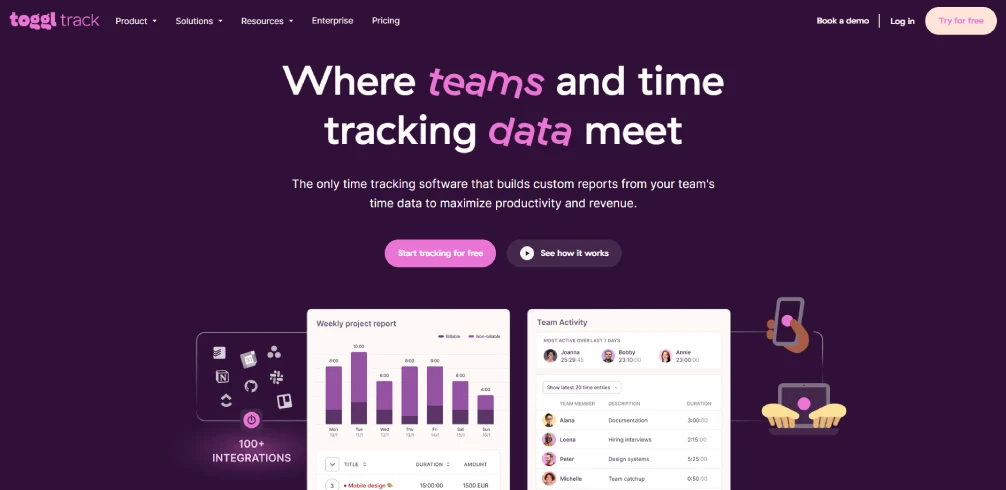
Toggl Track is not legal software, and some firms prefer it for exactly that reason. It is the fastest timer on the market, with one-click start, idle detection, calendar integration, a timeline that shows what was open when, and reporting by client and project. Attorneys who hate heavy time entry will use it, which beats a perfect system they avoid.
The free plan covers up to five users; paid plans are per user per month and add billable rates, rounding to the firm's increment, time audits and approvals. There is no matter structure, LEDES output or trust accounting, so time has to be exported to the billing system, which the integrations and CSV exports handle.
Choose Toggl Track for a small firm with a separate billing tool and attorneys who need the lowest-friction capture possible. For anything requiring LEDES or trust accounting, pair it with one of the suites above.
See the hours that never reach the timesheet E-Monitor records working time automatically and shows the gap between hours worked and hours billed, per attorney and per team, at $3.90 per user. Sign up →
Billing increments, LEDES and the rules that shape the choice
Most engagement letters specify billing in tenths of an hour, and corporate clients increasingly dictate more: UTBMS task codes, LEDES invoice formats, caps on block billing, and outside counsel guidelines that reject entries over a certain length. A tool that enforces the increment at entry, requires a task code where the client demands one and produces LEDES files without manual conversion saves the billing clerk days a month and avoids rejected invoices.
Trust accounting is the other hard requirement. Client funds held in trust must be kept separate, tracked per client and reconciled, and bar rules in every jurisdiction treat errors severely. The suites handle this natively; the lighter trackers do not, which is the practical line between the two groups.
How to choose for your firm
If the firm has no practice management system, start there: Clio or PracticePanther for a broad platform, TimeSolv or Bill4Time if billing is the priority. Time tracking comes with the choice.
If the firm already has a suite and the problem is unrecorded time, add capture rather than replacing the system. An activity-based tool such as E-Monitor shows how much working time is going unbilled and where, which is the number that justifies every other change.
In both cases, pilot with the partners who bill the most and the associates who bill the least. The first group tells you whether the capture is accurate; the second tells you whether it recovers anything.
Best practices
- Record time the same day; reconstructed entries are the ones clients dispute and bars question
- Set the increment and rounding per client, not firm-wide, to match each engagement letter
- Run pre-bill review so narratives are edited before the client sees them
- Measure the worked-to-billed gap monthly per timekeeper and treat a widening gap as a capture or workload problem
- Keep content out of monitoring: application and matter names, not documents or screenshots, in a legal office
- Give timekeepers their own data, which turns time capture from policing into self-management
The reconciliation layer with E-Monitor
E-Monitor records working time automatically on each timekeeper's device, tags it to matters and projects, separates idle time and attendance, and shows the difference between hours worked and hours billed, across Windows, Mac, Linux and Chromebook. Content stays private, tracking is work-hours-only and everyone sees their own data. The attorney hours use case shows the setup beside a practice management suite.
Trusted by 1,000+ companies and rated 4.8/5 on Capterra and G2, it costs $3.90 per user per month with every feature included. Start a 7-day free trial and compare one month of captured time against the same month's billing.
Related reading: Time Tracking for Remote Employees, Best Time Tracking Software for Accountants and CPA Firms.
Frequently Asked Questions
1. What is the best time tracking software for law firms?
For a full practice management platform, Clio or PracticePanther; for a billing specialist, TimeSolv or Bill4Time; for the lightest possible timer beside another billing system, Toggl Track. To capture the hours that never reach any of them, E-Monitor records working time automatically at $3.90 per user and shows the worked-to-billed gap.
2. What is attorney time tracking software?
Software that records attorney time in billing increments, usually tenths of an hour, against clients, matters and task codes, with narratives, and produces invoices in the formats clients require. Practice management suites include it; standalone trackers capture time and export it to the billing system.
3. Do these tools support LEDES billing and UTBMS codes?
Clio, TimeSolv, Bill4Time and PracticePanther all produce LEDES invoices and support UTBMS task codes, which corporate and insurance clients increasingly require. Toggl Track and activity-based tools do not; they export time to a system that does.
4. How much do law firms lose to unrecorded time?
Industry studies consistently find attorneys bill only a fraction of the hours they work, and a meaningful part of the rest is billable work that was never recorded. Firms that measure the worked-to-billed gap with an activity-based tool typically find recoverable time in short calls, emails and after-hours work.
5. Is it appropriate to monitor attorneys' computers?
Recording application and matter names, active time and attendance during work hours is proportionate and common; capturing document content or screenshots in a legal office is usually not, because of privilege and confidentiality. Set the tool to record activity rather than content and disclose it in writing.
6. How much does legal time tracking software cost?
Practice management suites are priced per user per month, with entry tiers from roughly $39 to $49 and advanced tiers higher; billing specialists are somewhat lower; Toggl Track is free for up to five users with paid plans per user. E-Monitor is $3.90 per user with every feature included.
7. Can time tracking software handle trust accounting?
The legal suites and billing specialists (Clio, TimeSolv, Bill4Time, PracticePanther) include trust accounting with per-client ledgers and reconciliation. General trackers do not, so firms using them need a separate system for client funds.
8. Which tool is best for a solo attorney?
Bill4Time or Clio's entry tier for a complete billing system, or Toggl Track if invoicing is handled elsewhere. Solo practitioners who want to see where their own day goes can run E-Monitor on a single licence.
Bill the hours you actually work E-Monitor captures working time automatically and shows what never reached the timesheet, at $3.90 per user. Start a 7-day free trial. Sign up →

