
Summary
Jibble is a capable free time and attendance app, and for a frontline crew clocking in at a shared kiosk it is often the right choice. Teams look for alternatives when they need to verify work rather than presence (desk and remote staff), when regional pricing and biometric consent duties complicate a rollout, when they want scheduling, payroll or productivity analytics in the same product, or when the paid tiers stop looking free. This guide compares eight alternatives: E-Monitor for activity-based attendance on computers, Time Champ for attendance with deep analytics, Buddy Punch for hourly teams across locations, Connecteam for deskless operations, Hubstaff for GPS plus desktop tracking, Clockify for cheap timesheets, Homebase for small shops and restaurants, and QuickBooks Time for payroll-first teams.
Clock-ins prove someone was at the door. E-Monitor proves the hours were worked, from real activity on the person's computer, with no biometric data and no punch to forget. $3.90 per user per month, 7-day free trial. Try E-Monitor free →
Why Teams Look for Jibble Alternatives
Jibble's pitch is hard to argue with for the workforce it was built for: a free plan with unlimited users, facial recognition and GPS on clock-in, two geofences, a kiosk mode for shared tablets, and timesheets, breaks and overtime handled in one place. For a retail, hospitality, construction or site-based crew without company laptops, that is a lot of verified attendance for no money. The reasons teams move on tend to fall into five groups.
It verifies presence, not work. A face at a kiosk at 9:00 proves the person arrived. It says nothing about the next eight hours. For office and remote teams the question that actually matters is whether work happened, and a punch cannot answer it. Activity-based tools answer it without a punch at all.
Biometric verification brings legal duties. Facial recognition templates are biometric data under Illinois BIPA, Texas CUBI, Washington's biometric law and the GDPR, which means written consent, retention schedules and a non-biometric alternative for employees who decline. Our guide to facial recognition attendance systems sets out what that involves; several of the alternatives below avoid the issue entirely.
The free plan has edges. Unlimited geofences, leave management, advanced policies and live location sit on the Premium and Ultimate tiers, which third-party reviews in 2026 list at about $4.49 and $7.99 per user per month on annual billing. Jibble uses regional pricing and no longer publishes a single price table, so the real cost depends on where you are and has to be confirmed with sales.
Scheduling and payroll are thin. Jibble exports to Xero, QuickBooks and Deel but does not run scheduling or payroll itself, so teams that want rotas, shift swaps and pay runs in one product add a second tool.
No productivity or security layer. There is no application tracking, idle detection, screenshot option, alerting or data-loss control, which is what employers of computer-based staff usually want next.
Quick Comparison: 8 Jibble Alternatives at a Glance
Prices are the lowest published tier per user per month on annual billing as of November 2026 unless noted; confirm current figures on each vendor's site.
| Tool | Starting price | How it verifies attendance | Platforms | Scheduling | Productivity analytics | Best for |
|---|---|---|---|---|---|---|
| E-Monitor | $3.90/user/mo | Device activity (no punch, no biometrics) | Windows, macOS, Linux, Chromebook; mobile beta | Shifts and overtime rules | Yes, full | Desk, remote and hybrid teams |
| Time Champ | Per user (vendor site) | Device activity and time clock | Windows, macOS, Linux | Yes | Yes, deep | Analytics-led organisations |
| Buddy Punch | $4.99/user/mo + $19 base fee | GPS, geofence, photo or facial recognition on punch | iOS, Android, web, kiosk | Yes | No | Hourly teams across locations |
| Connecteam | Free to 10 users; from $29/mo for 30 users | GPS, geofence, kiosk | iOS, Android, web | Yes, plus tasks and chat | No | Deskless and frontline operations |
| Hubstaff | $4.99/user/mo; GPS add-on from $3.33 | GPS job sites plus desktop activity and screenshots | Windows, macOS, Linux, iOS, Android | Team plan | Yes | Mixed field and desk teams |
| Clockify | Free to 5 users; $3.99/user/mo | PIN kiosk, optional location | All desktop and mobile | Pro plan | No | Budget timesheets, high-trust teams |
| Homebase | Free for one location; paid per location | Photo on clock-in, GPS on mobile | iOS, Android, web, POS tablets | Yes, core feature | No | Restaurants, retail, single-site shops |
| QuickBooks Time | Base fee plus per user | GPS, geofence, photo capture | iOS, Android, web, kiosk | Yes | No | Payroll-first teams on QuickBooks |
1. E-Monitor: Best Jibble Alternative for Desk and Remote Teams
Compare: E-Monitor vs Jibble · E-Monitor pricing · all features
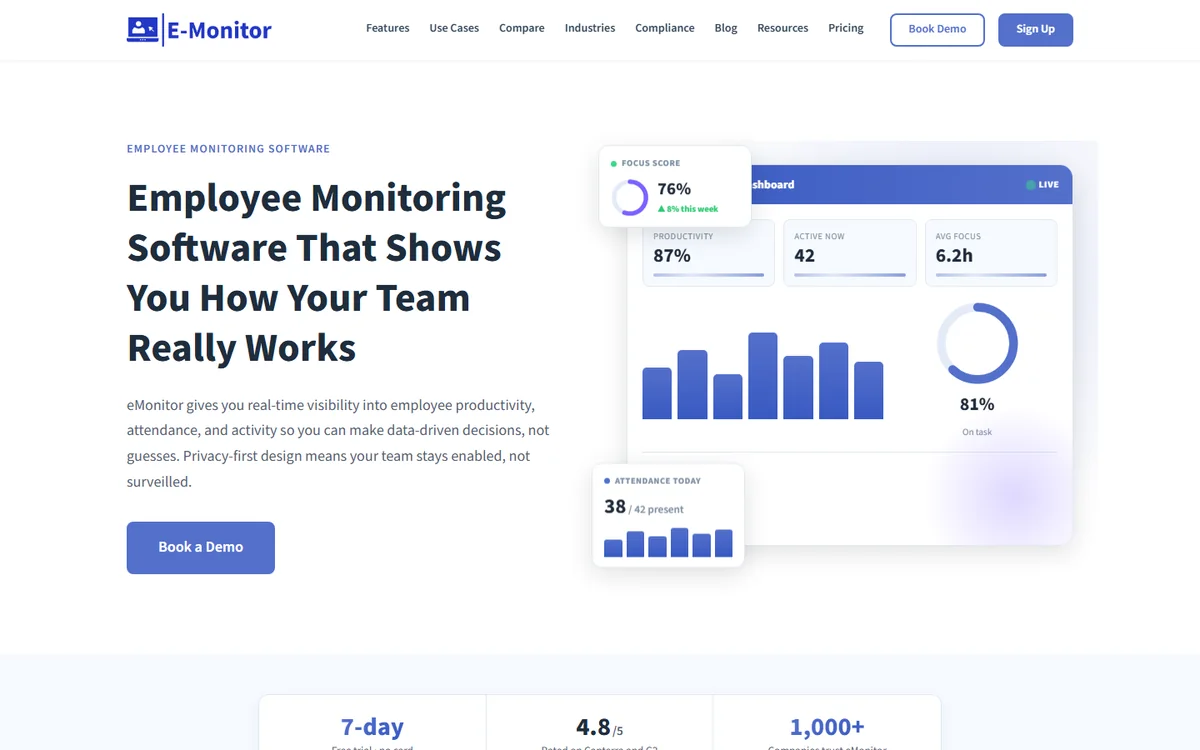
E-Monitor replaces the clock-in with the thing a clock-in is a proxy for. Its agent runs on the employee's computer and builds the attendance record from actual activity: when work started, when it paused, when it resumed and when it stopped. There is no punch to forget, no kiosk to queue at and no biometric template to secure, and buddy punching is structurally impossible because nobody can be active on a colleague's machine for a shift. For any team whose work happens on a screen, that is a more reliable attendance record than a face at a door, and it comes with the productivity, application and idle-time data that a time clock never produces.
Key features
- Activity-based attendance tracking with shift schedules, late and absence flags and overtime rules
- Time tracking with active, idle and break time, custom workweek start and per-team schedules
- Productivity monitoring: application and website categorisation, productivity scores and trends
- Optional screenshots and screen recording, configurable per team
- Real-time alerts, activity logs and reporting dashboards
- Security controls: USB blocking, file access and email monitoring, keystroke intensity (not content)
- Windows, macOS, Linux and Chromebook agents; employee self-view dashboard
Pros
- Attendance that reflects worked time, not a button press
- No biometric data, so no BIPA, CUBI or GDPR Article 9 consent process
- All core features in the Starter plan with no seat minimum
- Rated 4.8 out of 5 on Capterra; used by more than 1,000 companies
- 7-day free trial, no credit card
Cons
- Built for computer-based work; GPS and kiosk clock-ins are not the core use case
- Mobile app is in beta
- Some integrations require the Professional plan
Pricing: Starter $3.90 per user per month billed annually ($5.90 quarterly), Professional $6.90, Enterprise $13.90.
2. Time Champ: Best for Attendance With Deep Productivity Analytics
Compare: E-Monitor vs Time Champ
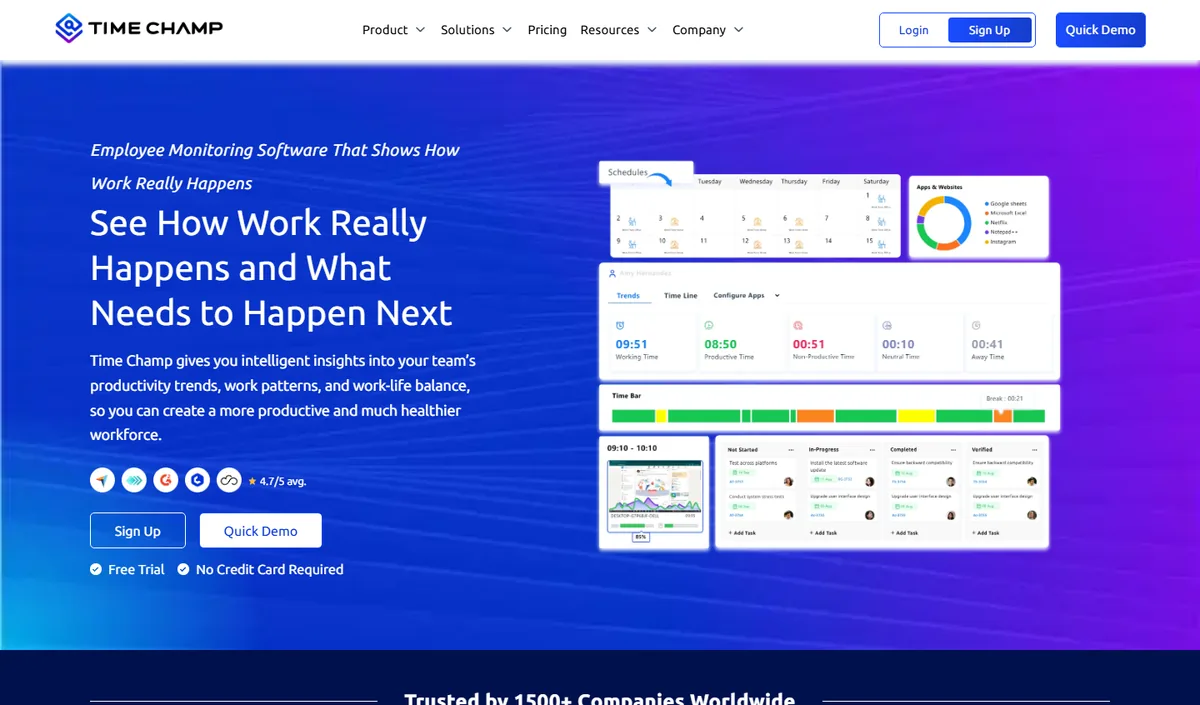
Time Champ pairs attendance and time tracking with some of the most detailed productivity analytics in this category: productivity scoring, application analytics, timelines and dashboards that let a manager see not just that a person was present but how their day was spent. It suits organisations that treat attendance as one input into a serious workforce-analytics programme and have someone who will configure and read that depth.
Key features
- Attendance and time tracking with activity-based verification
- Productivity scoring and application analytics
- Screenshots, timelines and detailed dashboards
- Windows, macOS and Linux agents
Pros
- Depth of measurement for analytics-led teams
- Attendance, time and productivity in one product
Cons
- Rewards teams that will invest in configuration; lighter-touch teams may not use the depth
- Not designed for kiosk or GPS clock-ins
Pricing: per user, published on the vendor's site.
3. Buddy Punch: Best for Hourly Teams That Work in More Than One Place
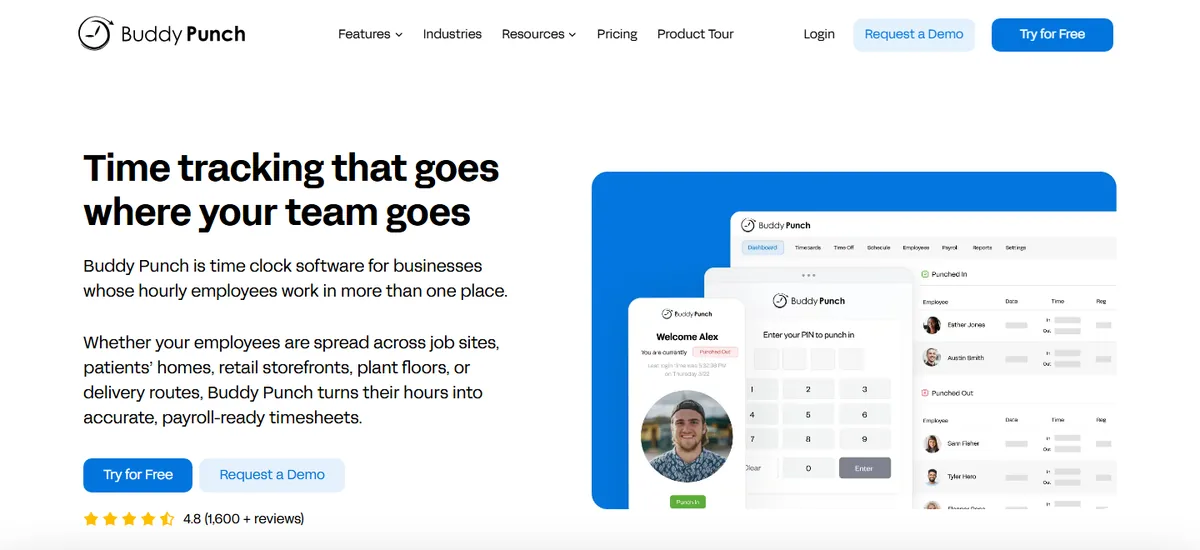
Buddy Punch is the closest like-for-like replacement for Jibble among paid tools: a mobile and kiosk time clock for hourly staff, with the verification options a multi-location employer needs and the scheduling and payroll connections Jibble leaves to other products. Employees punch from a phone, a shared tablet or the web; managers restrict punches to GPS locations or geofences, require a photo or facial recognition at the punch, and approve timesheets before they flow to payroll.
Key features
- GPS stamps, geofencing, IP-address locks and photo or facial-recognition verification on punch
- Drag-and-drop scheduling with shift trades and availability
- PTO accrual and requests, overtime rules and break tracking
- Payroll integrations with QuickBooks, ADP, Gusto, Paychex and others
- Kiosk mode and job or department codes
Pros
- Verification options comparable to Jibble's paid tiers, with scheduling included
- Straightforward setup and a strong mobile app for crews
- Payroll export is a core workflow, not an add-on
Cons
- No free plan and a base fee on top of per-user pricing
- Facial recognition carries the same biometric-consent duties as Jibble's
- No productivity or activity data for desk-based staff
Pricing: from $4.99 per user per month on annual billing plus a $19 monthly base fee.
4. Connecteam: Best All-in-One App for Deskless and Frontline Teams
Connecteam bundles a time clock with the rest of the frontline toolkit: scheduling, task lists, forms and checklists, training and team chat, all in one mobile app. For retail, hospitality, cleaning, care and field-service operations where staff have phones but not laptops, replacing four separate apps with one is often worth more than any single time-clock feature. Clock-ins can be restricted by GPS and geofence, run from a shared kiosk, and feed timesheets with overtime and break rules.
Key features
- Time clock with GPS, geofencing and kiosk mode
- Scheduling, shift swaps and availability
- Tasks, forms, checklists, knowledge base and chat in the same app
- Timesheet approvals and payroll exports
Pros
- Free plan for businesses with up to ten users
- Consolidates operations tools for deskless teams
- Good mobile experience for staff who never sit at a desk
Cons
- Priced per 30-user block rather than per seat, which suits some headcounts better than others
- Features are split across Operations, Communications and HR hubs
- No desktop activity tracking for office staff
Pricing: Small Business plan free for up to 10 users; paid hubs from $29 per month for the first 30 users on annual billing, with per-user pricing above that.
5. Hubstaff: Best for Mixed Field and Desk Teams
Compare: E-Monitor vs Hubstaff · Hubstaff alternatives
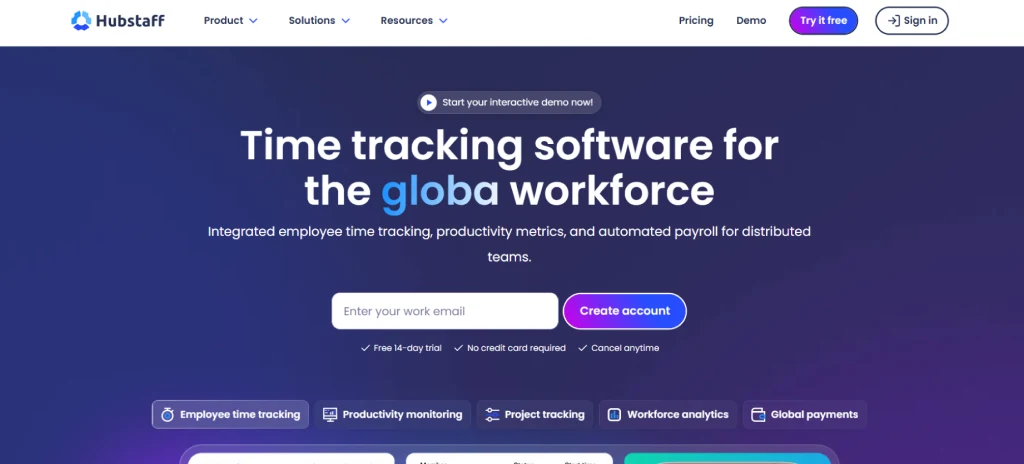
Hubstaff is the alternative to consider when one workforce contains both shapes: crews who need GPS job sites that clock them in on arrival, and desk or remote staff whose hours should be verified by activity. Its Locations add-on handles the first; the desktop app with activity levels, app usage and optional screenshots handles the second. Scheduling, attendance and daily and weekly limits are on the Team plan.
Key features
- GPS tracking and geofenced job sites with automatic clock-in and out
- Desktop time tracking with activity levels, app and URL tracking and screenshots
- Scheduling, attendance, breaks and limits on the Team plan
- More than 30 integrations including payroll and project tools
Pros
- Covers field and desk staff in one product
- Mature mobile and desktop apps
- Broad integration list
Cons
- A field team that needs GPS and attendance lands well above the entry price once add-ons are counted
- Screenshots and activity levels need a clear policy to avoid feeling heavy
Pricing: Starter $4.99 per user per month on annual billing ($7 monthly), Grow $7.50, Team $10; Locations add-on from $3.33 per user.
6. Clockify: Best Budget Timesheets for High-Trust Teams
Compare: Clockify alternatives
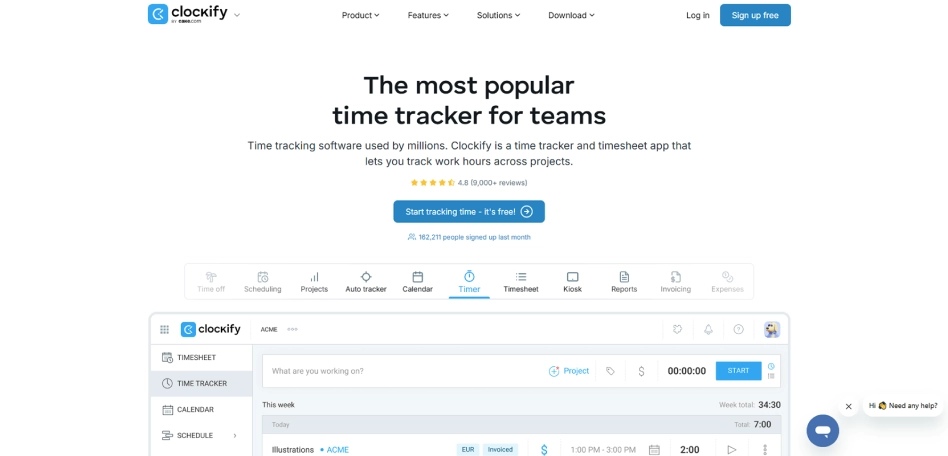
Clockify is the simplest way to get clean punch records, timesheets, approvals and payroll exports with almost no setup. Clock-in is a tap or a PIN on a shared kiosk, which is fast but light on verification: there is no facial recognition and location capture is optional. Choose it where trust is already high and the problem is record-keeping rather than time theft. Note that the free plan changed in April 2026 and now covers five users rather than unlimited, with kiosk mode and report exports on paid tiers.
Key features
- Timers, manual entry, timesheets and approvals
- Kiosk mode with PIN clock-in (paid)
- Projects, tags, billable rates and reports
- Wide integration set
Pros
- Very low cost for small teams
- Minimal setup and a familiar interface
Cons
- Light verification; a PIN kiosk does not stop buddy punching
- Free plan now limited to five users
- No productivity insight
Pricing: free for up to 5 users; Basic $3.99 per user per month on annual billing ($4.99 monthly) with kiosk seats at $0.79; Standard $5.49, Pro $7.99, Enterprise $11.99.
7. Homebase: Best for Restaurants, Retail and Single-Site Shops
Homebase is built around the small hourly business: a free plan for one location, a time clock that runs on a POS tablet or phone with a photo at clock-in, scheduling that publishes to staff phones, and optional payroll. Its hiring, messaging and labour-cost tools are aimed squarely at owner-operators who want everything in one place and do not want to configure anything. Multi-location chains outgrow it; single sites rarely do.
Key features
- Time clock with photo capture, GPS on mobile and break enforcement
- Scheduling with availability, time-off and shift swaps
- Team messaging, hiring and onboarding
- Optional payroll and labour-cost reporting
Pros
- Free plan covers a single location's basics
- Designed for shops and restaurants rather than adapted to them
- Photo verification without biometric matching
Cons
- Per-location pricing adds up for chains
- Limited outside hourly, site-based work
Pricing: Basic plan free for one location; paid plans priced per location per month on annual billing, with payroll as an add-on. Check the current tiers on the vendor's site.
8. QuickBooks Time: Best for Payroll-First Teams Already on QuickBooks
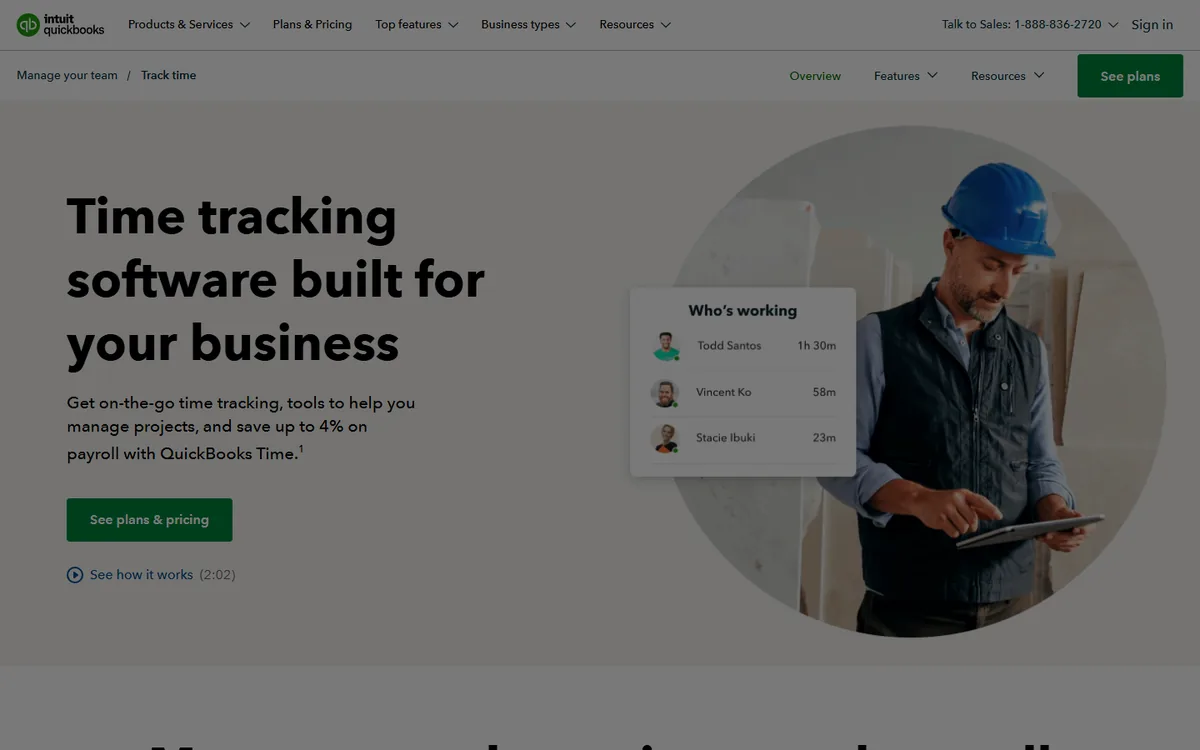
QuickBooks Time (formerly TSheets) is the time clock to choose when QuickBooks already runs the books and payroll. Mobile clock-ins carry GPS and geofencing, a kiosk mode with photo capture covers shared devices, and approved hours flow straight into QuickBooks Payroll with job and customer codes intact. The trade-off is pricing: a monthly base fee plus a per-user charge makes it one of the more expensive options for very small teams.
Key features
- GPS, geofencing and photo capture on clock-in
- Scheduling and shift notifications
- Job costing and project tracking
- Native sync with QuickBooks Online and Payroll
Pros
- Tightest payroll integration for QuickBooks users
- Reliable mobile app for crews
Cons
- Base fee plus per-user pricing
- Less compelling outside the QuickBooks ecosystem
- No productivity data
Pricing: Premium and Elite tiers combine a monthly base fee with a per-user charge; see the vendor's site for current figures.
How to Choose the Right Jibble Alternative
Start from the workforce, not the feature list.
| Your situation | Best fit | Why |
|---|---|---|
| Office, remote or hybrid staff on computers | E-Monitor | Attendance from activity; no punch, no biometrics; productivity data included |
| You want attendance plus the deepest analytics | Time Champ | Scoring and application analytics on top of attendance |
| Hourly crews across several sites | Buddy Punch | GPS, geofence and photo verification with scheduling and payroll |
| Deskless operation replacing several apps | Connecteam | Time clock, scheduling, tasks and chat in one |
| Field crews and desk staff in one company | Hubstaff | GPS job sites plus desktop activity tracking |
| Small, high-trust team on a budget | Clockify | Cheap, simple timesheets |
| One restaurant or shop | Homebase | Free single-location plan built for hourly retail |
| Payroll runs on QuickBooks | QuickBooks Time | Native sync to QuickBooks Payroll |
Two checks apply whichever you pick. If the tool uses facial recognition, plan the consent, retention and opt-out process before enrolment, not after a complaint. And if the tool records presence only, decide now how you will answer the question a punch cannot: whether the hours were worked. Our guide to buddy punching quantifies what unverified punches cost, and the best attendance tracking software roundup covers tools beyond this list.
Try the top-rated Jibble alternative free for 7 days. E-Monitor verifies hours from real work on Windows, Mac, Linux and Chromebook, with no biometric data and no credit card required. Sign up →
Frequently Asked Questions
1. Why do teams switch from Jibble?
Usually because Jibble verifies presence at a kiosk rather than work done, because facial recognition brings biometric consent duties, because scheduling and payroll need a second product, or because the paid tiers and regional pricing make the free plan less free than it looked.
2. What is the best free Jibble alternative?
Connecteam is free for up to ten users and Clockify is free for up to five, both with lighter verification than Jibble. Homebase is free for a single location. For verified attendance at zero cost on a larger team, Jibble's own free plan remains hard to beat.
3. Which Jibble alternative is best for remote teams?
E-Monitor. It builds attendance from activity on each employee's computer, so remote staff never need to clock in and managers get verified hours plus productivity data. Time Champ is the alternative for teams that want deeper analytics.
4. Which Jibble alternative has facial recognition?
Buddy Punch offers facial recognition and photo verification on punch; Homebase, Connecteam and QuickBooks Time capture photos without biometric matching. Any tool that matches faces creates biometric data obligations under Illinois BIPA and similar laws.
5. Is E-Monitor cheaper than Jibble?
Jibble's free plan is cheaper for teams that fit inside it. Against Jibble's Premium tier, listed by reviewers at about $4.49 per user per month in 2026, E-Monitor's Starter plan at $3.90 is lower and includes productivity analytics that Jibble does not offer at any tier.
6. Which alternative is best for hourly staff across multiple locations?
Buddy Punch, with GPS stamps, geofences and photo or facial verification plus scheduling and payroll exports. Hubstaff is the alternative if some of those staff also work at a desk.
7. Do these tools stop buddy punching?
Facial recognition, photo capture with review, geofencing and activity-based attendance all address it in different ways. A PIN kiosk on its own does not. E-Monitor makes it structurally impossible for computer-based staff because the hours come from activity on the employee's own machine.
8. How do I migrate from Jibble?
Export timesheets and employee lists from Jibble, import employees into the new tool, run both in parallel for one pay period to reconcile hours, then switch payroll exports. Delete biometric templates from Jibble in line with your retention schedule once the migration is complete.
Related Comparisons and Resources
E-Monitor vs Jibble
Head-to-head on verification, analytics, pricing and compliance.
Read more →Best Attendance Tracking Software
The wider attendance category, including tools not covered here.
Read more →Best Clock-In Clock-Out Apps
Punch-based apps compared by verification method and price.
Read more →