
Summary
Insightful alternatives are employee monitoring and workforce analytics tools that compete with Insightful (formerly Workpuls) on pricing, feature depth, or platform coverage. If Insightful's enterprise-focused pricing does not match your team size or budget, this guide compares 10 alternatives across the features, costs, and trade-offs that matter most for small and mid-market teams.
Want full monitoring with nothing to configure? E-Monitor starts at $3.90 per user per month with a 7-day free trial. Try E-Monitor free →
Why Teams Look for Insightful Alternatives in 2026
Insightful (rebranded from Workpuls in 2021) positioned itself as a workforce analytics platform for productivity measurement and employee monitoring. The platform delivers strong productivity scoring and time categorization features. But several friction points push teams, particularly those under 100 employees, toward competitors.
The most common complaints across G2 and Capterra reviews fall into four categories:
- Price escalation on advanced features: Insightful's base Productivity Management plan starts at $6.40 per user per month, which covers activity tracking and basic screenshots. Screen recording, advanced analytics, and workforce planning require the $12+ per user Enterprise tier. For a 50-person team, that jumps from $3,840 to $7,200 annually before you reach the feature set that tools like E-Monitor include at $3.90 per user.
- Inconsistent macOS support: While Insightful supports Mac, several features (particularly screen recording and certain activity log details) perform differently on macOS compared to Windows. Teams running mixed OS environments report frustration with feature gaps on their Apple devices.
- No built-in DLP or USB monitoring: Insightful focuses on productivity analytics rather than security monitoring. Teams that need data loss prevention, file activity tracking, or USB device controls must add a separate tool, increasing total cost and dashboard fragmentation.
- Limited alerting and real-time notifications: Insightful's alert system covers basic productivity thresholds but lacks the granularity of competitors. Real-time idle alerts, geofencing notifications, and custom trigger conditions require workarounds or third-party integrations.
A 2025 Gartner market analysis noted that 67% of mid-market buyers now prioritize all-in-one platforms over point solutions for workforce monitoring, precisely because managing multiple vendors raises costs and creates data silos. That trend explains why Insightful users increasingly search for a single platform that combines analytics with deeper monitoring capabilities. Teams managing field or GPS-heavy workforces should also evaluate Workstatus as an alternative, which covers GPS tracking alongside desktop monitoring at lower price points.
None of this means Insightful is a poor product. Its workforce analytics engine is genuinely strong for organizations that need detailed productivity benchmarking across departments. But for teams that also need screen recording, DLP, real-time alerts, or cross-platform consistency at an accessible price, alternatives exist that cover more ground for less money.
Insightful Alternatives: Quick Comparison Table
How does each Insightful competitor stack up on the features SMBs and mid-market teams care about most? This table summarizes pricing, platform support, and core capability differences at a glance.
| Software | Best For | Starting Price | Screen Recording | DLP | Platforms |
|---|---|---|---|---|---|
| E-Monitor | All-in-one monitoring + privacy | $3.90/user/mo | Yes | Yes | Win, Mac, Linux, Chromebook |
| Time Champ | All-in-one monitoring + privacy | Per user (vendor site) | Yes | Yes | Win, Mac, Linux, Chromebook |
| Hubstaff | Freelancer/contractor billing | $4.99/user/mo | Higher tiers | No | Win, Mac, Linux |
| Time Doctor | Time tracking + distraction alerts | $7/user/mo | Yes | No | Win, Mac, Linux |
| ActivTrak | Workforce analytics (free tier) | Free (3 users) | No | No | Win, Mac, Chromebook |
| Teramind | Enterprise DLP + compliance | $15/user/mo | Yes | Yes | Win, Mac |
| DeskTime | Simple time + productivity | $7/user/mo | No | No | Win, Mac, Linux |
| Veriato | Insider threat detection | $25/user/mo | Yes | Yes | Win, Mac |
| Controlio | Screen monitoring specialist | $8/user/mo | Yes | No | Win |
| Kickidler | Video-based monitoring | $9.99/user/mo | Yes | No | Win, Mac |
| Monitask | Budget screenshot tracking | $5.99/user/mo | No | No | Win, Mac, Linux |
11 Best Insightful Alternatives Reviewed
Each alternative below is evaluated on the specific areas where Insightful falls short: pricing transparency, screen recording availability, cross-platform consistency, DLP capabilities, and real-time alerting. We used each tool's publicly available documentation, pricing pages, and verified user reviews from G2 and Capterra as of March 2026.
1. E-Monitor: Best Overall Insightful Alternative
Compare: E-Monitor pricing · all features
Best for: SMBs and mid-market teams that need comprehensive monitoring, productivity analytics, and DLP in a single platform at a price that scales.
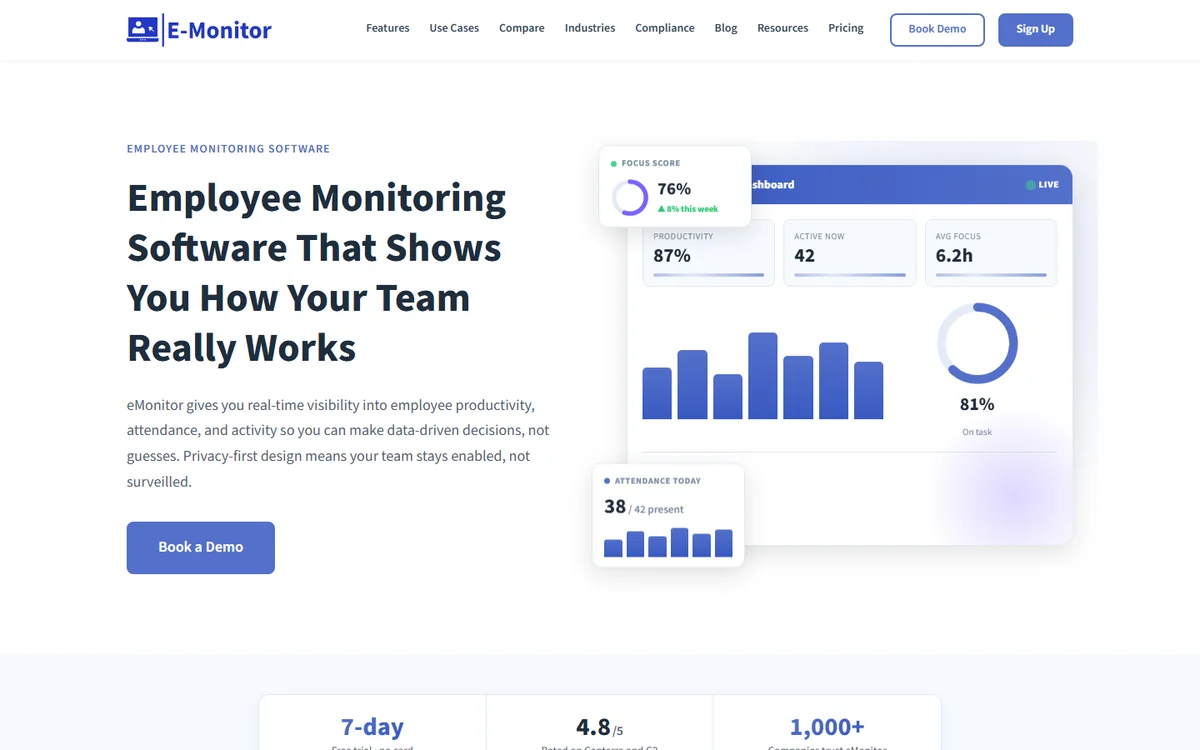
E-Monitor is an employee monitoring and productivity platform that combines automated time tracking, screen monitoring, productivity analytics, and data loss prevention in one dashboard. Where Insightful charges $12+ per user for screen recording and advanced analytics, E-Monitor includes both in its $6.90 Professional plan.
The platform runs on Windows, macOS, Linux, and Chromebook (beta) with consistent feature parity across operating systems. That cross-platform consistency is a direct answer to Insightful's macOS limitations. E-Monitor's real-time alert system covers idle time, productivity drops, unauthorized app usage, USB connections, and geofencing violations, giving it broader alert coverage than Insightful's threshold-based notifications.
Key features: Automated screenshots with configurable frequency, screen recording with anomaly detection, app and website productivity classification, DLP with USB monitoring, activity logs, live screen viewing (Office TV), and automated attendance tracking.
Pricing: Starter at $3.90/user/month, Professional at $6.90/user/month, Enterprise at $13.90/user/month (annual billing).
Rating: 4.8/5 on Capterra (57 reviews), 4.75/5 on GetApp (66 reviews).
Honest limitation: E-Monitor does not offer native GPS tracking for field teams. If field workforce management is a primary need, Hubstaff's GPS features are stronger.
2. Time Champ: Best for AI-Powered Productivity Analytics and Attendance
Compare: E-Monitor vs Time Champ
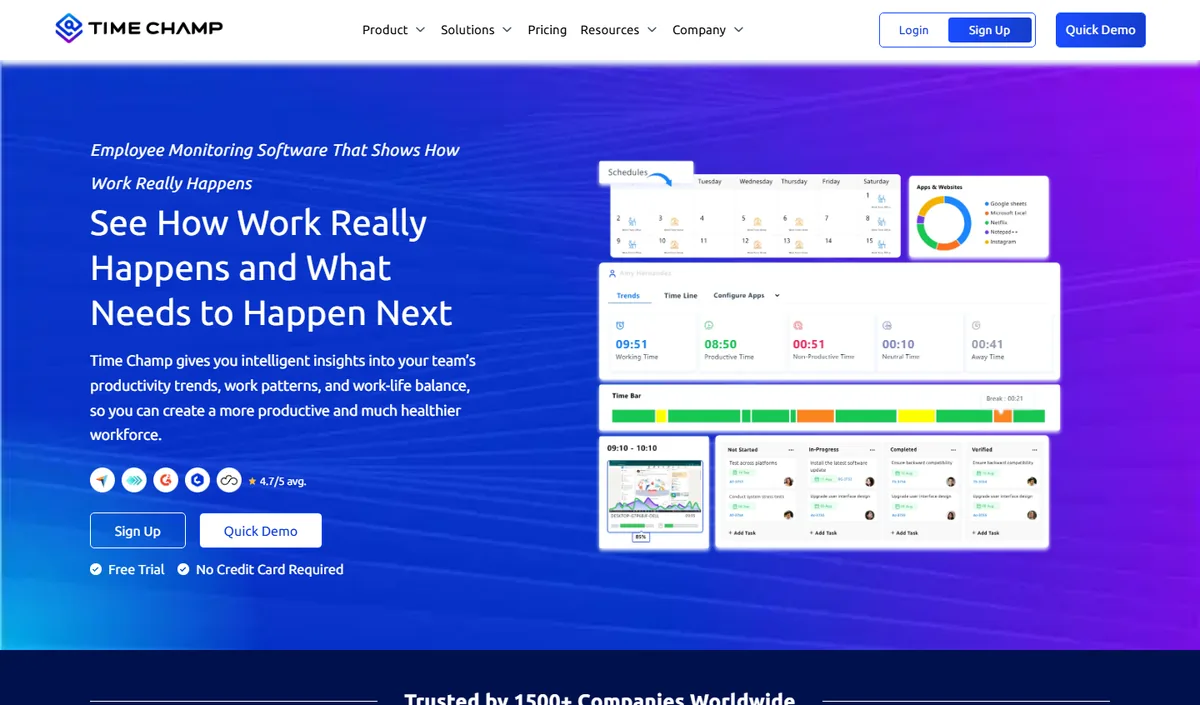
Time Champ is an AI-powered employee monitoring and productivity platform that combines automatic time tracking, application and website usage, productivity scoring, configurable screenshots, attendance and shift tracking, and dashboards at individual, team and company level. It runs on Windows, macOS and Linux and comes from the same product family as E-Monitor, so teams looking for an alternative to Insightful get comparable monitoring depth with a heavier emphasis on analytics and reporting.
Key features: automatic time tracking, app and website categorisation, productivity scoring with weekly heat maps, configurable screenshots, attendance and shift management, leave and payroll modules, role-based dashboards for managers and employees.
Best for: mid-size and larger teams, BPO and operations-heavy organisations that want deep analytics alongside monitoring.
Pricing: per-user plans published on the Time Champ website, with a free trial.
Limitation: cloud-hosted only, and more capability than a very small team may use; review the data-residency options before committing.
3. Hubstaff: Best for Freelancer and Contractor Management
Compare: E-Monitor vs Hubstaff · Hubstaff alternatives
Best for: Agencies and businesses billing hourly for remote freelancers and contractors.
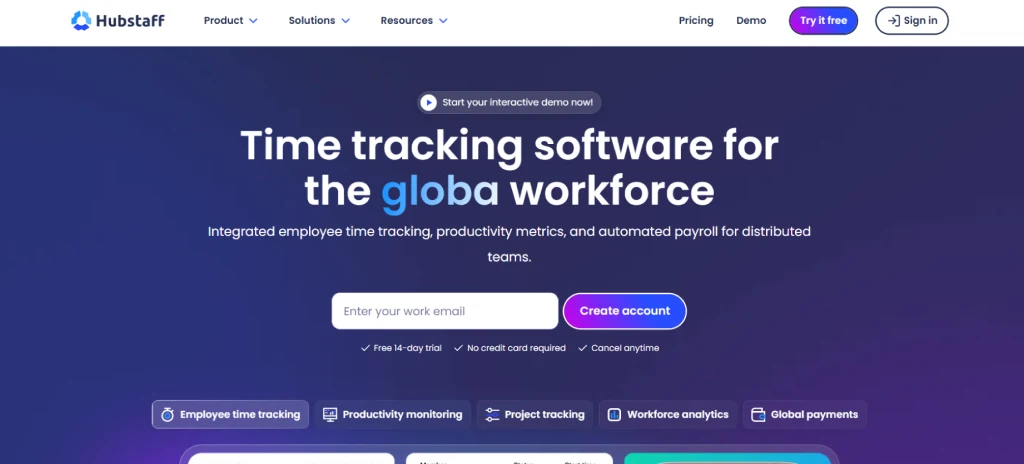
Hubstaff built its market position around freelancer time tracking with GPS verification and invoice generation. The platform excels at proof-of-work documentation for client billing. Hubstaff's 30+ integrations with project management and payment tools (Asana, Trello, PayPal) make it a natural fit for agencies managing distributed contractor teams.
Key features: GPS location tracking, activity-level percentages, screenshots, project budgets, automated payroll, geofencing.
Pricing: Starter at $4.99/user/month. Screenshots and app tracking require the $8.99 Team plan. GPS and advanced features push costs to $14+/user.
Where it beats Insightful: GPS tracking, invoicing integration, freelancer-specific workflows. Hubstaff's field workforce tools are absent from Insightful entirely.
Where it falls short: No DLP, no screen recording on lower tiers, limited productivity analytics compared to Insightful's workforce benchmarking.
4. Time Doctor: Best for Distraction Management
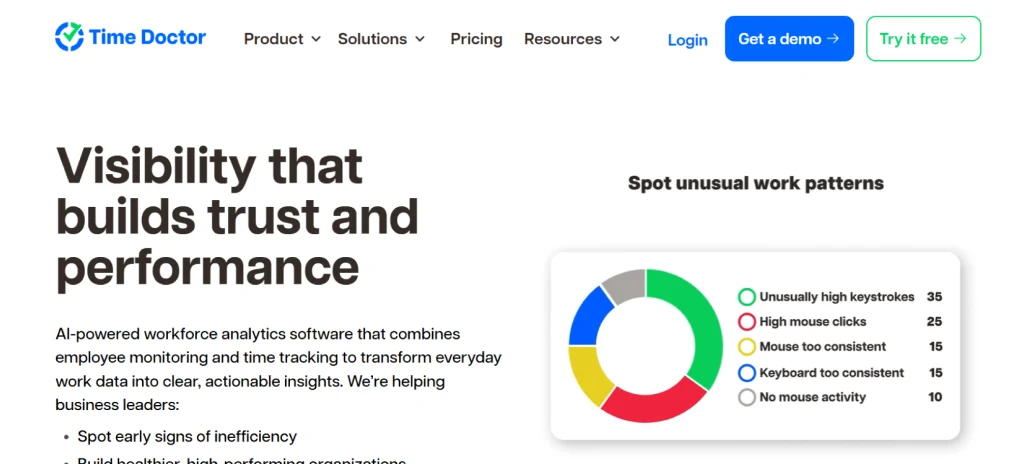
Compare: E-Monitor vs Time Doctor · Time Doctor alternatives
Best for: Teams that want active intervention when employees visit non-productive websites during work hours.
Time Doctor's defining feature is its distraction popup: when an employee visits a blacklisted website or app, the system displays an on-screen alert asking if they are still working. This active intervention approach is polarizing. Managers appreciate the immediate course correction; employees often find it intrusive. Insightful takes the passive approach, recording data without interrupting, so the switch to Time Doctor represents a philosophical shift in management style.
Key features: Distraction alerts, screenshot monitoring, app/URL tracking, payroll integration, project time tracking, client billing.
Pricing: Basic at $7/user/month, Standard at $10/user/month, Premium at $20/user/month.
Where it beats Insightful: Active distraction management, stronger payroll integration, more mature client billing features.
Where it falls short: Higher base price, no DLP, the distraction popup model creates employee friction. A Capterra survey found 34% of Time Doctor users reported lower employee satisfaction scores after implementation.
5. ActivTrak: Best Free Tier for Small Teams
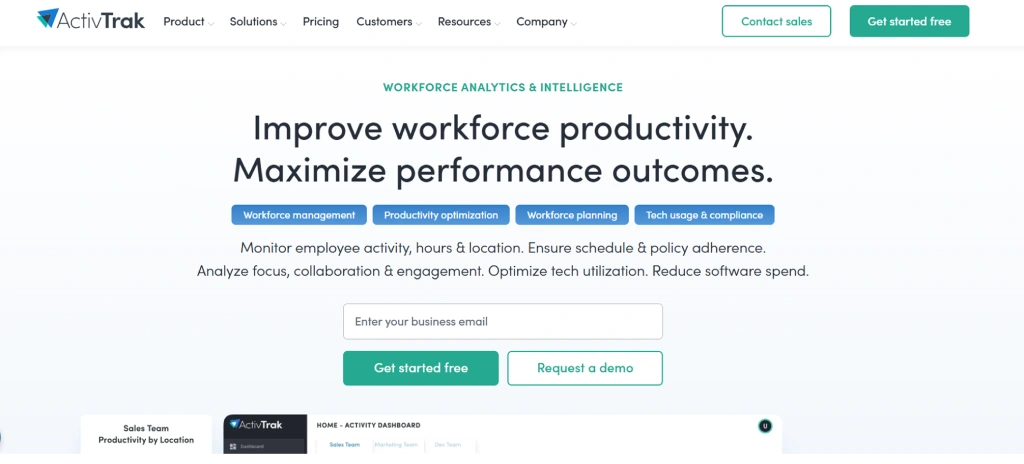
Compare: E-Monitor vs ActivTrak · ActivTrak alternatives
Best for: Teams of 3 or fewer who want basic workforce analytics at no cost.
ActivTrak's free plan provides app and website tracking, basic productivity reports, and activity dashboards for up to 3 users. That makes it a viable starting point for micro-teams exploring workforce analytics for the first time. The platform markets a "122X ROI" based on customer case studies, and its privacy positioning (no keystroke logging, no email reading) appeals to organizations where employee trust is a primary concern.
Key features: App/website tracking, productivity scoring, team comparison dashboards, workload balance reports, coaching insights.
Pricing: Free for 3 users. Essentials at $10/user/month, Professional at $17/user/month.
Where it beats Insightful: Free entry point, stronger privacy-first messaging, workload balance features that Insightful reserves for enterprise tiers.
Where it falls short: No screen recording, no screenshots, no DLP, no activity logs. ActivTrak deliberately avoids "deep monitoring" features, which limits its usefulness for compliance-driven industries.
6. Teramind: Best for Enterprise Compliance and DLP
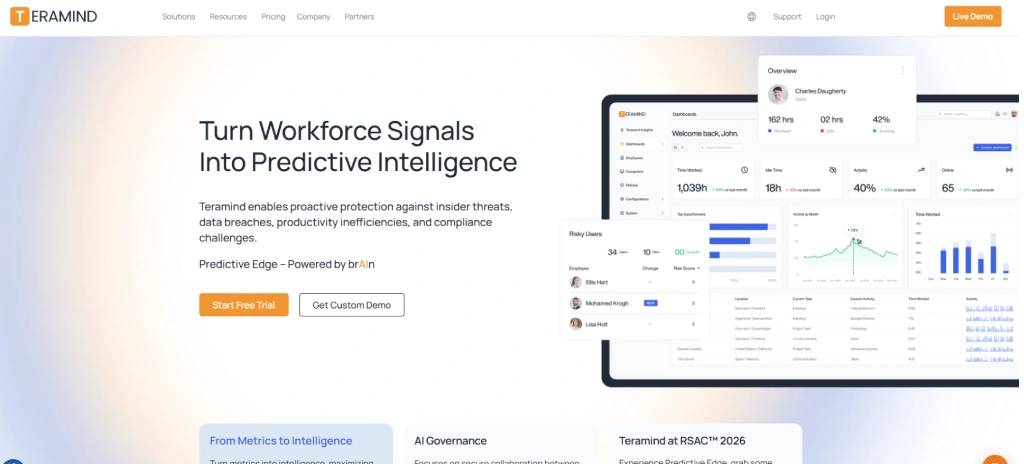
Compare: E-Monitor vs Teramind · Teramind alternatives
Best for: Organizations with 500+ employees that need insider threat detection, data loss prevention, and regulatory compliance documentation.
Teramind is the enterprise-grade option on this list. Its DLP engine monitors file transfers, email attachments, clipboard activity, and printing with granular policy rules. For organizations in healthcare (HIPAA), finance (SOX), or government contracting, Teramind's compliance reporting is among the most thorough in the market. The platform reports 10,000+ organizations as customers, primarily in regulated industries.
Key features: Behavior-based DLP rules, insider threat detection, OCR-based content analysis, compliance audit reports, SIEM integration, user behavior analytics (UEBA).
Pricing: Starter at $15/user/month, UAM at $25/user/month, Enterprise at custom pricing. On-premise deployment available.
Where it beats Insightful: Far deeper DLP, compliance tooling, insider threat detection, and SIEM integration. Teramind occupies a different market tier entirely.
Where it falls short: The pricing excludes most SMBs. A 50-person team on the Starter plan pays $9,000 annually. Setup complexity is significantly higher than Insightful or E-Monitor. Teramind's agent also has a heavier system footprint.
7. DeskTime: Best for Simple Productivity Tracking
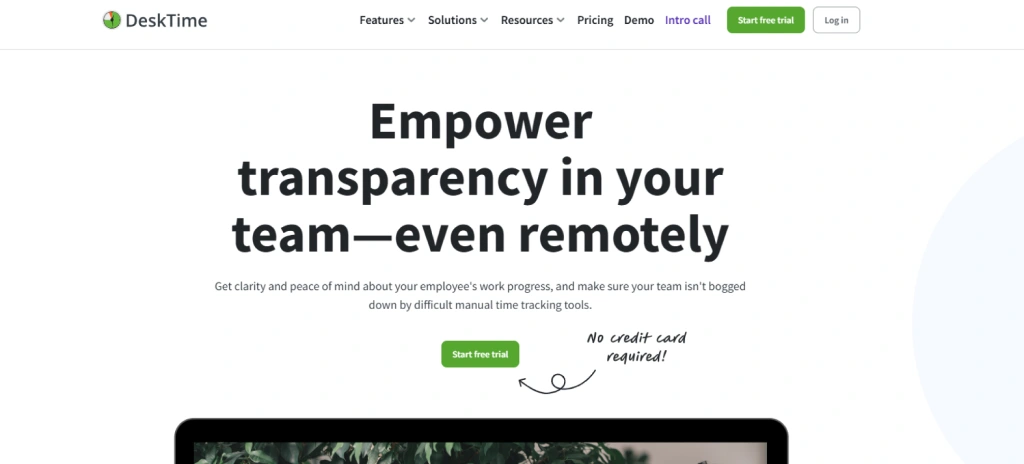
Compare: E-Monitor vs DeskTime · DeskTime alternatives
Best for: Small teams that want straightforward time and productivity tracking without deep monitoring features.
DeskTime offers a clean, focused approach to productivity measurement. Its Pomodoro timer integration and "private time" feature (employees can pause tracking for personal tasks) are unique differentiators. For teams that want productivity visibility without the depth of full employee monitoring, DeskTime fills that niche well.
Key features: Automatic time tracking, productivity calculation, URL/app tracking, project tracking, optional screenshots, Pomodoro timer, private time.
Pricing: Pro at $7/user/month, Premium at $10/user/month, Enterprise at $20/user/month.
Where it beats Insightful: Simpler setup, private time feature for employee trust, Pomodoro integration, lower learning curve.
Where it falls short: No screen recording, no DLP, no real-time alerts, limited reporting depth compared to Insightful's analytics engine.
8. Veriato: Best for Insider Threat Investigation
Compare: E-Monitor vs Veriato · Veriato alternatives
Best for: Security teams that need forensic-grade recording and insider threat investigation tools.
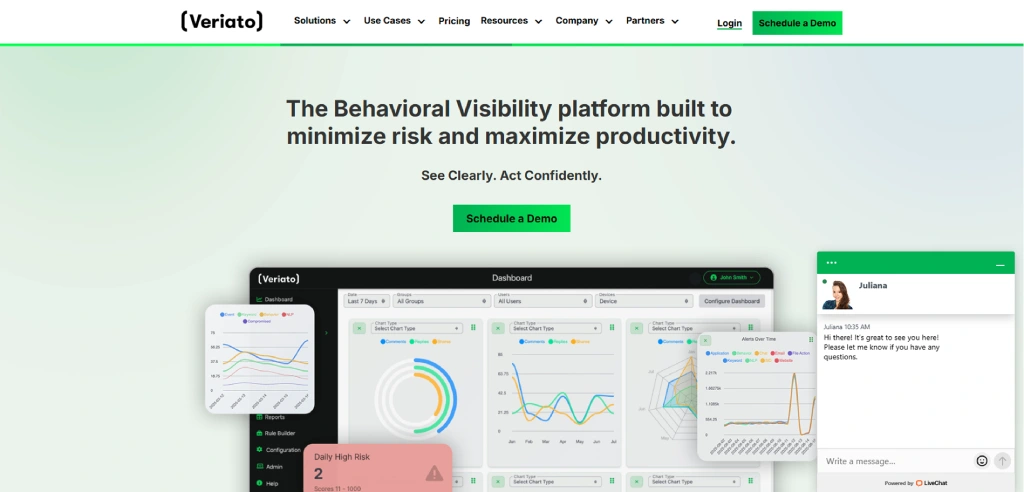
Veriato (formerly SpectorSoft) sits at the most security-focused end of this list. The platform records continuous video of employee screens, captures keystroke data, logs email and chat content, and uses AI-driven risk scoring to flag potential insider threats. For organizations handling classified information or intellectual property, Veriato provides forensic evidence that holds up in legal proceedings.
Key features: Continuous screen video recording, keystroke capture, email/chat monitoring, AI risk scoring, forensic investigation tools, psycholinguistic analysis.
Pricing: Starts at approximately $25/user/month. Enterprise and on-premise options require custom quotes.
Where it beats Insightful: Forensic investigation depth, legal-grade evidence collection, AI threat scoring. These capabilities are entirely absent from Insightful.
Where it falls short: Not a productivity tool. Veriato is security software, not workforce analytics. Pricing is 3 to 4 times higher than Insightful, and the deployment complexity requires dedicated IT resources.
9. Controlio: Best for Cloud-Based Screen Monitoring
Compare: Controlio alternatives
Best for: Teams that prioritize screen recording and visual activity verification above all else.
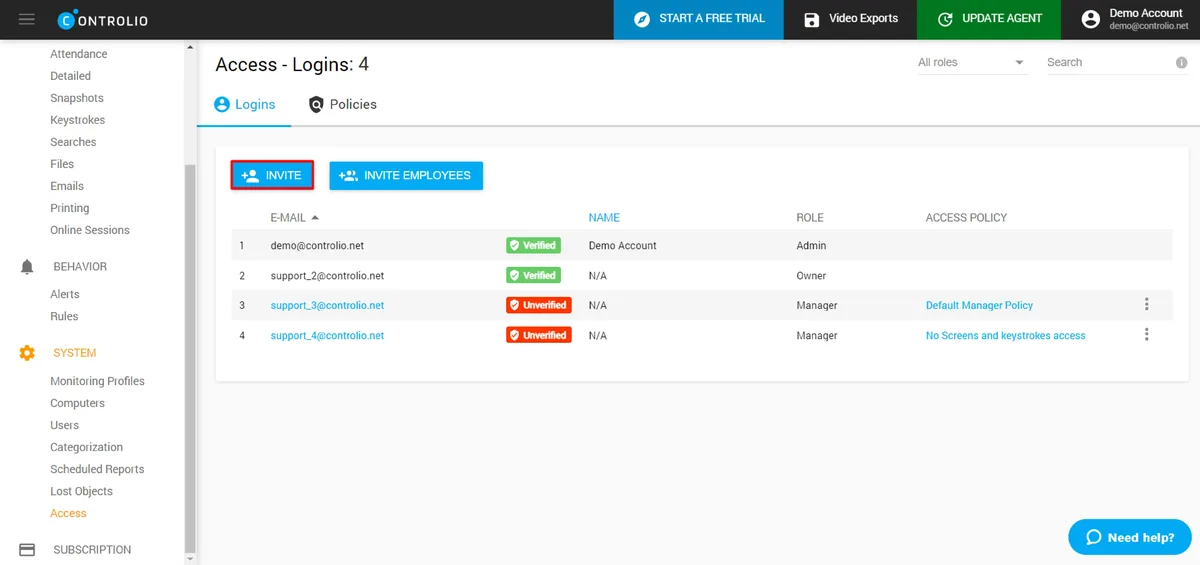
Controlio is a focused screen monitoring tool that records employee screens continuously and provides live viewing capabilities. Its 4.7/5 Capterra rating reflects strong user satisfaction within its niche. The interface is straightforward, and setup takes under 10 minutes for most teams.
Key features: Continuous screen recording, live screen viewing, keystroke logging, website/app tracking, productivity analytics, customizable reports.
Pricing: Starts at approximately $8/user/month. Volume discounts available for teams over 100.
Where it beats Insightful: Continuous screen recording at a lower price point, simpler deployment, faster setup.
Where it falls short: Windows-only. No macOS or Linux support, which is a dealbreaker for mixed-OS teams. No DLP, no GPS, no attendance management.
10. Kickidler: Best for Video-Based Activity Review
Compare: E-Monitor vs Kickidler · Kickidler alternatives
Best for: Managers who want to review employee workflows visually through video playback rather than screenshots or data reports.
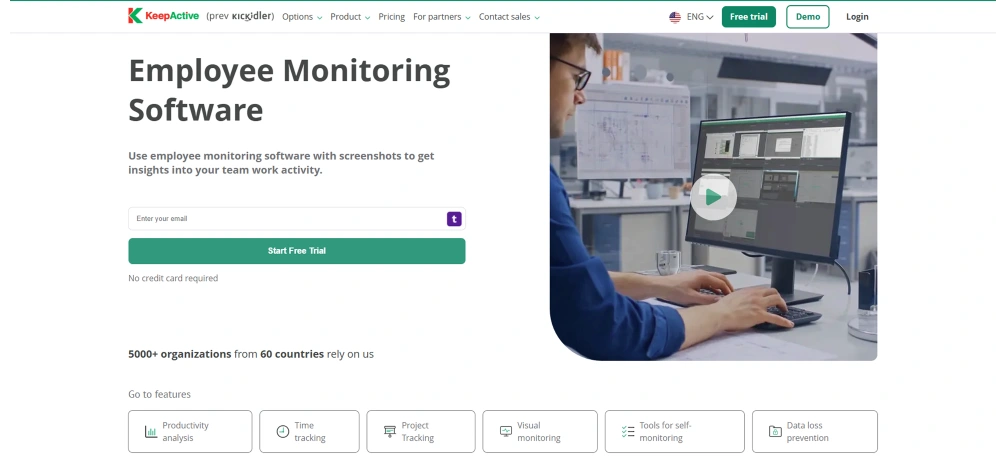
Kickidler records employee screens as video and provides playback tools for reviewing specific time periods. This video-first approach gives managers a more complete picture of how work happens compared to periodic screenshots. The platform also offers real-time monitoring with the ability to view multiple screens simultaneously.
Key features: Full video screen recording, real-time multi-screen viewing, violation detection, keystroke logging, productivity analysis, time tracking.
Pricing: Time Tracking at $2.75/user/month, Employee Monitoring at $9.99/user/month, DLP at $11.99/user/month.
Where it beats Insightful: Video recording capability, real-time multi-screen view, and a DLP add-on tier that Insightful lacks.
Where it falls short: The video-heavy approach requires significant storage. Employee perception of continuous video recording is typically more negative than screenshot-based monitoring, potentially affecting team morale.
11. Monitask: Best Budget Screenshot Tracker
Compare: E-Monitor vs Monitask
Best for: Budget-conscious teams that need basic screenshot-based monitoring without advanced analytics.
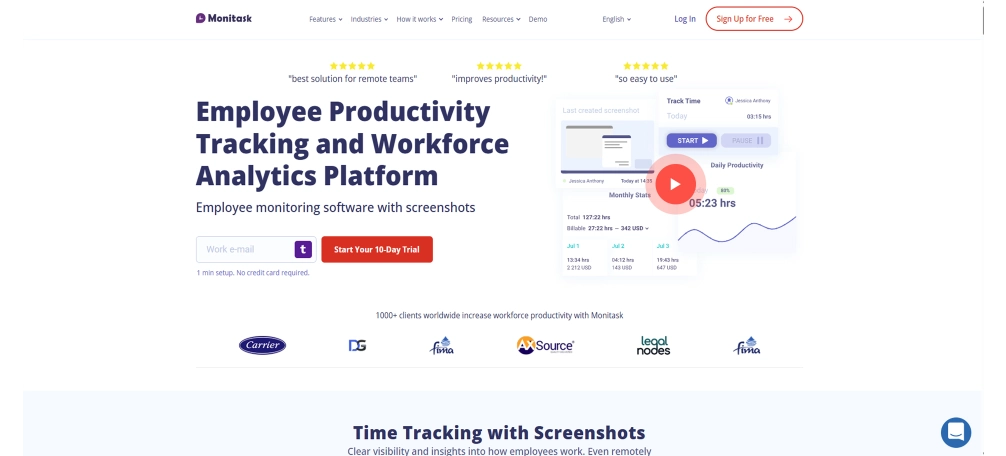
Monitask provides the fundamentals: random screenshots, activity percentages, app/URL tracking, and basic project tracking. The interface is minimal and the learning curve is near zero. For teams that need just enough monitoring to verify remote work activity without the depth of a full workforce analytics platform, Monitask delivers at an accessible price.
Key features: Random screenshots, activity monitoring, project/task tracking, online timesheets, basic reporting.
Pricing: Pro at $5.99/user/month, Business at $8.99/user/month, Enterprise at custom pricing.
Where it beats Insightful: Lower price, simpler interface, faster setup. No feature bloat for teams that do not need workforce analytics.
Where it falls short: No screen recording, no DLP, no productivity scoring engine, very limited reporting. Monitask is a step backward from Insightful in analytics depth.
Feature-by-Feature: Insightful vs Top Alternatives
Beyond pricing, the right Insightful alternative depends on which specific capabilities your team requires. This table compares 12 features across Insightful and the four most commonly compared alternatives.
| Feature | Insightful | E-Monitor | Hubstaff | Time Doctor | ActivTrak |
|---|---|---|---|---|---|
| Automated time tracking | Yes | Yes | Yes | Yes | Limited |
| Screenshots | Yes | Yes | Paid tier | Yes | No |
| Screen recording | Enterprise only | Yes ($6.90+) | No | Yes | No |
| Productivity scoring | Yes | Yes | Activity % | Yes | Yes |
| App/website classification | Yes | Yes | Paid tier | Yes | Yes |
| Real-time alerts | Basic | Advanced | Basic | Popups | Basic |
| DLP / USB monitoring | No | Yes | No | No | No |
| GPS tracking | No | No | Yes | No | No |
| Attendance tracking | Basic | Advanced | Yes | Basic | No |
| macOS full support | Partial | Yes | Yes | Yes | Yes |
| Linux support | Yes | Yes | Yes | Yes | No |
| Employee self-dashboard | Yes | Yes | Limited | Yes | Yes |
Insightful Alternative Pricing: Real Cost for a 50-Person Team
Sticker price per user tells only part of the story. The real cost depends on which features your team actually uses and whether those features require premium tiers. Here is what a 50-person team pays annually for a monitoring setup that includes time tracking, screenshots, productivity analytics, and screen recording.
| Tool | Plan Needed | Per User/Month | Annual Cost (50 users) |
|---|---|---|---|
| E-Monitor | Professional | $6.90 | $4,140 |
| Insightful | Workforce Analytics | $12.00 | $7,200 |
| Hubstaff | Team (+ add-ons) | ~$12.00 | ~$7,200 |
| Time Doctor | Standard | $10.00 | $6,000 |
| ActivTrak | Professional | $17.00 | $10,200 |
| Teramind | Starter | $15.00 | $9,000 |
| DeskTime | Premium | $10.00 | $6,000 |
The difference between E-Monitor and Insightful's equivalent tier amounts to $3,060 per year for a 50-person team. Over a 3-year contract period, that is $9,180 in savings while retaining screen recording, DLP, and real-time alerts that Insightful reserves for its enterprise plan. A full breakdown of monitoring tool pricing structures is available in our employee monitoring software pricing guide.
Who Should (and Should Not) Switch from Insightful
Switch if your team matches these scenarios
- You need screen recording but cannot justify the Enterprise tier. E-Monitor, Time Doctor, and Controlio all offer screen recording at lower price points than Insightful's Enterprise plan.
- You manage a mixed-OS environment. If macOS feature gaps in Insightful cause daily frustration, E-Monitor's cross-platform parity resolves that pain point immediately.
- You need DLP and productivity analytics in one tool. Running Insightful for analytics plus a separate DLP tool doubles your cost and creates data silos. E-Monitor and Teramind combine both.
- Your team is under 50 users. Insightful's per-user pricing is built for scale. Teams under 50 users get better value from platforms designed for the SMB segment.
- You need detailed real-time alerts. If basic threshold notifications are not enough and your operations require instant alerts for idle time, USB connections, or unauthorized apps, E-Monitor's alert engine covers more trigger conditions than Insightful.
Stay with Insightful if these apply
- Workforce planning and capacity analytics are your primary use case. Insightful's workforce planning features (headcount optimization, workload forecasting) are more developed than most alternatives in this list.
- You have 200+ employees and use Insightful's benchmarking across departments. Large-scale departmental benchmarking is Insightful's strongest differentiator. Switching loses historical benchmark data.
- Your IT team has already customized Insightful's API integrations. Migration cost for custom API work may exceed the savings from a cheaper alternative.
Ready to Compare for Yourself? Start a 7-day free trial of E-Monitor with full feature access. See how it stacks up against Insightful with your own team's data. Start free trial →
How to Migrate from Insightful to an Alternative
Switching monitoring tools does not need to disrupt operations. Most migrations from Insightful to an alternative complete within one to two business days. Here is a practical migration checklist.
- Export your data from Insightful. Download productivity reports, time logs, and app classification rules from Insightful's reporting section. Most data exports in CSV format. Retain at least 90 days of historical data for continuity.
- Map your productivity classifications. Document which apps and websites your Insightful instance classifies as productive, non-productive, and neutral. Your new tool will need the same classification structure to maintain consistent reporting.
- Run both tools in parallel for one week. Install the new monitoring agent alongside Insightful for a 5 to 7 day overlap period. Compare data outputs to verify the new tool captures activity accurately before removing Insightful.
- Configure alerts and policies. Set up your alert thresholds, idle time rules, and any DLP policies in the new platform. If migrating to E-Monitor, the onboarding team configures these for you at no extra charge for teams of 20+ users.
- Uninstall Insightful agents. After confirming data accuracy during the parallel run, remove the Insightful desktop agent from all employee machines. Most tools provide silent uninstall scripts for IT teams.
- Communicate the change to employees. Transparency matters. Inform employees about the tool switch, explain what the new tool monitors, and share access to their self-service dashboard. Research from the Society for Human Resource Management (SHRM) shows that 73% of employees accept monitoring when the purpose and scope are clearly communicated.
What Insightful Does Well (Honest Assessment)
A fair comparison acknowledges competitor strengths. Insightful earns genuine credit in several areas that buyers should weigh before switching.
Workforce analytics depth. Insightful's analytics engine calculates productivity scores, generates team benchmarks, and produces trend analysis across weeks and months. The "Focus Time" metric, which measures uninterrupted deep work blocks, is a feature that few competitors replicate with the same granularity.
Capacity planning tools. Insightful's higher tiers include workforce planning features that estimate optimal headcount based on actual work patterns. For organizations in growth phases, this data reduces the guesswork in hiring decisions.
Non-intrusive agent design. Insightful's desktop agent is lightweight and does not display popup alerts or distraction warnings. Employees generally perceive Insightful as less intrusive than tools like Time Doctor or Kickidler that actively interrupt workflows.
Industry recognition. Insightful holds positions on G2's "Best Software" lists for employee monitoring and workforce management, with an average rating of 4.7/5 across 200+ reviews as of early 2026. That review volume and consistency signals genuine user satisfaction at the enterprise level.
Where Insightful Falls Short for SMBs
The gaps that drive teams toward Insightful alternatives are specific and well-documented. Understanding these weaknesses helps you evaluate whether they affect your use case.
No data loss prevention
Insightful does not monitor USB device connections, file transfers, or clipboard activity. Organizations in regulated industries (healthcare, finance, legal) that need data protection controls must add a second tool. According to IBM's 2025 Cost of a Data Breach report, the average insider-caused data breach costs $4.99 million. Teams handling sensitive data cannot afford a monitoring gap in this area.
Screen recording limited to premium tiers
Screen recording is available only on Insightful's higher-priced plans. The base tier provides screenshots but not continuous or triggered video capture. For QA teams, compliance officers, and training departments that rely on visual activity review, this limitation forces a tier upgrade that significantly increases per-user costs.
macOS feature disparity
While Insightful officially supports macOS, user reviews on G2 consistently report that certain monitoring features work differently (or not at all) on Mac compared to Windows. For teams with 20% or more Mac users, this creates reporting inconsistencies and blind spots in productivity data.
Limited real-time intervention
Insightful is designed as a retrospective analytics tool. Real-time alerts exist for basic productivity thresholds, but the system does not support custom trigger conditions, instant idle notifications, or USB-connection alerts. Teams that need to respond to events as they happen, rather than reviewing data after the fact, find Insightful's alert capabilities insufficient.
See Why 1,000+ Companies Chose E-Monitor Comprehensive monitoring, productivity analytics, and DLP at $3.90 per user. No add-on fees. No hidden costs. Start free trial →
Frequently Asked Questions About Insightful Alternatives
1. What is better than Insightful for employee monitoring?
E-Monitor offers deeper monitoring capabilities than Insightful at a lower price point. E-Monitor includes screen recording, real-time activity alerts, and DLP features starting at $3.90 per user per month, while Insightful charges $6.40 per user for its base plan and reserves advanced features for higher tiers.
2. Is Insightful worth the price in 2026?
Insightful provides strong workforce analytics for large teams, but its pricing has increased since the Workpuls rebrand. At $6.40 per user for the basic plan and $12 or more for full features, many SMBs find better value with alternatives like E-Monitor ($3.90 per user) or Hubstaff ($4.99 per user) that include comparable functionality at lower price points.
3. Does Insightful work on Mac?
Insightful supports macOS through a desktop agent, but Mac functionality is more limited than Windows. Screen recording and certain advanced features are restricted on Mac. E-Monitor supports macOS, Windows, Linux, and Chromebook with consistent feature parity across all operating systems.
4. What are Insightful's biggest weaknesses?
Insightful's main weaknesses include limited screen recording on lower tiers, enterprise-focused pricing, inconsistent macOS feature parity, and no built-in DLP or USB monitoring. Teams under 50 users often find the per-user cost difficult to justify when alternatives offer more features at a lower price.
5. How does Insightful compare to Hubstaff?
Insightful focuses on workforce analytics and productivity scoring, while Hubstaff emphasizes time tracking and GPS location monitoring. Insightful starts at $6.40 per user; Hubstaff starts at $4.99 but adds costs for screenshots and app tracking. Both lack the DLP features that tools like E-Monitor and Teramind include.
6. Is there a free alternative to Insightful?
ActivTrak offers a free plan for up to 3 users with basic productivity analytics and app tracking. Clockify and Toggl Track provide free time tracking tiers. For full monitoring with a free trial, E-Monitor provides a 7-day trial with all features enabled and no credit card required.
7. Can I migrate from Insightful to another tool easily?
Migration from Insightful typically takes one to two business days. Export your productivity data and app classifications from Insightful, configure the same rules in your new tool, and run both in parallel for one week to verify data accuracy. E-Monitor's onboarding team handles migration at no extra cost for teams of 20+ users.
8. What does Insightful actually cost for a full-featured setup?
Insightful's Productivity Management plan costs $6.40 per user monthly, but screen recording and advanced analytics require the $12+ per user Workforce Analytics tier. A 50-person team on the full-featured plan pays $7,200 annually. E-Monitor's equivalent setup costs $4,140 per year, saving $3,060.
9. Does Insightful offer screen recording?
Insightful offers screen recording only on its higher-priced Enterprise and Workforce Analytics tiers. The base Productivity Management plan includes screenshots but not continuous recording. E-Monitor includes both automated screenshots and screen recording with anomaly detection starting at the $6.90 per user Professional plan.
10. Which Insightful alternative is best for remote teams?
E-Monitor and Time Doctor both serve remote teams well. E-Monitor provides real-time activity dashboards, idle detection, screen monitoring, and productivity scoring in one platform at $3.90 per user. Time Doctor offers similar remote features at $7 per user but includes distraction popup alerts that many remote employees find disruptive.
Related Comparisons
E-Monitor vs ActivTrak
Compare workforce analytics tools: full monitoring vs analytics-only.
Read comparisonBest Monitoring Software 2026
Our complete ranking of the top 10 employee monitoring tools this year.
See full listE-Monitor vs Teramind
Enterprise DLP vs affordable all-in-one monitoring compared side by side.
Read comparisonSources
- Gartner, "Market Guide for Workforce Management Applications," 2025. Mid-market buyer preferences for all-in-one platforms.
- IBM Security, "Cost of a Data Breach Report," 2025. Average insider-caused data breach cost: $4.99 million.
- Society for Human Resource Management (SHRM), "Employee Monitoring and Workplace Trust," 2025. 73% employee acceptance rate when monitoring purpose is communicated.
- G2 Crowd, Insightful product reviews aggregate, accessed March 2026. Average rating: 4.7/5 across 200+ reviews.
- Capterra, verified user reviews for all tools listed, accessed March 2026.