
Summary
Best Apploye alternatives are employee monitoring platforms that offer comparable or superior screenshot capture, activity tracking, and productivity reporting for remote teams looking for different pricing or feature depth. This guide compares 8 alternatives across the metrics that matter most: monitoring depth, compliance tools, pricing, and fit by team type.
Want full monitoring with nothing to configure? E-Monitor starts at $3.90 per user per month with a 7-day free trial. Try E-Monitor free →
Why Teams Look for Apploye Alternatives
Apploye delivers solid screenshot monitoring and basic time tracking at a price point most SMBs can afford. For teams whose monitoring needs begin and end with screenshots and timesheets, Apploye works. The problems emerge when those teams grow, take on regulated clients, or need analytics that go deeper than app usage summaries.
Three gaps drive most Apploye departures. First, Apploye's behavioral analytics are limited to application usage and screenshot frequency. It does not classify applications by role-specific productivity rules, flag anomalous behavior patterns, or surface trending productivity metrics across departments. Second, Apploye lacks enterprise-grade compliance reporting. Teams subject to GDPR, HIPAA, or SOC 2 audits need documented monitoring policies, consent records, and data retention controls that Apploye does not provide natively. Third, Apploye's alerting is reactive rather than proactive. It captures what happened after the fact but does not send real-time notifications when an employee visits unauthorized sites, copies files to external storage, or works outside configured hours.
The alternatives below each solve one or more of these gaps. The best choice depends on which gap matters most to your team.
Quick Comparison: 9 Best Apploye Alternatives at a Glance
The table below compares all eight alternatives across the five dimensions teams most commonly cite when evaluating Apploye replacements. Pricing shown is per user per month on annual billing.
| Tool | Starting Price | Screen Recording | Real-Time Alerts | GDPR Compliance Tools | Best For |
|---|---|---|---|---|---|
| E-Monitor | $3.90/user/mo | Yes, interval + on-demand | Yes, policy-based | Yes, full audit trail | Remote teams, BPO, SMB to mid-market |
| Time Champ | Per user (vendor site) | Yes, interval + on-demand | Yes, policy-based | Yes, full audit trail | Remote teams, BPO, SMB to mid-market |
| Hubstaff | $4.99/user/mo | Yes | Yes | Partial | Field teams, GPS tracking |
| Time Doctor | $6.70/user/mo | Yes | Distraction alerts only | Partial | Distraction management |
| Insightful | $6.40/user/mo | Yes | Yes | Yes | Workforce analytics, mid-market |
| Monitask | $4.99/user/mo | Yes | Limited | Limited | Freelancers, small teams |
| DeskTime | $6.42/user/mo | No | Limited | Partial | Pomodoro-based productivity |
| Clockify | Free / $3.99+ | No | No | Limited | Time tracking only, no monitoring |
| Toggl Track | Free / $9/user/mo | No | No | Limited | Freelancers, billable hours tracking |
1. E-Monitor: Best Overall Apploye Alternative
Compare: E-Monitor pricing · all features
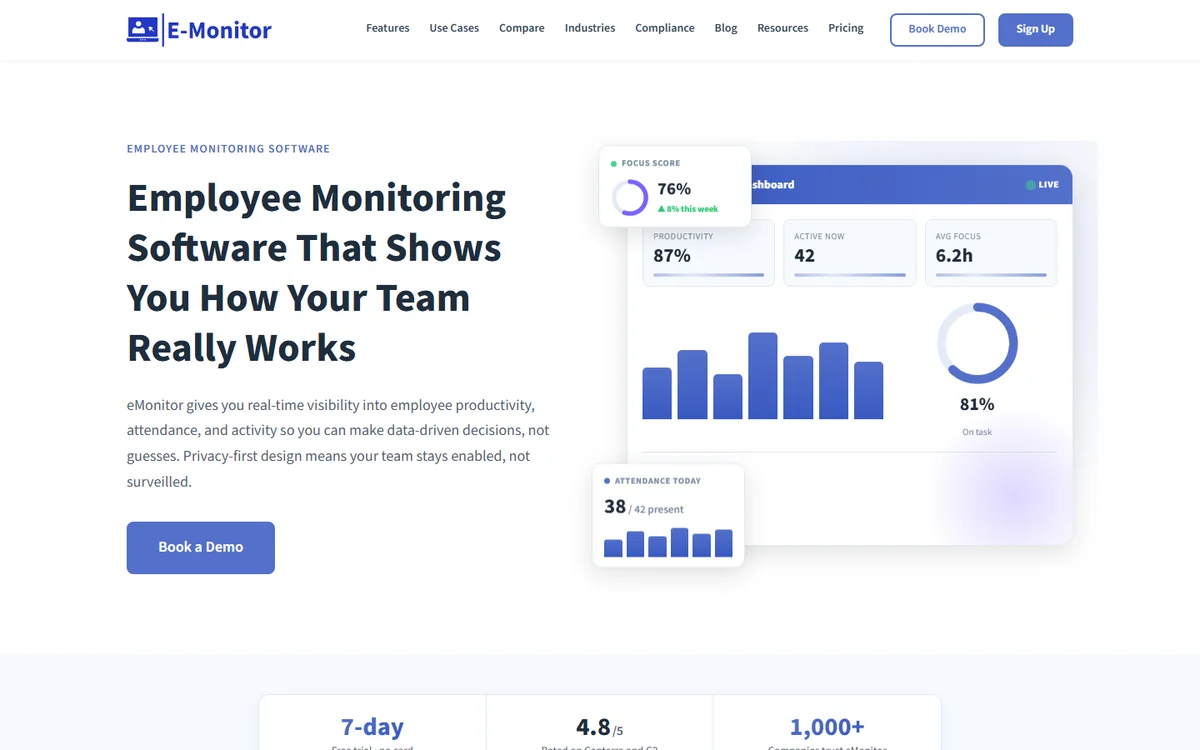
E-Monitor is a full-spectrum employee monitoring platform that captures screenshot sequences, application usage, active and idle time, and real-time behavioral signals, then surfaces that data through role-specific dashboards for managers, HR, and executives. At $3.90 per user per month, it delivers monitoring depth that Apploye reserves for its premium tier, at a price that sits below Apploye's mid-range plan.
What E-Monitor Does Better Than Apploye
E-Monitor's productivity monitoring engine classifies every application and website against role-specific rules. A developer visiting Stack Overflow is marked productive. The same developer visiting a streaming site during work hours triggers a configurable alert. Apploye applies the same classification rules to every employee regardless of role, which generates false positives for technical teams and misses legitimate non-productive time in non-technical roles.
E-Monitor also provides a complete GDPR-ready audit trail. Every monitoring event, screenshot captured, alert triggered, record accessed, is logged with timestamp, employee ID, and the manager who viewed the data. This log is exportable for compliance audits and satisfies the accountability requirements under GDPR Article 5(2). Apploye does not provide this level of audit granularity.
Real-time alerts in E-Monitor are policy-driven, not just threshold-based. You configure rules such as "alert me if any employee accesses file-sharing sites during their shift" or "notify HR if an employee's activity drops below 40% productive for three consecutive hours." These alerts reach managers via email, Slack, or in-app notification within seconds of the triggering event. See the employee monitoring buyer's guide for a full breakdown of alerting architectures across monitoring platforms.
E-Monitor Pros and Cons
Pros
- Most complete feature set at this price point
- GDPR-compliant audit logs and data retention controls
- Role-based productivity classification
- Real-time policy-driven alerts
- Employee self-service dashboards for transparency
- 7-day free trial, no credit card required
Cons
- No native GPS/location tracking (use Hubstaff for field teams)
- Mobile app is in beta for iOS/Android
- Some advanced integrations require Professional tier ($6.90/user/mo)
Pricing: $3.90/user/month (Starter) | Best for: Remote teams, BPO operations, SMB to mid-market organizations handling regulated data
See the full E-Monitor vs Apploye feature comparison for a side-by-side breakdown of every monitoring capability.
2. Time Champ: Best for AI-Powered Productivity Analytics and Attendance
Compare: E-Monitor vs Time Champ
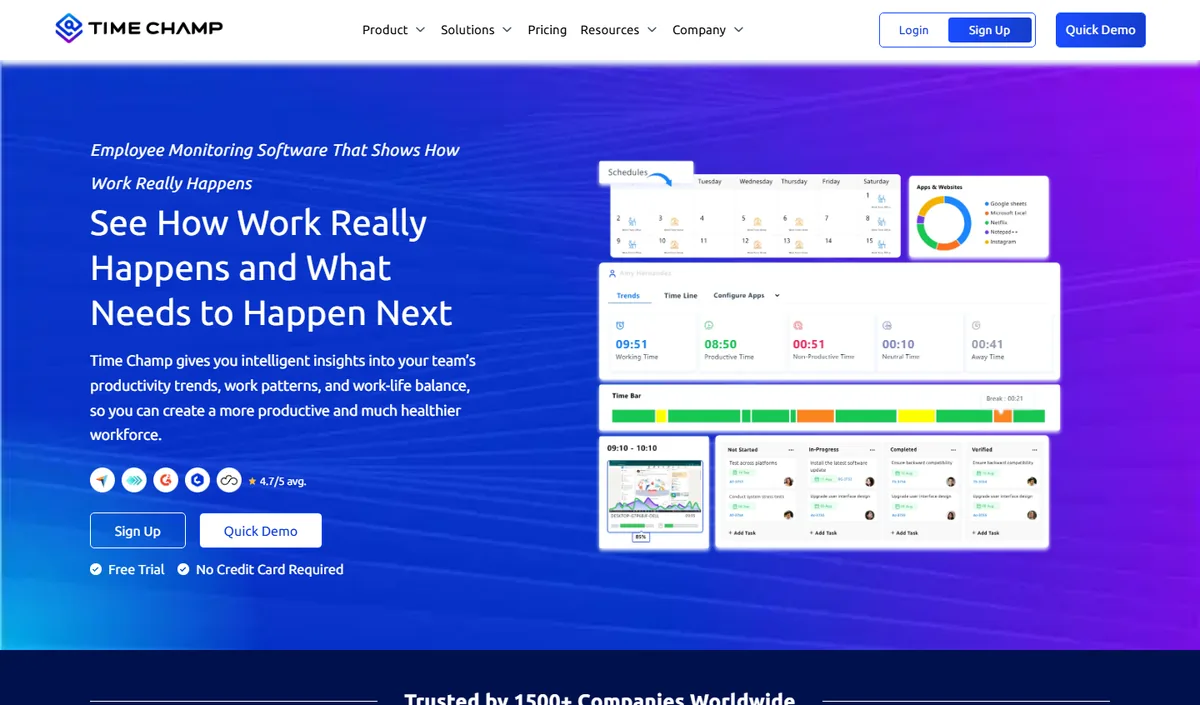
Time Champ is an AI-powered employee monitoring and productivity platform that combines automatic time tracking, application and website usage, productivity scoring, configurable screenshots, attendance and shift tracking, and dashboards at individual, team and company level. It runs on Windows, macOS and Linux and comes from the same product family as E-Monitor, so teams looking for an alternative to Apploye get comparable monitoring depth with a heavier emphasis on analytics and reporting.
Key features: automatic time tracking, app and website categorisation, productivity scoring with weekly heat maps, configurable screenshots, attendance and shift management, leave and payroll modules, role-based dashboards for managers and employees.
Best for: mid-size and larger teams, BPO and operations-heavy organisations that want deep analytics alongside monitoring.
Pricing: per-user plans published on the Time Champ website, with a free trial.
Limitation: cloud-hosted only, and more capability than a very small team may use; review the data-residency options before committing.
3. Hubstaff: Best for Field Teams and GPS Tracking
Compare: E-Monitor vs Hubstaff · Hubstaff alternatives
Hubstaff is the dominant Apploye alternative for organizations with field-based workforces. Its mobile application includes GPS tracking, geofencing, and mileage logging, features that Apploye does not offer and that no desktop-only monitoring tool can replicate. Hubstaff tracks 112,000+ businesses and supports time tracking on iOS, Android, Windows, macOS, Linux, and Chrome.
Where Hubstaff Outperforms Apploye
Hubstaff's GPS capabilities make it the clear choice for construction crews, delivery teams, home service businesses, and any organization where employees work away from a desk. Geofences trigger automatic clock-in when an employee arrives at a job site and clock-out when they leave, eliminating manual time entries and buddy punching in field environments. Apploye has no equivalent capability.
Hubstaff also integrates natively with 30+ project management and payroll tools including Asana, QuickBooks, Gusto, and Xero. For organizations already using these tools, Hubstaff's integration depth reduces setup time compared to Apploye's more limited integration catalog.
Where Hubstaff Falls Short
Hubstaff's productivity analytics are less sophisticated than E-Monitor's or Insightful's. The platform tracks app and URL usage but does not apply role-specific productivity rules or surface trending behavioral signals. Screenshot monitoring is available but the frequency is limited on lower tiers. GDPR compliance tools require the Enterprise plan, which starts at $12/user/month.
Pros
- Best GPS and geofencing in the category
- Strong mobile app for field teams
- 30+ native integrations
- Widely adopted, strong support community
Cons
- Higher price, $8.33/user/mo for full features
- GDPR tools locked to Enterprise tier
- Behavioral analytics are basic compared to specialized tools
Pricing: Starts at $4.99/user/month | Best for: Field teams, construction, home services, delivery operations
4. Time Doctor: Best for Distraction Management
Compare: E-Monitor vs Time Doctor · Time Doctor alternatives
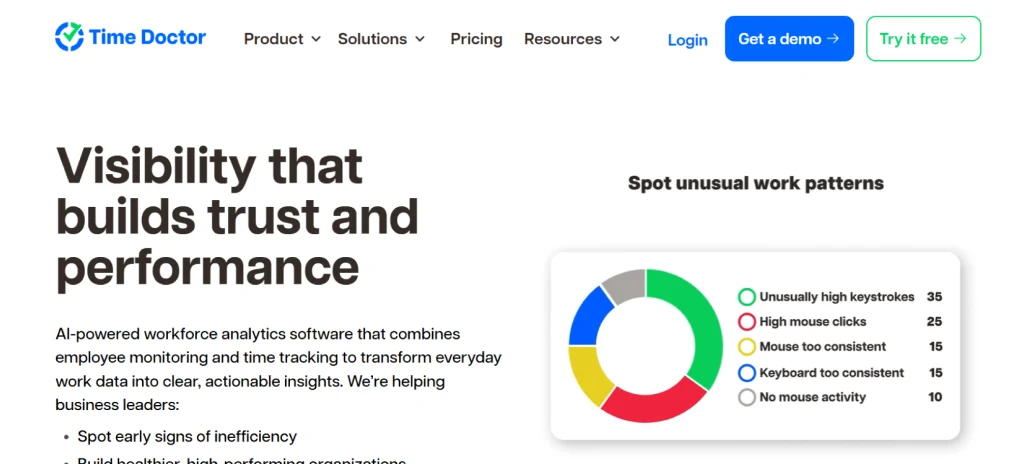
Time Doctor is an employee monitoring platform designed specifically around distraction reduction. Its signature feature is a real-time popup alert that appears on an employee's screen when they visit a non-work website, prompting them to return to productive work. This behavioral intervention approach sets Time Doctor apart from tools that simply record behavior without acting on it in the moment.
Where Time Doctor Stands Out
For contact centers and customer support teams, Time Doctor's distraction popup delivers measurable results. Organizations using the feature report 15 to 25 percent reductions in non-productive browsing within the first 30 days. The platform also offers per-project time tracking that integrates with tools like Salesforce, Jira, and Basecamp, making it easier for managers to see which projects consume the most employee time.
Time Doctor Limitations
Time Doctor is priced at $6.70 to $16.70 per user per month depending on tier, which is significantly higher than both Apploye and E-Monitor. The distraction popup feature, while effective, is reported by employees as intrusive in creative and technical roles where context-switching disrupts deep work. Time Doctor also lacks the compliance-grade audit logging that GDPR and HIPAA environments require.
Pros
- Real-time distraction intervention
- Strong project-time integration
- Client access for billing transparency
Cons
- Higher price point
- Popup alerts can disrupt deep-focus work
- Limited GDPR compliance tooling
Pricing: $6.70/user/month | Best for: Contact centers, support teams, client-billing environments
5. Insightful: Best for Workforce Analytics
Compare: E-Monitor vs Insightful · Insightful alternatives
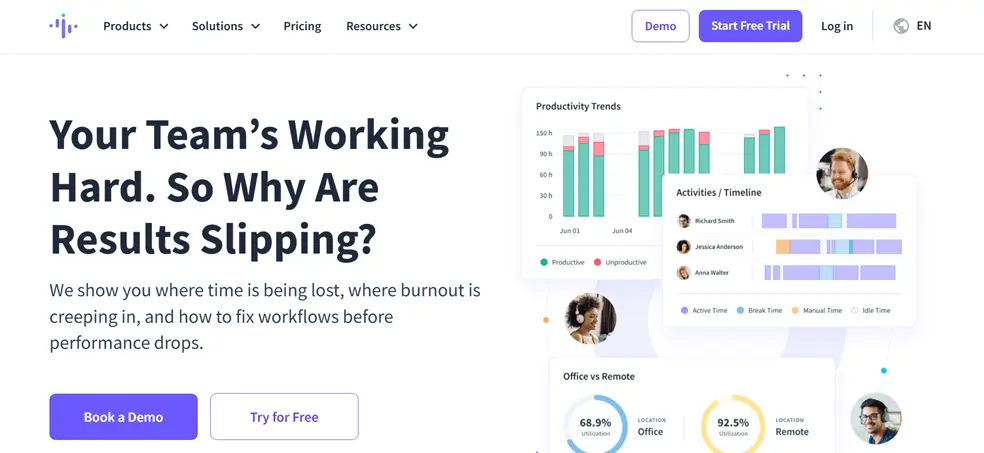
Insightful (formerly Workpuls) positions itself as a workforce analytics platform rather than a monitoring tool. It offers the deepest productivity analytics of any tool in this comparison, with employee wellness scores, productivity trend forecasting, and department-level benchmarking dashboards. For HR and operations leaders who want population-level workforce insights rather than individual surveillance data, Insightful is the most capable option.
Insightful Strengths
Insightful's office vs remote productivity comparison is particularly valuable for organizations navigating hybrid work decisions. The platform generates statistically valid comparisons of productivity scores, deep-focus time, and application usage between employees working in-office and those working remotely, giving HR leaders objective data for hybrid work policy design. No other tool in this comparison offers this level of population-level analytics.
Insightful Limitations
Insightful's starting price of $6.40 per user per month is above average for the category, and its most powerful analytics features require the higher-tier plans. The platform is also more complex to configure than E-Monitor or Monitask, and smaller teams typically do not need the population-level analytics that justify the additional cost and setup complexity.
Pros
- Deepest workforce analytics in the category
- Office vs remote productivity comparison
- Employee wellness scoring
- GDPR-compliant
Cons
- Higher price, not ideal for teams under 20
- Complex configuration
- Overkill for teams that need basic monitoring
Pricing: $6.40/user/month | Best for: Mid-market HR and operations teams, hybrid work policy decisions
6. Monitask: Best Budget Alternative for Freelancers
Compare: E-Monitor vs Monitask
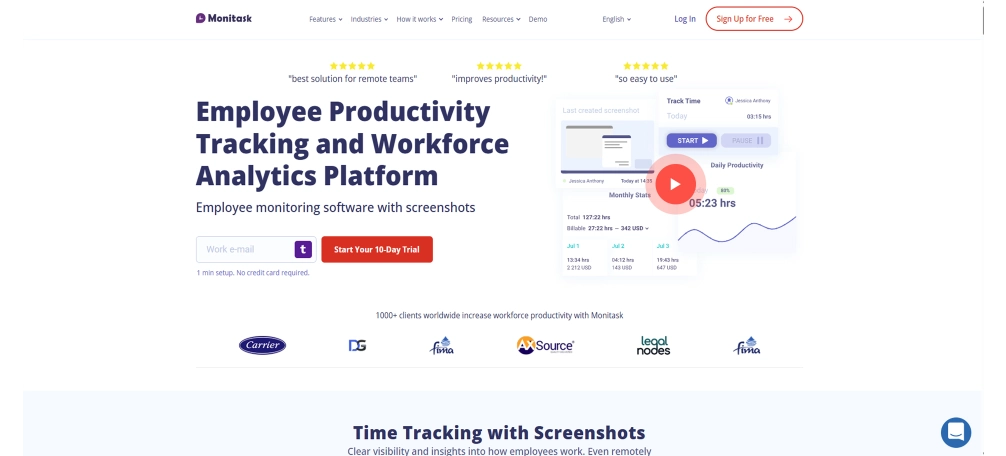
Monitask is a lightweight employee monitoring tool designed for freelancers, small agencies, and teams that need basic screenshot monitoring and time tracking without the complexity of a full monitoring platform. It is the closest direct competitor to Apploye's core functionality and is often cited alongside Apploye in comparisons targeting very small teams.
Monitask Strengths
Monitask's setup takes less than five minutes. The platform captures periodic screenshots, records application usage, and generates simple time reports without requiring an IT administrator to deploy or configure. For a 5 to 15-person team that needs accountability without deep analytics, Monitask provides exactly what is necessary at a price that is easy to justify.
Monitask Limitations
Monitask does not offer real-time alerts, behavioral analytics, compliance audit logs, or GDPR-specific data management tools. It is a monitoring tool, not a monitoring platform. Teams that grow beyond 20 people or take on clients with compliance requirements typically find Monitask insufficient and migrate to a more capable platform within their first year.
Pros
- Simple 5-minute setup
- Competitive pricing
- Clean, easy-to-use interface
Cons
- No real-time alerts
- No compliance tools
- Limited scalability
Pricing: $4.99/user/month | Best for: Freelancers, small agencies, teams under 20 people
7. DeskTime: Best for Pomodoro-Based Productivity
Compare: E-Monitor vs DeskTime · DeskTime alternatives
DeskTime is an employee monitoring tool built around the Pomodoro productivity method, with a private time feature that allows employees to pause monitoring for personal breaks. This approach makes DeskTime one of the more employee-friendly options in the monitoring category and positions it well for creative agencies and software development teams where employee trust is a priority.
DeskTime Strengths
DeskTime's private time feature is its clearest differentiator. Employees can pause monitoring with a single click, giving them genuine control over their privacy during personal activities. This reduces resistance to monitoring adoption significantly. Organizations that have struggled to get employees to accept monitoring tools often find DeskTime's transparency-first approach generates faster buy-in than tools that monitor continuously without employee control.
DeskTime Limitations
DeskTime does not offer screenshot monitoring at its base price point, and its productivity analytics are less granular than E-Monitor's or Insightful's. The platform lacks real-time alerting, compliance audit logs, and behavioral anomaly detection. At $6.42 per user per month for the Pro tier that includes screenshots, DeskTime is priced above E-Monitor while offering fewer features.
Pros
- Private time feature for employee trust
- Pomodoro productivity structure
- Clean, non-intrusive interface
Cons
- No screenshots at base tier
- No real-time alerts
- Limited compliance tools
Pricing: $6.42/user/month (Pro) | Best for: Creative agencies, development teams prioritizing employee trust
8. Clockify: Best Free Time Tracker (Not a Monitoring Tool)
Compare: Clockify alternatives
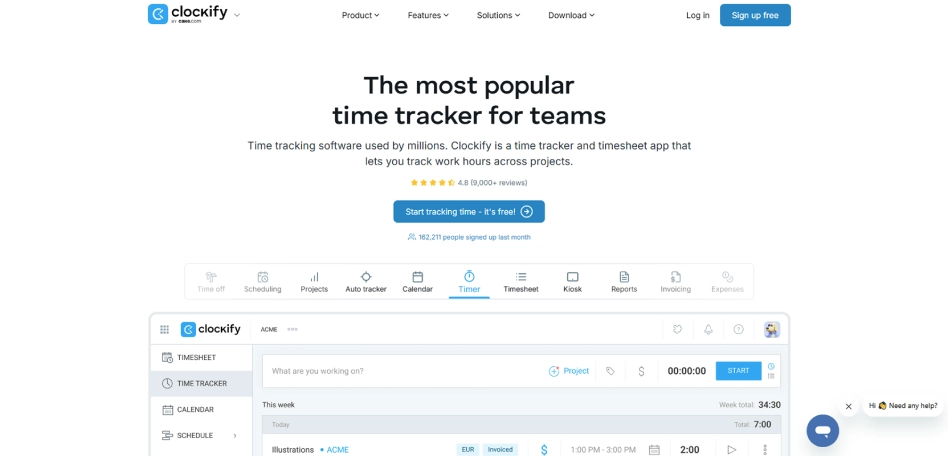
Clockify is the most widely used free time tracking tool in the world, with over 5 million users. It is important to clarify: Clockify is not an employee monitoring platform. It does not capture screenshots, track application usage, or monitor computer activity automatically. All time entries in Clockify are manually created by the employee. For teams switching from Apploye because they want less monitoring, not more, Clockify is the logical destination.
Who Should Choose Clockify
Clockify works well for professional services firms that bill clients by the hour and trust their employees to log time accurately. Law firms, design studios, and consulting practices where billable hour tracking is the primary need, and where employee trust is high, find Clockify sufficient. The free tier supports unlimited users and unlimited projects, which is genuinely unusual in this market.
Clockify Limitations
Clockify has zero monitoring capability. It cannot tell you how employees actually spend their time, only what they choose to report. For organizations that switched from Apploye because they needed more accountability, not less, Clockify moves in the wrong direction. Teams that need objective work data, not self-reported estimates, should look at E-Monitor or Insightful instead.
Pros
- Free for unlimited users
- Strong project and billing reports
- No monitoring concerns for employees
Cons
- Zero monitoring capability
- Relies entirely on manual time entries
- No accountability features
Pricing: Free / $3.99 per user per month for paid features | Best for: Billing-focused firms with high employee trust, no monitoring need
9. Toggl Track: Best for Freelance Billing
Compare: Toggl Track alternatives
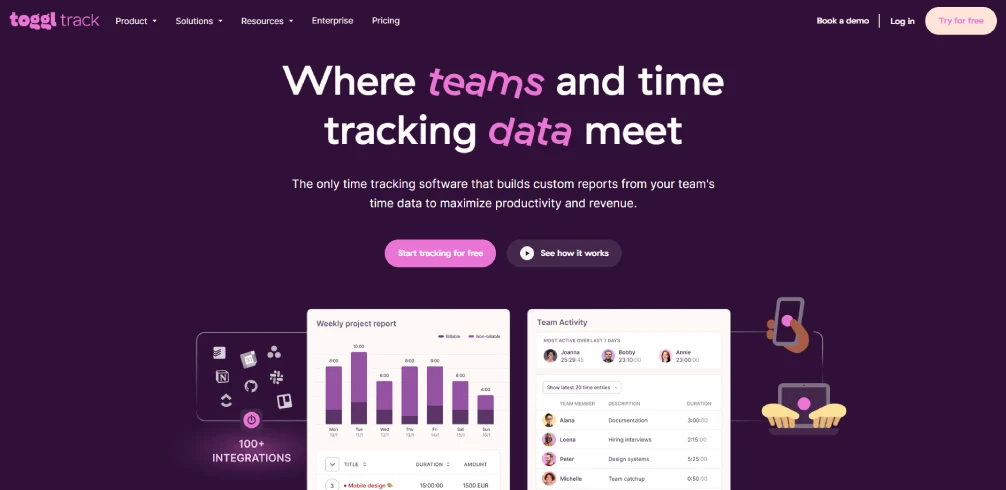
Toggl Track is a time tracking tool optimized for freelancers and small agencies managing multiple clients and billable projects. Like Clockify, it does not offer employee monitoring capabilities, all tracking is manual and employee-initiated. Toggl Track's paid tiers add project profitability tracking, client access, and time billing features that make it more capable than Clockify for client-facing professional services.
Who Should Choose Toggl Track
Toggl Track is the right choice for independent contractors and freelance teams that need accurate client billing records, project profitability visibility, and a polished interface, without any monitoring or accountability features. The platform's project forecasting tool compares estimated project hours against actual tracked time, helping freelancers and small agencies avoid scope creep and under-billing.
Toggl Track Limitations
Toggl Track's paid plan starts at $9 per user per month, which is higher than E-Monitor's Starter tier despite offering no monitoring capability. For organizations that need both time tracking and work activity visibility, Toggl Track requires a second tool to provide monitoring data. E-Monitor provides both in a single platform at a lower combined cost.
Pros
- Excellent project profitability tracking
- Clean client-facing reports
- Strong freelance billing features
Cons
- No monitoring capability
- Higher price for time-tracking-only features
- Manual entry only
Pricing: $9/user/month | Best for: Freelancers, small agencies focused on client billing
How to Choose the Right Apploye Alternative
The right Apploye alternative depends on the primary gap you are trying to fill. The table below maps each alternative to the scenario where it performs best.
| If Your Primary Need Is... | Best Choice | Why |
|---|---|---|
| Deeper behavioral analytics and GDPR compliance | E-Monitor | Role-based productivity rules, full audit trail, $3.90/user/mo |
| GPS tracking for field teams | Hubstaff | Best-in-class mobile GPS and geofencing |
| Real-time distraction intervention | Time Doctor | Screen popup alerts reduce non-productive browsing by 15-25% |
| Population-level workforce analytics | Insightful | Deepest analytics, office vs remote comparison |
| Simple monitoring for teams under 20 | Monitask | Fast setup, no IT required, competitive pricing |
| Employee trust and Pomodoro productivity | DeskTime | Private time feature reduces monitoring resistance |
| Free time tracking, no monitoring needed | Clockify | Unlimited users free, project billing reports |
| Freelance client billing | Toggl Track | Project profitability forecasting, clean client reports |
If you are unsure which scenario matches your team, use the employee monitoring ROI calculator to quantify the cost of your current monitoring gaps before selecting a platform. The calculator factors in team size, role mix, and monitoring depth to estimate the annual cost difference between options.
For a broader evaluation that includes tools beyond this list, the best employee monitoring software 2026 guide covers 20+ platforms with the same level of depth.
Try the Top-Rated Apploye Alternative Free for 7 Days E-Monitor includes screen recording, real-time alerts, and GDPR-compliant audit logs at $3.90 per user per month. No credit card required to start. Sign up →
Frequently Asked Questions
1. Why do companies switch from Apploye?
Companies switch from Apploye primarily because it lacks deep behavioral analytics, enterprise-grade compliance reporting, and real-time insider threat alerts. Apploye performs well for basic screenshot capture and time tracking, but teams that need policy-based monitoring, GDPR audit trails, or advanced productivity scoring outgrow the platform within 12 to 18 months of adoption.
2. What does Apploye lack compared to other tools?
Apploye lacks behavioral analytics, configurable monitoring policies, SIEM integration, and compliance-grade audit logs. It does not offer role-based monitoring rules, real-time alerts for policy violations, or data loss prevention features. For teams that need more than screenshot capture and basic time tracking, these gaps become significant as the organization scales.
3. Is E-Monitor cheaper than Apploye?
E-Monitor is priced at $3.90 per user per month, which is competitive with Apploye's standard tier. E-Monitor includes screen recording, real-time alerts, behavioral analytics, and compliance reporting at that price point, features Apploye reserves for higher tiers or does not offer at all. For teams of 25 or more, the cost-per-feature advantage of E-Monitor is substantial.
4. Which Apploye alternative is best for small teams?
E-Monitor and Monitask are the best Apploye alternatives for small teams. Both offer straightforward setup, per-user pricing with no seat minimums, and dashboards that do not require a dedicated IT administrator. E-Monitor adds screen recording and real-time alerts that Monitask lacks, making it the stronger choice if your small team handles sensitive client data.
5. What is the best Apploye alternative for GDPR compliance?
E-Monitor is the strongest Apploye alternative for GDPR compliance. E-Monitor provides work-hours-only monitoring, employee-visible dashboards, configurable data retention periods, and audit logs that document who accessed monitoring data and when. These features directly address Articles 5, 13, and 17 of the GDPR, which require purpose limitation, transparency, and the right to erasure.
6. Which alternative has the best mobile app?
Hubstaff offers the most complete mobile app among Apploye alternatives, including GPS location tracking, geofencing, and mobile time tracking for field teams. If your workforce includes field workers, delivery drivers, or construction crews, Hubstaff's mobile capabilities make it the clearest choice. For desk-based remote teams, E-Monitor's desktop agent provides equivalent depth without the mobile overhead.
7. Does E-Monitor offer a free trial?
E-Monitor offers a 7-day free trial with no credit card required. The trial includes the full feature set, screen recording, activity tracking, real-time alerts, and reporting dashboards, so teams can evaluate the platform against Apploye with real data from their own workforce before committing to a paid plan.
8. What is the best Apploye alternative for BPO?
E-Monitor is purpose-built for BPO environments. It supports high-seat deployments, shift-based monitoring policies, per-project activity tagging, and compliance reporting for regulated client data. BPO operations that manage 100 to 500 seats report that E-Monitor's per-project reporting and client-specific monitoring policies reduce billing disputes by an average of 30 to 40 percent.
9. Which alternatives do not require a download?
Clockify and Toggl Track offer web-based time tracking that does not require a desktop agent download. However, this also means they cannot capture screenshots, track application usage, or monitor activity automatically. If your team requires passive monitoring rather than manual time entries, a downloadable agent like E-Monitor's is necessary to capture objective work data.
10. How do I migrate from Apploye?
Migrating from Apploye to E-Monitor takes three steps: export your employee list and historical time data from Apploye in CSV format, import the employee list into E-Monitor using the bulk import tool, and deploy the E-Monitor desktop agent via your preferred method. E-Monitor's onboarding team provides a migration guide and live assistance for teams of 25 or more during the transition period.