
Summary
Productivity tracking software records how work time is used, through apps, websites, active and idle time and focus, and turns it into reports managers and employees can act on. We compared eight tools on what they track, how they report it, their privacy controls and entry price. E-Monitor and Time Champ have the lowest entry price at $3.90 per user per month; Hubstaff suits remote and field teams; Time Doctor focuses on distraction; Monitask is a narrow budget option; DeskTime, Insightful and ActivTrak lean toward automatic tracking and analytics. Prices were checked on vendor pricing pages on November 18, 2026.
Want productivity tracking your employees can see too? E-Monitor starts at $3.90 per user per month with a 7-day free trial. Try E-Monitor free →
What productivity tracking software does
Employee productivity tracking software records how work time is used, through applications and websites, active and idle time, and focus periods, and turns that record into reports a manager and the employee can act on. The useful tools go one step further and classify activity as productive, neutral or unproductive for each role, so a developer in an IDE and a recruiter on LinkedIn are both read correctly.
It sits between two neighbouring categories. Plain time tracking records how many hours went to which project, which our guide to employee monitoring versus time tracking covers. Broader employee monitoring adds security and compliance capabilities such as data loss prevention. A productivity tracker is the part aimed at understanding and improving how time is spent, and the best ones let employees see their own data. For the concept in depth, see what productivity monitoring software is.
We compared eight tools on what they track, how clearly they report it, the privacy controls they offer and their entry price. Prices are per user per month on annual billing, checked on each vendor's pricing page on November 18, 2026; vendors change prices, so confirm before you buy.
Productivity tracking software at a glance
| Tool | Best for | Entry price | Screenshots | Productivity analytics |
|---|---|---|---|---|
| E-Monitor | Lowest-cost tracking with employee self-views | $3.90 (Starter) | Yes, with on-device blur | Role-based classification and an explainable score |
| Time Champ | AI analytics, attendance and DLP | $3.90 (Starter) plus a per-license onboarding fee | Yes, plus screen recording | AI productivity scoring |
| Hubstaff | Remote and field teams | $4.99 (Starter) | Yes, capped on Starter and Grow | Activity levels |
| Time Doctor | Distraction-focused productivity | $6.70 (Basic) | Yes, every plan | Productivity ratings from Standard ($11.70) |
| Monitask | Budget, screenshot-verified time tracking | $6.49 (Pro) | Yes | Basic |
| DeskTime | Automatic tracking with light oversight | About $7 (Pro) | Premium plan | Productivity calculations |
| Insightful | Mid-market workforce analytics | About $8 | Yes | Workforce analytics |
| ActivTrak | Analytics-first teams focused on trends | $10 | Varies by plan | Trend and workload analytics |
1. E-Monitor: productivity tracking employees can see
Compare: Productivity monitoring · E-Monitor pricing
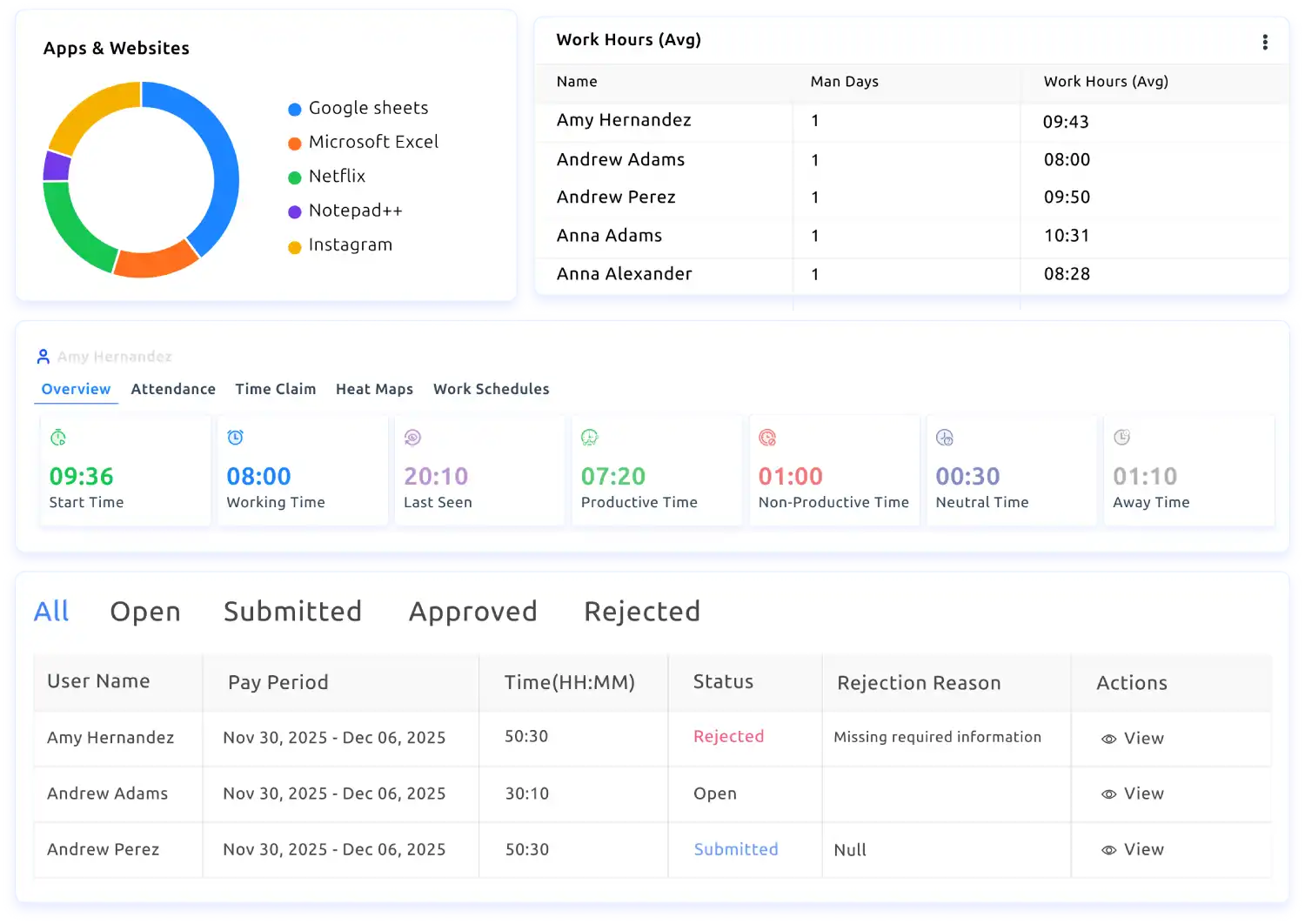
E-Monitor is built around the idea that productivity data should be readable by the person it describes. Every app and website is classified as productive, unproductive or neutral for the employee's role, with defaults for 12 common job families that admins can override, and the resulting score breaks down into active time, productive app and website use, focus block minutes and consistency against a 30-day rolling average.
Every employee has a personal dashboard with their own score, focus time, top apps and trend history, and that self-access is on by default. Tracking is limited to work hours, screenshots are optional and can be blurred on the device, and the agent runs on Windows, macOS, Linux and Chromebook.
Key features:
- Productivity tracking with role-based classification and a decomposable score
- App and website tracking by category
- Employee activity tracking with timestamped logs, including active and idle time
- Reporting dashboards with role-based views and scheduled reports on Professional and Enterprise
- Optional screen monitoring with on-device blur
- Time tracking and attendance tracking in the same agent
Pricing: Starter $3.90, Professional $6.90, Enterprise $13.90 per user per month on annual billing; 7-day free trial, no credit card.
Best for: Teams that want full productivity tracking at the lowest price, with transparency built in.
Limitations: No built-in invoicing; teams that bill clients from the same tool may prefer a billing-focused tracker.
2. Time Champ: AI-heavy analytics with attendance and DLP
Compare: E-Monitor vs Time Champ
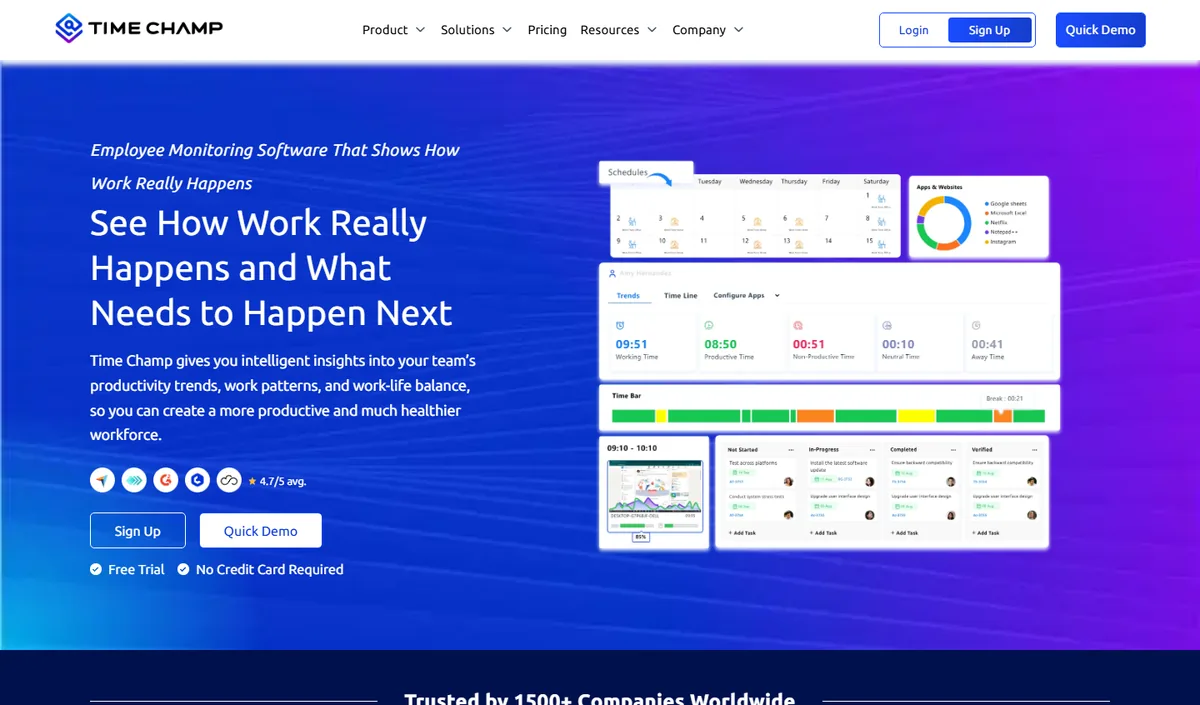
Time Champ is AI-powered employee monitoring software that combines productivity tracking, time tracking, attendance and data loss prevention in one platform. Its entry price matches E-Monitor's, so the choice between the two usually comes down to emphasis: Time Champ leans further into AI scoring, anomaly detection and attrition insights.
It suits organizations that want as much measurement as possible in one product. Very small teams may find the breadth more than they need, and a per-license implementation and training fee applies on top of the subscription.
Key features:
- Screenshots and screen recording
- App and website tracking with AI productivity scoring
- Time tracking with automatic timesheets and attendance
- Data loss prevention with USB and file-transfer monitoring
- Workforce analytics with anomaly and attrition insights
Pricing: Starter $3.90, Professional $6.90, Enterprise $13.90 per user per month on annual billing, plus a per-license implementation fee; free trial with no credit card.
Best for: Organizations that want AI scoring, anomaly detection and DLP together.
Limitations: Produces payroll-ready exports rather than running payroll; the onboarding fee raises first-year cost.
3. Hubstaff: productivity tracking for remote and field teams
Compare: E-Monitor vs Hubstaff · Hubstaff alternatives
Hubstaff pairs time tracking with activity levels and screenshots, and adds mobile and location tracking for field crews. It measures productivity mainly through activity percentages rather than role-based classification, which works well when the question is whether tracked time was active.
Every plan includes screenshots, but Starter caps them at 500 per seat per month and Grow at 1,500; the Team plan removes the cap and adds scheduling and expenses.
Key features:
- Time tracking with activity levels
- Screenshots on every plan, capped on Starter and Grow
- Invoicing from Grow
- Mobile apps and location tracking for field teams
Pricing: Starter $4.99, Grow $7.50, Team $10 per seat per month on annual billing; Enterprise through sales; 14-day free trial.
Best for: Remote and field teams that need proof of work and location.
Limitations: Activity percentages are a weaker productivity signal than role-aware classification; screenshot caps on lower plans.
4. Time Doctor: distraction-focused productivity tracking
Compare: E-Monitor vs Time Doctor · Time Doctor alternatives
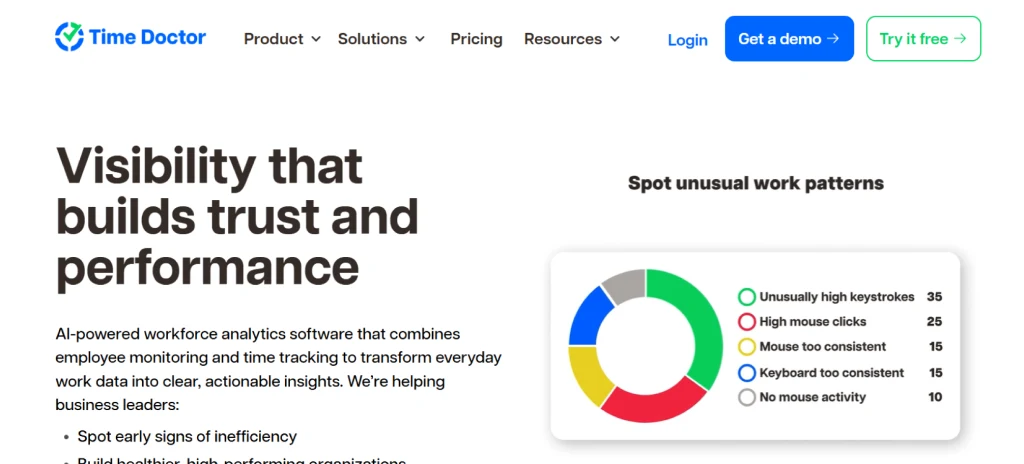
Time Doctor focuses on distraction: which sites and apps pull attention away from tracked work. Screenshots are included from the Basic plan, while web and app usage reporting, productivity ratings, payroll and its integrations start on Standard.
Video screen recording is on Premium or a $3 per user add-on, and Premium also adds mouse jiggler and auto-clicker detection. The productivity features most teams want therefore start at $11.70, not the $6.70 entry price.
Key features:
- Time tracking and screenshots on every plan
- Web and app usage reporting and productivity ratings from Standard
- Payroll and integrations from Standard
- Video screen recording on Premium or as an add-on
Pricing: Basic $6.70, Standard $11.70, Premium $16.70 per user per month on annual billing; 14-day free trial.
Best for: Teams focused on distraction and focus patterns.
Limitations: Productivity ratings require Standard, which roughly triples E-Monitor's entry cost.
5. Monitask: budget screenshot-verified time tracking
Compare: E-Monitor vs Monitask
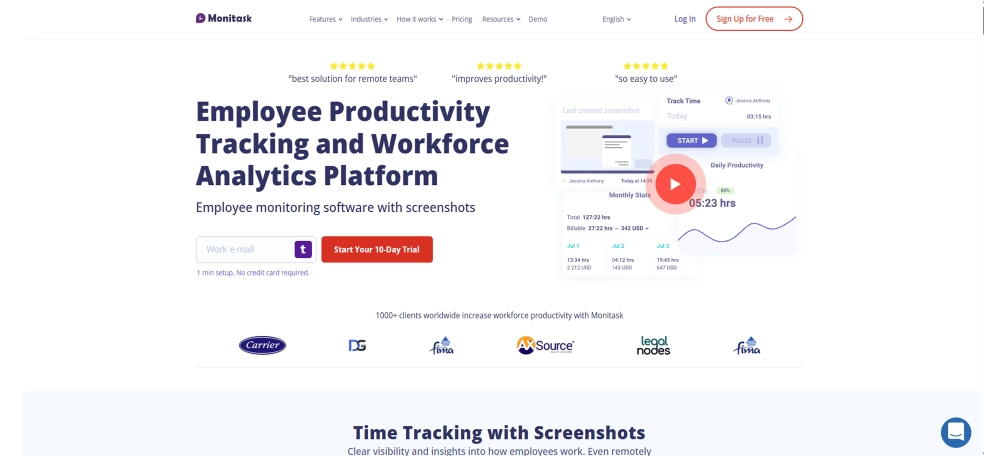
Monitask keeps its feature set deliberately narrow: time tracking, screenshot capture and website monitoring, with basic activity levels. For teams whose only need is confirming that tracked hours were worked, that simplicity is the point.
It does not try to be a productivity analytics platform. Reporting is basic, and there is no screen recording, live view, DLP or attendance management.
Key features:
- Time tracking with screenshots
- Website and app monitoring
- Basic activity levels and reports
Pricing: Pro $6.49 per user per month on annual billing ($7.99 monthly); Business and Enterprise plans with volume discounts.
Best for: Budget-conscious small teams that need screenshot-verified time tracking and little more.
Limitations: Basic reporting and no productivity classification, so it tracks time rather than productivity.
6. DeskTime: automatic tracking with light oversight
Compare: E-Monitor vs DeskTime · DeskTime alternatives
DeskTime tracks time automatically from the moment the computer is in use and calculates productivity from app and website categories. It is a gentle step toward automatic tracking for teams that do not want heavy monitoring.
Screenshots, integrations and the API are on the Premium plan, and prices vary by region.
Key features:
- Automatic time tracking with document title tracking
- Productivity calculations and calendar integrations on Pro
- Screenshots and shift scheduling on Premium
Pricing: Pro about $7 and Premium about $10 per user per month; Enterprise custom for 200+ users; 14-day free trial.
Best for: Teams that want automatic tracking without screenshots by default.
Limitations: Screenshots need Premium; less role-specific productivity classification.
7. Insightful: workforce analytics for mid-market teams
Compare: E-Monitor vs Insightful · Insightful alternatives
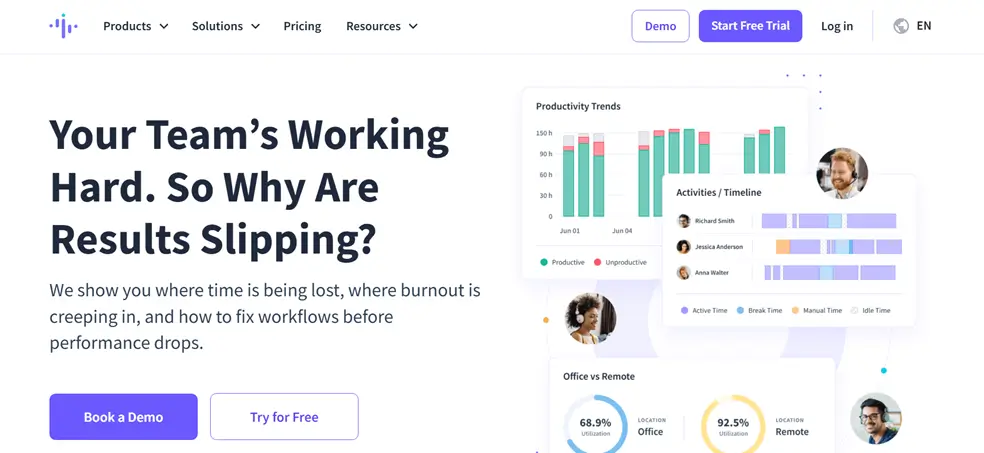
Insightful, formerly Workpuls, positions itself as workforce analytics: time tracking, screenshots and productivity data rolled up for operations leaders who want to see how work flows across teams.
It fits mid-market organizations with an analytics owner. Smaller teams may pay for depth they will not use.
Key features:
- Time tracking and screenshots
- Productivity and workforce analytics
- Team-level reporting for operations leaders
Pricing: From about $8 per user per month; check the vendor for current plans.
Best for: Mid-market teams that want workforce analytics.
Limitations: Higher entry price than E-Monitor for comparable core tracking.
8. ActivTrak: analytics-first productivity tracking
Compare: E-Monitor vs ActivTrak · ActivTrak alternatives
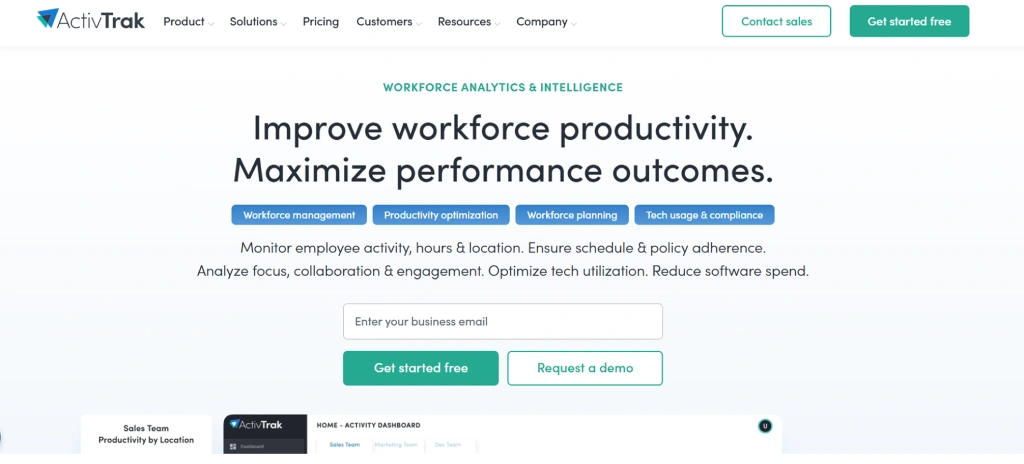
ActivTrak leads with analytics: productivity trends, workload balance and focus patterns aggregated across teams. It is a good fit when leadership wants trend data rather than screen-level detail.
Its advanced productivity features sit on the Productivity Optimization plan, so the entry price is not the price most analytics-focused buyers end up paying.
Key features:
- Productivity and workload trend analytics
- App and website categorization
- Team-level dashboards
Pricing: From $10 per user per month on annual billing; Productivity Optimization at $17.
Best for: Analytics-first teams focused on trends.
Limitations: Highest entry price in this list; screen capture is not its focus.
What productivity tracking costs for a 25-person team
Annual cost at each tool's entry plan for 25 users on annual billing. Where the entry plan lacks the productivity features most teams need, the next plan is shown as well.
| Tool | Plan | Per user/month | 25 users/year |
|---|---|---|---|
| E-Monitor | Starter | $3.90 | $1,170 |
| E-Monitor | Professional | $6.90 | $2,070 |
| Time Champ | Starter | $3.90 | $1,170 + onboarding fee |
| Hubstaff | Starter | $4.99 | $1,497 |
| Hubstaff | Grow | $7.50 | $2,250 |
| Monitask | Pro | $6.49 | $1,947 |
| Time Doctor | Standard | $11.70 | $3,510 |
| DeskTime | Pro | About $7.00 | About $2,100 |
| Insightful | Entry | About $8.00 | About $2,400 |
| ActivTrak | Entry | $10.00 | $3,000 |
Our employee monitoring pricing guide covers total cost of ownership, including onboarding fees and minimum seat counts.
How to choose productivity tracking software
The feature lists look similar, so judge tools on how they handle the parts that decide whether tracking helps or hurts:
- Outcomes over activity. Prefer role-aware classification and focus data over raw keyboard and mouse percentages, which reward looking busy. Our guide to tracking and measuring employee productivity sets out the method.
- Employee self-views. A tracker people can read about themselves is received very differently from a one-way report.
- Privacy controls. Work-hours-only tracking, exclusion of personal apps and on-device screenshot blur keep tracking proportionate.
- Readable reporting. Look for team-level trends and a sensible report cadence; see what a good employee productivity dashboard shows.
- Explainable scores. Every number should trace back to timestamped activity logs, so a score can be checked rather than taken on trust.
- Total cost. Compare the plan that includes the features you need, plus onboarding fees and seat minimums, not the headline entry price.
For which numbers to put on the dashboard once a tool is in place, see our list of employee productivity metrics. Teams weighing AI features specifically can compare our separate roundup of AI-powered employee productivity tools.
Why E-Monitor for productivity tracking
E-Monitor gives you role-aware productivity tracking, employee activity tracking and optional screen monitoring in one agent, at $3.90 per user per month. Scores are explainable, employees see their own dashboards, and tracking stays inside work hours. Start with the 7-day free trial and see your first team trends within the week.
Frequently Asked Questions
1. What is productivity tracking software?
Productivity tracking software records how work time is used, including applications, websites, active and idle time and focus periods, and turns it into reports for managers and employees. Better tools classify activity by role, so the same app can count as productive for one job and neutral for another.
2. What is the best employee productivity tracking software?
It depends on the job you need done. E-Monitor offers full productivity tracking with employee self-views from $3.90 per user per month; Hubstaff suits remote and field teams; Time Doctor focuses on distraction; and ActivTrak suits analytics-first teams. Shortlist two or three and run a trial with one team.
3. How much does productivity tracking software cost?
Entry prices in this comparison range from $3.90 to $10 per user per month on annual billing. The plan that includes productivity analytics is sometimes higher, for example Time Doctor's Standard plan at $11.70, so compare the plan you would actually use.
4. Is employee productivity tracking legal?
In most jurisdictions it is legal on company devices when employees are told in writing what is tracked and why, and tracking stays within work hours. Some regions, including the EU under GDPR, add requirements on purpose, proportionality and data access, so check the rules where your staff work.
5. Does productivity tracking software take screenshots?
Most tools offer screenshots as an option. E-Monitor, Time Doctor, Monitask and Insightful include them; Hubstaff caps them on lower plans; DeskTime reserves them for its Premium plan. Many teams track productivity without screenshots at all.
6. Can employees see their own productivity data?
In E-Monitor, yes: every employee has a personal dashboard with their own score, focus time, top apps and trends, and self-access is on by default. Self-views are one of the most important features to check in any tracker.
7. What is the difference between productivity tracking and time tracking?
Time tracking records how many hours were worked and on what. Productivity tracking analyzes how those hours were spent, such as focus time, distraction and meeting load. Several tools in this list, including E-Monitor, do both.
8. How do I track employee productivity without micromanaging?
Review trends weekly or monthly rather than watching live activity, judge outcomes and use activity data only as context, keep individual data for one-to-ones, and let employees see their own numbers.
Track productivity the fair way. E-Monitor gives managers team trends and employees their own dashboard, from $3.90 per user per month. Sign up →