Why Teams Search for ActivTrak Alternatives

ActivTrak is a capable workforce analytics tool. Its productivity scoring, team benchmarks, and burnout detection dashboards provide genuine value for managers who want a high-level view of how their teams work. A 2025 Gartner survey found that 78% of organizations now use some form of employee monitoring, and ActivTrak captures a meaningful share of that market.

But analytics alone do not tell the full story. ActivTrak's approach creates a specific set of limitations that push teams toward alternatives.

The Analytics-vs.-Monitoring Gap

ActivTrak tracks which apps and websites employees use, then translates that data into productivity scores and dashboards. What it does not do is capture screenshots, record screens, log detailed activity timelines, or send real-time alerts when specific behaviors occur. For teams managing remote contractors, verifying client-billable work, or meeting compliance requirements, this gap is a dealbreaker.

According to a 2024 Digital.com survey, 60% of companies with remote employees use monitoring software specifically for screen capture or activity verification, not just analytics. ActivTrak cannot serve this need on any pricing tier.

Pricing at Scale

ActivTrak's Professional plan costs $17 per user per month. For a 100-person team, that totals $20,400 annually, and you still do not get screen monitoring. Several alternatives on this list offer deeper monitoring capabilities at 50% to 75% less per user.

Feature Breadth

ActivTrak focuses narrowly on workforce analytics. It does not include time tracking, attendance management, project tracking, or data loss prevention. Teams using ActivTrak often need two or three additional tools to cover these workflows, which increases both cost and complexity.

These limitations do not make ActivTrak a bad product. They make it a specialized one. The alternatives below address specific gaps depending on what your team actually needs.

ActivTrak Alternatives: Quick Comparison Table

This table summarizes the 10 alternatives covered in this guide. Pricing reflects the mid-tier plan (most comparable to ActivTrak Professional) as of March 2026.

Tool Best For Screen Monitoring Time Tracking Starting Price
eMonitorAll-in-one monitoring + analyticsYes (screenshots + recording)Yes (automatic)$4.50/user/mo
TeramindEnterprise DLP and insider threatsYes (screenshots + video)Yes$15/user/mo
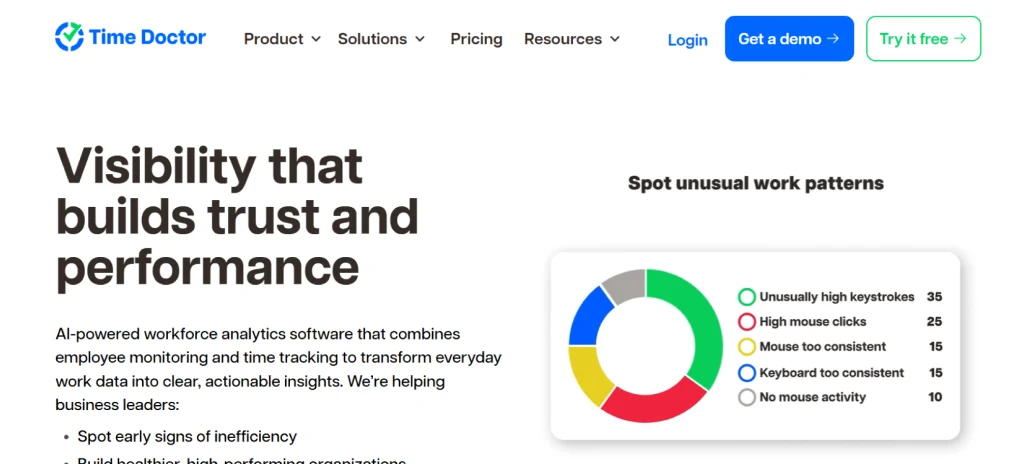
Time DoctorTime tracking with light monitoringYes (screenshots)Yes (core feature)$7/user/mo
HubstaffRemote teams with GPS needsYes (screenshots)Yes (core feature)$4.99/user/mo
InsightfulWorkforce analytics (ActivTrak-like)Yes (screenshots)Yes$8/user/mo
VeriatoInsider threat detectionYes (video recording)NoCustom pricing
DeskTimeAutomatic time trackingYes (screenshots)Yes (core feature)$7/user/mo
KickidlerReal-time visual monitoringYes (live video)Yes$5.50/user/mo
MonitaskBudget-friendly monitoringYes (screenshots)Yes$5.99/user/mo
WorkTimePrivacy-focused analyticsNo (privacy-first)No$6.99/user/mo

1. eMonitor: Best Overall ActivTrak Alternative

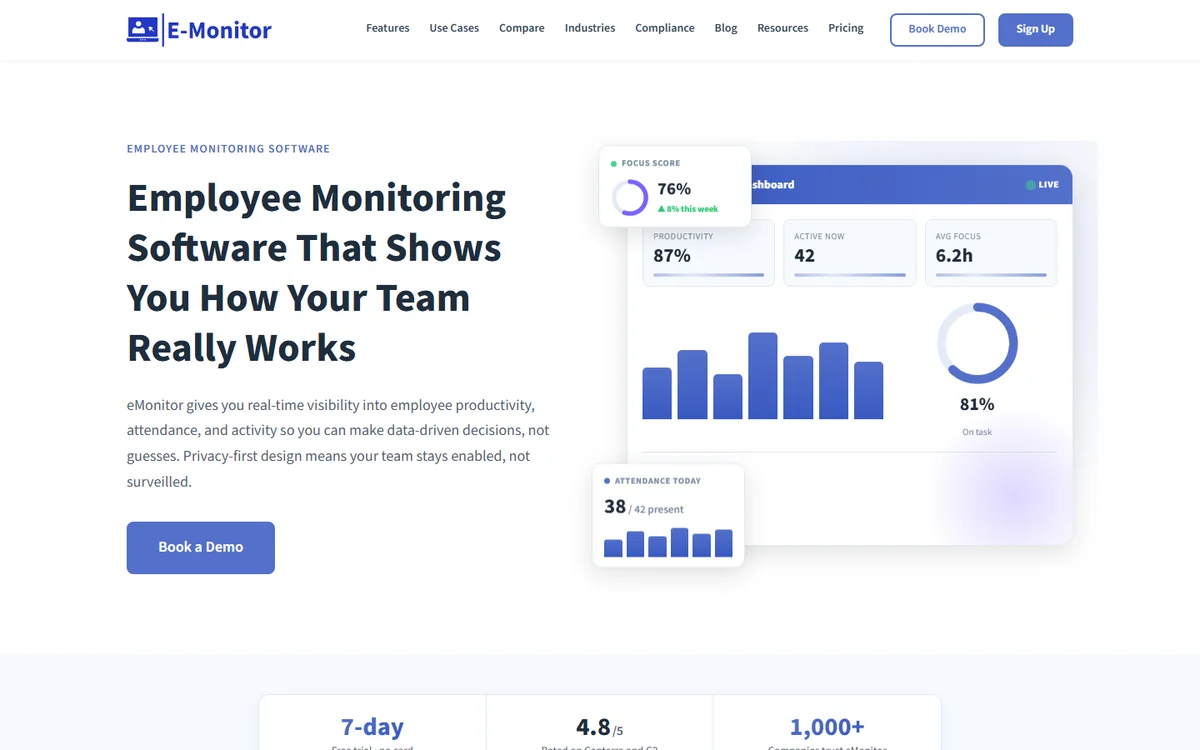
eMonitor is a workforce intelligence platform that combines comprehensive employee monitoring with productivity analytics, time tracking, and attendance management in a single tool. Where ActivTrak stops at analytics dashboards, eMonitor adds screen captures, detailed activity timelines, real-time alerts, and data loss prevention, all at $4.50 per user per month.

What makes eMonitor the strongest ActivTrak replacement is feature breadth. A single eMonitor license covers what typically requires ActivTrak ($17/user) plus a separate time tracker ($7/user) plus an attendance tool ($3/user). For a 50-person team, that consolidation alone saves over $13,000 annually.

Key Advantages Over ActivTrak

  • Screen monitoring: Automated periodic screenshots, on-demand captures, live screen viewing (Office TV), and screen recording with anomaly detection. ActivTrak offers none of these.
  • Real-time alerts: Configurable notifications for idle time, unauthorized app usage, productivity drops, USB device connections, and geofencing violations. ActivTrak's alerting is limited to basic threshold notifications.
  • Built-in time tracking: Automatic time capture, timesheet generation, overtime calculation, and payroll-ready exports. ActivTrak requires a separate time tracking tool.
  • Data loss prevention: USB monitoring, file activity tracking, website access violation logs, and upload/download alerts. ActivTrak has no DLP features.
  • Attendance and scheduling: Automated attendance capture, shift scheduling, break management, and late login alerts. Again, ActivTrak does not include these.

Where ActivTrak Still Wins

ActivTrak's AI coaching feature (available on Professional at $17/user) provides automated productivity recommendations tailored to individual employees. eMonitor offers productivity scoring and analytics but does not yet include AI-generated coaching suggestions. ActivTrak also has a permanent free tier for up to 3 users, while eMonitor offers a 7-day full-feature trial.

Pricing

eMonitor Starter: $4.50/user/month. Professional: $6.90/user/month. Enterprise: $13.90/user/month. All plans billed annually. Screen monitoring and real-time alerts are available starting at the Professional tier.

Bottom line: eMonitor is the best ActivTrak alternative for teams that need both analytics and actual monitoring capabilities without paying enterprise prices. It replaces three to four separate tools with one platform.

See the full feature-by-feature breakdown: eMonitor vs ActivTrak detailed comparison.

2. Teramind: Best for Enterprise DLP and Insider Threat Detection

Teramind is an enterprise-grade monitoring platform trusted by over 10,000 organizations, with deep specialization in data loss prevention and insider threat detection. Where ActivTrak focuses on productivity analytics, Teramind focuses on security: tracking file movements, monitoring email content, logging application behavior at the process level, and detecting policy violations in real time.

For organizations in regulated industries (finance, healthcare, government), Teramind's compliance capabilities are significantly stronger than ActivTrak's. Teramind supports HIPAA, PCI DSS, GDPR, and SOX compliance frameworks with audit-ready reporting.

Pros

  • Comprehensive DLP with file, email, and clipboard monitoring
  • User behavior analytics (UBA) with risk scoring
  • Screen recording triggered by policy violations
  • OCR-based content analysis for sensitive data detection
  • On-premise deployment option for air-gapped environments

Cons

  • Pricing starts at $15/user/month, and enterprise tiers run higher
  • Complex setup and configuration, often requires dedicated IT staff
  • Heavier system resource usage compared to lightweight agents
  • Overkill for teams that just want productivity analytics

Bottom line: Teramind is the right ActivTrak alternative when your primary concern is data security and compliance rather than productivity optimization. It is not a budget option, but its security depth is unmatched.

3. Time Doctor: Best for Time Tracking with Light Monitoring

Time Doctor is a time tracking platform that adds employee monitoring features on top. Its core strength is precise time capture tied to projects, tasks, and clients, making it a strong choice for agencies and service businesses that bill by the hour. Time Doctor reports that organizations using its platform see a 22% average increase in productive hours within the first 90 days.

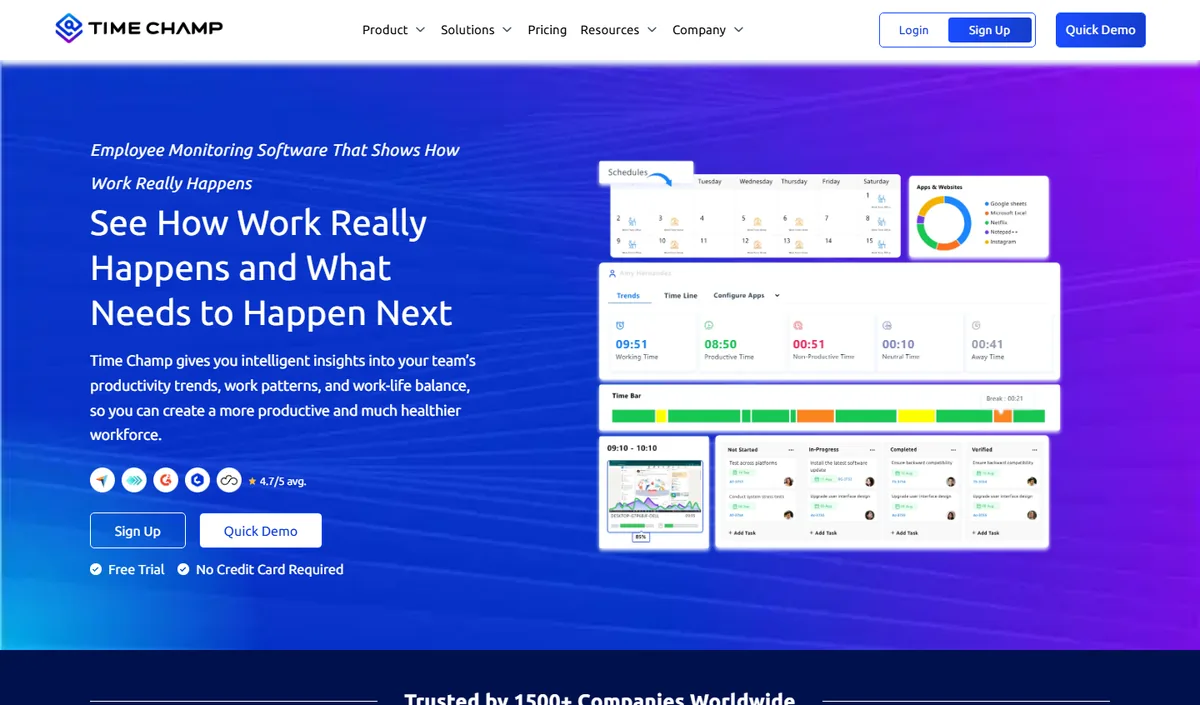
Unlike ActivTrak, Time Doctor includes screenshot monitoring, distraction alerts (pop-ups when employees visit non-work sites), and payroll integration. Unlike eMonitor, Time Doctor charges $16.70/user/month for its Business plan that includes screenshots, compared to eMonitor's $6.90/user/month.

Pros

  • Strong project-level time tracking with billable hour classification
  • Distraction alerts that notify employees in real time
  • Built-in payroll processing with integrations for Gusto, ADP, and Wise
  • Client login portal for billing transparency

Cons

  • Screenshot monitoring only on the Business plan ($16.70/user/month)
  • No screen recording or live screen viewing
  • Limited DLP capabilities
  • Distraction pop-ups can feel intrusive to employees

Bottom line: Time Doctor is the best ActivTrak alternative for teams where billable time tracking is the primary need and light monitoring is a secondary benefit.

4. Hubstaff: Best for Remote and Field Teams with GPS

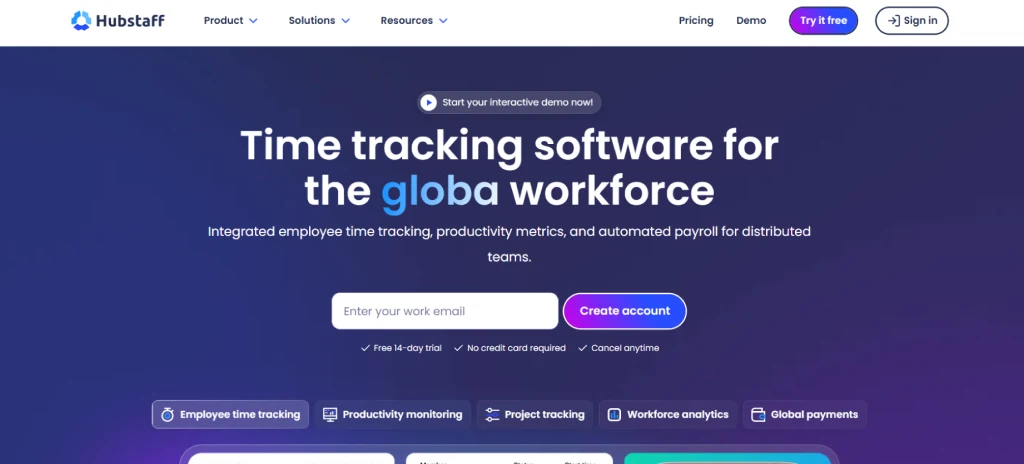
Hubstaff combines time tracking, screenshot monitoring, and GPS location tracking in a single platform. With over 112,000 businesses and 500,000 users, Hubstaff is one of the most widely adopted tools in this category. Its mobile app with GPS geofencing makes it particularly strong for field teams, construction crews, and distributed workforces that need location verification alongside activity monitoring.

ActivTrak has no GPS or location tracking capabilities at all. For organizations managing field employees or needing location-verified attendance, Hubstaff fills a gap that ActivTrak cannot address.

Pros

  • GPS tracking with geofencing and route history
  • Screenshot monitoring with blur options for privacy
  • Built-in payroll and invoicing with Hubstaff Pay
  • Over 30 integrations (Asana, Jira, Trello, QuickBooks)
  • SOC 2 Type II certified

Cons

  • No screen recording or live viewing
  • Activity monitoring is less detailed than eMonitor or Teramind
  • Advanced features require the Team plan at $10/user/month
  • No DLP or file monitoring

Bottom line: Hubstaff is the best ActivTrak alternative for teams with remote or field employees who need GPS verification alongside basic monitoring and time tracking.

Looking for More Than Analytics?

eMonitor gives you productivity dashboards, screen monitoring, time tracking, attendance, and DLP in one platform. Trusted by 1,000+ companies worldwide.

Start Your Free 7-Day Trial

No credit card required. Setup takes under 2 minutes.

5. Insightful (formerly Workpuls): Closest ActivTrak Competitor

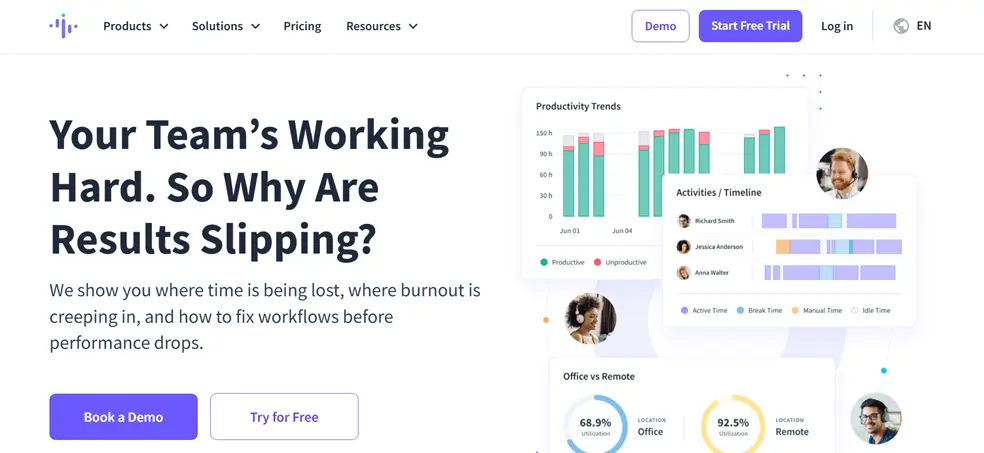
Insightful is the most similar alternative to ActivTrak in terms of product philosophy. Both platforms prioritize workforce analytics, productivity dashboards, and team-level benchmarking. The key difference: Insightful includes screenshot monitoring and automatic time tracking in its mid-tier plan, two features ActivTrak omits entirely.

Insightful reports serving over 4,000 organizations and 135,000 users. Its workforce analytics dashboards are polished and intuitive, with features like focus time analysis, productivity trends, and capacity planning reports.

Pros

  • Workforce analytics depth comparable to ActivTrak
  • Screenshot monitoring included at mid-tier pricing
  • Automatic time tracking and timesheet generation
  • Process mining for workflow optimization
  • Office vs. remote productivity comparison dashboards

Cons

  • No screen recording or live screen viewing
  • No DLP or file monitoring features
  • Pricing at $8/user/month is lower than ActivTrak but higher than eMonitor
  • Alert system is basic compared to eMonitor or Teramind

Bottom line: Insightful is the safest switch for teams that like ActivTrak's analytics approach but want screenshot monitoring included. It is the most direct competitor without a dramatic change in product philosophy.

6. Veriato: Best for Insider Threat Investigations

Veriato (formerly SpectorSoft) is a security-focused monitoring tool designed for insider threat detection, digital forensics, and compliance investigations. Unlike ActivTrak's productivity-first approach, Veriato records continuous video of employee screens, logs all network activity, and uses AI-powered behavior analysis to flag potential security incidents.

Veriato is not a productivity tool. It is a security tool that happens to collect productivity data as a byproduct. Organizations choose Veriato when they need forensic-grade evidence collection, not when they want to coach employees on better work habits.

Pros

  • Continuous screen video recording (not just periodic screenshots)
  • AI-powered behavior analysis with psycholinguistic profiling
  • Email and chat content monitoring across platforms
  • USB, print, and file transfer monitoring
  • Strong in regulated industries (finance, legal, government)

Cons

  • Custom pricing only (typically $20+ per user per month)
  • No time tracking or attendance features
  • Heavy resource usage due to continuous recording
  • Not designed for productivity optimization
  • Can create negative employee perception if not communicated carefully

Bottom line: Veriato is the right alternative only when insider threat detection and forensic evidence are the primary requirements. It is not a productivity-focused tool and should not be compared to ActivTrak on that axis.

7. DeskTime: Best for Automatic Time Tracking with Simplicity

DeskTime is a productivity tracking tool that emphasizes simplicity and automatic time capture. It tracks productive, unproductive, and neutral time without requiring employees to start timers or log tasks manually. DeskTime's private time feature allows employees to pause tracking for personal activities, a privacy-friendly approach that reduces friction during rollouts.

DeskTime also includes a built-in Pomodoro timer, which appeals to teams that follow structured focus/break workflows. Compared to ActivTrak, DeskTime is simpler but includes screenshot monitoring and basic URL tracking that ActivTrak lacks.

Pros

  • Fully automatic time capture with no manual input
  • Private time feature for employee-initiated breaks from monitoring
  • Built-in Pomodoro timer for structured focus sessions
  • Screenshot monitoring at the Pro tier ($7/user/month)
  • Clean, intuitive interface with minimal learning curve

Cons

  • No screen recording or live viewing
  • No real-time alerts or anomaly detection
  • No DLP, USB monitoring, or file tracking
  • Reporting is basic compared to ActivTrak or eMonitor
  • Limited integrations (fewer than 10 native integrations)

Bottom line: DeskTime is the best ActivTrak alternative for small teams that want simple, automatic time tracking with basic monitoring and a privacy-friendly approach. It does not match ActivTrak's analytics depth or eMonitor's feature breadth.

8. Kickidler: Best for Real-Time Visual Monitoring

Kickidler stands out for one specific capability: real-time video monitoring of employee screens. While most tools take periodic screenshots (one every 5 to 15 minutes), Kickidler streams a continuous video feed. Managers can watch employee desktops live, replay historical video recordings, and detect policy violations as they happen rather than after the fact.

This level of visual monitoring is far beyond what ActivTrak provides (none) and even exceeds what most competitors offer. Kickidler reports serving over 5,000 organizations across 60 countries.

Pros

  • Live video streaming of employee screens in real time
  • Historical video playback with search by date and employee
  • Keystroke logging and application usage tracking
  • Violation detection with automated alerts
  • Competitive pricing at $5.50/user/month for on-premise

Cons

  • Heavy bandwidth and storage requirements for video
  • Employee perception can be negative with continuous video
  • No time tracking, attendance, or payroll features
  • Limited analytics and reporting compared to ActivTrak
  • On-premise version requires server infrastructure

Bottom line: Kickidler is the best ActivTrak alternative for organizations that specifically need live visual monitoring and video-based proof of work. It trades analytics depth for visual monitoring depth.

9. Monitask: Best Budget-Friendly Monitoring Alternative

Monitask offers a straightforward combination of time tracking, screenshot monitoring, and activity reporting at $5.99 per user per month. It does not try to be an analytics platform like ActivTrak or an all-in-one solution like eMonitor. Instead, Monitask focuses on giving managers basic visibility into remote employee work with minimal setup and cost.

For small teams and startups that find ActivTrak too expensive and too analytics-heavy, Monitask provides the essentials: proof of work through screenshots, time tracking, and simple productivity reports.

Pros

  • Simple setup and interface with minimal training needed
  • Screenshot monitoring included on all paid plans
  • Basic time tracking with project assignment
  • Affordable pricing for small teams
  • Chrome extension for browser-based tracking

Cons

  • No screen recording or live viewing
  • Limited analytics and reporting depth
  • No DLP, real-time alerts, or advanced monitoring
  • No attendance management or shift scheduling
  • Fewer integrations than larger competitors

Bottom line: Monitask is the best ActivTrak alternative for small teams (under 20 people) that want basic monitoring at the lowest possible price without enterprise features they would not use.

10. WorkTime: Best Privacy-First Analytics Alternative

WorkTime positions itself as the most privacy-focused employee monitoring tool available. It explicitly does not capture screenshots, record screens, log keystrokes, or read email content. Instead, WorkTime tracks application and website usage at an aggregate level, providing productivity analytics without collecting individualized visual data.

For organizations in privacy-sensitive industries or countries with strict data protection laws (Germany, France, much of the EU), WorkTime's approach reduces legal risk. WorkTime is the closest alternative to ActivTrak's analytics-only philosophy, with even stronger privacy guarantees.

Pros

  • No screenshots, no screen recording, no keystroke logging
  • Aggregate-level analytics reduce privacy risk
  • Strong compliance positioning for GDPR-heavy environments
  • Green/yellow/red productivity scoring system
  • On-premise deployment option for full data control

Cons

  • No visual verification of employee work
  • No time tracking, attendance, or scheduling features
  • Limited alert and notification system
  • Smaller user base and fewer integrations
  • Reporting is less detailed than ActivTrak or Insightful

Bottom line: WorkTime is the best ActivTrak alternative for organizations that want productivity analytics with the absolute minimum employee data collection. It is the right choice when privacy constraints are non-negotiable and visual monitoring is off the table.

How to Choose the Right ActivTrak Alternative

The best ActivTrak replacement depends on why you are leaving ActivTrak in the first place. Here is a decision framework based on the most common reasons teams switch.

You Need Screen Monitoring + Analytics

Choose eMonitor. It is the only option that matches ActivTrak's analytics depth while adding comprehensive screen monitoring, time tracking, DLP, and attendance management at $4.50/user/month. For teams that want one platform instead of three, eMonitor is the clear choice.

You Need Enterprise Security and DLP

Choose Teramind or Veriato. Both offer deep security monitoring with insider threat detection, file tracking, and compliance reporting that ActivTrak and most alternatives cannot match. Teramind is more accessible; Veriato is more forensic.

You Need Time Tracking First, Monitoring Second

Choose Time Doctor or Hubstaff. Both built their platforms around time tracking and added monitoring features on top. If billable hours, payroll integration, or GPS tracking are your primary concerns, these tools fit better than analytics-first platforms.

You Want the Closest ActivTrak Experience

Choose Insightful or WorkTime. Both follow the analytics-first approach that ActivTrak pioneered, with Insightful adding screenshot monitoring and WorkTime doubling down on privacy. The transition from ActivTrak to either of these requires the least workflow change.

You Have a Tight Budget

Choose eMonitor ($4.50/user/month) or Monitask ($5.99/user/month). Both offer monitoring capabilities that ActivTrak charges $17/user/month to not include. eMonitor provides significantly more features; Monitask is simpler but adequate for small teams.

ActivTrak Alternatives: Pricing Comparison at Scale

Pricing matters differently at different team sizes. A $5 per user difference is negligible for a 5-person team but adds up to $3,000 annually for a 50-person team. Here is how the most popular ActivTrak alternatives compare at three common team sizes.

Tool (Mid-Tier Plan) 10 Users (Annual) 50 Users (Annual) 100 Users (Annual)
ActivTrak Professional$2,040$10,200$20,400
eMonitor Professional$828$4,140$8,280
Teramind$1,800$9,000$18,000
Time Doctor Business$2,004$10,020$20,040
Hubstaff Team$1,200$6,000$12,000
Insightful$960$4,800$9,600
DeskTime Pro$840$4,200$8,400
Monitask$719$3,594$7,188

At 100 users, choosing eMonitor over ActivTrak saves $12,120 per year while gaining screen monitoring, time tracking, attendance, and DLP features that ActivTrak does not include at any price. According to a 2024 Nucleus Research analysis, companies that consolidate multiple workforce tools into a single platform reduce total software costs by 30% to 40% beyond the licensing savings alone, due to reduced training, administration, and integration overhead.

How to Migrate from ActivTrak to a New Platform

Switching employee monitoring tools does not need to be disruptive. Most migrations from ActivTrak to an alternative complete within one to two business days. Here is a practical migration plan.

  1. Export your ActivTrak data. Download productivity reports, user lists, and app/website classification rules from ActivTrak before canceling. Most alternatives cannot import ActivTrak data directly, but having your classification rules documented saves reconfiguration time.
  2. Run a parallel trial. Install the new monitoring agent alongside ActivTrak for 5 to 7 days. Compare data accuracy, dashboard quality, and system performance impact. eMonitor's lightweight desktop agent runs alongside other tools without conflicts.
  3. Configure productivity classifications. Recreate your productive/unproductive app and website categories in the new platform. This is typically the most time-consuming step, taking 30 to 60 minutes for most organizations.
  4. Communicate the change to employees. Transparent communication about monitoring tool changes builds trust. Explain what the new tool tracks, what it does not track, and how employees can view their own data.
  5. Uninstall ActivTrak and go live. Remove the ActivTrak agent from all devices and begin using the new platform as your primary monitoring tool. Most agents can be uninstalled remotely through device management tools.

eMonitor's setup process takes under two minutes per device, and the platform includes a guided onboarding wizard that walks you through app classification, alert configuration, and dashboard setup.

Frequently Asked Questions About ActivTrak Alternatives

Is ActivTrak worth it?

ActivTrak is worth it for teams that only need workforce analytics dashboards and AI-driven coaching insights. However, ActivTrak lacks screen recording, detailed activity logs, and real-time alerts. Teams that require actual monitoring capabilities alongside analytics find better value in alternatives like eMonitor, which includes those features starting at $4.50 per user per month.

What is better than ActivTrak?

eMonitor, Teramind, and Time Doctor each outperform ActivTrak in specific areas. eMonitor offers deeper monitoring (screen captures, activity logs, real-time alerts) at lower pricing. Teramind provides enterprise-grade DLP and insider threat detection. Time Doctor adds payroll integration and distraction alerts. The best choice depends on whether you prioritize monitoring depth, security, or time tracking.

Does ActivTrak have screen recording?

No. ActivTrak does not offer screen recording, screen captures, or live screen viewing on any pricing tier, including its Enterprise plan. This is one of the most common reasons teams switch to alternatives. eMonitor, Teramind, Hubstaff, and Time Doctor all include screen capture or recording capabilities in their mid-tier plans.

How much does ActivTrak cost?

ActivTrak offers a limited free tier for up to 3 users. The Essentials plan costs $10 per user per month, and the Professional plan costs $17 per user per month. Enterprise pricing is custom. For a 50-person team on Professional, ActivTrak costs $10,200 annually, while eMonitor's comparable plan costs $2,700 annually.

What are ActivTrak's limitations?

ActivTrak's primary limitations include no screen monitoring or recording on any plan, no keystroke activity tracking, no USB or file monitoring for data loss prevention, limited alert customization, and a free tier restricted to only 3 users. These gaps make ActivTrak less suitable for teams that need hands-on monitoring alongside analytics.

Can ActivTrak monitor remote employees?

ActivTrak monitors remote employee app and website usage through a lightweight desktop agent. However, it only tracks analytics-level data like productive versus unproductive time. It cannot capture screenshots, record screens, or provide live viewing of remote employee desktops. Teams managing remote contractors often need these visual verification features.

Is ActivTrak compliant with GDPR?

ActivTrak states GDPR compliance and offers data processing agreements for European customers. Its analytics-only approach means it collects less employee data than full monitoring platforms. Organizations with strict privacy requirements may prefer ActivTrak's lighter data footprint, while those needing compliance audit trails may require alternatives with more detailed activity logging.

Does ActivTrak work on Mac?

Yes. ActivTrak supports Windows, macOS, and Chrome OS through desktop agents. However, feature parity varies by operating system. Some advanced analytics features are more limited on macOS compared to Windows. eMonitor supports Windows, macOS, Linux, and Chromebook with consistent feature availability across all platforms.

How do I switch from ActivTrak to another tool?

Switching from ActivTrak takes one to two business days. Uninstall the ActivTrak agent from employee devices, install the new monitoring agent, and configure your productivity categories and alert rules. Most alternatives offer migration support. eMonitor provides a guided setup that takes under two minutes per device.

Which ActivTrak alternative is best for small businesses?

eMonitor is the strongest ActivTrak alternative for small businesses. It provides comprehensive monitoring, productivity analytics, and time tracking at $4.50 per user per month, compared to ActivTrak's $10 to $17 per user. Small businesses also benefit from eMonitor's all-in-one approach, replacing separate monitoring, time tracking, and attendance tools.

Does ActivTrak offer a free plan?

ActivTrak offers a permanent free tier limited to 3 users with basic features. Advanced analytics, AI coaching, team comparison reports, and alerting are not available on the free plan. For teams larger than 3, paid plans start at $10 per user per month. eMonitor offers a 7-day free trial with full Professional features and no user limit.

Can ActivTrak track employee productivity?

Productivity tracking is ActivTrak's core strength. It classifies apps and websites as productive or unproductive, generates productivity scores, and provides team comparison dashboards. ActivTrak's AI coaching feature on the Professional plan also suggests productivity improvements. However, it does not track screen activity, keystrokes, or provide the visual proof of work that some managers require.

Which ActivTrak Alternative Is Right for Your Team?

ActivTrak built a strong product for workforce analytics, but analytics alone do not cover what most growing teams need. The 10 ActivTrak alternatives in this guide represent a spectrum from privacy-first analytics (WorkTime) to forensic-grade security monitoring (Veriato), with several well-balanced options in between.

For most teams, the decision comes down to three factors: how deep your monitoring needs are, how many separate tools you want to manage, and what your budget allows per user.

eMonitor consistently scores highest across all three criteria. It provides deeper monitoring than ActivTrak (screen captures, activity logs, real-time alerts, DLP), replaces three to four separate tools (monitoring, time tracking, attendance, project management), and costs 59% to 74% less than ActivTrak's paid plans. That combination of feature breadth and pricing makes eMonitor the strongest overall ActivTrak alternative in 2026.

See the full head-to-head breakdown: eMonitor vs ActivTrak detailed comparison. Or explore the complete best employee monitoring software guide for a broader market view.

Switch from ActivTrak to eMonitor in Under 2 Minutes

Full monitoring, time tracking, and productivity analytics at $4.50/user/month. Trusted by 1,000+ companies. Rated 4.8/5 on Capterra (57 reviews).

7-day free trial. No credit card required. Cancel anytime.

Sources