
Summary
wAnywhere sells through custom enterprise quotes, which makes it slow to evaluate and hard to budget. These seven alternatives publish their pricing, and the strongest of them cost less than wAnywhere's entry point while installing in minutes.
Want full monitoring with nothing to configure? E-Monitor starts at $3.90 per user per month with a 7-day free trial. Try E-Monitor free →
Why Are Teams Looking for a wAnywhere Replacement in 2026?
wAnywhere is a capable monitoring platform with a strong footprint in BPO and outsourcing, and teams rarely leave it because it fails at the basics. They leave because of how it is bought and run. Pricing arrives as a custom quote rather than a published tier, which makes budgeting slow and comparison difficult, and it makes internal approval harder than it needs to be.
The second reason is the cost that sits outside the license. Implementation, telephony integration, and multi-site configuration can add materially to the first-year total for a call center, and none of it appears on a pricing page. Buyers who model a three-year total cost of ownership frequently find that the per-seat rate was the smaller half of the number.
The third is jurisdiction. Buyers in the US and the EU increasingly want to know where activity data is held, how long it is kept, and who inside the vendor can reach it. That is a documentation question as much as a technical one, and it is the point at which a published retention setting beats a reassuring sales conversation.
wAnywhere Alternatives at a Glance: Pricing and Positioning
| Tool | Starting price/user/mo | Pricing model | Best for |
|---|---|---|---|
| E-Monitor | $3.90 | Published tiers, all features included | Most teams wanting transparent pricing |
| Time Champ | $3.90 | Published tiers | AI productivity analytics and attendance |
| Hubstaff | $4.99 | Per-user tiers, add-ons | Field teams needing GPS |
| Insightful | $6.40 | Per-user tiers | Workforce analytics buyers |
| Time Doctor | $7.00 | Per-user tiers | Distraction alerts and client billing |
| ActivTrak | $10.00 | Per-user tiers | Analytics without screen capture |
| Teramind | $15.00 | Per-user tiers | Enterprise insider threat and DLP |
wAnywhere does not publish standard pricing. Independent listings place it at roughly $4 to $8 per user per month at scale, negotiated per contract, with implementation costs additional.
#1 E-Monitor: Best wAnywhere Alternative for Most Teams
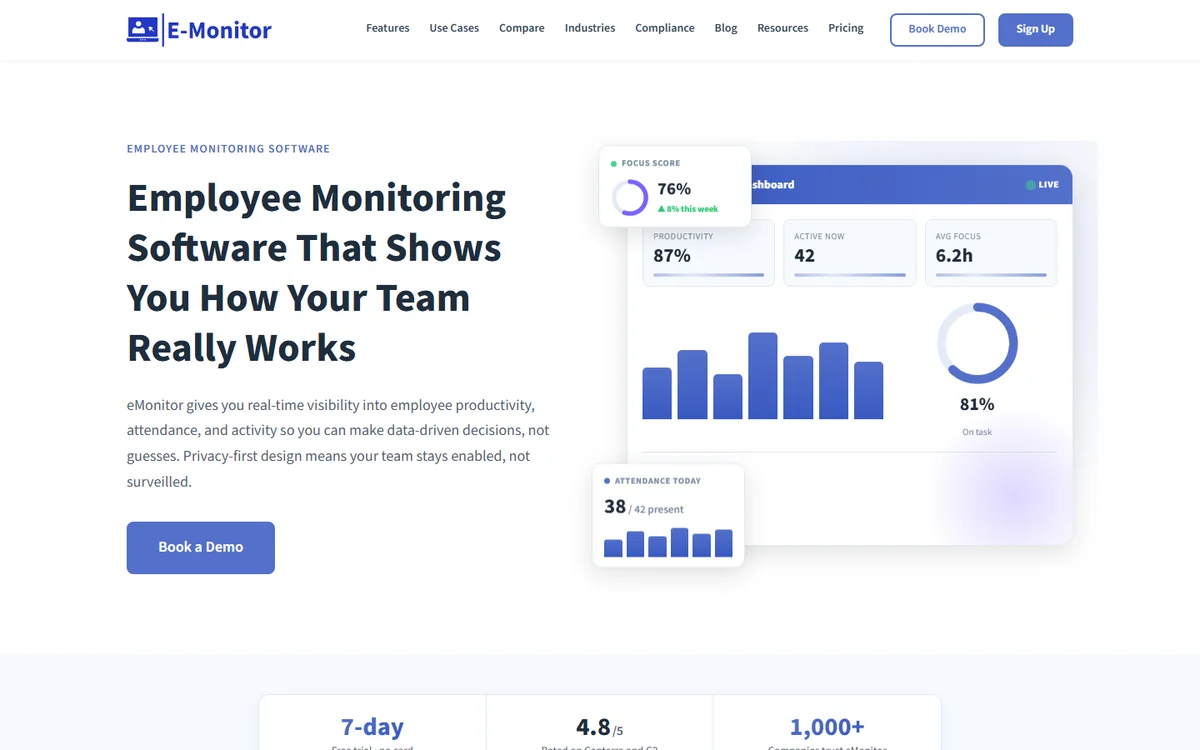
Compare: E-Monitor pricing · all features
E-Monitor is the strongest general replacement because it removes the two frictions that push teams away from wAnywhere. Pricing is published at $3.90 per user per month for Starter, $6.90 for Professional, and $13.90 for Enterprise on annual billing, and the agent installs in about two minutes per device with no professional services engagement required.
For BPO and call center operations specifically, it handles the awkward parts: shared workstations, shift-aware baselines so a night shift is not compared against a day shift, agent scorecards, and attendance that reflects how contact centers actually schedule. Those are the requirements that eliminate most general productivity tools before the pricing conversation even starts.
It also answers the compliance question with settings rather than promises. Collection is bounded to working hours, retention is configurable, access is role-based, and employees can open a dashboard and see what is recorded about them. For a 50-seat operation the annual cost is $2,340, which is published, and there is a 7-day free trial with no sales call.
Replace wAnywhere Without a Sales Call Published pricing from $3.90 per user. Two-minute setup. 7-day free trial. Sign up →
#2 Time Champ: Best for AI Productivity Analytics and Attendance
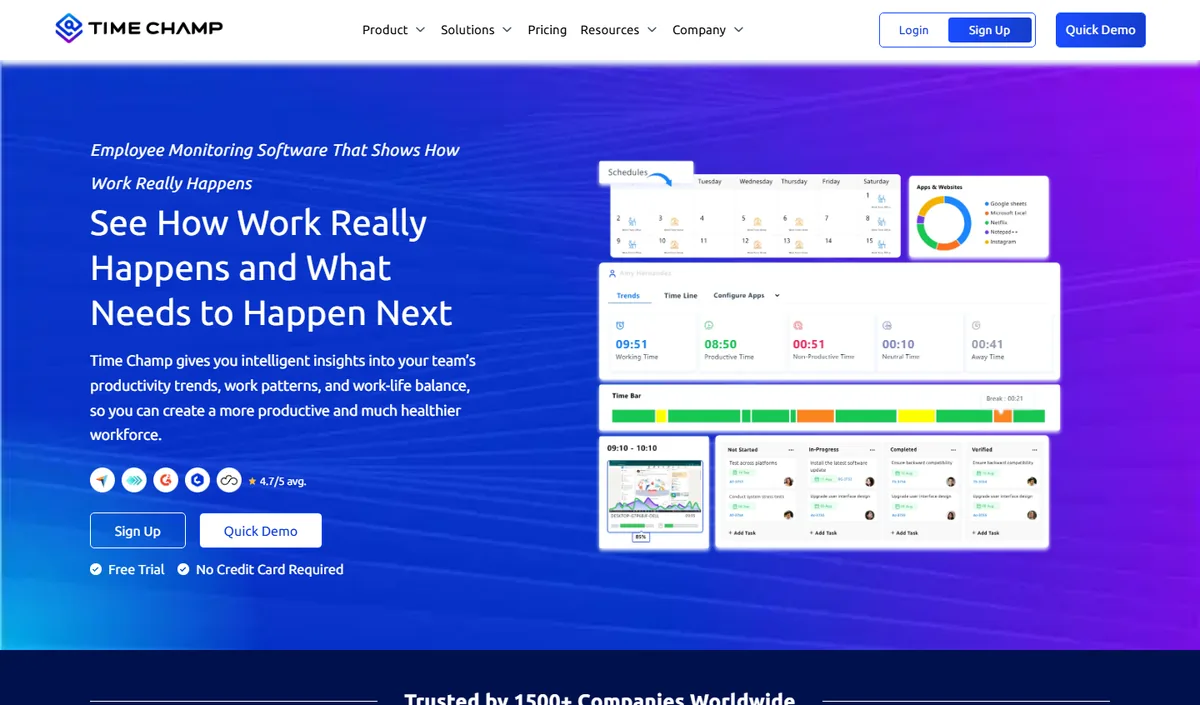
Compare: E-Monitor vs Time Champ
Time Champ is AI-powered employee monitoring software that pairs activity tracking with strong attendance and productivity analytics, and it starts at the same $3.90 per user per month with published tiers. It is the closest alternative to E-Monitor on price and on the transparency of how it is bought.
Its strength is analytical depth on the productivity side: role-adaptive scoring, automated attendance, and reporting aimed at understanding how a working day is actually spent. Teams that want the analytics layer to do more of the interpretation for them tend to prefer it, and it rates 4.9 out of 5 on Capterra.
Choose Time Champ when productivity intelligence and attendance are the center of the requirement. Choose E-Monitor when the deciding factors are shared-workstation handling, DLP in the same platform, or the widest operating system coverage. Both avoid the custom-quote process that makes wAnywhere slow to evaluate.
#3 Hubstaff: Best for Field Teams That Need GPS
Compare: E-Monitor vs Hubstaff · Hubstaff alternatives
Hubstaff starts at $4.99 per user per month, and its Growth plan at $7.50 is the first tier that includes screenshots. Its real strength is field work: GPS tracking, geofenced job sites, and mobile time capture, which makes it a reasonable choice for organizations whose workforce is mostly outside an office.
The trade-off is that monitoring depth arrives through higher tiers and add-ons, so the effective per-seat cost climbs once screenshots, activity detail, and integrations are switched on. For a desk-based BPO operation, that is cost without matching benefit.
Pick Hubstaff when the workforce is genuinely mobile and location verification is the requirement. For a contact center or a back-office team, the money is better spent on a platform that treats desk monitoring as the primary case rather than an upgrade.
#4 Insightful: Best for Workforce Analytics Buyers
Compare: E-Monitor vs Insightful · Insightful alternatives
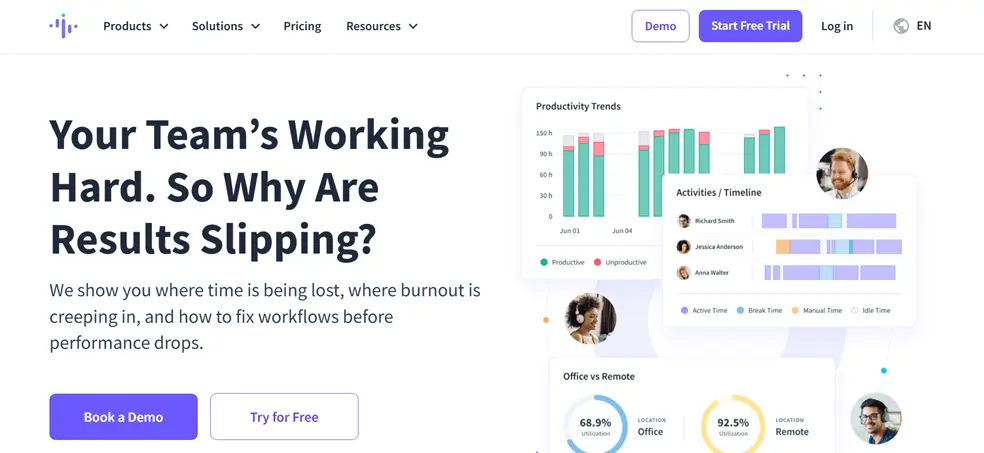
Insightful, formerly Workpuls, starts at $6.40 per user per month for its Productivity Management plan, with the Workforce Analytics tier around $12. It is a polished product with a strong analytics presentation, and it suits buyers whose primary question is how time is distributed across a workforce.
Screen recording, DLP, and the deeper monitoring capabilities sit in the higher tiers, so organizations that need those features end up paying near the top of the range. E-Monitor includes screen recording and DLP in its Professional plan at $6.90, which is where the value comparison usually lands.
Choose Insightful when analytics presentation and workforce distribution are the point, and the deeper monitoring features are not required. It is a genuinely good product for that buyer, and a costly one for the buyer who needs everything switched on.
#5 Time Doctor: Best for Distraction Alerts and Client Billing
Compare: E-Monitor vs Time Doctor · Time Doctor alternatives
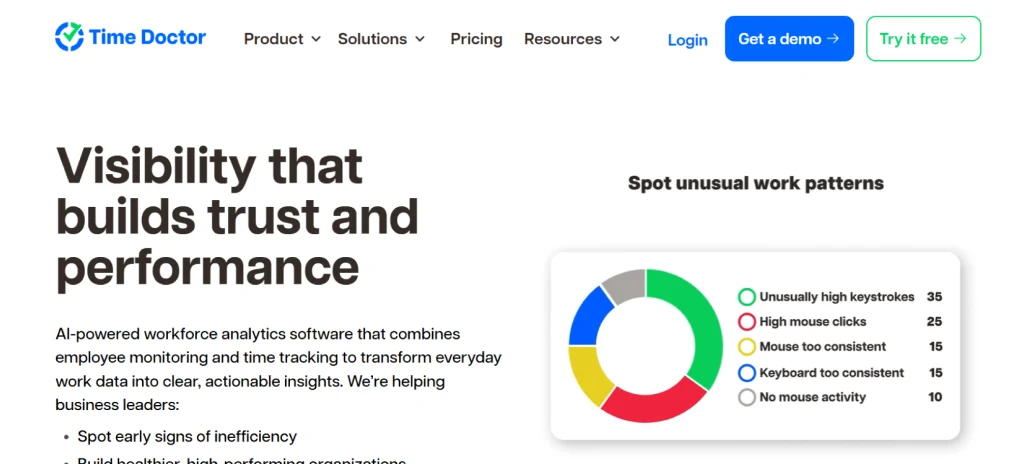
Time Doctor starts around $7.00 per user per month and is built around productive time and client billing. Its distinguishing feature is the distraction prompt, which nudges a user when it detects idle or off-task behavior, and its billing exports suit agencies that invoice by the hour.
That nudge is also its most divisive feature. Some teams find it useful, and others find it exactly the sort of interruption that erodes trust in a monitoring program. It is worth piloting with the people who will live with it before committing a whole department.
Pick Time Doctor when hourly client billing is central and the team accepts active prompting. For monitoring that stays out of the way while still producing the data, a passive agent is generally the better fit.
#6 ActivTrak: Best for Analytics Without Screen Capture
Compare: E-Monitor vs ActivTrak · ActivTrak alternatives
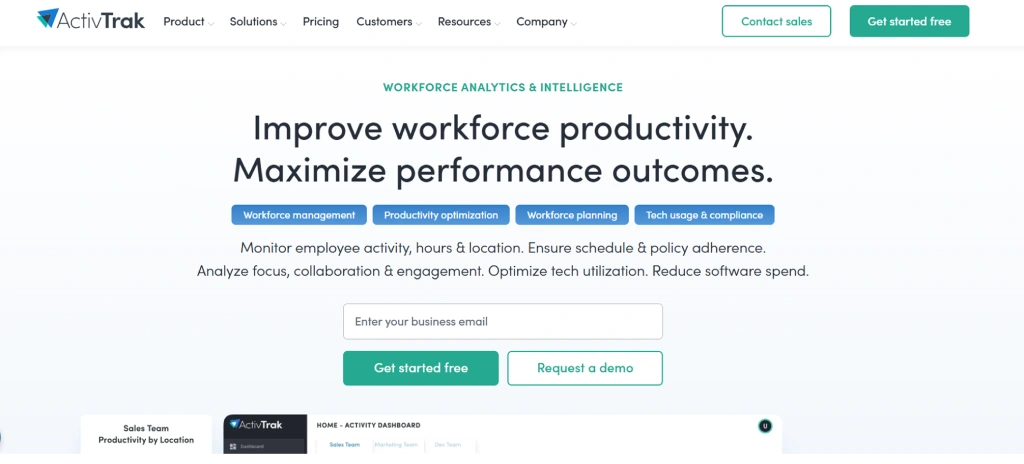
ActivTrak starts at $10.00 per user per month for Essentials and $17.00 for Professional. It deliberately avoids screenshots and screen recording, positioning itself as workforce analytics rather than monitoring, which is precisely why some organizations choose it.
If your policy or your works council rules out visual capture, that constraint becomes a feature. If you need screenshots for client evidence or dispute resolution, ActivTrak cannot supply them at any tier, and you will end up buying a second tool.
Compared to E-Monitor Professional at $6.90, ActivTrak Professional at $17.00 costs 59% more per user while offering less visual verification. The gap is defensible only when the absence of screen capture is itself the requirement.
#7 Teramind: Best for Enterprise Insider Threat and DLP
Compare: E-Monitor vs Teramind · Teramind alternatives
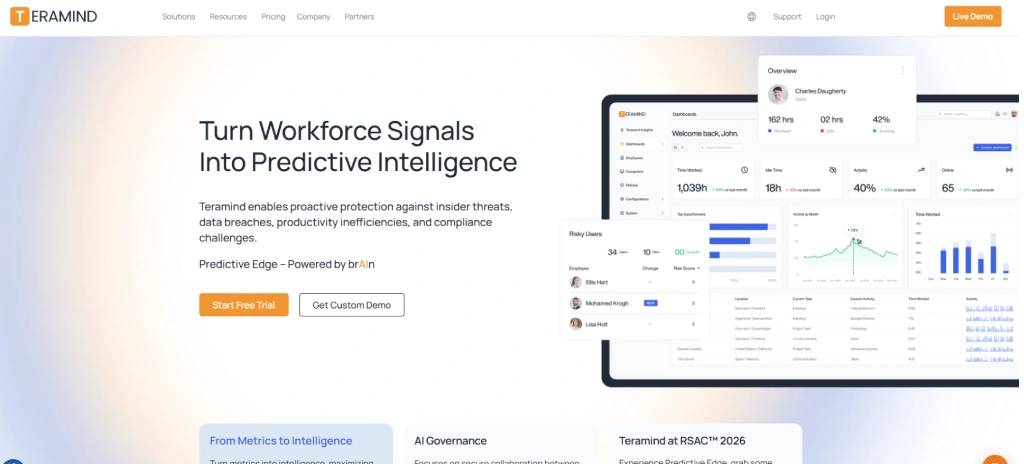
Teramind starts at $15.00 per user per month for cloud, rising to $25.00 for User Activity Monitoring and $30.00 for the DLP package. It is the most capable insider threat platform on this list, with forensic depth and rule-based policy enforcement that the productivity tools do not attempt.
That capability carries an operational cost. Teramind expects a security team to tune it, and the deployment is a project rather than an install. Organizations that buy it for productivity monitoring routinely find they have purchased far more platform than they can run.
Choose Teramind when insider threat, data exfiltration, and forensic evidence are the driving requirements and a security function exists to operate it. For productivity, attendance, and BPO monitoring, it is close to four times the price of E-Monitor without a matching benefit.
Which wAnywhere Alternative Should You Choose?
Start with the requirement that eliminates options rather than the one that excites you. If you run shared workstations or shift patterns, most general productivity tools are already out, and the shortlist is E-Monitor and Time Champ. If you need visual evidence for client disputes, ActivTrak is out. If your workforce is mobile, Hubstaff enters and the desk-focused tools weaken.
Then apply the budget reality. E-Monitor and Time Champ at $3.90 sit below wAnywhere's typical range with published pricing, which usually shortens the approval cycle more than any feature does. Teramind is a different category of purchase and should be evaluated against security tooling rather than against this list.
Finally, weigh the deployment. A platform that installs in two minutes per device and offers a free trial can be tested with one team next week. A platform that requires a scoping call, a quote, and an implementation plan will be evaluated in three months, and the difference matters more than most feature comparisons.
How to Migrate from wAnywhere to E-Monitor: A Practical Guide
Export what you need first. Historical activity data does not transfer cleanly between monitoring platforms because each vendor models activity differently, so pull the reports you are obliged to retain, archive them, and plan to run the new platform from a clean baseline rather than trying to reconcile two histories.
Pilot before you roll out. Take one team, install the agent, and run both platforms in parallel for two weeks. This is where you learn whether shift baselines behave as expected and whether your shared workstations are recognized correctly, which is much cheaper to discover on twenty seats than on eight hundred.
Then handle the human part deliberately. Tell people what changes, what is collected, what is not, and who can see it, before the new agent appears on their machine. A migration announced badly undoes the trust that a monitoring program depends on, and no configuration setting recovers it afterwards.
Related reading: E-Monitor vs wAnywhere.
Frequently Asked Questions About wAnywhere Alternatives
1. What is wAnywhere and who uses it?
wAnywhere is an employee monitoring and productivity platform used mainly by BPO operations, call centers, and outsourcing providers, with a strong presence in India. It offers activity tracking, screen monitoring, and attendance features, and is sold largely through enterprise contracts rather than self-serve signup.
2. Why do teams look for a wAnywhere alternative?
The most common reasons are pricing opacity, implementation effort, and data residency. wAnywhere uses custom enterprise quotes rather than published tiers, first-year integration work can add materially to cost, and buyers in the US and EU often want data held closer to home with clearer compliance documentation.
3. How much does wAnywhere cost?
wAnywhere does not publish standard pricing. Independent listings and partner channel information place it at roughly $4 to $8 per user per month at scale for standard monitoring, negotiated per contract. Implementation and telephony integration can add to the first-year total, particularly for multi-site call centers.
4. What is the cheapest wAnywhere alternative?
E-Monitor and Time Champ both start at $3.90 per user per month on annual billing, with published tiers and no feature gating at the entry level. Both are below the low end of wAnywhere's typical range, and both allow self-serve signup with a free trial rather than a sales process.
5. Which wAnywhere alternative is best for BPO and call centers?
E-Monitor suits BPO operations that need shared-workstation handling, shift-aware baselines, and agent scorecards with transparent per-seat pricing. Teramind fits organizations whose primary requirement is insider threat and data loss prevention rather than productivity analytics, at a considerably higher price point.
6. Do these alternatives support shared workstations and shift work?
E-Monitor and Time Champ both handle shared workstations and shift-aware reporting, which matters in call centers where several agents use one machine across a day. Most general productivity tools assume one user per device, so this is worth confirming against your own shift pattern before committing.
7. How long does migration from wAnywhere take?
For most teams the agent rollout is the fast part. E-Monitor installs in about two minutes per device and supports deployment by group policy or an MDM profile, so a few hundred seats can be covered in a day. The slower work is agreeing what to collect and telling your team about it.
8. Can I keep my historical wAnywhere data?
Historical activity data generally does not transfer between monitoring platforms, because each vendor models activity differently. The practical approach is to export whatever reports you need for the record, then run the new platform from a clean baseline and compare trends forward rather than backward.
9. Which alternative has the clearest compliance documentation?
For buyers who need to show a compliance position, published pricing, published retention settings, and employee-facing dashboards matter more than a feature list. E-Monitor provides work-hours-only scope, configurable retention, role-based access, and dashboards employees can open to see what is recorded about them.
10. What should I check before switching?
Confirm platform coverage for every device you run, check whether shared workstations and shift patterns are handled, read the retention and access settings rather than the marketing page, and pilot with one team before a full rollout. Then tell your people what changes and why, before the agent appears.
The wAnywhere Alternative With Published Pricing Transparent tiers, shared-workstation support, and setup in under two minutes. Sign up →