
Summary
Worktivity alternatives are employee monitoring platforms that offer the wellbeing-integrated productivity tracking Worktivity provides, plus stronger enterprise compliance, US/EU data residency, and more comprehensive monitoring features. This guide compares seven top tools across compliance depth, monitoring capability, pricing, and support, so you can identify the right fit before you switch.
Want full monitoring with nothing to configure? E-Monitor starts at $3.90 per user per month with a 7-day free trial. Try E-Monitor free →
Why Are Teams Looking for Worktivity Alternatives?
Worktivity earns genuine praise. Its 96/100 satisfaction score is not an accident, the platform takes wellbeing seriously, its interface is clean, and it balances productivity visibility with employee experience in a way that many tools do not bother to try. Teams that are happy with Worktivity should stay on it.
But three specific situations drive buyers to look elsewhere, and they tend to be non-negotiable when they apply:
- US or EU data residency requirements. Worktivity is headquartered in Turkey. Regulated industries, healthcare, financial services, legal, government, often require that employee data be stored on servers within the United States or the European Union. Worktivity cannot satisfy this requirement today. According to Gartner's 2025 workforce analytics survey, 61% of enterprise buyers cite data residency as a vendor selection criterion.
- Formal compliance evidence. HIPAA, SOX, ISO 27001, and GDPR Article 28 all require documented controls and signed data processing agreements. Worktivity does not publish formal HIPAA BAAs or SOX-aligned audit trails. A publicly traded company or a healthcare operator cannot use that as a foundation for a compliance program.
- Integration with North American HR and payroll systems. Worktivity's integration library is strongest for the Turkish and regional market. Teams using ADP, Workday, BambooHR, or Gusto will find limited native connectivity, which creates manual reconciliation overhead that erodes the operational value of the monitoring data.
If any of these apply to your situation, the seven alternatives below represent the clearest paths forward. Each has been evaluated on compliance depth, monitoring capability, platform support, pricing transparency, and support quality.
At a Glance: 7 Worktivity Alternatives Compared
The table below summarizes the key decision criteria across all seven alternatives. Scroll right on mobile to see all columns.
| Tool | Starting Price | Data Residency | HIPAA / SOX | Screen Monitoring | DLP | Best For |
|---|---|---|---|---|---|---|
| E-Monitor | $3.90/user/mo | US | Yes / Yes | Screenshots + Recording + Live | Yes | Best overall value + compliance |
| Time Champ | Per user (vendor site) | US | Yes / Yes | Screenshots + Recording + Live | Yes | Best overall value + compliance |
| ActivTrak | $10+/user/mo | US | Partial / No | Screenshots only | Limited | Wellbeing-focused teams |
| Insightful | $6.40+/user/mo | US | Partial / No | Screenshots + Recording | Limited | Clean UX, workforce analytics |
| Hubstaff | $5.83+/user/mo | US | Partial / No | Screenshots | No | Time tracking + basic monitoring |
| Monitask | $5.99+/user/mo | US | No / No | Screenshots | No | Small teams, simple setup |
| CurrentWare | $3–$5/user/mo | Canada / EU | No / No | Screenshots | Yes | GDPR / Canadian compliance |
| Teramind | $15+/user/mo | US / EU | Yes / Yes | Full (Screenshots + Recording + Live) | Full enterprise DLP | Enterprise compliance, insider risk |
Pricing as of April 2026. Annual billing. "Partial" HIPAA indicates monitoring data can be scoped to support HIPAA programs with additional configuration; formal BAAs may not be available at all tiers.
1. E-Monitor: Best Overall Worktivity Alternative for Compliance and Value
Compare: E-Monitor pricing · all features
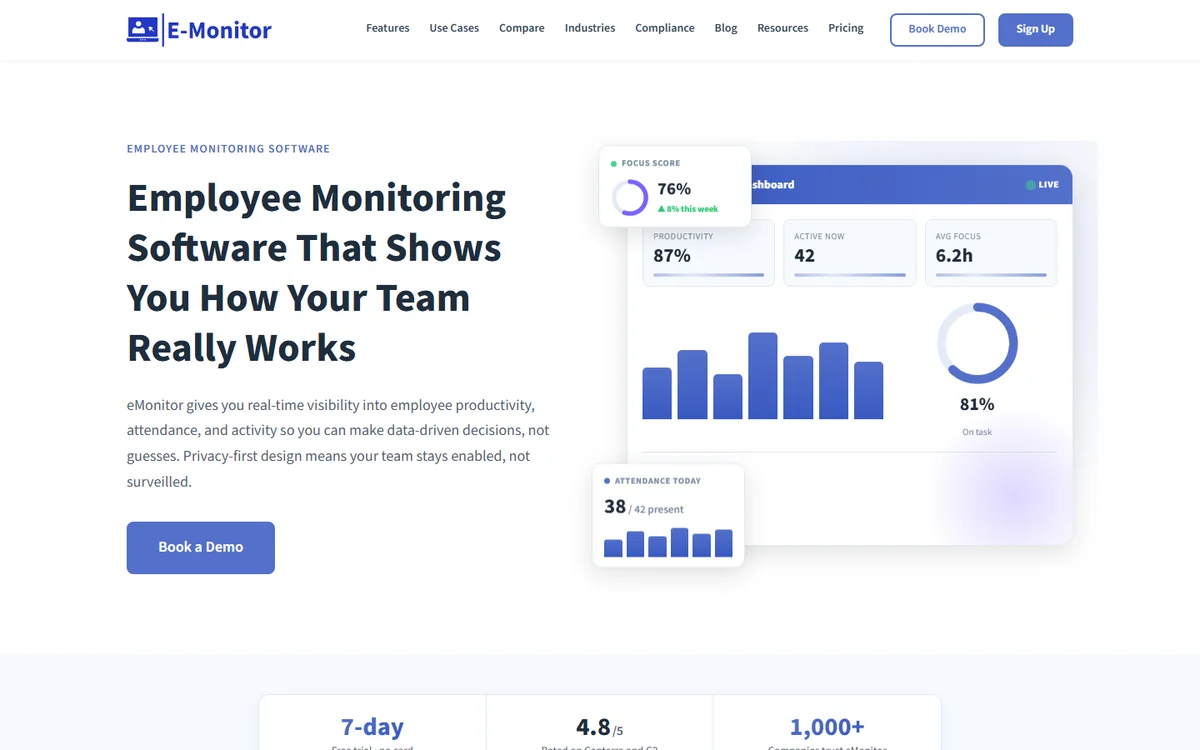
E-Monitor is a workforce intelligence platform trusted by 1,000+ companies worldwide, combining comprehensive productivity monitoring with a compliance architecture built for regulated industries. Where Worktivity focuses on wellbeing-integrated productivity, E-Monitor covers that same ground and layers on US data residency, DLP, formal compliance documentation, and broader platform integrations, at $3.90 per user per month on annual billing.
What Makes E-Monitor Stand Out
The primary reason enterprise buyers choose E-Monitor over Worktivity is the combination of monitoring depth and compliance breadth that is hard to find at this price point. Screen monitoring covers periodic screenshot capture with configurable frequency, screen recording with anomaly-triggered activation, and live screen viewing across all active employees. DLP monitors file creation, modification and deletion events, USB device insertions, and upload/download activity with real-time alerts and audit-ready logs.
Productivity classification works similarly to Worktivity's approach, apps and websites are labeled productive, non-productive, or neutral, and managers can customize classifications by team or role. But E-Monitor adds attrition risk detection, which surfaces disengagement signals early by analyzing activity intensity patterns, overtime trends, and focus time ratios. Research by Gallup shows that employee disengagement costs organizations $8.8 trillion annually: catching early warning signs before someone mentally checks out is among the highest-value things a monitoring platform can do.
Platforms supported: Windows, macOS, Linux, and Chromebook (beta). This is wider OS coverage than Worktivity, which matters for enterprises running mixed device environments.
E-Monitor Pricing
- Starter: $3.90/user/month (annual), Core monitoring, time tracking, productivity analytics, screenshots
- Professional: $6.90/user/month (annual), Adds screen recording, DLP, advanced reporting, attrition risk
- Enterprise: $13.90/user/month (annual), Full platform, custom compliance, dedicated support
Pros
- US data residency with GDPR-compliant data processing agreements
- Broadest feature set at the lowest price point among these alternatives
- DLP included in Professional tier, not a separate product
- Windows, macOS, Linux, and Chromebook coverage
- Employee-facing dashboards promote transparency and self-management
- Rated 4.8/5 on Capterra (57 reviews) and 4.85/5 on Software Advice (66 reviews)
Cons
- GPS field tracking is available but less mature than Hubstaff's field workforce tools
- No native video conferencing or built-in payroll processing
Best for: Teams in healthcare, financial services, legal, or any regulated industry that need US data residency, compliance documentation, and comprehensive monitoring without enterprise-tier pricing. Also the strongest choice for remote and hybrid teams requiring cross-platform support.
See the full feature comparison: E-Monitor vs Worktivity, Detailed Breakdown.
2. Time Champ: Best for AI-Powered Productivity Analytics and Attendance
Compare: E-Monitor vs Time Champ
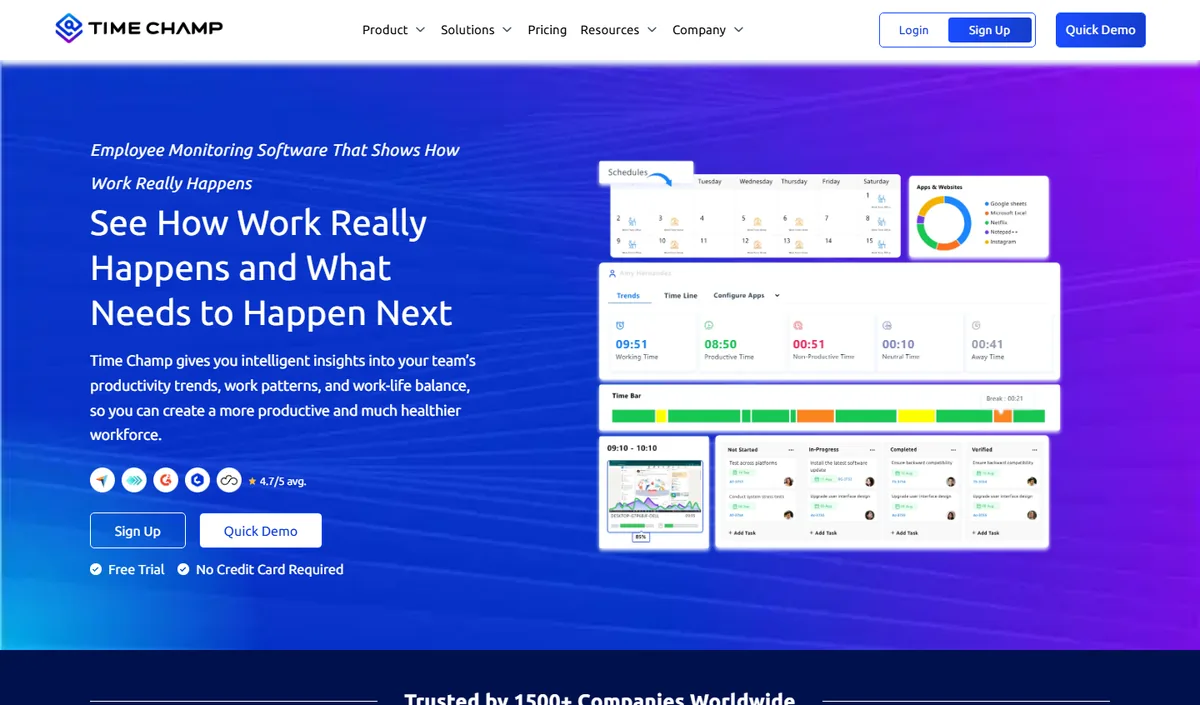
Time Champ is an AI-powered employee monitoring and productivity platform that combines automatic time tracking, application and website usage, productivity scoring, configurable screenshots, attendance and shift tracking, and dashboards at individual, team and company level. It runs on Windows, macOS and Linux and comes from the same product family as E-Monitor, so teams looking for an alternative to Worktivity get comparable monitoring depth with a heavier emphasis on analytics and reporting.
Key features: automatic time tracking, app and website categorisation, productivity scoring with weekly heat maps, configurable screenshots, attendance and shift management, leave and payroll modules, role-based dashboards for managers and employees.
Best for: mid-size and larger teams, BPO and operations-heavy organisations that want deep analytics alongside monitoring.
Pricing: per-user plans published on the Time Champ website, with a free trial.
Limitation: cloud-hosted only, and more capability than a very small team may use; review the data-residency options before committing.
3. ActivTrak: Best Worktivity Alternative for Employee Wellbeing Integration
Compare: E-Monitor vs ActivTrak · ActivTrak alternatives
ActivTrak is the alternative most likely to feel familiar to Worktivity users. It is US-based, takes a deliberately employee-friendly approach to monitoring, and has built its product around the argument that productivity analytics and employee wellbeing are not in tension, they are the same insight viewed from different angles.
Its Workload Analysis feature identifies employees at risk of burnout by flagging sustained overwork patterns, and its "Focus Time" reporting shows how much uninterrupted deep-work time employees are getting versus fragmented, interrupt-driven work. ActivTrak deliberately excludes keystroke logging as a privacy choice, positioning itself to workers as a tool that measures outcomes, not keystrokes.
The primary limitations relative to E-Monitor are price and monitoring depth. ActivTrak starts at $10+ per user per month, roughly three times E-Monitor's entry price. And while its productivity analytics are strong, it lacks screen recording, DLP, and the compliance documentation that regulated industries require. Teams drawn to ActivTrak for its wellbeing focus should evaluate whether those specific features justify the price premium for their use case.
ActivTrak Pricing
- Essentials: $10/user/month (annual)
- Professional: $17/user/month (annual)
- Enterprise: Custom pricing
Pros
- Strong wellbeing analytics and burnout detection, closest to Worktivity's philosophy
- US-based with good data privacy track record
- Clear, intuitive interface with minimal training required
- Explicitly no keystroke logging, strong employee trust signal
Cons
- Starting at $10+/user, it is among the more expensive alternatives on this list
- No screen recording, only screenshot capture
- No DLP features, not suitable for data-sensitive industries
- Limited compliance documentation for HIPAA or SOX regulated teams
Best for: US-based teams that prioritize the wellbeing and productivity balance that Worktivity is known for, and whose compliance requirements do not extend to HIPAA, SOX, or DLP.
4. Insightful: Best Worktivity Alternative for Workforce Analytics Depth
Compare: E-Monitor vs Insightful · Insightful alternatives
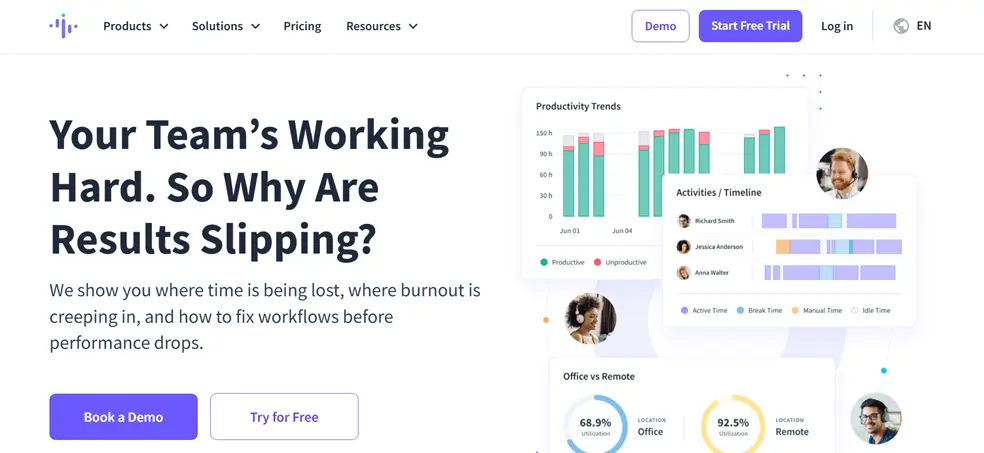
Insightful (formerly Workpuls) has built its reputation on clean UX and enterprise-grade workforce analytics. If Worktivity's productivity insights feel valuable but somewhat surface-level for large team management, Insightful's workforce analytics layer may be the upgrade you are looking for.
Its productivity tracking model classifies work time as productive, neutral, or unproductive with role-based customization that prevents the category errors common in platforms with a single global classification. A developer's time in Stack Overflow might be classified productive; a customer support agent's would not be. This role-aware classification improves data quality significantly for mixed-function organizations.
Insightful supports US data centers, which covers the data residency requirement. Its compliance documentation is more extensive than Worktivity's but falls short of full HIPAA BAA or SOX audit trail coverage. For analytics-driven teams in non-regulated industries, it is a genuinely strong alternative. For regulated industries, E-Monitor or Teramind remain the better options.
Insightful Pricing
- Productivity Management: $6.40/user/month (annual)
- Time Tracking: $8/user/month (annual)
- Enterprise Solution: Custom pricing
Pros
- Role-based productivity classification reduces false positives
- Clean, modern interface with strong onboarding
- US data centers satisfy most data residency requirements
- Screenshot monitoring and screen recording included
- Strong workforce analytics benchmarking across teams
Cons
- No formal HIPAA BAA, not suitable for healthcare organizations
- Limited DLP capability compared to E-Monitor or Teramind
- Pricing increases significantly as teams scale
Best for: Mid-market teams in technology, professional services, or consulting that want workforce analytics depth and clean UX without enterprise compliance requirements.
See How E-Monitor Compares to Worktivity: Feature by Feature Get the detailed head-to-head comparison: monitoring depth, compliance credentials, pricing, and platform support. No sign-up required to view the comparison. Sign up →
5. Hubstaff: Best Worktivity Alternative for Time Tracking and Field Teams
Compare: E-Monitor vs Hubstaff · Hubstaff alternatives
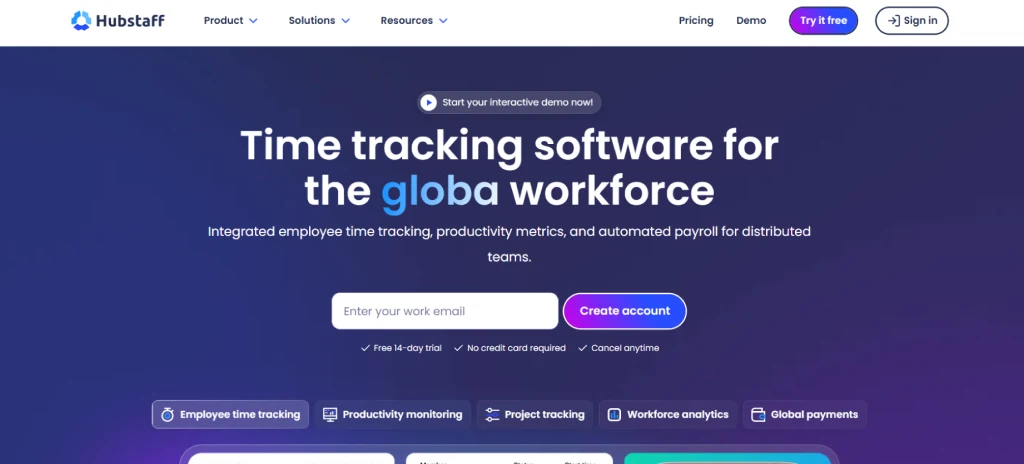
Hubstaff is one of the most established names in workforce monitoring, with a product history dating to 2012 and a user base that spans SMBs to enterprises. For teams whose primary switch driver from Worktivity is time tracking accuracy and payroll integration rather than deep compliance, Hubstaff deserves serious evaluation.
Its time tracking layer is mature: automatic time capture, project-level allocation, overtime calculation, payroll-ready exports, and integrations with QuickBooks, Gusto, ADP, Bitwage, and more. This integration depth with North American payroll systems is a meaningful differentiator for US-based organizations that found Worktivity's payroll connectivity limited.
Hubstaff also has GPS field tracking capability that is more developed than most alternatives on this list. Field team managers who need route history, geofence-triggered clock-ins, and territory coverage maps will find Hubstaff's field tools among the most mature available outside of dedicated field service platforms.
On compliance and monitoring depth, Hubstaff is solid rather than exceptional. Screenshot monitoring is included, but screen recording is not. There is no DLP. Formal HIPAA documentation is available on higher-tier plans but requires verification before assuming it covers all required controls. For remote team monitoring with payroll integration as the primary requirement, Hubstaff is a proven choice.
Hubstaff Pricing
- Starter: $5.83/user/month (annual, minimum 2 users)
- Grow: $8.33/user/month (annual)
- Team: $10/user/month (annual)
- Enterprise: Custom pricing
Pros
- Mature time tracking with the broadest payroll integration library
- Strong GPS and field workforce tools
- US-based with 10+ years of enterprise deployment history
- Wide integration ecosystem (100+ app integrations)
Cons
- No screen recording, only periodic screenshots
- No DLP features
- Higher per-user cost than E-Monitor for equivalent monitoring depth
- Formal HIPAA coverage depends on plan tier and requires verification
Best for: Teams where payroll integration and field GPS tracking are the primary requirements, and whose monitoring needs are covered by time tracking and screenshots rather than screen recording or DLP.
6. Monitask: Best Worktivity Alternative for Small Teams Wanting Simplicity
Compare: E-Monitor vs Monitask
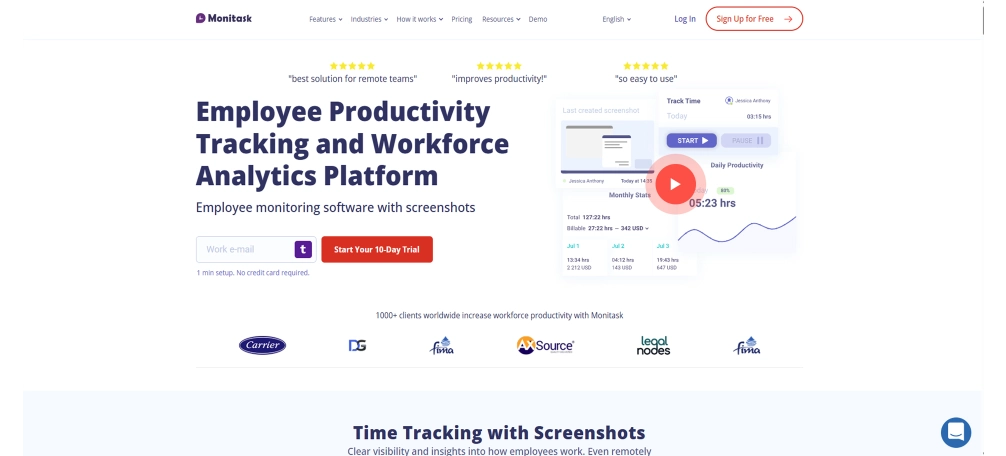
Monitask occupies the low-complexity end of this list. It is US-based, straightforward to deploy, and offers screenshot monitoring, time tracking, app usage analytics, and basic reporting at $5.99 per user per month. There are no enterprise compliance modules, no DLP, and no screen recording, but for small teams that find Worktivity's feature breadth more than they need, Monitask's simplicity is genuinely valuable.
Setup typically takes under fifteen minutes. The dashboard surfaces time worked, screenshot history, and app usage without requiring configuration or training. For a team of five to twenty employees that primarily needs time verification and basic productivity visibility, Monitask does the job without complexity.
The limitations become apparent at scale. Reporting is basic compared to E-Monitor or Insightful. There is no attrition risk detection, no DLP, and no formal compliance documentation. Growing teams will likely outgrow Monitask within twelve to eighteen months if their compliance or analytics requirements increase.
Monitask Pricing
- Pro: $5.99/user/month (annual)
- Business: $8.99/user/month (annual)
- Enterprise: Custom pricing
Pros
- Simplest setup on this list, under 15 minutes for most teams
- US-based with reasonable data privacy practices
- Affordable entry price for small teams
- Clean interface with minimal training required
Cons
- No screen recording or DLP
- No formal compliance documentation for regulated industries
- Limited reporting depth, will not satisfy enterprise analytics requirements
- Less suitable for teams that expect to grow beyond 50 employees
Best for: Small teams of five to twenty employees that need a straightforward, affordable, US-based alternative to Worktivity with minimal configuration overhead.
7. CurrentWare: Best Worktivity Alternative for GDPR and Canadian Compliance
CurrentWare is a Canadian-headquartered monitoring platform that has built its product around data governance and compliance use cases. Where most competitors treat compliance as a checkbox, CurrentWare treats it as a core feature. This makes it the strongest option for teams in Canada, the UK, or the EU whose primary switch driver from Worktivity is formal GDPR compliance rather than monitoring depth.
Its BrowseReporter and enPowerManager modules provide web and application monitoring with detailed audit logs suitable for GDPR Article 30 record-keeping requirements. Data residency in Canada qualifies as adequate protection under the EU-Canada adequacy framework, making it a legitimate data residency option for EU-regulated organizations. CurrentWare also offers an on-premises deployment option for organizations that require data to remain entirely within their own infrastructure.
The monitoring feature set is narrower than E-Monitor or Teramind. Screenshot monitoring is available; screen recording is not. DLP covers web blocking and application control but lacks the file-level monitoring depth that E-Monitor provides. For teams that genuinely need on-premises deployment or Canadian data residency specifically, CurrentWare is a strong specialized choice. For teams with US data residency requirements, E-Monitor is a better fit.
CurrentWare Pricing
- BrowseReporter: ~$3–$5/user/month (annual, varies by tier)
- Bundle pricing available for multiple modules
- On-premises and cloud deployment options
Pros
- Strong GDPR and Canadian PIPEDA compliance documentation
- On-premises deployment available for maximum data control
- Competitive entry pricing
- Modular architecture, pay only for what you use
Cons
- No screen recording or advanced DLP
- US data residency is not available, not suitable for US-specific compliance requirements
- Monitoring depth is narrower than E-Monitor at comparable pricing
- Less suitable for teams outside Canada and the EU
Best for: Canadian or European organizations whose primary requirement is formal GDPR or PIPEDA compliance, particularly those evaluating on-premises deployment.
8. Teramind: Best Worktivity Alternative for Enterprise DLP and Insider Threat Detection
Compare: E-Monitor vs Teramind · Teramind alternatives
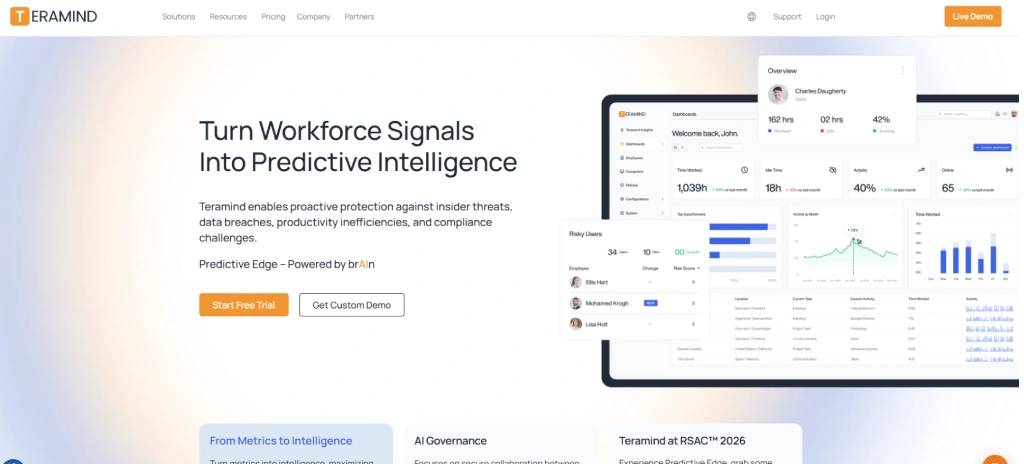
Teramind sits at the enterprise end of this list, it is the most feature-complete platform available in the employee monitoring category, and it is priced accordingly. For organizations that need full data loss prevention, insider threat detection, behavioral analytics at scale, and formal compliance coverage across HIPAA, SOX, PCI DSS, and ISO 27001, Teramind is the reference standard.
Its DLP capability is the deepest in the industry: real-time content inspection across email, web, cloud storage, USB, and print channels; policy-based blocking with customizable rules; and behavioral baselining that flags anomalies against each employee's own historical patterns rather than a generic threshold. This approach to behavioral analytics is particularly valuable for insider threat programs in financial services, defense contracting, and healthcare where the threat profile is nuanced and static rules generate too many false positives.
The compliance documentation is comprehensive: SOC 2 Type II, HIPAA BAA availability, GDPR DPA, PCI DSS alignment, and formal support for NIST and ISO 27001 frameworks. US and EU data residency options are both available. If Worktivity's compliance gaps are what is driving your search, and your requirements are at the enterprise level, Teramind is worth the evaluation even at $15+ per user per month.
For teams whose compliance requirements are real but not at this scale, a 200-person healthcare organization that needs HIPAA coverage and comprehensive monitoring, for example, E-Monitor covers the same core requirements at less than a quarter of Teramind's price. The right choice depends on how sophisticated the threat model and compliance program need to be.
Teramind Pricing
- Starter: $15/user/month (annual, minimum 5 users)
- UAM: $22/user/month (annual)
- DLP: $26/user/month (annual)
- Enterprise: Custom pricing
Pros
- The most comprehensive DLP capability in the category
- Full compliance coverage: HIPAA BAA, SOC 2 Type II, PCI DSS, ISO 27001
- US and EU data residency options
- Behavioral baselining for insider threat detection, not just rule-based alerts
- On-premises deployment option for maximum control
Cons
- Starting at $15+/user, it is the most expensive option on this list
- Implementation complexity is significant, expect a multi-week deployment for large organizations
- Overkill for teams whose compliance needs are standard rather than enterprise-grade
Best for: Enterprises in financial services, healthcare, defense, or legal sectors with formal insider threat programs, stringent DLP requirements, and compliance obligations spanning HIPAA, PCI DSS, and SOX simultaneously.
Which Worktivity Alternative Should You Choose?
The right alternative depends on what is actually driving you to look. Here is a direct decision guide based on the most common switch scenarios:
You need US data residency and compliance documentation
Choose E-Monitor if your team is small to mid-market and cost matters. Choose Teramind if your compliance program is enterprise-grade with multiple frameworks in scope simultaneously. Both provide what Worktivity cannot: formal data residency and documented compliance controls.
You want to keep Worktivity's wellbeing philosophy but with US infrastructure
Choose ActivTrak. It is the closest philosophical match to Worktivity, employee-friendly, wellbeing-aware, and analytics-first, with US infrastructure and strong data privacy practices. Expect to pay more: ActivTrak starts at $10/user versus Worktivity's entry pricing.
You need better payroll integration with North American systems
Choose Hubstaff for the deepest payroll integration library. Hubstaff connects natively with QuickBooks, Gusto, ADP, and Bitwage, which covers the vast majority of North American payroll systems. E-Monitor also provides payroll-ready timesheet exports if you do not need a dedicated payroll integration connector.
You want the cleanest analytics UX for mid-market workforce management
Choose Insightful. Its role-aware productivity classification and workforce analytics benchmarking are genuinely best-in-class for teams that live in their monitoring dashboards and need the data to be clean and contextually accurate.
You are a small team that just needs something simple and US-based
Choose Monitask. It does less than the other tools on this list, but it does the basics cleanly and affordably. For a team of ten that needs time tracking and screenshot monitoring without compliance complexity, Monitask is the right fit.
You are in Canada or the EU and need formal GDPR documentation
Choose CurrentWare for Canadian or EU data residency with formal GDPR alignment. Choose E-Monitor if you need US data residency with GDPR-compliant DPAs for your European operations.
For teams that do not clearly fall into one of these scenarios, E-Monitor's breadth, monitoring depth, compliance coverage, OS support, and pricing, makes it the strongest default choice among Worktivity alternatives in 2026. See the full 2026 employee monitoring software comparison for a broader evaluation.
How to Switch From Worktivity Without Losing Historical Data
Switching monitoring platforms is not technically complex, but it requires a disciplined process to avoid data gaps. A team that rushes the cutover often finds itself without historical productivity baselines for the first month on the new platform, which makes trend analysis useless until enough data accumulates. Here is a four-step migration process that avoids that problem.
Step 1: Export Your Worktivity Historical Data
Before canceling your Worktivity subscription, export all available historical reports in CSV format: time tracking data by employee, productivity summaries, app and website usage logs, attendance records, and any screenshot or audit logs that may be needed for compliance purposes. Worktivity's reporting section makes most of this available. Store the exported files in a shared drive that will outlast the Worktivity account.
Step 2: Configure the New Platform Before Go-Live
Spend one to two weeks configuring the new platform before switching employees over. This includes setting up productivity classifications (productive/neutral/non-productive app categories), creating team structures and manager access levels, configuring alert thresholds, and aligning data retention policies with your compliance requirements. Rushing this step is the most common source of data quality problems in the first month.
Step 3: Run Both Platforms in Parallel for One Week
Run Worktivity and the new platform simultaneously for one week with the same team. Compare productivity classifications, time totals, and alert patterns between the two platforms. Discrepancies usually indicate either classification differences (not errors) or configuration adjustments needed in the new platform. This parallel running period costs one extra week of dual licensing but saves weeks of debugging data quality issues post-cutover. For remote teams with distributed managers, this validation step is especially important since anomalies are harder to explain after the fact.
Step 4: Communicate the Switch to Employees
Employee trust is the most fragile element of any monitoring platform change. Before the cutover, send a clear internal communication explaining why the platform is changing, what data will be collected, where it will be stored, how it will be used, and what employees can see in their own dashboards. Research by the American Psychological Association shows that employees who understand monitoring rationale and have access to their own data report 27% higher trust scores than those subject to monitoring without transparency. A brief FAQ document answering the most common employee questions is worth the thirty minutes it takes to write. See our guide on employee monitoring and mental health for frameworks to frame this conversation constructively.
Sources and Research References
- Gartner Workforce Analytics Survey, 2025, enterprise buyer data residency requirements (61% of enterprise buyers cite data residency as a vendor selection criterion)
- Gallup State of the Global Workplace, 2024, employee disengagement costs ($8.8 trillion annually in lost productivity globally)
- American Psychological Association Work and Wellbeing Survey, 2024, monitoring transparency and employee trust (27% higher trust scores with explained monitoring and self-visibility)
- Worktivity G2 and Capterra review data, 96/100 satisfaction score, sourced from published review aggregators
- E-Monitor review data, Capterra 4.8/5 (57 reviews), Software Advice 4.85/5 (66 reviews), GetApp 4.75/5 (66 reviews), Crozdesk 4.7/5 (57 reviews)
Pricing data sourced from vendor websites as of April 2026. Prices may have changed. Verify current pricing with each vendor before making purchasing decisions.
Frequently Asked Questions About Worktivity Alternatives
1. What is Worktivity and why do teams look for alternatives?
Worktivity is a Turkey-based employee productivity and monitoring platform known for its wellbeing-integrated approach and a 96/100 satisfaction score. Teams seek alternatives when they need US or EU data residency, stronger HIPAA or SOX compliance evidence, more comprehensive data loss prevention, or better integration with North American HR and payroll systems such as ADP and BambooHR.
2. What is the best Worktivity alternative for US and EU compliance?
E-Monitor is the strongest Worktivity alternative for teams requiring formal US or EU compliance. It offers US data residency, HIPAA-aligned data handling, GDPR-compliant data processing agreements, and audit-ready logging. Teramind is the best choice for enterprise teams with the most rigorous DLP and insider threat requirements. Both provide more formal compliance documentation than Worktivity.
3. Does Worktivity have HIPAA compliance?
Worktivity does not publish explicit HIPAA compliance documentation or Business Associate Agreement terms. Teams in healthcare or handling protected health information should select a platform with a signed BAA and formal HIPAA-aligned data handling policies. E-Monitor and Teramind are better-suited choices for HIPAA-regulated environments requiring formal compliance documentation.
4. What is the cheapest Worktivity alternative with strong compliance?
E-Monitor starts at $3.90 per user per month, making it the most affordable alternative that also provides US data residency, GDPR-compliant data processing, and comprehensive monitoring features including screenshots, screen recording, app tracking, productivity analytics, and DLP. CurrentWare is similarly priced and offers strong GDPR compliance for Canadian and European teams.
5. Which Worktivity alternative has the best employee wellbeing features?
ActivTrak is the strongest Worktivity alternative for teams that prioritize employee wellbeing alongside productivity monitoring. Its Workload Analysis tool identifies burnout risk and overwork patterns. E-Monitor also provides work-life balance intelligence and attrition risk detection that surfaces early disengagement signals before they become retention problems.
6. Can I get a Worktivity alternative that works on Linux and Chromebook?
E-Monitor supports Windows, macOS, Linux, and Chromebook (beta), providing the broadest OS coverage among Worktivity alternatives. Hubstaff supports Windows, macOS, Linux, and mobile. Most other alternatives on this list focus on Windows and macOS only. Teams with mixed device environments should verify platform support with each vendor before committing.
7. Is Worktivity GDPR compliant?
Worktivity operates from Turkey, which has its own data protection law (KVKK) partially aligned with GDPR. EU-based organizations or those handling EU citizen data should request a formal GDPR Data Processing Agreement and confirm data residency location before deployment. E-Monitor, CurrentWare, and Teramind provide more explicit GDPR documentation suitable for Article 28 compliance requirements.
8. Which Worktivity alternative is best for small teams?
Monitask is the strongest Worktivity alternative for small teams, offering simple setup, screenshot monitoring, time tracking, and reporting at $5.99 per user per month. E-Monitor at $3.90 is lower-cost and more feature-complete for growing teams that anticipate needing compliance capabilities. Both allow teams of five or fewer to get started without enterprise-level commitments.
9. How does Worktivity compare to E-Monitor on pricing?
Worktivity pricing starts at approximately $3 to $4 per user per month. E-Monitor starts at $3.90 per user per month and includes screenshot monitoring, screen recording, DLP, productivity analytics, and US data residency in its base and Professional tiers. At comparable feature levels, E-Monitor provides stronger compliance coverage and broader OS support at a comparable price point.
10. Does Worktivity support integrations with US HR tools?
Worktivity's integrations are primarily focused on Turkish and regional HR and payroll tools. US-based teams looking for native integrations with ADP, Workday, BambooHR, or Gusto will find better compatibility with E-Monitor, Hubstaff, or Insightful, all of which maintain integration libraries targeted at North American enterprise workflows.
11. How do I migrate from Worktivity to a new monitoring platform?
Export your historical time, attendance, and productivity data from Worktivity's reporting section in CSV format. Recreate your team structure and productivity classifications in the new tool. Run both platforms in parallel for one week to validate data consistency before cutting over. E-Monitor's onboarding team supports data migration for teams of 20 or more at no additional cost.
Ready to Move Beyond Worktivity? E-Monitor gives you comprehensive productivity monitoring, US data residency, full compliance documentation, and screen monitoring, all starting at $3.90 per user per month. Trusted by 1,000+ companies worldwide. Set up in under two minutes. Sign up →
Continue Your Research
E-Monitor vs Worktivity
The full head-to-head comparison: every feature, every tier, honest verdict on who should use what.
View comparison →Best Employee Monitoring Software 2026
The complete 2026 roundup across all monitoring categories, not just Worktivity alternatives.
View roundup →E-Monitor Productivity Monitoring
See the full feature breakdown: app analytics, productivity scoring, heatmaps, and attrition risk detection.
See features →