
Summary
CloudDesk alternatives are employee monitoring platforms that provide more comprehensive activity tracking, compliance features, and better value than CloudDesk's face-ID-verification approach at $15/user/month. If you need DLP, payroll-ready timesheets, real-time alerts, or compliance reporting alongside your activity monitoring, CloudDesk has significant gaps. This guide compares the seven strongest options evaluated across pricing, feature depth, compliance readiness, and team fit.
Want full monitoring with nothing to configure? E-Monitor starts at $3.90 per user per month with a 7-day free trial. Try E-Monitor free →
Why Are Teams Looking for CloudDesk Alternatives?
CloudDesk carved a specific niche: employee-activated monitoring with facial recognition check-ins that verify the right person is at the keyboard. For remote teams concerned about identity verification, that is a genuine differentiator. But the $15/user/month flat rate, the same price as Teramind's entry plan, which includes full DLP and insider risk management, invites an obvious question: are you getting $15 worth of value?
Based on team feedback collected across software review platforms in 2026, three limitations drive most CloudDesk departures:
- No DLP or data loss prevention. Organizations handling sensitive client data, healthcare records, or financial information have no mechanism in CloudDesk to detect or prevent data exfiltration via USB, unauthorized uploads, or file transfers.
- Limited time tracking and payroll integration. CloudDesk captures activity data but does not generate payroll-ready timesheets or integrate with payroll systems. Teams processing compensation from activity data need a secondary tool.
- Compliance reporting gaps. SOC 2, HIPAA, and GDPR audit trails require specific report formats and data retention capabilities that CloudDesk does not provide out of the box.
According to Gartner's 2025 Market Guide for Employee Monitoring, 78% of organizations evaluating new monitoring tools ranked compliance reporting as a tier-1 requirement: a category where CloudDesk's feature set falls short. Add the pricing premium and the case for alternatives becomes straightforward.
The comparison table below shows how all seven alternatives stack up across the metrics that matter most.
CloudDesk vs Alternatives: Feature and Pricing Comparison (2026)
A side-by-side view of CloudDesk and its seven strongest alternatives across pricing, monitoring depth, and compliance capabilities.
| Tool | Starting Price | Screenshots | DLP | Time Tracking | GPS | Compliance Reports | Best For |
|---|---|---|---|---|---|---|---|
| E-Monitor | $3.90/user/mo | Yes | Yes | Yes | No | Yes | Best overall value |
| Time Champ | Per user (vendor site) | Yes | Yes | Yes | No | Yes | Best overall value |
| CloudDesk | $15.00/user/mo | Yes | No | Limited | No | Limited | Face ID verification |
| ActivTrak | $10.00/user/mo | Limited | No | Yes | No | Partial | Productivity analytics |
| Hubstaff | $5.83/user/mo | Yes | No | Yes | Yes | Partial | Field + remote teams |
| Insightful | $6.40/user/mo | Yes | No | Yes | No | Partial | Clean UI, analytics |
| Teramind | $15.00+/user/mo | Yes | Yes | Yes | No | Yes | Enterprise DLP |
| Monitask | $5.99/user/mo | Yes | No | Yes | No | No | Small teams |
| Apploye | $4.00/user/mo | Yes | No | Yes | Yes | No | Budget + field |
Pricing reflects annual billing. DLP = Data Loss Prevention capabilities including USB monitoring, file transfer tracking, and upload/download alerts.
#1 E-Monitor: Best CloudDesk Alternative Overall
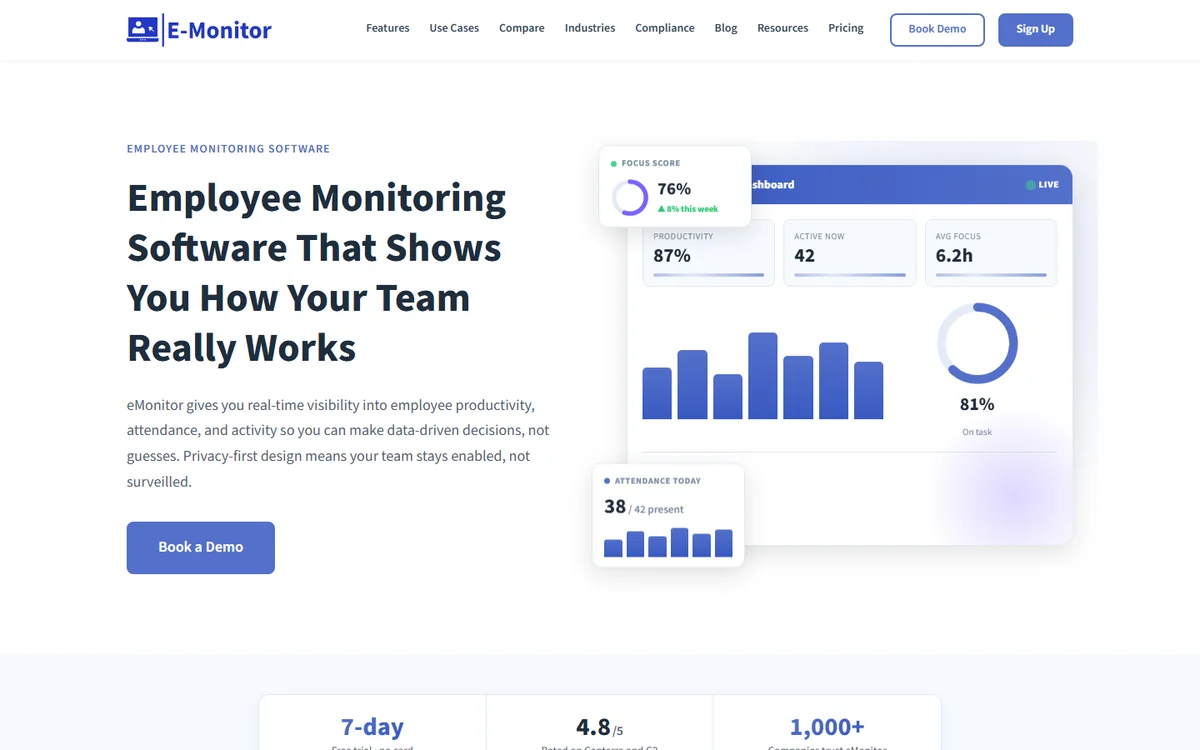
Compare: E-Monitor pricing · all features
Starting price: $3.90/user/month (74% less than CloudDesk)
E-Monitor is the employee monitoring and productivity platform built for teams that want comprehensive visibility without enterprise pricing or surveillance-style tooling. Trusted by 1,000+ companies worldwide and rated 4.8/5 on Capterra, it covers everything CloudDesk does, plus the features CloudDesk conspicuously lacks.
What E-Monitor Does That CloudDesk Does Not
The gaps between the two platforms are more striking than their similarities. Where CloudDesk relies on facial recognition check-ins as its primary differentiator, E-Monitor builds a complete operational picture through screen monitoring, app and website activity tracking, idle time detection, real-time alerts, and, critically, full Data Loss Prevention with USB monitoring, file transfer tracking, and upload/download violation alerts.
For time tracking, E-Monitor operates where CloudDesk stops: automatic time capture, payroll-ready timesheet exports, overtime calculation, and break compliance logging feed directly into payroll workflows. No secondary tool required.
Attendance tracking in E-Monitor goes beyond presence verification, it captures late login patterns, shift adherence, absence trends, and overtime risk, generating the audit-ready reports that compliance frameworks require.
Pricing vs CloudDesk
E-Monitor's Starter plan at $3.90/user/month delivers activity monitoring, screenshots, time tracking, and attendance management. The Professional plan at $6.90/user/month adds DLP, advanced reporting, and real-time alerts. Even the Professional tier costs less than half of CloudDesk's $15 flat rate for a substantially broader feature set.
Pros
- 74% lower cost than CloudDesk at the entry tier
- DLP with USB monitoring, file activity, and upload/download violation alerts (Professional plan)
- Full payroll-ready time tracking that CloudDesk lacks entirely
- Works on Windows, macOS, Linux, and Chromebook, broader than CloudDesk's platform coverage
- Employee-facing dashboards for transparent, trust-preserving monitoring
- 2-minute setup with no hardware required
Cons
- No facial recognition verification (CloudDesk's flagship feature)
- No GPS tracking for field employees (see Hubstaff or Apploye for that)
Best for: Teams of 10–500 employees that need comprehensive monitoring, time tracking, and compliance reporting at pricing that scales without punishing growth. Particularly strong for remote and hybrid teams that have outgrown CloudDesk's feature set.
Read the Full E-Monitor vs CloudDesk Comparison →See Why 1,000+ Companies Chose E-Monitor Over CloudDesk Start a 7-day free trial. No credit card, no setup complexity, just the visibility your team actually needs. Sign up →
#2 Time Champ: Best for AI-Powered Productivity Analytics and Attendance
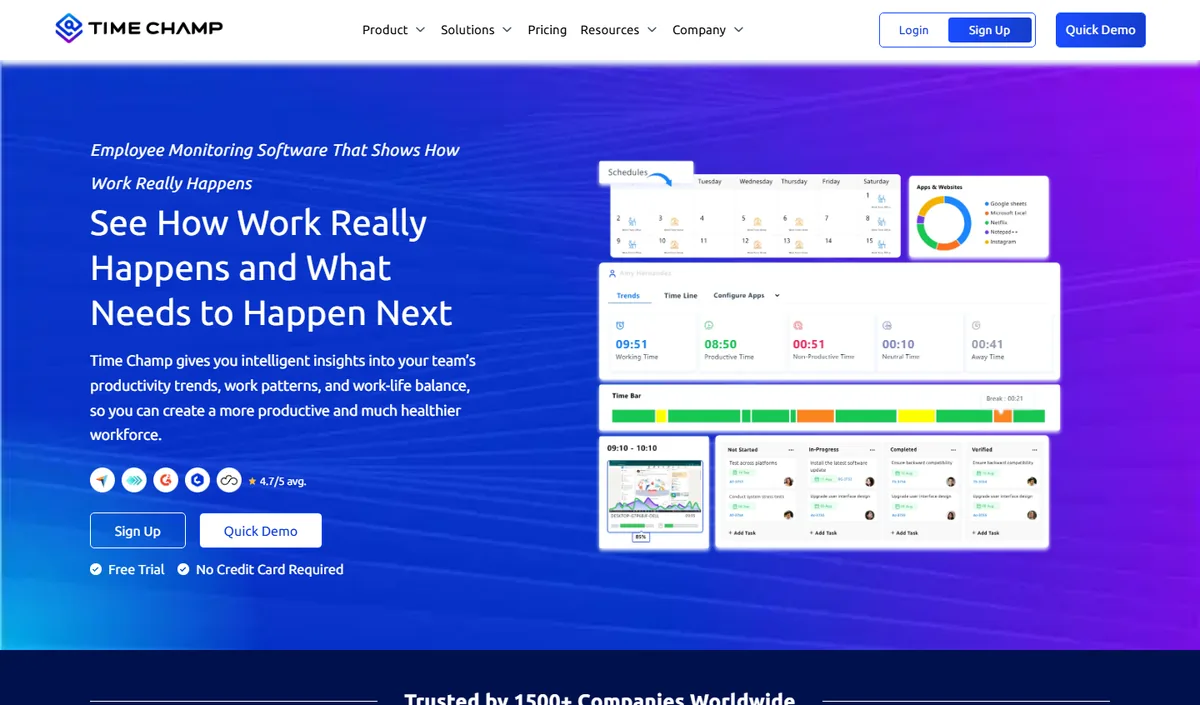
Compare: E-Monitor vs Time Champ
Time Champ is an AI-powered employee monitoring and productivity platform that combines automatic time tracking, application and website usage, productivity scoring, configurable screenshots, attendance and shift tracking, and dashboards at individual, team and company level. It runs on Windows, macOS and Linux and comes from the same product family as E-Monitor, so teams looking for an alternative to CloudDesk get comparable monitoring depth with a heavier emphasis on analytics and reporting.
Key features: automatic time tracking, app and website categorisation, productivity scoring with weekly heat maps, configurable screenshots, attendance and shift management, leave and payroll modules, role-based dashboards for managers and employees.
Best for: mid-size and larger teams, BPO and operations-heavy organisations that want deep analytics alongside monitoring.
Pricing: per-user plans published on the Time Champ website, with a free trial.
Limitation: cloud-hosted only, and more capability than a very small team may use; review the data-residency options before committing.
#3 ActivTrak: Best for Productivity Analytics Depth
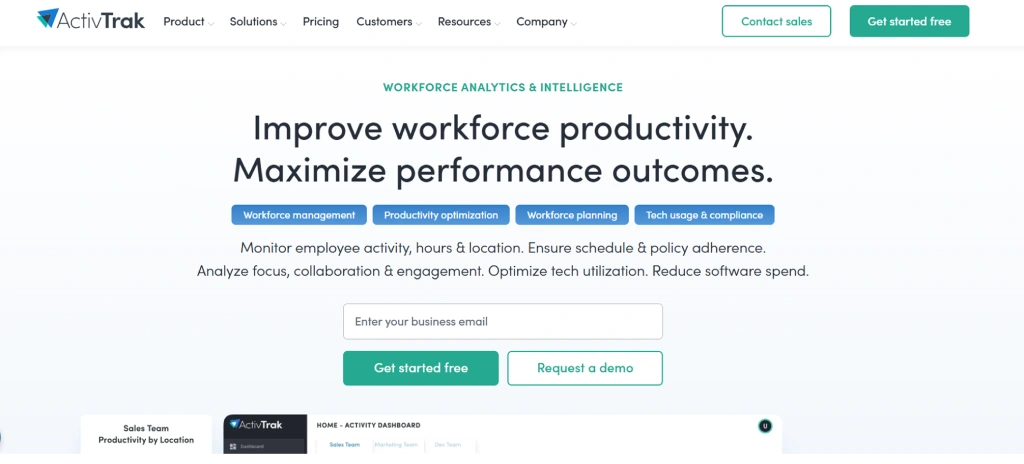
Compare: E-Monitor vs ActivTrak · ActivTrak alternatives
Starting price: $10/user/month (Essentials plan)
ActivTrak built its reputation on workforce analytics, the kind of productivity scoring, focus time analysis, and burnout risk modeling that turns raw activity data into actionable management insights. For teams whose primary need is analytics rather than compliance enforcement, ActivTrak is genuinely excellent.
Key Features
- Productivity benchmarking across teams and individuals with trend analysis
- Focus time and context-switching analysis
- Workload balance reports identifying over- and under-utilization
- App and website categorization with customizable productivity scoring
- Scheduled and on-demand reports with manager dashboard access
Where ActivTrak Falls Short vs CloudDesk (and E-Monitor)
ActivTrak's analytics strength comes with trade-offs. The platform explicitly avoids keystroke logging, DLP capabilities, and deep screen capture, design choices rooted in its "non-surveillance" positioning. Teams needing data security enforcement, compliance reporting, or detailed activity logs for audits will find ActivTrak's monitoring shallow compared to both CloudDesk and E-Monitor. ActivTrak also costs $10/user, close to CloudDesk's $15, but delivering narrower overall coverage.
Pros
- Best-in-class productivity analytics and team benchmarking
- Clean, manager-friendly interface with low learning curve
- Burnout risk and workload balance insights
- Strong privacy positioning builds employee trust
Cons
- $10/user is still significantly higher than E-Monitor, Hubstaff, and Insightful
- No DLP, no keystroke logging, limited screenshot depth
- Compliance reporting insufficient for SOC 2 or HIPAA audits without supplemental tools
Best for: Knowledge work teams (tech, finance, consulting) where the goal is productivity coaching rather than security enforcement, and where the analytics-to-price ratio justifies the $10 tier.
#4 Hubstaff: Best for Teams That Mix Remote and Field Work
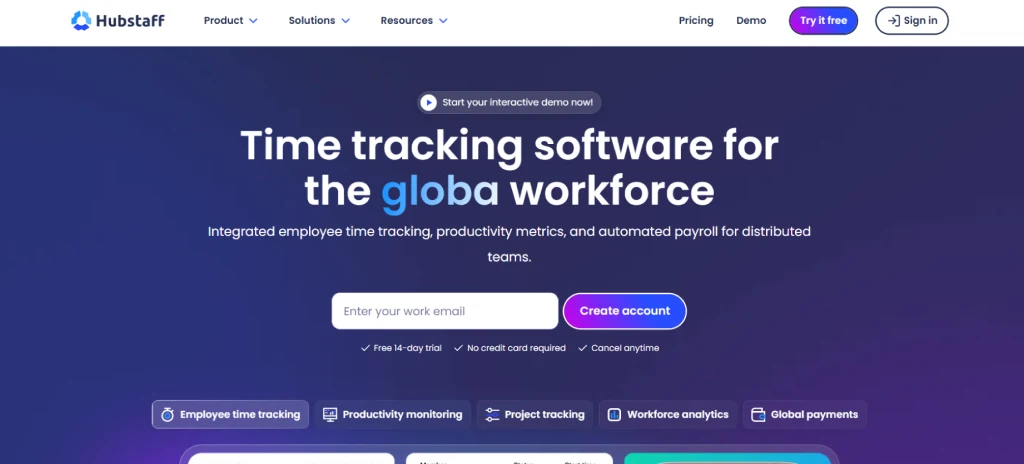
Compare: E-Monitor vs Hubstaff · Hubstaff alternatives
Starting price: $5.83/user/month (Starter, billed annually)
Hubstaff is the category leader in time tracking combined with GPS location monitoring. Used by over 112,000 businesses, it serves a specific use case that CloudDesk completely ignores: organizations managing both office/remote employees and field workers, construction crews, delivery drivers, field service technicians, or sales teams who need their location verified alongside their time.
Key Features
- GPS tracking with geofencing and route history for field employees
- Automated timesheets with payroll integrations (Gusto, QuickBooks, ADP)
- Screenshot monitoring at configurable intervals
- App and URL tracking with productivity scoring
- Invoicing and client billing from tracked hours
Where Hubstaff Falls Short
Hubstaff's monitoring depth is shallower than E-Monitor's. It lacks DLP entirely, its screen capture capabilities are less granular, and its compliance reporting stops short of audit-ready format for frameworks like HIPAA or SOC 2. For teams whose primary need is time tracking + GPS, Hubstaff wins. For teams needing security enforcement and compliance features, E-Monitor or Teramind are stronger choices.
Pros
- Best GPS + time tracking combination at the $5.83 price point
- Native payroll integrations with major providers
- Strong client billing and invoicing workflow
- Reliable cross-platform support
Cons
- No DLP or compliance reporting beyond basic time records
- Screenshot frequency limited on entry plans
- Activity monitoring less comprehensive than E-Monitor
Best for: Remote teams with a field component, construction, field service, distributed sales. Less suitable for office-based or compliance-heavy industries.
#5 Insightful: Best for a Clean, Manager-Friendly Interface
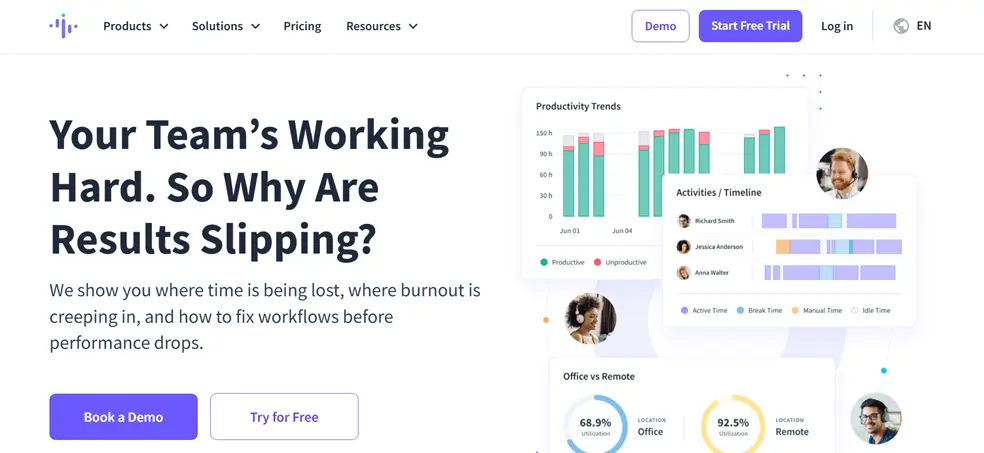
Compare: E-Monitor vs Insightful · Insightful alternatives
Starting price: $6.40/user/month (Employee Monitoring plan, annual)
Insightful (formerly Workpuls) built its product around the idea that monitoring dashboards should be approachable for managers without technical backgrounds. The result is a polished interface with strong productivity analytics, time tracking, and attendance features packaged at a pricing point that meaningfully undercuts CloudDesk.
Key Features
- Real-time productivity dashboards with team and individual views
- App and website time tracking with productivity categorization
- Screenshots with configurable frequency and blur for sensitive content
- Automatic time mapping, associates activity to projects without manual tagging
- Attendance and shift tracking with timezone support
- Stealth and visible monitoring modes
Where Insightful Falls Short
Insightful does not offer DLP. Its compliance reporting, while solid for productivity audits, does not reach the audit-trail depth required for HIPAA or SOC 2 without supplemental tooling. The automatic project time mapping, while clever, can misattribute time when employees use general-purpose applications across multiple projects.
Pros
- Intuitive interface with short onboarding curve
- Strong productivity analytics at $6.40, cheaper than both CloudDesk and ActivTrak
- Attendance tracking with timezone-aware shift support
- Screenshot blur feature respects employee privacy on sensitive tasks
Cons
- No DLP or data security enforcement
- Compliance reporting insufficient for regulated industries
- Automatic project mapping can be inaccurate across shared tools
Best for: Mid-size teams in professional services, tech, or marketing where the priority is productivity visibility and a management-friendly interface rather than security enforcement.
#6 Teramind: Best for Enterprise DLP and Insider Risk
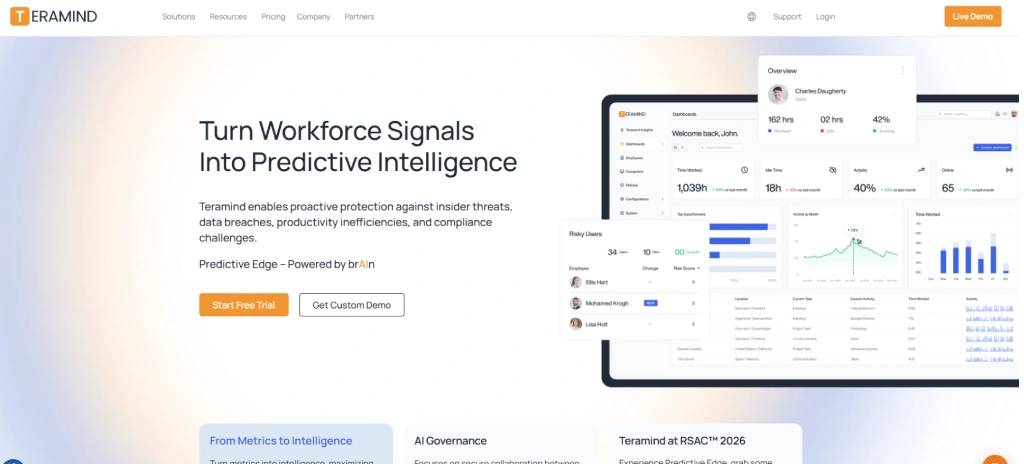
Compare: E-Monitor vs Teramind · Teramind alternatives
Starting price: $15+/user/month (Cloud Starter)
If CloudDesk at $15/user is the question, Teramind at $15/user is a compelling answer, because at the same price point, you get an enterprise-grade platform with full DLP, User and Entity Behavior Analytics (UEBA), insider risk management, and the kind of compliance-ready reporting that regulated industries require.
Key Features
- Full DLP: USB monitoring, email content scanning, file transfer blocking, print monitoring
- UEBA: Behavioral baseline modeling with anomaly detection for insider threats
- Screen recording with anomaly-triggered capture
- Keystroke monitoring with content-level logging
- Pre-built compliance reports for HIPAA, SOC 2, PCI DSS, and GDPR
- Forensic-grade audit trails with tamper-evident logs
Where Teramind Falls Short
Teramind is genuinely complex. Implementation typically requires IT involvement and a multi-week deployment. The interface is dense, reporting is powerful but not manager-friendly, and the pricing model becomes expensive at scale, enterprise and on-premises deployments run $20–$25+/user. For SMBs or teams without dedicated IT, Teramind is often more platform than they need.
Pros
- Most comprehensive DLP of any monitoring tool in this comparison
- UEBA and insider threat detection at enterprise scale
- Pre-built audit reports for all major compliance frameworks
- On-premises deployment option for air-gapped environments
Cons
- Complex implementation, not self-serve for most teams
- Interface designed for security analysts, not line managers
- Pricing escalates quickly at scale; not SMB-appropriate
- Same starting price as CloudDesk, with significantly higher total cost at mid-scale
Best for: Enterprise organizations in financial services, healthcare, government, or defense with dedicated security teams, compliance mandates, and budgets to match. Not recommended for teams under 100 employees without IT resources.
#7 Monitask: Best Simple Tool for Small Teams
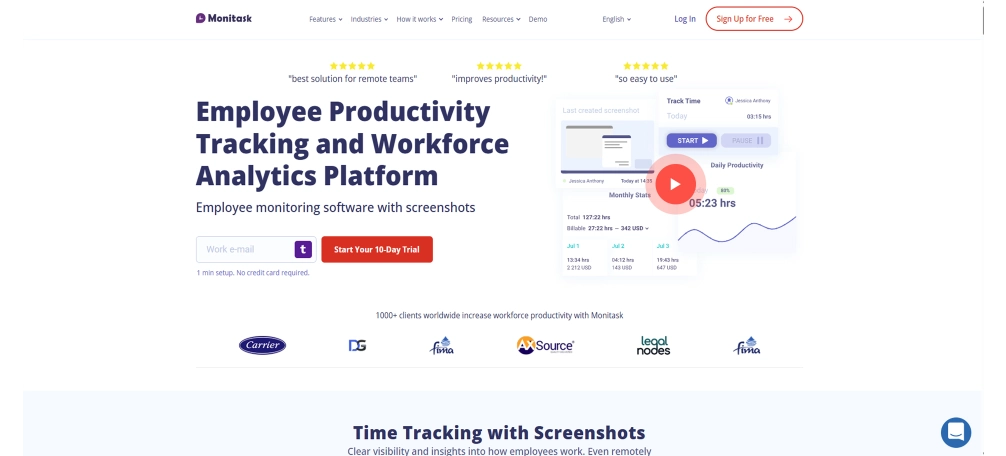
Compare: E-Monitor vs Monitask
Starting price: $5.99/user/month (Pro plan, annual)
Monitask takes a deliberately minimal approach: screenshots, time tracking, and basic productivity reporting, packaged for teams that find tools like E-Monitor or Hubstaff more feature-rich than they need. For a freelance agency of 8 people or a small service business monitoring 15 employees, Monitask gets the job done without onboarding overhead.
Key Features
- Automated screenshots at configurable intervals (1, 3, 6, or 10 minutes)
- Time tracking with manual and automatic modes
- App and URL usage logs
- Project and task assignment for time allocation
- Activity level scoring based on keyboard and mouse activity
Where Monitask Falls Short
Monitask's simplicity is its ceiling as much as its appeal. There is no DLP, no compliance reporting, no attendance management, no shift scheduling, and no real-time alerting. For teams that grow beyond roughly 30 employees or move into regulated industries, Monitask becomes inadequate fairly quickly. The reporting depth is also thin, basic CSV exports rather than dashboard-driven analytics.
Pros
- Simple, fast setup, functional in minutes
- Affordable at $5.99/user vs CloudDesk's $15
- Clean interface with a minimal learning curve
Cons
- No DLP, compliance reporting, or advanced features
- Limited reporting depth; not suitable for compliance-driven audits
- Will require replacement as team or compliance needs grow
Best for: Freelancers, micro-businesses, and small agencies (under 25 users) that need basic screenshot and time tracking without complexity or cost. Not suitable for compliance-driven industries.
#8 Apploye: Best Budget Option With GPS
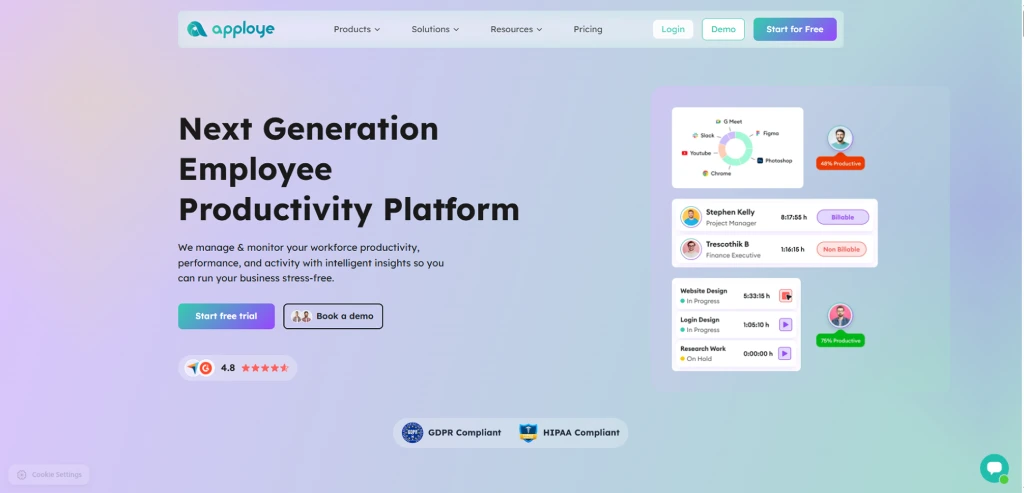
Compare: E-Monitor vs Apploye · Apploye alternatives
Starting price: $4/user/month (Elite plan, annual)
Apploye is the budget-first alternative that combines screenshot monitoring, time tracking, GPS location tracking, and project management in one platform at a price that makes CloudDesk's $15 look hard to justify. It is particularly effective for small businesses managing both desk-based and mobile employees who need location verification alongside standard time and activity tracking.
Key Features
- Screenshot monitoring with configurable frequency
- GPS tracking with real-time location and history
- Time tracking with manual and automatic modes
- Project and task management with time allocation
- Payroll management with timesheet exports
- App and URL usage logging
Where Apploye Falls Short
Apploye's main limitations are monitoring depth and compliance readiness. There is no DLP, no keystroke analysis, no real-time alerts, and no compliance reporting. Activity monitoring is less granular than E-Monitor or even Hubstaff. The interface is functional but less polished than Insightful or ActivTrak, and reporting is basic. Support responsiveness has been flagged in user reviews as inconsistent.
Pros
- $4/user includes GPS, the best price-to-GPS-feature ratio in this list
- Screenshots + time tracking + project management in one affordable package
- Payroll-ready timesheet exports
- Good fit for businesses managing both desk and field employees on a budget
Cons
- No DLP, compliance reporting, or real-time alerting
- Limited monitoring depth compared to E-Monitor at a comparable price
- Support quality is inconsistent per user reviews
Best for: Small businesses (10–50 employees) with both desk-based and field employees that need GPS + time tracking at the lowest possible cost. Not suitable for compliance-heavy industries or teams scaling toward enterprise needs.
How Do You Choose the Right CloudDesk Alternative for Your Team?
The right answer depends on which CloudDesk limitation you are solving and what your team looks like. Here is a decision framework based on the most common switching scenarios.
If you need DLP and compliance reporting
CloudDesk has no data loss prevention capabilities whatsoever. If your team handles sensitive data, client financial records, healthcare information, intellectual property, you need a platform that monitors for unauthorized USB usage, file transfers, and data exfiltration. At the SMB level, E-Monitor's Professional plan ($6.90/user) covers this comprehensively. For enterprise-scale DLP with insider threat detection, Teramind is the right choice, though at significant cost and complexity.
If you need time tracking and payroll integration
CloudDesk captures activity data but does not generate payroll-ready timesheets or integrate with payroll systems. For teams that need automated time tracking alongside monitoring, both E-Monitor and Hubstaff handle this well. E-Monitor is stronger on monitoring depth; Hubstaff is stronger on native payroll integrations (Gusto, ADP, QuickBooks).
If you need GPS for field employees
CloudDesk has no GPS capabilities. For teams with field employees, construction, delivery, field service, Hubstaff (GPS + time tracking) or Apploye (GPS + screenshots + time tracking at $4/user) fill this gap directly. For teams that need GPS alongside deeper monitoring, Hubstaff is the more complete platform.
If you want better analytics than CloudDesk
CloudDesk's analytics are basic. ActivTrak leads the market on productivity analytics depth, with focus time analysis, workload balance modeling, and burnout risk indicators. Insightful offers comparable analytics in a cleaner interface at lower cost ($6.40 vs $10). E-Monitor provides strong analytics alongside comprehensive monitoring for teams that need both.
If price is the primary constraint
At $3.90/user, E-Monitor undercuts every other option on this list while delivering the most comprehensive feature set. For teams that need GPS on top of monitoring, Apploye at $4/user is the lowest price point with that capability. Monitask at $5.99/user is the simplest and most affordable for basic screenshot and time tracking needs.
What CloudDesk Does Well (Be Honest About What You Are Leaving Behind)
Fair comparisons acknowledge what the incumbent tool does right. CloudDesk has two genuine strengths that none of the alternatives in this list fully replicate:
- Facial recognition verification. CloudDesk's face ID check-in system verifies that the person at the keyboard is actually the employee whose account is logged in. For remote teams concerned about employee identity fraud, contractors sharing work with others, or employees clocking in on behalf of colleagues, this is a real capability gap. None of the seven alternatives above offer this.
- Employee-controlled monitoring. CloudDesk is explicitly built for employees to activate their own monitoring, rather than employer-controlled monitoring running in the background. For organizations that prioritize employee consent and control as a cultural value, this model has genuine appeal. Some employees are more comfortable with a tool they switch on themselves.
If facial recognition verification is a hard requirement for your team, CloudDesk has no equivalent competitor at this time. For the vast majority of teams, however, these specific capabilities do not justify the $15 price tag and the feature gaps across DLP, time tracking, compliance, and deeper activity monitoring.
Ready to Get More Than CloudDesk for a Fraction of the Price? E-Monitor delivers complete monitoring, DLP, time tracking, and compliance reporting at $3.90/user/month. Start free today. Sign up →
How to Switch From CloudDesk to E-Monitor in Under 30 Minutes
Moving monitoring platforms feels disruptive, but the actual migration is simpler than most teams expect. Here is the typical path for a team of 10–100 employees:
- Export your historical data from CloudDesk before deactivating. Download any activity reports, time logs, or screenshots you need to retain for compliance or reference purposes. CloudDesk allows CSV exports of historical data.
- Create your E-Monitor account and configure your monitoring settings. The setup wizard takes approximately 2 minutes. Set screenshot frequency, define working hours, and configure productivity app categories for your industry.
- Deploy the desktop agent to your team. E-Monitor's desktop agent deploys via a single installer link sent to employees. Most teams complete this within a single working day without IT involvement. The agent is lightweight and does not require admin privileges on most configurations.
- Verify data is flowing correctly through the manager dashboard. Within 15 minutes of the first employee clocking in, you should see activity data, screenshots, and time logs appearing in real time.
- Deactivate CloudDesk once you have confirmed E-Monitor is capturing data correctly for your full team.
If you are moving from CloudDesk's employee-controlled model to E-Monitor's employer-managed monitoring, communicate this change to your team proactively. Transparency about monitoring practices, what is captured, when, and who can see it, maintains the employee trust that CloudDesk's consent-based model was designed to preserve.
Employee Monitoring Market Context for 2026
Understanding the market helps contextualize why CloudDesk's model is increasingly difficult to justify at its current price point:
- 68% of U.S. companies used some form of employee monitoring software in 2025, up from 30% in 2019 (ExpressVPN/Pollfish survey). The category has normalized rapidly.
- $4.5 billion: Estimated global employee monitoring software market size in 2025 (MarketsandMarkets), projected to reach $8.3 billion by 2030. Increased competition has pushed pricing down while feature depth has risen.
- Compliance is now the #1 selection criterion for 78% of enterprise buyers evaluating monitoring software, per Gartner's 2025 Market Guide. This directly disadvantages tools like CloudDesk that lack DLP and audit-ready reporting.
- Privacy laws are expanding. GDPR in Europe, CCPA in California, PIPL in China, and emerging state-level legislation in the U.S. require employers to document what they monitor and why. Tools without configurable, exportable audit trails create legal exposure.
For growing teams, selecting a monitoring platform that grows with compliance requirements, rather than forcing a costly platform replacement in 12 months, is a meaningful long-term consideration.
Frequently Asked Questions About CloudDesk Alternatives
1. What are the best CloudDesk alternatives in 2026?
The best CloudDesk alternatives in 2026 are E-Monitor ($3.90/user/month), ActivTrak ($10+/user), Hubstaff ($5.83+/user), Insightful ($6.40+/user), Teramind ($15+/user), Monitask ($5.99+/user), and Apploye ($4+/user). Each offers different strengths, E-Monitor leads on feature depth and value, Hubstaff excels for field teams, and Teramind provides enterprise DLP capabilities.
2. Why do teams switch from CloudDesk to alternatives?
Teams switch from CloudDesk primarily because of its $15/user/month flat rate combined with feature gaps. CloudDesk's facial recognition verification is distinctive, but the platform lacks DLP, payroll-ready time tracking, compliance audit reporting, and real-time security alerts, capabilities that growing teams and compliance-driven industries require.
3. Does CloudDesk have DLP or data loss prevention features?
No. CloudDesk does not offer data loss prevention (DLP), USB monitoring, file transfer tracking, or data exfiltration alerts. Teams handling sensitive data or subject to compliance frameworks like HIPAA, SOC 2, or GDPR will need a CloudDesk alternative such as E-Monitor or Teramind that includes DLP capabilities.
4. What is CloudDesk's pricing compared to alternatives?
CloudDesk charges a flat $15/user/month. In comparison, E-Monitor starts at $3.90/user/month (74% less), Apploye at $4/user, Hubstaff at $5.83/user, Monitask at $5.99/user, Insightful at $6.40/user, ActivTrak at $10+/user, and Teramind at $15+/user. Most alternatives offer more features at the same price point or significantly lower cost.
5. Does CloudDesk work on Mac and Linux?
CloudDesk supports Windows and macOS. For teams running Linux or Chromebook, E-Monitor (Windows, macOS, Linux, Chromebook) provides broader cross-platform coverage. Linux support is particularly important for software development teams and organizations with mixed operating system environments.
6. Which CloudDesk alternative is best for small teams?
For small teams of under 25 users, Monitask ($5.99/user) or Apploye ($4/user) offer straightforward screenshot and time tracking at low cost. For small teams that want to grow without changing tools, E-Monitor at $3.90/user provides an enterprise-depth feature set that scales from 5 to 5,000 employees without a pricing cliff.
7. Can E-Monitor replace CloudDesk completely?
Yes. E-Monitor covers every monitoring category CloudDesk offers, screen capture, productivity analytics, app and website tracking, plus adds DLP, time tracking, attendance management, payroll-ready timesheets, real-time alerts, and compliance reporting. The only capability E-Monitor does not replicate is CloudDesk's facial recognition verification, which is a deliberate privacy-first design choice.
8. Is there a CloudDesk free trial or free plan?
CloudDesk does not offer a permanent free plan. Most CloudDesk alternatives offer free trials: E-Monitor offers a 7-day free trial with no credit card required, Hubstaff and Monitask offer 14-day trials, and ActivTrak has a limited free tier for teams under 3 users.
9. Which CloudDesk alternative is best for remote teams?
For remote teams, E-Monitor and Insightful both perform strongly. E-Monitor provides real-time screen monitoring, activity heatmaps, idle detection, and attendance tracking that work identically for remote and in-office employees. Insightful offers a particularly clean dashboard experience. For teams with a mix of office, remote, and field employees, Hubstaff's GPS capabilities fill the gap.
10. Does CloudDesk monitor outside work hours?
CloudDesk is designed as employee-controlled monitoring, employees activate monitoring themselves, which is inherently opt-in during work hours. Most CloudDesk alternatives, including E-Monitor, also operate only during clock-in periods and do not monitor employees outside designated work hours, adhering to privacy best practices and GDPR requirements.
Switch to a CloudDesk Alternative That Grows With You E-Monitor delivers comprehensive monitoring, DLP, time tracking, and compliance reporting. 1,000+ companies. 4.8/5 on Capterra. $3.90/user/month. Sign up →
Related Comparisons and Resources
Best Employee Monitoring Software 2026
The complete ranked list of the top employee monitoring platforms across all categories.
Read the guide →E-Monitor vs CloudDesk
A detailed head-to-head comparison covering features, pricing, compliance, and team fit.
See the full comparison →Remote Team Monitoring
How to implement effective, privacy-respecting monitoring for distributed and remote teams.
Learn more →Sources
- Gartner, "Market Guide for Employee Monitoring Solutions," 2025
- ExpressVPN / Pollfish, "Employee Monitoring Survey," 2025
- MarketsandMarkets, "Employee Monitoring Software Market Size and Forecast 2025–2030," 2025
- E-Monitor platform pricing and feature data verified April 2026
- Competitor pricing sourced from public pricing pages, April 2026